
Home / Wide-Format Printers / HP Latex
HP · Wide-Format Plotter
HP Latex FS50
latex signage printer
- ModelLatex FS50
- Score35/100
Authorized HP dealerGenuine hardware & ink
1-year warranty includedExtension plans available
Free shippingContinental U.S.
Plotter specialistsAEC experts, not just sellers
Analyst take
- The HP Latex FS50 Printer is suited to 126-inch banner-format AEC graphics rather than routine office plotting.
- Its 1200 x 1200 DPI maximum resolution supports detailed visual output, but final line and text quality should be tested with actual project files.
- At 226 inches wide and 2872.6 lbs, installation planning is a production-floor task, not an office-equipment task.
Not sure if the Latex FS50 is right for you?
Compare key specs and an AI analyst read-out against similar models.
- Fine detail 1200 x 1200 DPI maximum resolution for crisp line work.
- Productivity Rated at 89.
- Ink platform Black, Light magenta, Yellow.
- Analyst score Scores 35/100 in our class-relative rating.
Overview
Built for the work
HP Latex FS50 Printer, 1200 x 1200 DPI, Black, Light magenta, Yellow, 1200 x 1200 DPI, Banner, Singapore, Compliant with Class A requirements: USA (FCC rules), Canada (ICES), EU (EMC Directive), Australia…
- 8Ink channels
- 1,200 dpiMax resolution
- 12 moIncluded warranty
Spec Analysis
overall
overall
Expert analysis
What you should know

Key takeaways
- The HP Latex FS50 Printer is suited to 126-inch banner-format AEC graphics rather than routine office plotting.
- Its 1200 x 1200 DPI maximum resolution supports detailed visual output, but final line and text quality should be tested with actual project files.
- At 226 inches wide and 2872.6 lbs, installation planning is a production-floor task, not an office-equipment task.
- Two supplied 126-inch spindles support a roll-based workflow, but loading, trimming, and finishing still need operator time.
- Banner-media suitability should be verified before using it as a replacement for a conventional CAD plan printer.
- Local service, consumable availability, and recovery procedures deserve the same scrutiny as print quality.
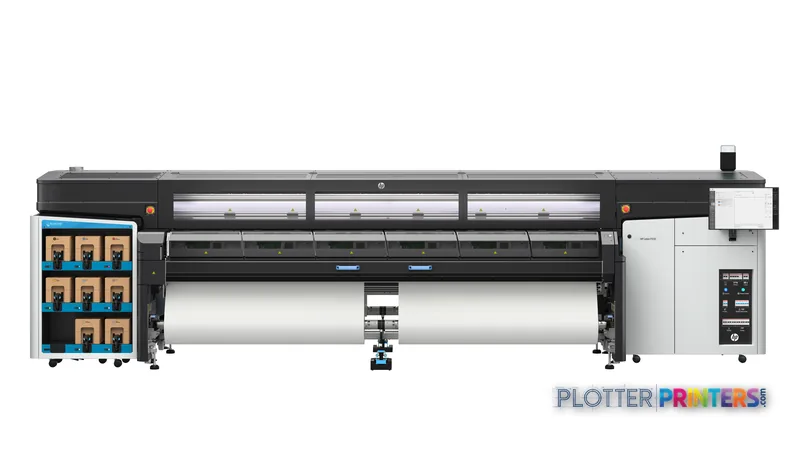
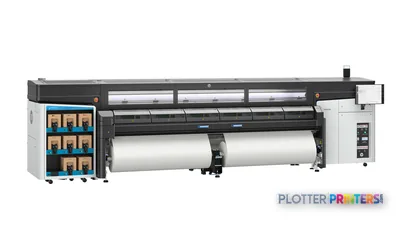
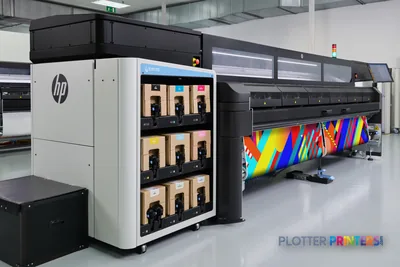
The HP Latex FS50 Printer is not a plan-room plotter. It is a 126-inch production device for AEC teams that need very wide, color-heavy output: site logistics graphics, construction wayfinding, GIS map panels, coordination boards, bid-room displays, and banner-format project communication. Its 1200 x 1200 DPI maximum resolution gives the operator a credible starting point for fine labels, colored utility layers, and dense visual information.
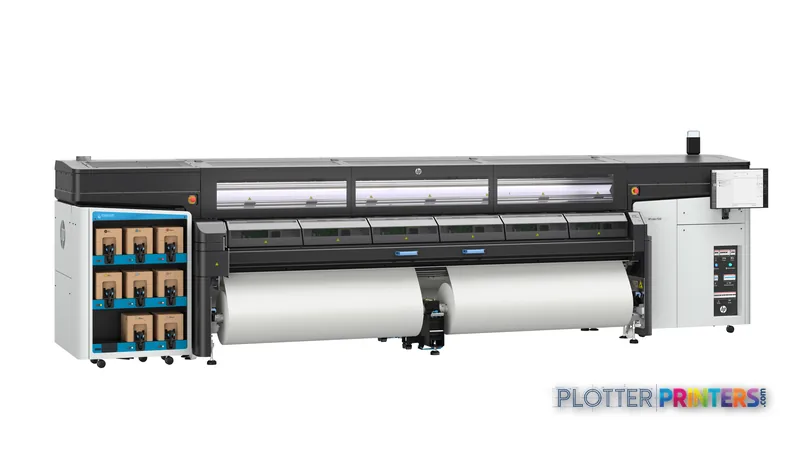
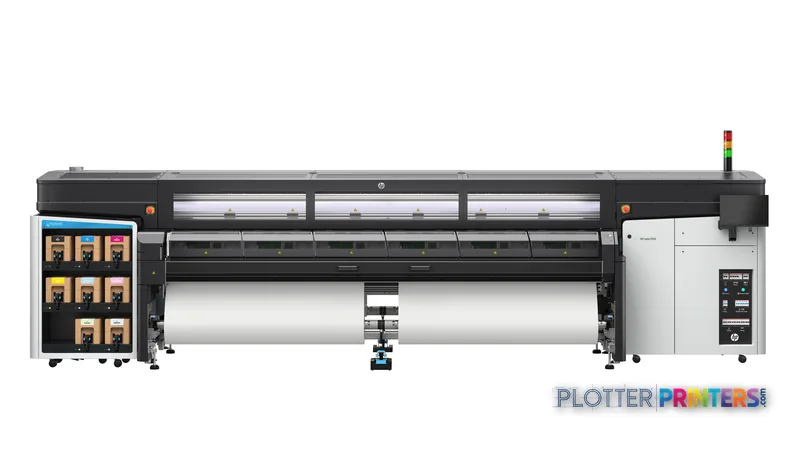
It also changes the shop-floor conversation. At 226 inches wide, 54.3 inches deep, 65.7 inches high, and 2872.6 lbs, this is a dedicated production installation, not a machine to tuck beside the project manager’s desk. Rated speed gets you a banner. Media handling, curing behavior, roll changes, take-up, trimming, and a clear route from printer to finishing determine whether the shop delivers a coordinated site package on time.
1200 x 1200 DPIMaximum resolutionSpecified maximum color resolution.
226" (5740 mm)Machine widthAllow working clearance for loading and output handling.
2872.6 lbs (1303 kg)Machine weightConfirm floor loading and delivery access before installation.
15 – 30 °COperating temperatureThe print area needs controlled conditions.
Where it earns its floor space
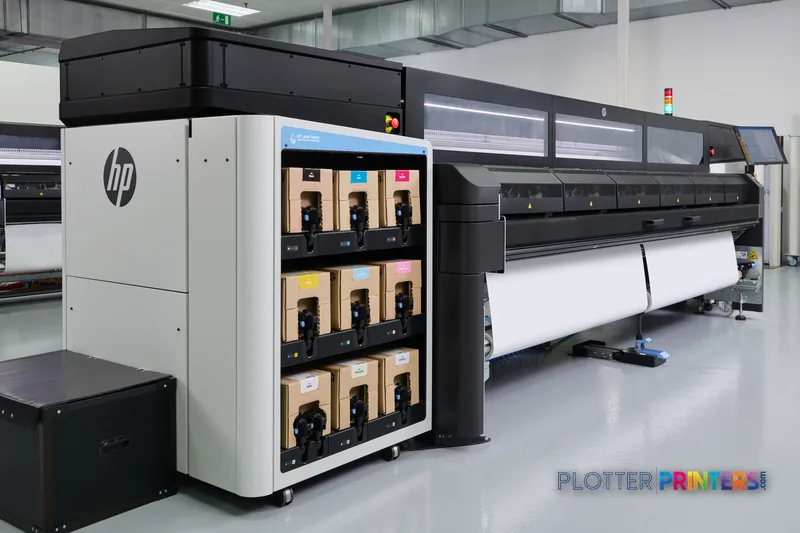
This printer fits an AEC graphics operation when wide output is part of project delivery rather than an occasional presentation need. Think large construction-site banners, public-meeting exhibits, corridor-long phasing graphics, color-coded infrastructure maps, and oversized safety or logistics displays. The supplied two 126-inch spindles support a production-minded media setup, while media edge holders, cleaning supplies, a pneumatic gun, and a user maintenance kit signal that operators need to manage the physical process—not simply click Print from a desktop.
For the print-room lead, the useful question is not whether a file can print. It is whether a mixed queue can move without stopping the operator. Start with clean PDF export, confirm line weights and small text at final size, then test the actual banner media and finishing path. Review the printer’s position in the class on the wide-format production leaderboard and keep the evaluation grounded in how we assess print equipment.
Media, ink, and operating reality
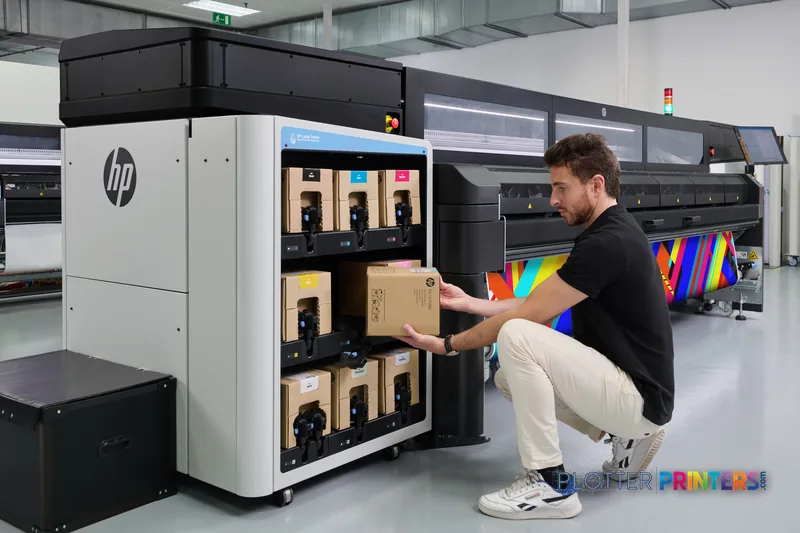
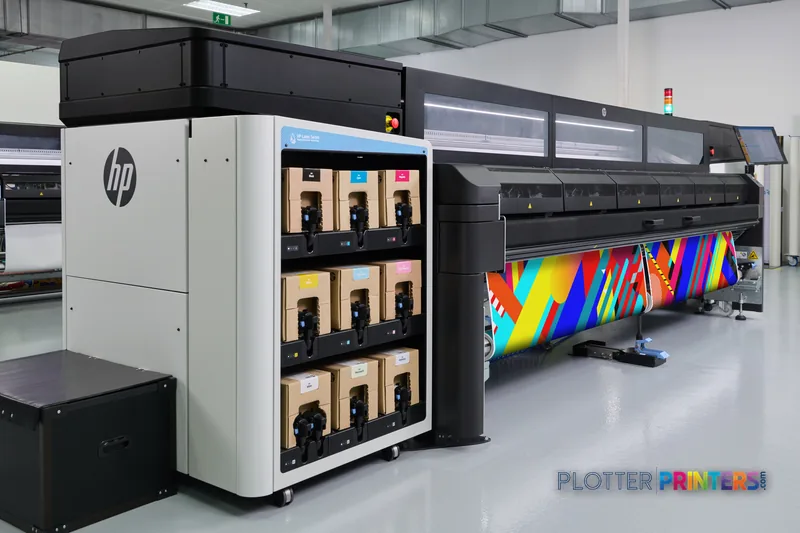
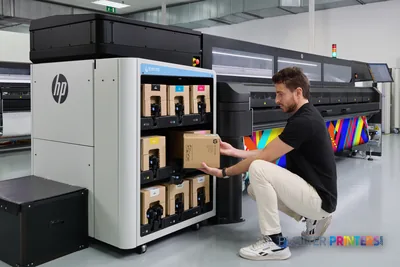
The media specification supplied here identifies banner media, so buyers should not treat this as a general-purpose replacement for an office CAD plotter without testing their exact substrates and output expectations. The machine uses eight print cartridges and has compatible HP 883 inks, HP 883 printheads, HP 886 printheads, and an HP Latex FS High Capacity Ink Kit. Those are operational items: ask who stocks them locally, who performs service, and how the team handles routine maintenance during a deadline week.
Three questions to ask: what feeds it, what dries it, who fixes it? In practical terms, confirm roll-loading workflow and edge control; prove that output can move into trimming, mounting, or installation without creating a queue; and get a written service response process for a machine this large. An hour down is an operator standing still and an installation crew waiting. The small-shop angle is simple: if wide banners and displays are occasional, the footprint and operator discipline may outweigh the benefit of keeping this capability in-house.
What it is not built to replace
The HP Latex FS50 Printer is less appropriate where the daily workload is mostly 24- to 36-inch permit sets, black-and-white CAD sheets, small proofing runs, or unattended departmental plotting. Its physical scale and banner-oriented media description point toward a managed production area with defined loading, output, and finishing procedures. There is no named step-up or step-down model in the available catalog comparison set, so the right comparison is qualitative: assess it against a smaller office-oriented plotter for drawings, or a wider production platform with more automation where continuous graphics volume justifies it.
IT should also verify power, network deployment, user permissions, job submission method, and project accounting before purchase. See the color-management guidance for the disciplines that matter when project colors must remain consistent across files and media.
Useful evaluation resources
The read
The HP Latex FS50 Printer makes sense for an AEC organization with a real stream of wide, color-intensive project graphics and a staffed production workflow to support it. It is a poor fit for routine drawing issuance alone. Validate banner media, finishing handoffs, installation logistics, and local service before deciding; those details will matter more than a headline specification when the next site package is due Friday.
Spec analysis
How the specs grade
Overall performance
- This printer
- HP Latex 830
Category leaders best latex signage printers, by dimension
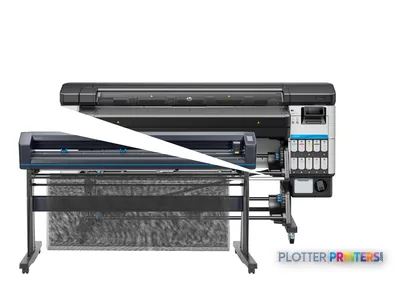
Verified specifications
The specs that decide it
| Maximum resolution | 1200 x 1200 DPI |
|---|---|
| Print speed | 89manufacturer-verified |
| Printing colors | Black, Light magenta, Yellow |
| Number of print cartridges | 8 |
manufacturer-verified = checked against the manufacturer’s official datasheet, not aggregator data. Everything else is standards-body / catalog data we consider reliable.
Specifications
Full technical detail
Max resolution1200 x 1200 DPI
ColorColor
Use caseGraphics / Production
Printing
| Printing colors | Black, Light magenta, Yellow |
|---|---|
| Resolution color | 1200 x 1200 DPI |
| Maximum resolution | 1200 x 1200 DPI |
| Number of print cartridges | 8 |
Performance
| Certification | Compliant with Class A requirements: USA (FCC rules), Canada (ICES), EU (EMC Directive), Australia (ACMA), New Zealand (RSM), Korea (KCC) |
|---|---|
| Country of origin | Singapore |
Paper handling
| Paper tray media types | Banner |
|---|
Technical details
| Box contents | HP Latex FS50 Printer, printheads, 126-in spindles (x2), HP Internal Print Server, touch monitor, documentation software, user manual, media edge holders, Original HP sample media, cleaning supplies, pneumatic gun, User Maintenance Kit |
|---|
Weight & dimensions
| Depth | 54.3" (1380 mm) |
|---|---|
| Width | 226" (5740 mm) |
| Height | 65.7" (1670 mm) |
| Weight | 2872.6 lbs (1303 kg) |
Power
| AC input voltage | 200 – 240 V |
|---|---|
| AC input frequency | 50/60 Hz |
Operational conditions
| Operating temperature (T-T) | 15 – 30 °C |
|---|
Other features
| UNSPSC-code | 43212104 |
|---|---|
| Electromagnetic compatibility | Compliant with Class A requirements: USA (FCC rules), Canada (ICES), EU (EMC Directive), Australia (ACMA), New Zealand (RSM), Korea (KCC) |
Packaging data
| Package depth | 71.3" (1810 mm) |
|---|---|
| Package width | 230.7" (5860 mm) |
| Package height | 75.2" (1910 mm) |
| Package weight | 4557 lbs (2067 kg) |
Carbon footprint
| Total carbon footprint (kg of CO2e) | 129950 |
|---|---|
| Carbon emissions, logistics (kg of CO2e) | 684 |
| Carbon emissions, end-of-life (kg of CO2e) | 430 |
| Carbon emissions, manufacturing (kg of CO2e) | 13463 |
| Total carbon emissions, w/o use phase (kg of CO2e) | 115373 |
Brand-specific features
| HP GTIN (EAN/UPC) | 198828984777. 198828984791. 198828984807. 198415109835 |
|---|---|
| HP GTIN (EAN/UPC) with options | (B19) 198828984777; (B1K) 198828984791; (BCD) 198828984807; (BH1) 198415109835 |
Everything that fits the HP Latex FS50
The full supplies hub lists every cartridge, printhead, roll and accessory verified against the manufacturer's own documentation for this machine.
20 ink cartridges · 1 printhead · 13 paper & media items · 10 accessories
HP Latex FS50 ink and paper →Supplies
Compatible ink, printheads & media
Genuine consumables that fit the HP Latex FS50 126-in — only the cartridges, printheads and media compatible with this model.
Ink Cartridges 20
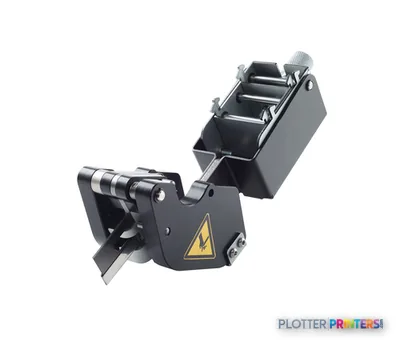 HP Latex In-Line Slitters
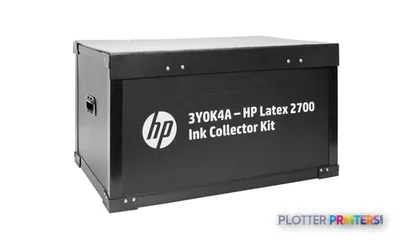 HP Latex 2700/FS Ink Collector Kit
 HP Latex 2700/FS Ink Collector Foams Kit
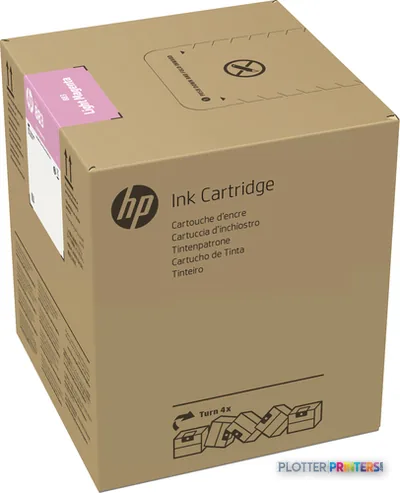 HP 883 5-liter Light Magenta Latex Ink Cartridge
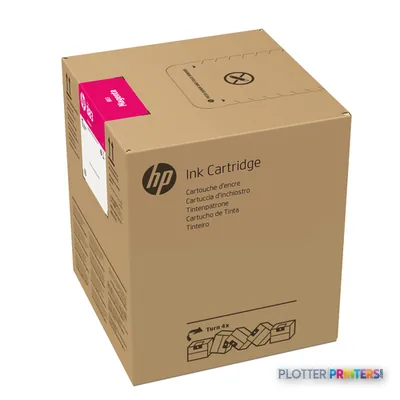 HP 883 5-liter Magenta Latex Ink Cartridge
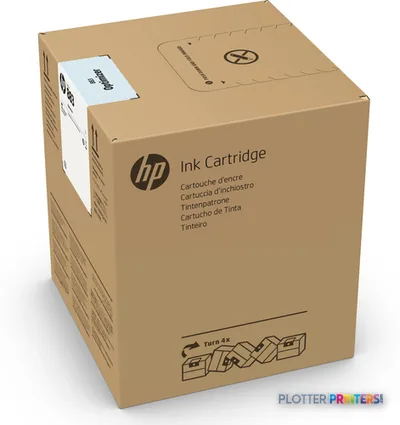 HP 883 5-liter Optimizer Latex Ink Cartridge
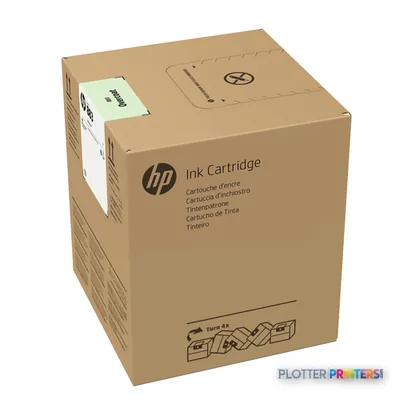 HP 883 5-liter Overcoat Latex Ink Cartridge
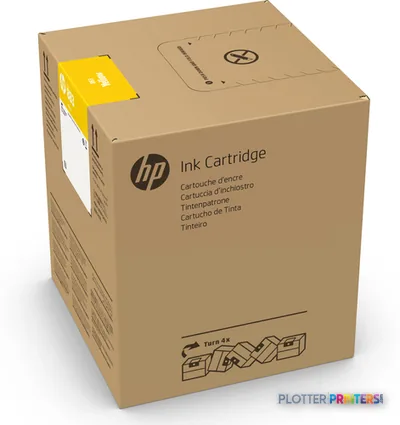 HP 883 5-liter Yellow Latex Ink Cartridge
 HP 883 5-liter Black Latex Ink Cartridge
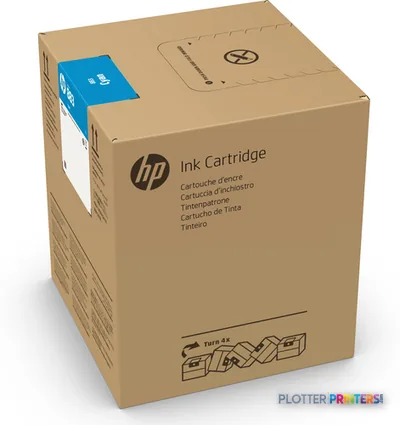 HP 883 5-liter Cyan Latex Ink Cartridge
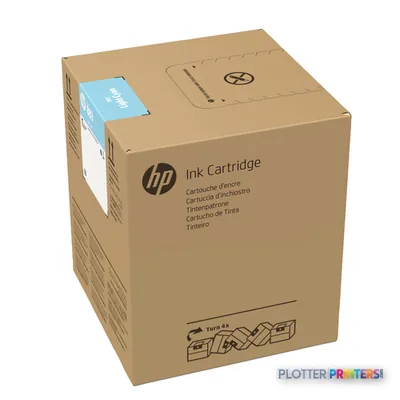 HP 883 5-liter Light Cyan Latex Ink Cartridge
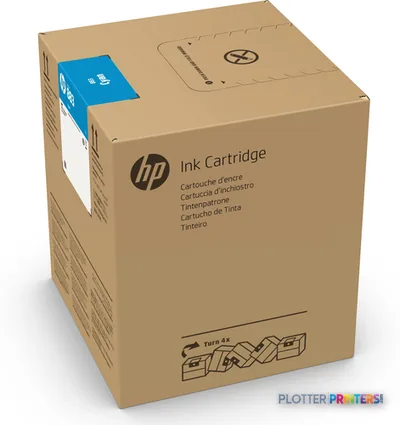 HP 883M 5-liter Cyan Latex Ink Cartridge
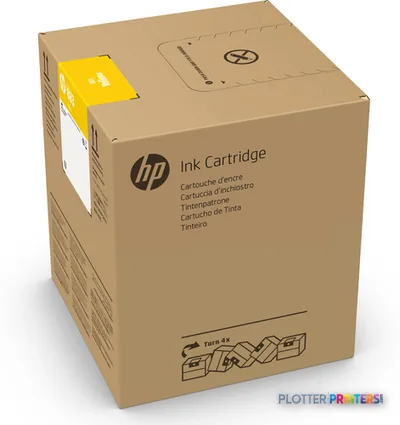 HP 883M 5-liter Yellow Latex Ink Cartridge
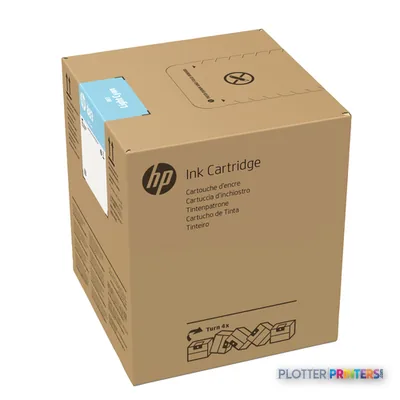 HP 883M 5-liter Light Cyan Latex Ink Cartridge
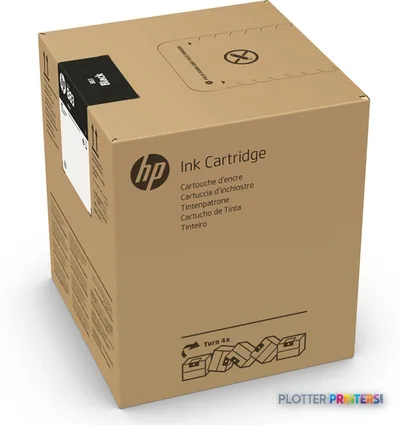 HP 883M 5-liter Black Latex Ink Cartridge
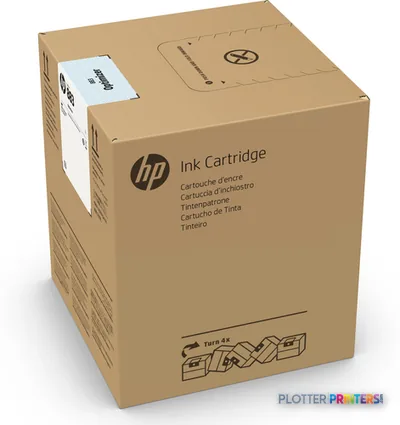 HP 883M 5-liter Optimizer Latex Ink Cartridge
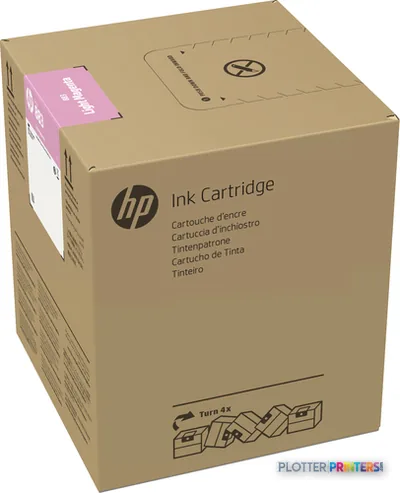 HP 883M 5-liter Light Magenta Latex Ink Cartridge
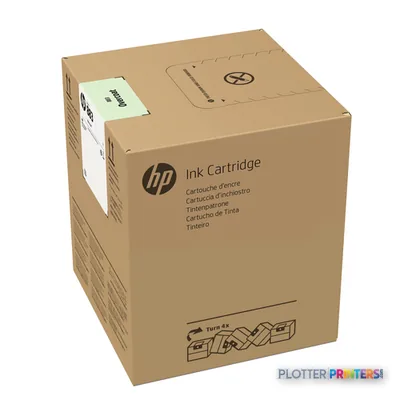 HP 883M 5-liter Overcoat Latex Ink Cartridge
 HP Latex FS High Capacity Ink Kit
 HP Latex FS Series High Capacity Ink Upgrade
Printheads 1

Paper & Media 13
 Representative image15 Mil Water-Resistant Econo Scrim VinylRepresentative image11 Mil Water-Resistant Synthetic BannerRepresentative image10 Mil Solvent Printable PolycarbonateRepresentative image225gsm Solvent Satin PE PaperRepresentative image180gsm Solvent Satin PE PaperRepresentative image225gsm Gloss Solvent PE PaperRepresentative image15 Mil Polycarbonate LaminateRepresentative image15 Mil Textured Co-polymer LaminateRepresentative image200gsm Special Matte Photo PaperRepresentative image10 Mil Water-resistant Blockout Display FilmRepresentative image10 Mil Solvent Blockout Display FilmRepresentative image10 Mil White Opaque Backer
 HP Latex 126-in Roll Freefall Kit paper cutter
Accessories 10
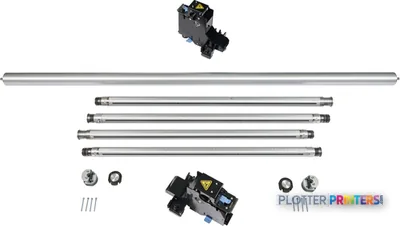 HP Latex Jumbo Dual Roll Split Spindles
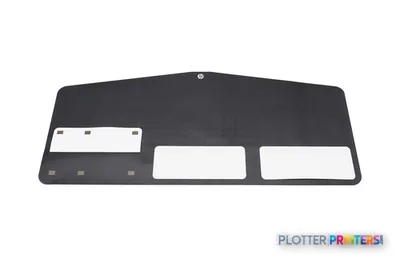 HP Latex Media Saver Kit
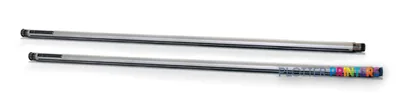 HP 126-in Dual Roll Kit
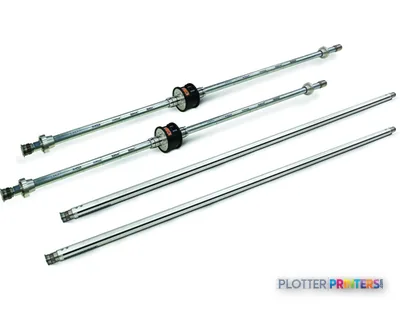 HP 126-in Spindle
 HP Latex 2700/FS Standard Uptime Kit
 HP Latex 2700/FS User Maintenance Kit
 HP 126-in Diverter Roller
 HP Latex 2700/FS Jumbo Dual Roll Kit
 HP Latex 2700/FS Edge Holder Kit
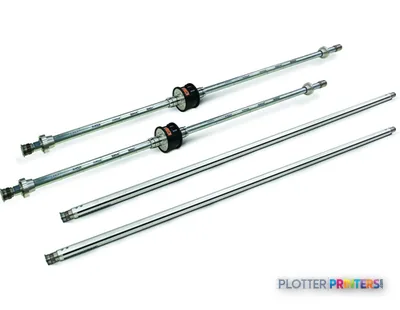 HP 126-in Dual Roll Spindle for 4J0X0A
Questions
Straight answers
What AEC work fits the HP Latex FS50 Printer?
It is most credible for very wide, color-heavy project graphics such as site logistics displays, wayfinding, GIS maps, public-meeting panels, and construction banners. Its supplied media information identifies banner media.
Can it replace a conventional CAD plotter for permit and bid sets?
It may print suitable files, but the supplied information positions it around banner media and a large production footprint. Firms whose output is mainly narrow CAD sheets should evaluate that workflow separately.
What installation issues should a buyer check?
Confirm space for a 226-inch-wide, 54.3-inch-deep, 65.7-inch-high, 2872.6-lb machine, plus loading, output handling, and service access. It requires 200 – 240 V AC input and an operating temperature of 15 – 30 °C.
What consumables should the print room plan for?
Compatible supplies include HP 883 inks, HP 883 printheads, HP 886 printheads, and the HP Latex FS High Capacity Ink Kit. Confirm local availability and the service team’s maintenance process before deployment.
How should we assess throughput?
Use rated production information only as a starting point. Time a real job from roll loading through printing, inspection, trimming, and any finishing or installation preparation.
Ready to put the HP Latex FS50 to work?
Configuration, media and a quote tailored to your workflow — from AEC plotter specialists.