
Home / Wide-Format Printers / HP DesignJet
HP · Wide-Format Plotter
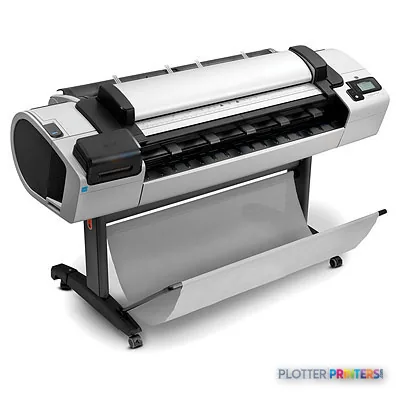
HP DesignJet T2300 eMultifunction
color graphics & photo printer
- ModelCN727A#BUN
- Score57/100
Authorized HP dealerGenuine hardware & ink
Manufacturer warrantyExtension plans available
Free shippingContinental U.S.
Plotter specialistsAEC experts, not just sellers
Analyst take
- A 44-inch color inkjet with an integrated scanner — print, copy and scan at one station.
- 2400 x 1200 DPI holds fine linework and small text on bond for dense civil and MEP sheets.
- Full 44-inch width takes E-size and ARCH-E flat, no tiling or rotation.
Not sure if the CN727A#BUN is right for you?
Compare key specs and an AI analyst read-out against similar models.
Overview
Built for the work
HP Designjet T2300 eMultifunction Printer
Spec Analysis
overall
overall
Expert analysis
What you should know

Key takeaways
- A 44-inch color inkjet with an integrated scanner — print, copy and scan at one station.
- 2400 x 1200 DPI holds fine linework and small text on bond for dense civil and MEP sheets.
- Full 44-inch width takes E-size and ARCH-E flat, no tiling or rotation.
- Legacy hardware: printheads and media are findable, but the scanner and controller are the failure points to watch.
- The current in-family equivalent is the 36-inch T2600 or dual-roll T2600dr; for 44-inch print-only, the T1700.
- Stock maintenance consumables now so a routine service doesn't become downtime.
Somebody in the office needs a stamped permit set and a color coordination sheet before the courier leaves at 4:45. That’s the job the Designjet T2300 was built for: a wide-format multifunction unit that prints, scans and copies without you walking the drawing across the room to a separate box.
It’s an older machine now. If you’re reading this, you either own one and want to keep it running, or you inherited one and you’re deciding whether it earns its floor space. Both are fair questions.
44-inPrint widthhandles E-size and ARCH-E in one pass
2400 x 1200 DPIResolutionfine enough for dense linework and small text
eMultifunctionClassintegrated scan and copy, not print-only
What it actually does well
The T2300 is a 44-inch color inkjet with an integrated scanner. That combination matters more than the spec sheet suggests. When a redline comes back marked up on paper, you scan it, you copy it, you reprint the corrected sheet — all at one station. No shuttling between a plotter and a stand-alone scanner.
At 2400 x 1200 DPI it holds fine lines and small callout text on bond. Civil sheets with dense hatching, MEP coordination drawings in color, survey plats — it renders them cleanly. The 44-inch width means E-size and ARCH-E land without tiling or rotation gymnastics.
- Small-to-mid firms that need scan, copy and print in one footprint
- Mixed monochrome bid sets with the occasional color coordination sheet
- Offices that reprint marked-up redlines and need a quick copy path
- Full-width E-size work that a 36-inch machine can’t take flat
Where it shows its age
This is legacy hardware. Parts and printheads are still findable, but you’re supporting a platform HP has moved well past. The scanner and controller electronics are the failure points to watch — when a wide-format scanner drops out, so does your copy workflow, and that’s usually the reason people replace these.
If you like the print-plus-scan idea but want current support, the modern equivalent in the family is the HP DesignJet T2600 36-in, or the dual-roll T2600dr if you run mixed sizes and hate stopping to swap media mid-job. Both are 36-inch, though — if you genuinely need the full 44-inch width, look at the print-only HP DesignJet T1700 44-in. Worth a side-by-side: T2300 vs. T2600.
Estimate plot times for your own run lengths.
One set: – · Weekly plotting time: –
Computed from the manufacturer's rated 549 ft²/h. Real-world mixed sets run slower — treat this as a best case for comparing machines, not a promise.
Keeping one alive
If you’re running a T2300 today, the smart move is knowing your consumables before something stops. It takes a broad range of HP media — everyday bond, coated stock, gloss and matte photo papers, and film. Stock the maintenance items so a routine service doesn’t turn into downtime.
A machine that scans, copies and prints in one place is genuinely useful right up until the day a part you can’t source fails. Plan the replacement before that day, not after.
Worth comparing
The read
The T2300 is a capable machine doing a real job: one station for print, scan and copy at full 44-inch width. If yours runs clean, keep feeding it and stock the maintenance parts. But don’t kid yourself about the lifecycle — this is a platform on borrowed time, and the scanner is what usually calls it. When you replace it, the T2600 family carries the same idea forward with support behind it. Bottom line: still useful, but plan your exit before the parts bin runs dry.
Spec analysis
How the specs grade
Overall performance
within color graphics & photo printers
74% spec coverage
- This printer
Specifications
Full technical detail
Use caseCAD / Technical
Everything that fits the HP DesignJet T2300
The full supplies hub lists every cartridge, printhead, roll and accessory verified against the manufacturer's own documentation for this machine.
14 ink cartridges · 3 printheads · 74 paper & media items · 2 accessories
HP DesignJet T2300 ink and paper →Supplies
Compatible ink, printheads & media
Genuine consumables that fit the HP DesignJet T2300 eMultifunction Printer — only the cartridges, printheads and media compatible with this model.
Ink Cartridges 14
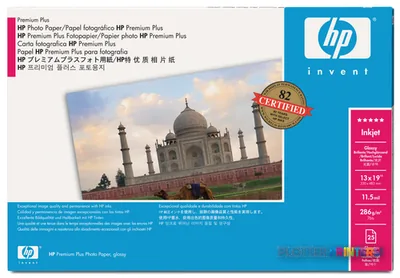 HP Premium Plus Gloss 610 mm x 15.2 m (24 in x 50 ft) White
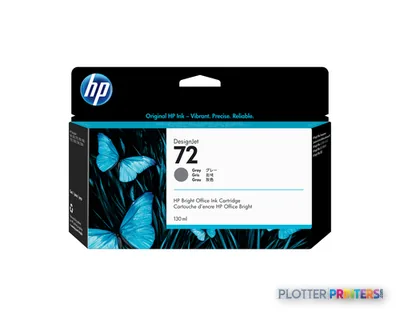 HP 72 130-ml Gray Ink Cartridge
 HP Premium Gloss 610 mm x 15.2 m (24 in x 50 ft)
 HP Premium Gloss 914 mm x 22.9 m (36 in x 75 ft)
 HP Premium Gloss 1067 mm x 30.5 m (42 in x 100 ft) White
 HP Premium Matte White
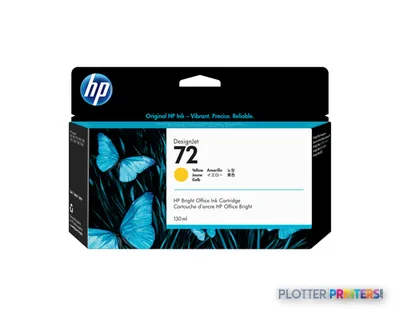 HP 72 130-ml Yellow Ink Cartridge
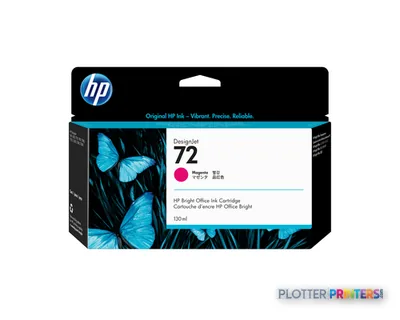 HP 72 130-ml Magenta Ink Cartridge
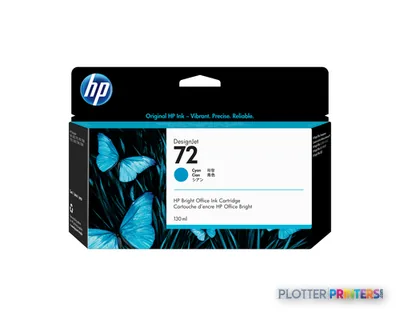 HP 72 130-ml Cyan Ink Cartridge
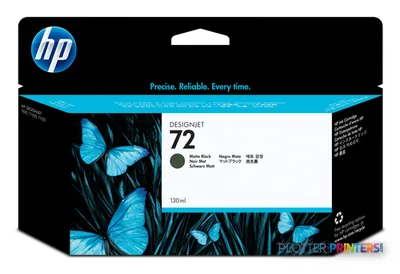 HP 72 130-ml Matte Black Ink Cartridge
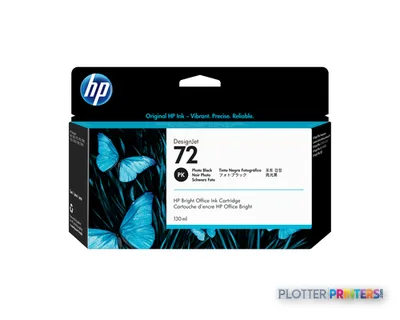 HP 72 130-ml Photo Black Ink Cartridge
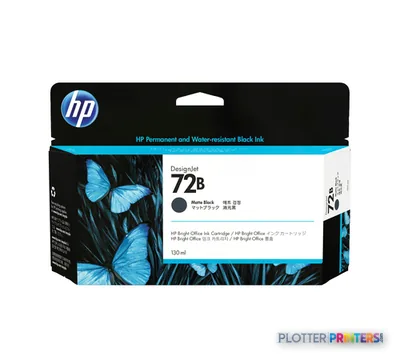 HP 72B 130-ml Matte Black Ink Cartridge
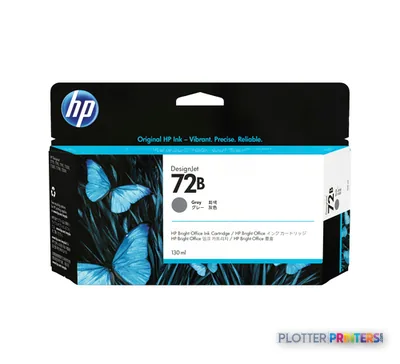 HP 72B 130-ml Gray Ink Cartridge
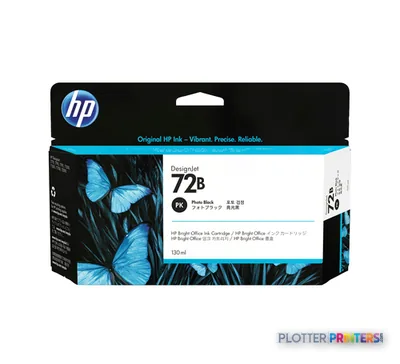 HP 72B 130-ml Photo Black Ink Cartridge
Printheads 3
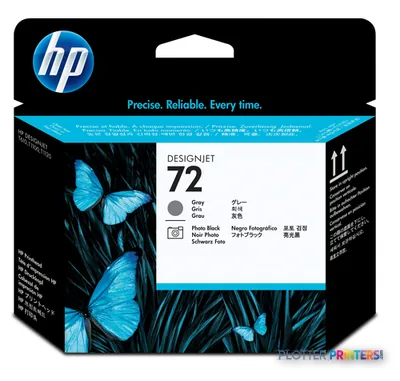
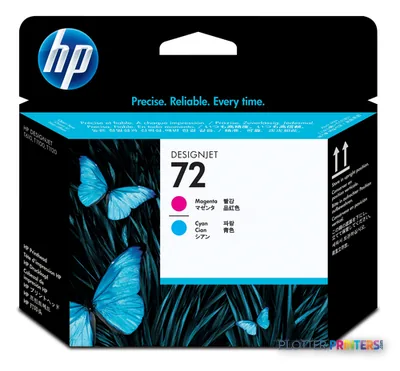
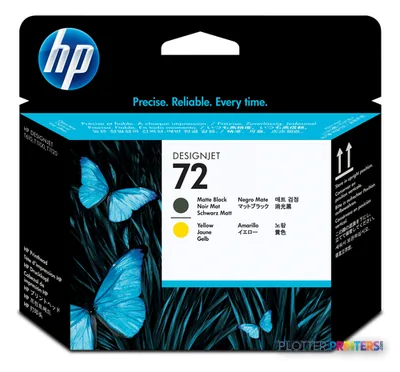
Paper & Media 74
 Representative image16 Mil WR Opaque Scrim Vinyl (3″ AC)Representative image15 Mil Water-Resistant Econo Scrim VinylRepresentative image11 Mil Water-Resistant Synthetic BannerRepresentative image180gsm Solvent Satin PE PaperRepresentative image5 Mil Polycarbonate LaminateRepresentative image230gsm Special Matte Photo PaperRepresentative image200gsm Special Matte Photo PaperRepresentative image350g Vivid Matte Poly/Cotton CanvasRepresentative image380g Premium Matte Poly/Cotton CanvasRepresentative image10 Mil Water-resistant Blockout Display FilmRepresentative image10 Mil White Opaque BackerRepresentative image5 Mil Water-Resistant Self-Adh Vinyl (3" AC)
 HP C3868A plotter paper 45.7 m 91.4 cm
 HP C3869A plotter paper
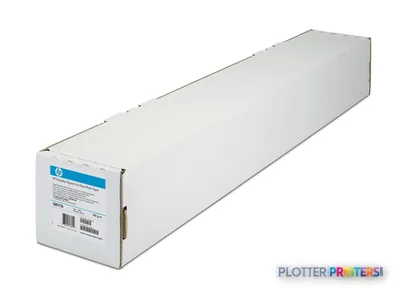 HP White Matte Polyester Film
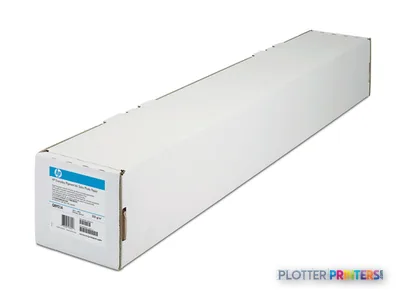 HP Q1420A photo paper Brown, White
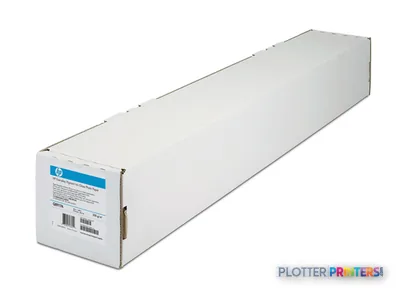 HP Q1760A large format media 45.7 m Matte
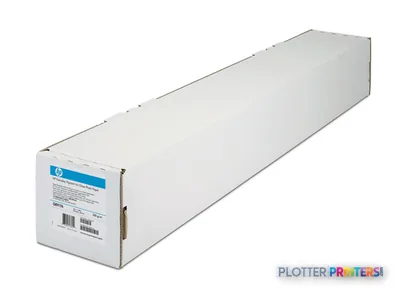 HP Matte Film 610 mm x 38.1 m (24 in x 125 ft)Representative imageHP Bright White Inkjet Paper, 36 in x 300 ft (C6810A)
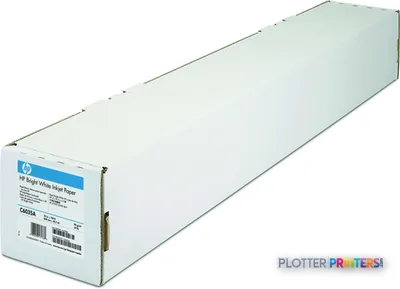 HP C6035A large format media 45.7 m
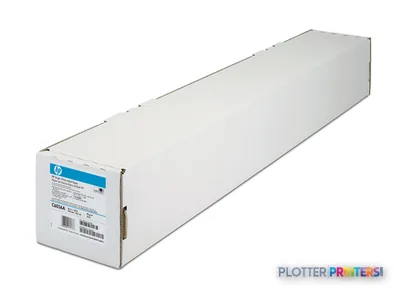 HP C6036A printing paper Matte White
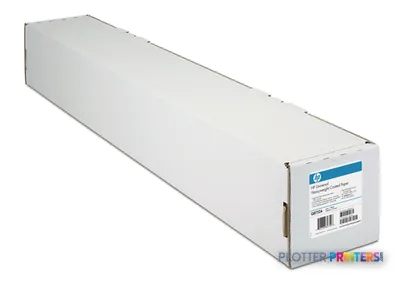 HP C6567B plotter paper
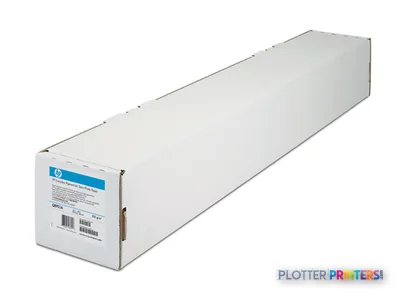 HP Universal Semi-gloss Photo Paper
 HP Clear Film 174 gsm-610 mm x 22.9 m (24 in x 75 ft)
 HP Q1421A photo paper Brown, WhiteRepresentative imageHP Heavyweight Coated Paper, 42 in x 100 ft (C6569C)
 HP Adhesive Vinyl 914 mm x 12.2 m (36 in x 40 ft)
 HP Q1956A large format media 67.5 m
 HP Q1961A large format media
 HP Q1962A large format media
 HP Q5486A photo paper Black, Blue, White
 HP Q5487A photo paper Black, Blue, White
 HP Q5489A photo paper
 HP Q5491A photo paper
 HP Q6579A photo paper Brown, White
 HP Q6580A photo paper Matte
 HP Q6581A photo paper
 HP Q6596A large format media Matte
 HP Q1441A large format media 45.7 m
 HP Q1442A large format media 45.7 m
 HP Q1444A printing paper Matte
 HP Q1445A printing paper Matte
 HP Q7897A large format media 45.7 m
 HP Universal Bond Paper 841 mm x 91.4 m large format media 3598.4" (91.4 m)
 HP Q8004A large format media 91.4 m
 HP Q8834A printing film
 HP Q8835A printing film
 HP CG459A photo paper Matte
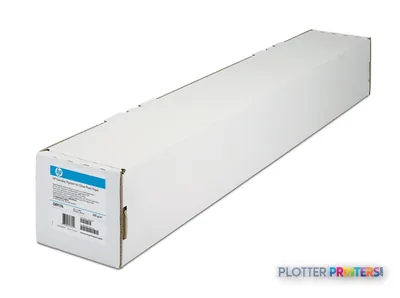 HP Premium Matte Photo Paper-914 mm x 30.5 m (36 in x 100 ft) large format media
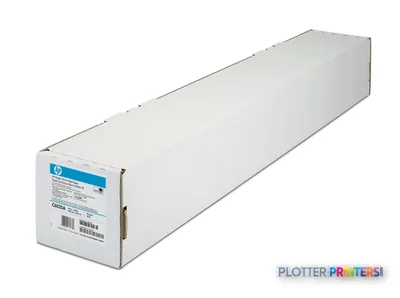 HP Q1446A plotter paper 45 m 42 cm
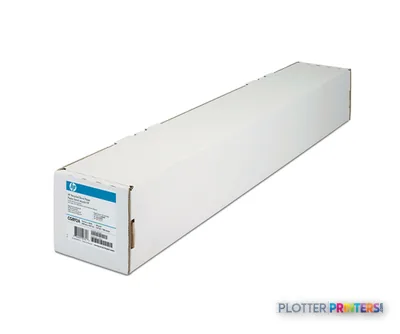 HP CG892A large format media
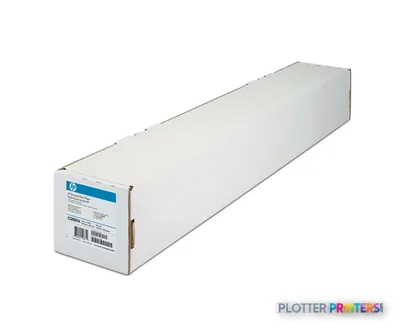 HP CG889A large format media 45.7 m
 HP CG890A plotter paper
 HP CG891A large format media 45 m
 HP CH025A printing film
 HP CH022A printing film
 HP CH023A printing film Polypropylene (PP)
 HP Premium Gloss 25 sht/A3+/330 x 483 mm (13 x 19 in) White
 HP Premium Gloss 20 sht/A2+/458 x 610 mm (18 x 24 in)
 HP Premium Satin 610 mm x 15.2 m (24 in x 50 ft) White
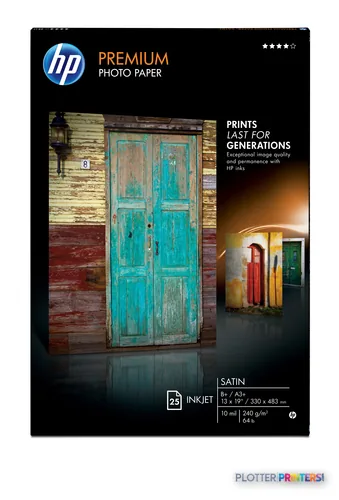 HP Premium Satin 25 sht/A3+/330 x 483 mm (13 x 19 in) White
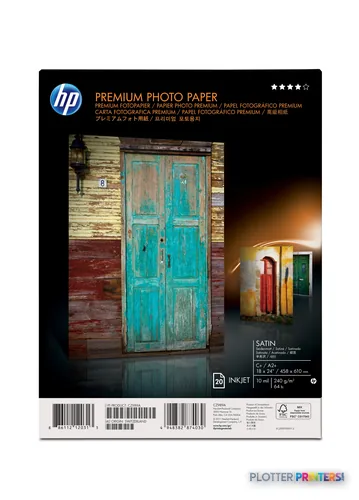 HP Premium Satin 20 sht/A2+/458 x 610 mm (18 x 24 in) White
 HP Premium Satin 914 mm x 22.9 m (36 in x 75 ft) White
 HP Premium Satin 1067 mm x 30.5 m (42 in x 100 ft)
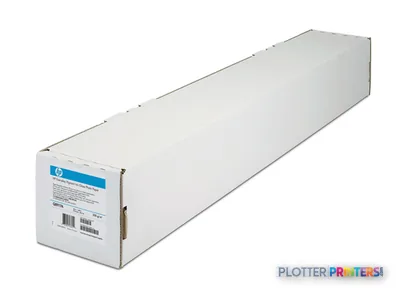 HP CG459B photo paper White Matte
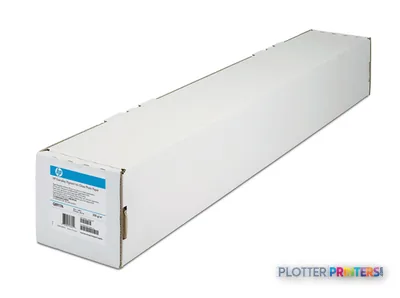 HP Q6626B large format media 30.5 m Matte
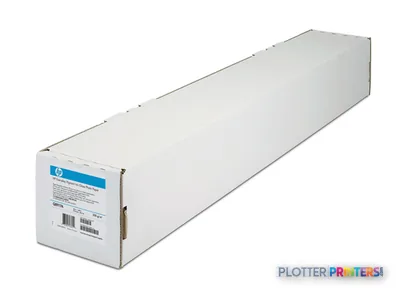 HP Q6627B large format media 30.5 m Matte
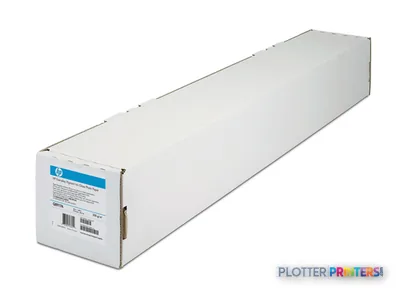 HP Q6628B large format media 30.5 m Matte
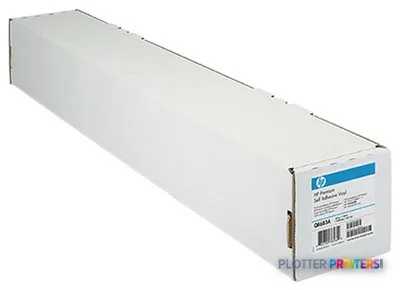 HP C0F08A printing film
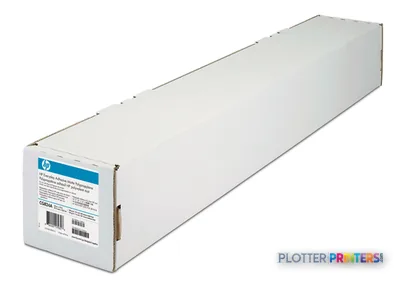 HP 2-pack Everyday Adhesive Matte Polypropylene-610 mm x 22.9 m (24 in x 75 ft)
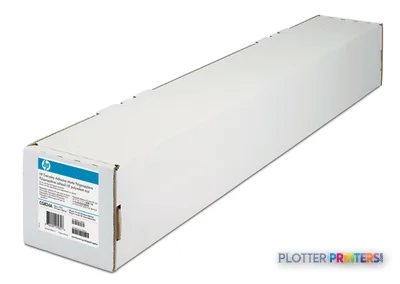 HP C0F19A printing film
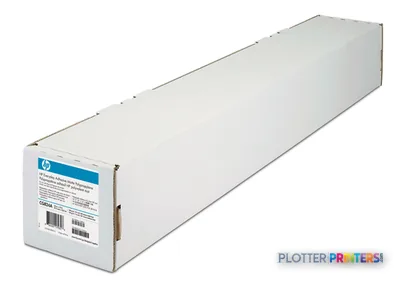 HP C0F20A printing film
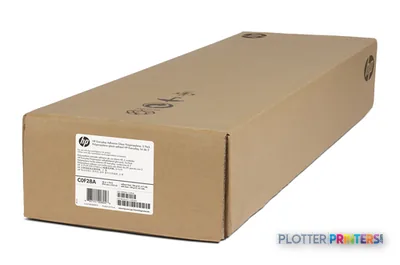 HP C0F28A printing film
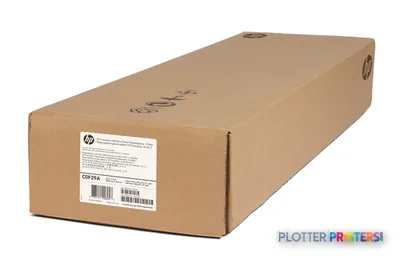 HP C0F29A printing film
Accessories 2
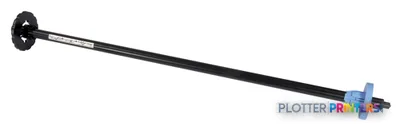
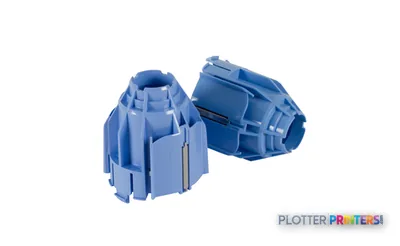
Questions
Straight answers
Is the HP DesignJet T2300 still supported?
It’s a legacy model that HP has moved past. Printheads and media are generally still available, but you’re supporting an older platform — plan a replacement before a hard-to-source part fails.
What's the current HP equivalent?
The closest current multifunction in the family is the 36-inch HP DesignJet T2600, or the dual-roll T2600dr for mixed-size runs. Both are 36-inch; for full 44-inch print-only width, look at the T1700.
Can it handle E-size and ARCH-E drawings?
Yes. At 44 inches wide it takes E-size and ARCH-E flat, without tiling or rotating the sheet to fit.
What media and consumables does it use?
It accepts a wide range of HP media — everyday bond, coated stock, gloss and matte photo papers, and film such as the HP C0F08A printing film and HP White Matte Polyester Film. Keep maintenance items on hand to avoid downtime.
Does the scanner make it worth keeping over a print-only plotter?
If you regularly scan and copy marked-up redlines, the integrated scanner saves you a second device and the walk between them. If you only ever print, a print-only machine like the T1700 removes the scanner as a failure point.
What usually causes these machines to be retired?
Most commonly the scanner or controller electronics. When the scan-and-copy path drops out and the part isn’t sourceable, that’s typically when firms move to a current model.
Ready to put the HP DesignJet T2300 eMultifunction to work?
Configuration, media and a quote tailored to your workflow — from AEC plotter specialists.