
Home / Wide-Format Printers / HP DesignJet
HP · Wide-Format Plotter
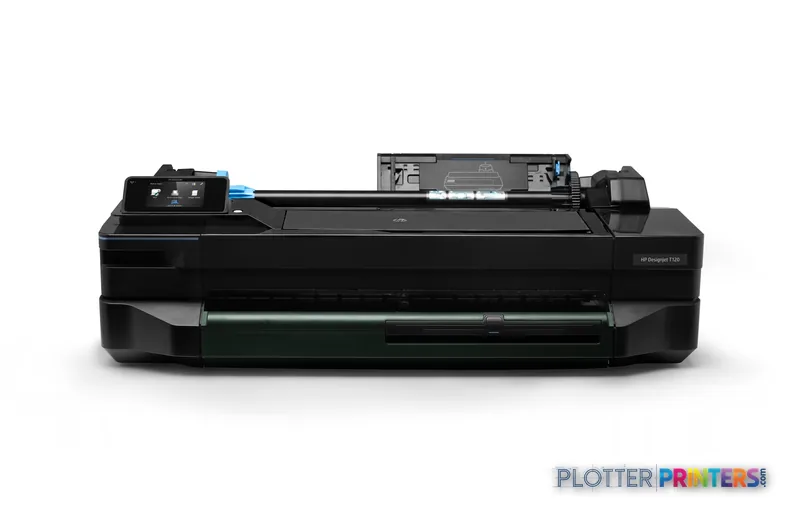
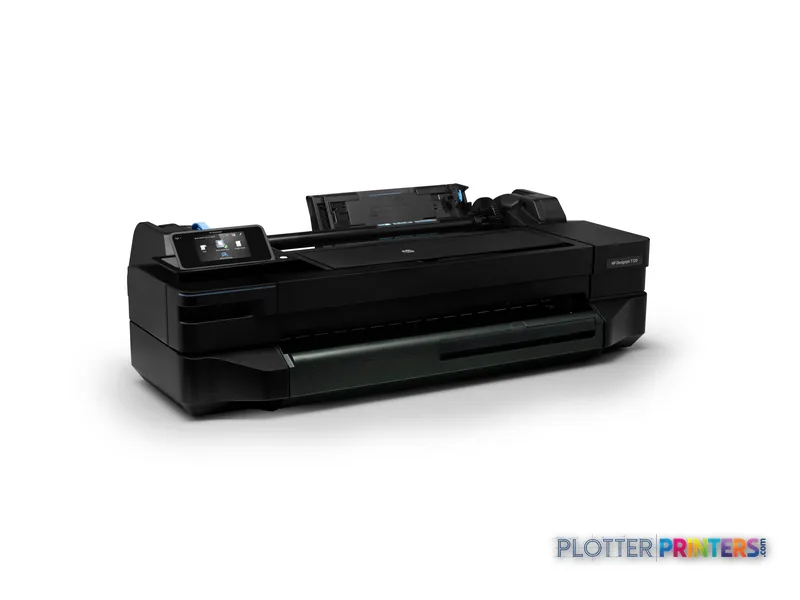
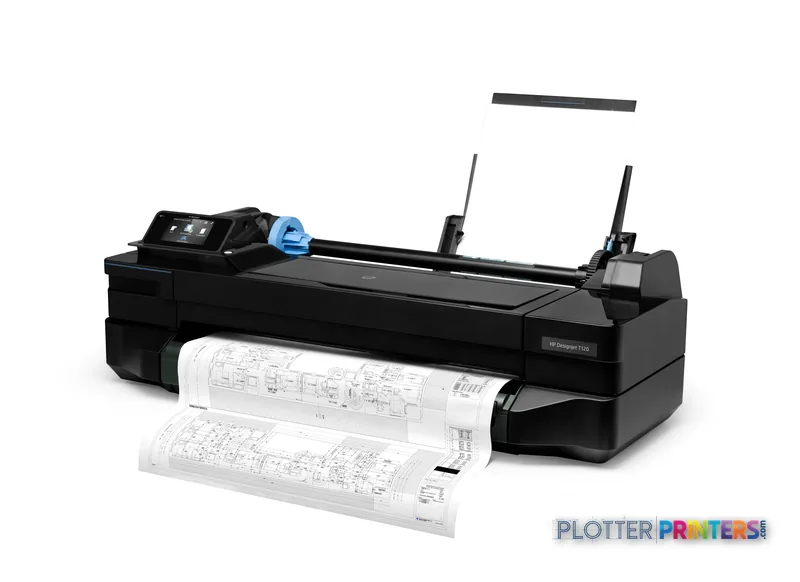
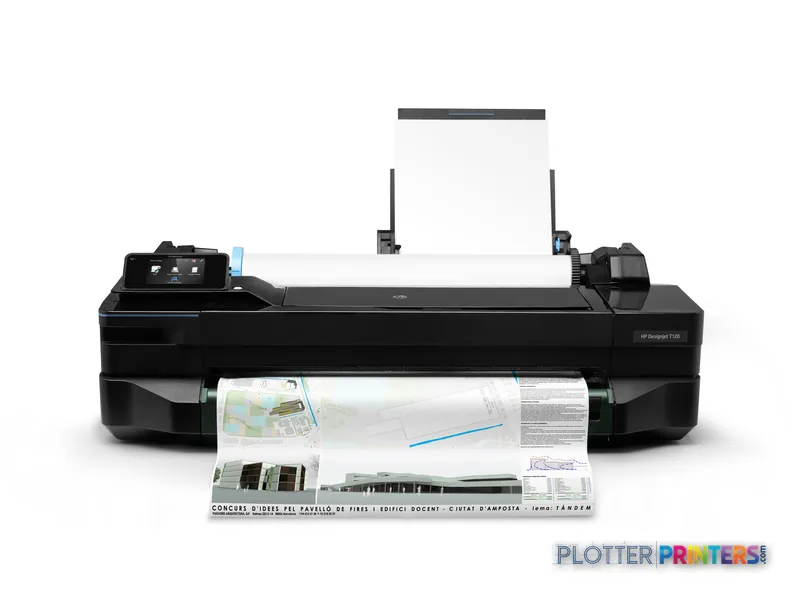
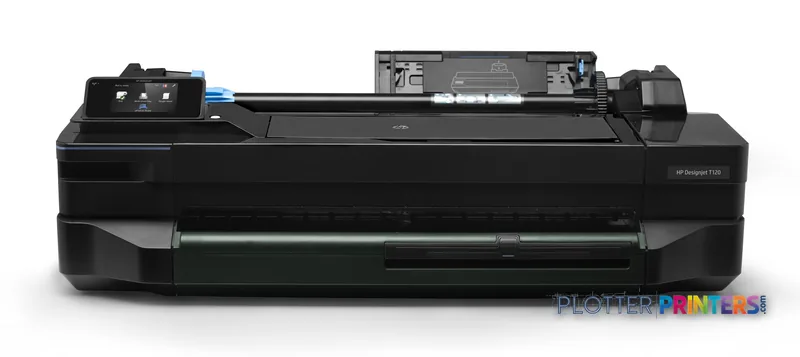
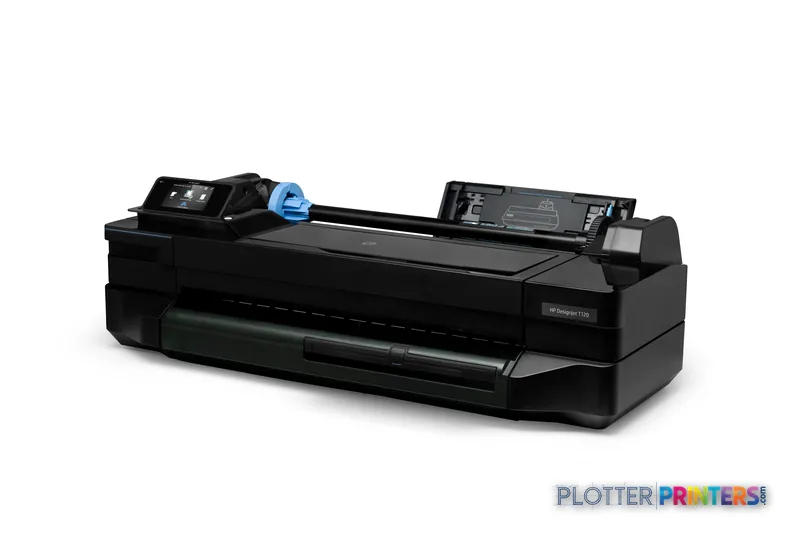
HP DesignJet T120
24" technical / CAD plotter
- ModelT120
- Prints24" wide
- Score38/100

Authorized HP dealerGenuine hardware & ink
1-year warranty includedExtension plans available
Free shippingContinental U.S.
Plotter specialistsAEC experts, not just sellers
Analyst take
- The HP T120 24-in is a 24-inch color thermal-inkjet plotter for light-duty AEC output.
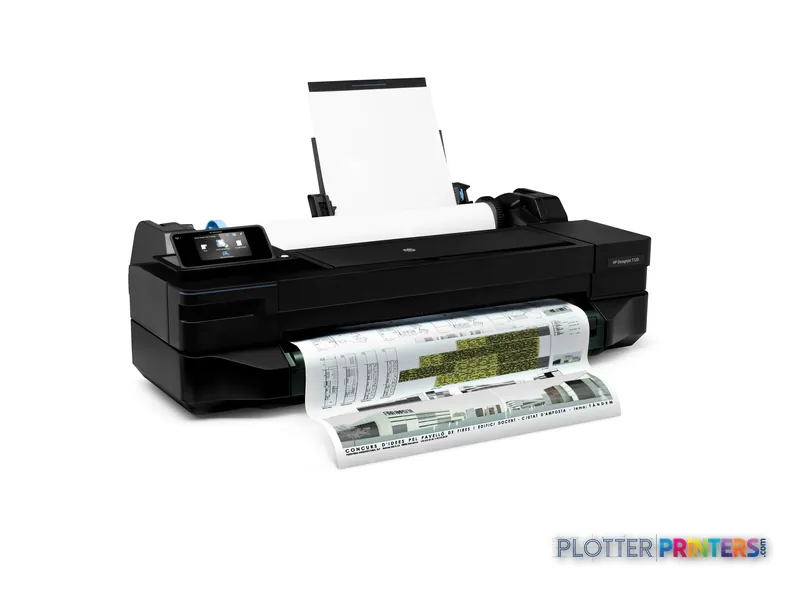
- It accepts both roll paper and cut sheets, which suits everyday plan checks and small document runs.
- HP lists black-line economy-mode A1 output at 40 pph, but mixed sets require allowance for handling time.
Not sure if the T120 is right for you?
Compare key specs and an AI analyst read-out against similar models.
- Wide-format reach Prints up to 24" wide on rolls and sheets.
- Fine detail 1200 x 1200 DPI maximum resolution for crisp line work.
- Ink platform Black, Cyan, Magenta, Yellow.
- Connectivity Wi-Fi for shared team printing.
- Verified specs 8 specs checked against the manufacturer datasheet.
- Analyst score Scores 38/100 in our class-relative rating.
Overview
Built for the work
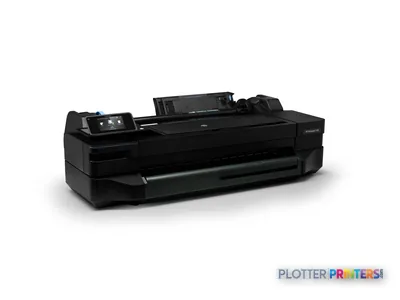
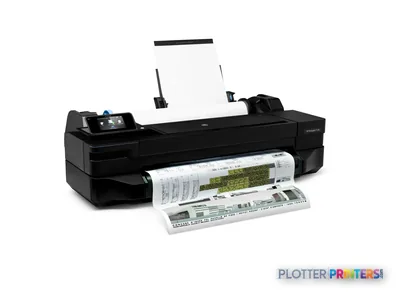
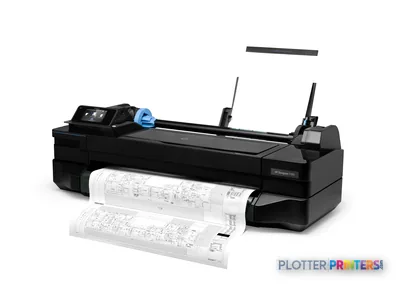
HP Designjet T120 24-in Printer, Thermal inkjet, 1200 x 1200 DPI, PCL 3, Black, Cyan, Magenta, Yellow, 40 pph, 610 x 1897 mm
- 24″Max print width
- 269 ft²/hRated speed
- 4Ink channels
- 1,200 dpiMax resolution
- 12 moIncluded warranty
Spec Analysis
overall
overall
Where it performs best
Size / Fit
99
Print Quality
65
Media Handling
41
Class best is 60. How we grade →
Expert analysis
What you should know

Key takeaways
- The HP T120 24-in is a 24-inch color thermal-inkjet plotter for light-duty AEC output.
- It accepts both roll paper and cut sheets, which suits everyday plan checks and small document runs.
- HP lists black-line economy-mode A1 output at 40 pph, but mixed sets require allowance for handling time.
- There is no scanning or copying function, so it cannot replace a wide-format MFP for redlines and legacy drawings.
- The HP DesignJet T830 24-in is the relevant in-family option when scan/copy work is required.
- The HP DesignJet T1600dr 36-in is the better fit when wider output and dual-roll production matter.
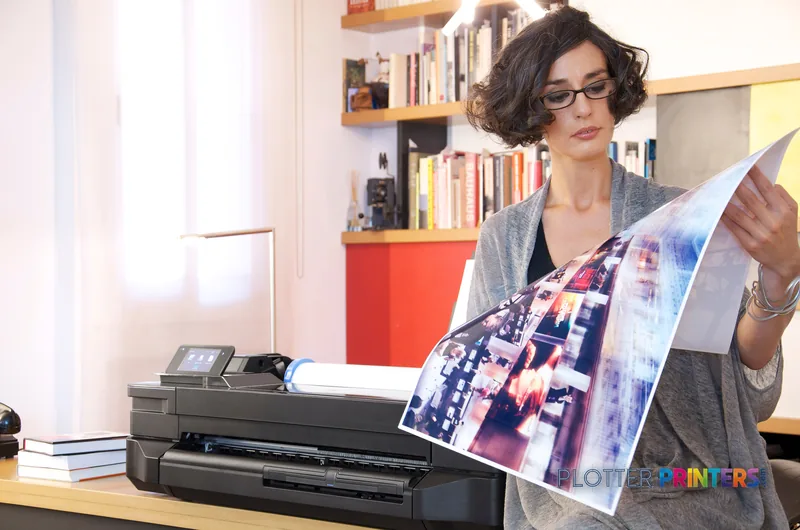
It is 4:45 p.m., somebody needs a corrected A1 sheet for tomorrow’s site meeting, and the person standing at the output tray does not need a production department. They need a compact 24-inch plotter that can take a roll or a cut sheet, print the PDF, and stay out of the way afterward. That is the job for the HP T120 24-in.
This is a four-color thermal-inkjet printer for light-duty AEC plotting: check prints, permit sheets, coordination plans, mark-up sets, and occasional presentation work. HP lists black-line economy-mode A1 output at 40 pph. Useful, yes. But that is a rated economy-mode figure, not a promise that a mixed PDF set will arrive without pauses, paper changes, and somebody checking page order. Print rooms have taught me that lesson repeatedly.
24" x 75"Maximum print sizeSupports architectural and engineering sheets within a 24-inch workflow.
40 pphRated line speedBlack line, economy mode, A1.
1200 x 1200 DPIMaximum resolutionFor technical drawings and color documents.
38.9"FootprintPrinter width.
Where it earns its desk space
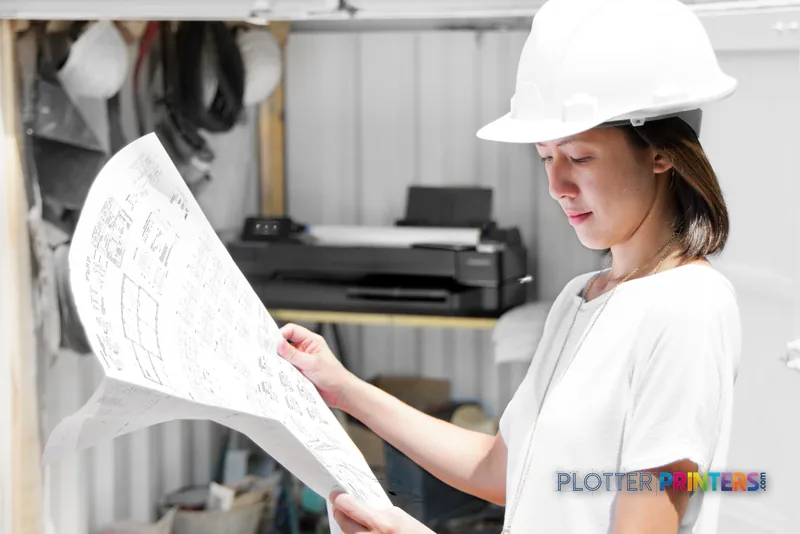
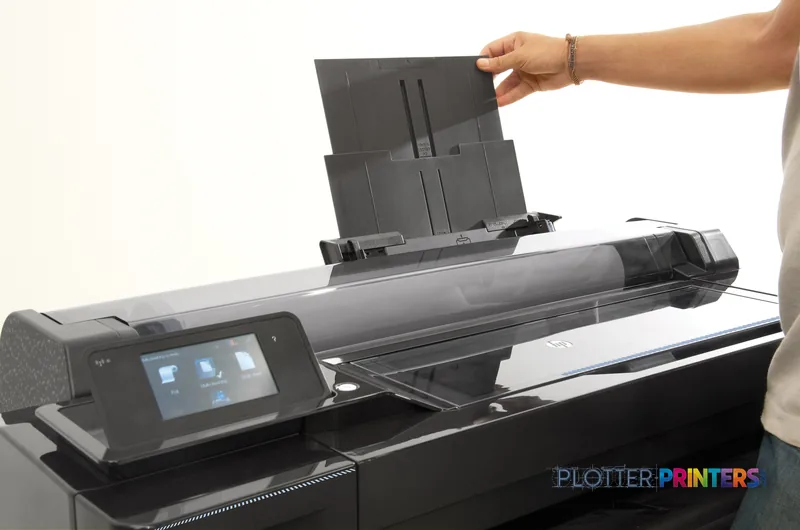
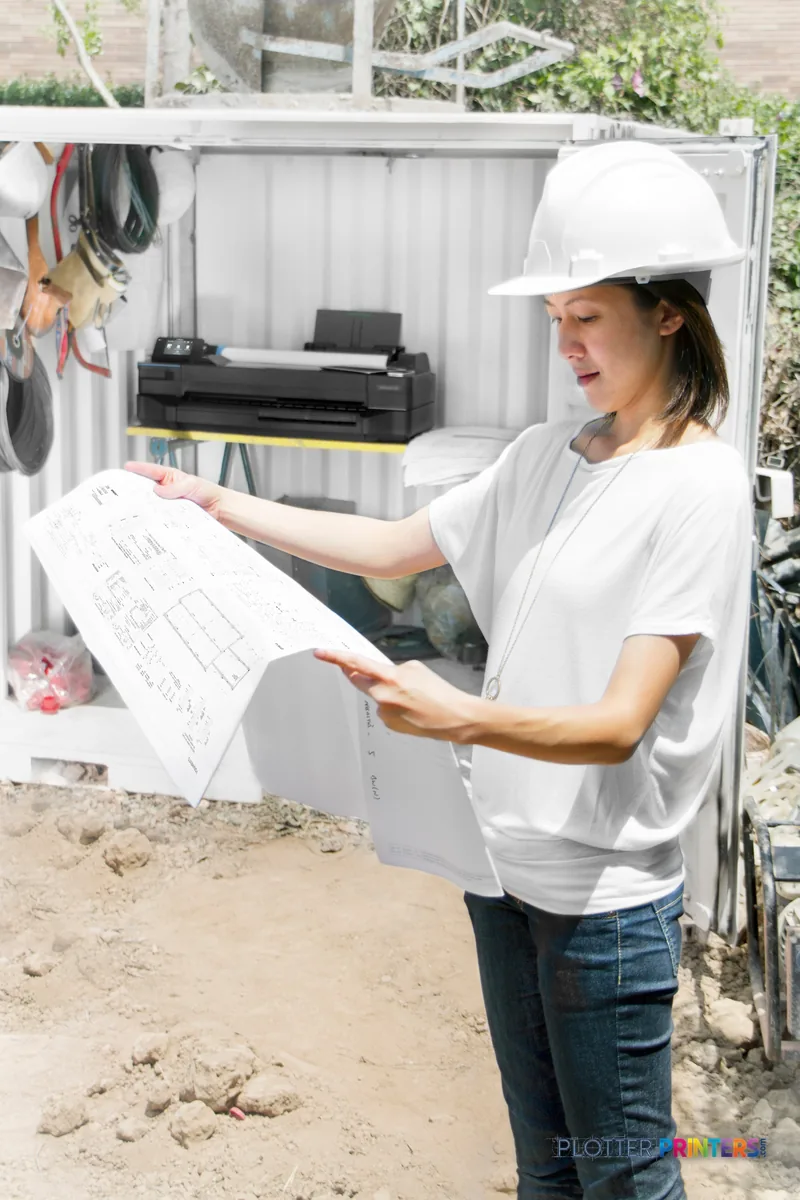
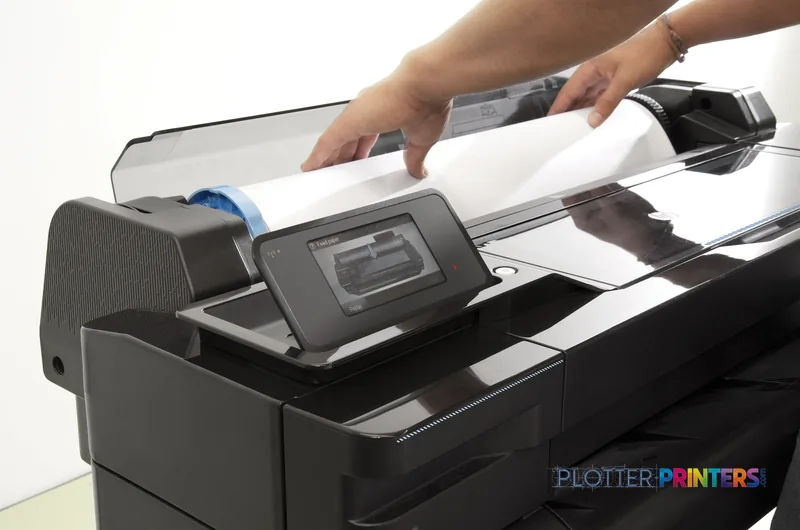
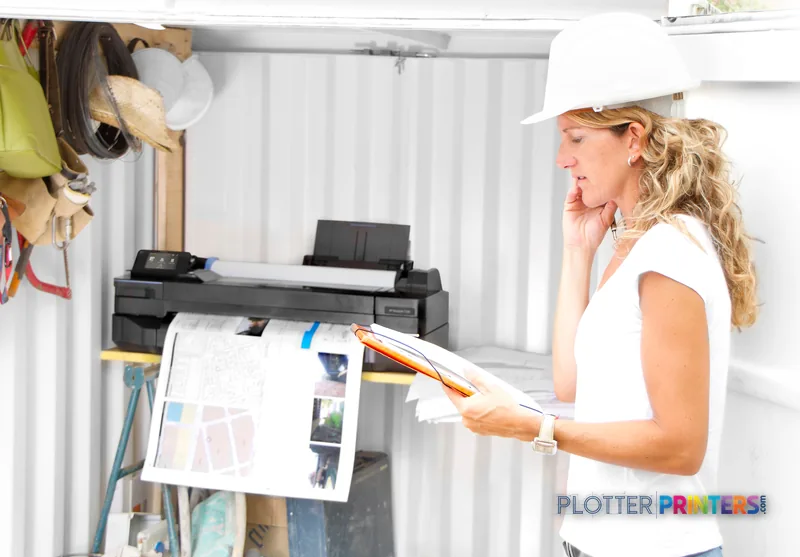
The T120 makes sense in a small architecture studio, engineering satellite office, jobsite trailer, survey team, or construction office where 24-inch output matters but scanning and copying do not. It accepts both roll paper and cut sheets, with support listed for bond, plain, recycled, coated, and photo paper. That flexibility matters when a contractor needs a plan sheet now and a designer needs a smaller review print afterward.
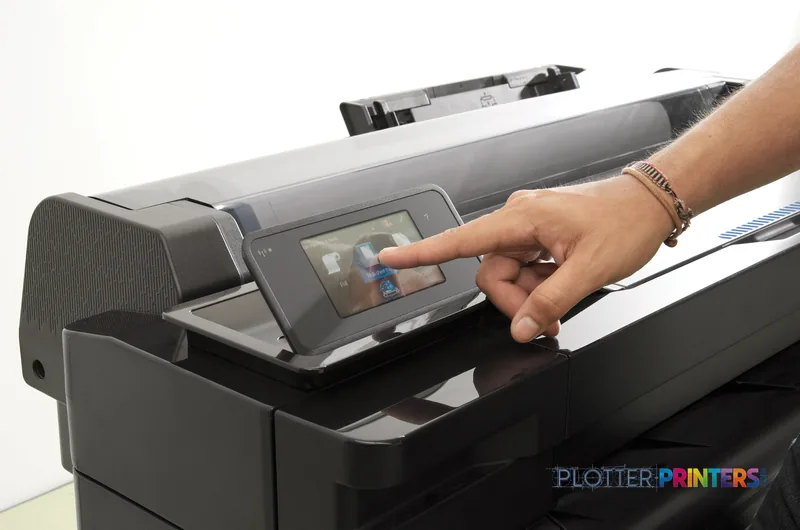
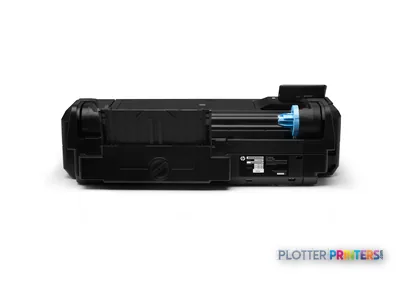
Connectivity is practical for a small office: Wi-Fi, Ethernet through one RJ-45 port, and USB are all listed. The touch-controlled LCD keeps basic operation local. Its 20.9-inch depth and 56.2-lb weight also make it easier to place than a floor-standing production unit. It is not silent at print time, but its specified 48 dB sound-pressure level is a more office-friendly proposition than parking a large reprographic machine beside the coffee pot.
Bottom line: The T120 fits teams that print wide documents often enough to need their own machine, but not constantly enough to build a print room around one.
The limits show up on deadline day
The failure mode is straightforward: a light-duty plotter gets asked to behave like a reprographics system. The T120 has no scanner and no copying function, so it cannot replace a walk-up MFP for redline capture, legacy-plan copying, or field markups. It also has no stated finishing or stacking capability. If the job is a large, mixed-size issue set, someone will still be tending output and sorting pages. That is normal. It is also where deadlines get expensive in human time.
For a more current 24-inch alternative with a higher listed maximum resolution, compare the HP DesignJet T210 24-in. If scanning and copying are part of the daily workflow, the HP DesignJet T830 24-in is the relevant in-family move because it is an MFP. Firms regularly issuing larger sets, or wanting two-roll operation, should look toward the HP DesignJet T1600dr 36-in, which is listed as a 36-inch dual-roll model. Wider drawings are not a small detail when the sheet arrives five minutes before the meeting.
Bottom line: Do not buy the T120 to solve scanning, copying, high-volume collation, or dual-roll production.
Use the plot-time estimator to plan straightforward A1 line-drawing output, then allow real working time for file processing, media changes, and set handling.
One set: – · Weekly plotting time: –
Computed from the manufacturer's rated 269 ft²/h. Real-world mixed sets run slower — treat this as a best case for comparing machines, not a promise.
Workflow and supplies: keep the expectations tidy
The printer uses PCL 3 and has 256 MB of internal memory. Its stated Windows compatibility lists Windows 7 Home Basic, Windows 7 Professional, and Windows 7 Ultimate. IT teams should verify the exact driver and operating-system path for their environment before deployment rather than treating that older compatibility list as a blanket approval for every current workstation.
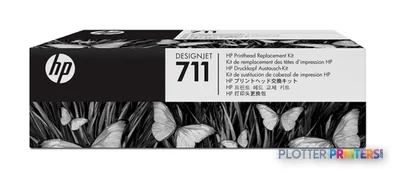
For supplies, this model uses HP 711 inks and the HP 711 printhead. Keep the appropriate maintenance supply on hand if the machine supports deadline-sensitive work; a plotter that is waiting for a service item is a remarkably efficient way to make everyone discover the local print shop’s closing time. The printer is ENERGY STAR certified and RoHS compliant, with typical power consumption listed at 35 W and standby consumption at 0.3 W.
For a direct family comparison, use the T120 and T210 comparison. You can also see its position in the 24-inch technical-printer ranking.
Bottom line: Confirm driver fit, stock the correct HP 711 consumables, and keep the machine in its intended light-duty lane.
Compare the sensible next steps
HP DesignJet T210 24-inA 24-inch in-family alternative with a higher listed maximum resolution.HP DesignJet T830 24-inThe in-family option to consider when scanning and copying are required.HP DesignJet T1600dr 36-inA wider in-family dual-roll model for more demanding document production.24-inch technical printer rankingSee how this printer is positioned within its class.
The read
The HP T120 24-in is a sensible local plotter for teams that need color technical output up to 24 inches, use rolls and cut sheets, and can live without scan/copy functions. It is particularly suited to occasional AEC plotting near the people doing the work. The trade-off is clear: when output becomes continuous, sets become mixed and large, or redlines need scanning, move up to the workflow—not just the specification. Bottom line: Buy it for convenient 24-inch plotting, not as a substitute for a managed reprographics operation.
Spec analysis
How the specs grade
Overall performance
- This printer
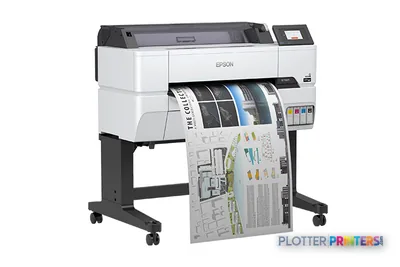
- Epson SureColor T3475
Category leaders best technical / CAD plotters, by dimension
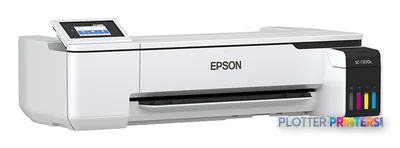
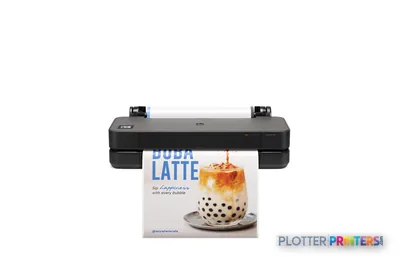
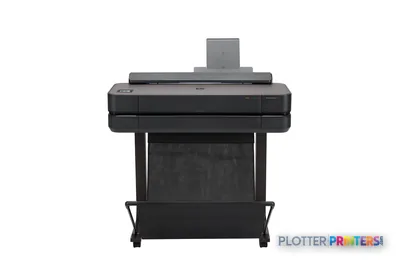
Verified specifications
The specs that decide it
| Print technology | HP Thermal Inkjet, 4 CMYK cartridges |
|---|---|
| Maximum roll width | 24 in (610 mm); min 11 in (279 mm)manufacturer-verified |
| Maximum resolution | 1200 x 1200 optimized |
| Max print length | 149.9 ft (45.7 m)manufacturer-verified |
| Print speed (line, black, economy, A1) | 40 pph |
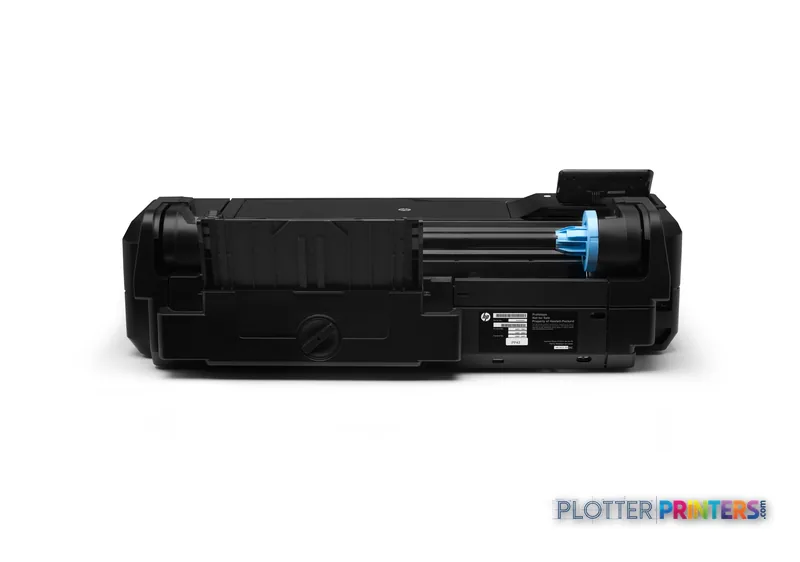
| Connectivity | Fast Ethernet (100Base-T), Wi-Fi, Hi-Speed USB 2.0manufacturer-verified |
| Control panel | 4.3 in full-color touchscreen |
| Scanning / copying | No (print-only) |
| Power consumption (typical) | < 35 watts |
| Weight / footprint | 56.2 lb (25.5 kg); 38.9 x 20.9 x 11.2 in |
manufacturer-verified = checked against the manufacturer’s official datasheet, not aggregator data. Everything else is standards-body / catalog data we consider reliable.
Specifications
Full technical detail
Print technologyThermal inkjet
Max resolution1200 x 1200 DPI
Max print width24"
ColorColor
ConnectivityUSB, Wi-Fi
Use caseCAD / Technical
Printing
| Color | Yes |
|---|---|
| Printing colors | Black, Cyan, Magenta, Yellow |
| Print technology | Thermal inkjet |
| Maximum resolution | 1200 x 1200 DPI |
| Number of print cartridges | 4 |
| Page description languages | PCL 3 |
| Print speed (line, black, economy mode, A1) | 40 pph |
Performance
| Display | LCD |
|---|---|
| Control type | Touch |
| Product color | Black |
| Internal memory | 256 MB |
| Built-in display | Yes |
| Sound power level (standby) | 16 dB |
| Sound pressure level (printing) | 48 dB |
Paper handling
| Cut sheets | Yes |
|---|---|
| Roll paper | Yes |
| Maximum print size | 610 x 1897 mm |
| Maximum roll length | 1799.2" (45.7 m) |
| Maximum roll diameter | 3.94" (10 cm) |
| Paper tray media types | Bond paper, Coated paper, Photo paper, Plain paper, Recycled paper |
| ISO A-series sizes (A0…A9) | A1, A2, A3, A4 |
Ports & interfaces
| Wi-Fi | Yes |
|---|---|
| USB port | Yes |
| USB connector | USB Type-A |
| RJ-45 ports quantity | 1 |
| USB 2.0 ports quantity | 1 |
Weight & dimensions
| Depth | 20.9" (530 mm) |
|---|---|
| Width | 38.9" (987 mm) |
| Height | 11.2" (285 mm) |
| Weight | 56.2 lbs (25.5 kg) |
Power
| Power consumption (standby) | 0.3 W |
|---|---|
| Power consumption (typical) | 35 W |
Operational conditions
| Storage temperature (T-T) | -25 – 55 °C |
|---|---|
| Operating temperature (T-T) | 5 – 40 °C |
| Operating relative humidity (H-H) | 20 – 80% |
Other features
| Safety | RoHS |
|---|---|
| Touchscreen | Yes |
Copying
| Copying | No |
|---|
Scanning
| Scanning | No |
|---|
Packaging data
| Package depth | 24.4" (620 mm) |
|---|---|
| Package width | 44.9" (1141 mm) |
| Package height | 16.3" (415 mm) |
| Package weight | 66.1 lbs (30 kg) |
Sustainability
| Sustainability certificates | ENERGY STAR |
|---|
System requirements
| Windows operating systems supported | Windows 7 Home Basic, Windows 7 Professional, Windows 7 Ultimate |
|---|
Everything that fits the HP DesignJet T120
The full supplies hub lists every cartridge, printhead, roll and accessory verified against the manufacturer's own documentation for this machine.
14 ink cartridges · 1 printhead · 27 paper & media items · 3 accessories
HP DesignJet T120 ink and paper →Supplies
Compatible ink, printheads & media
Genuine consumables that fit the HP DesignJet T120 610mm ePrinter — only the cartridges, printheads and media compatible with this model.
Ink Cartridges 13
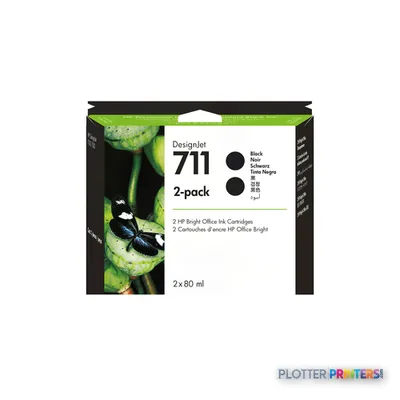 HP 711 2-pack 80-ml Black Ink Cartridges
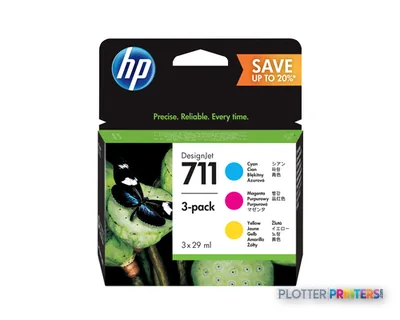 HP 711 3-pack 29-ml Cyan/Magenta/Yellow Ink Cartridges
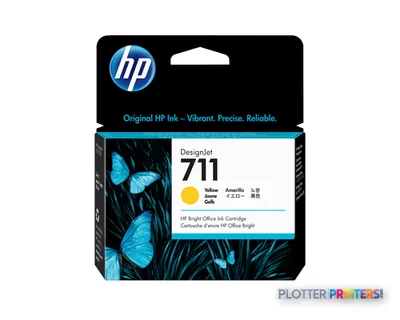 HP 711 29-ml Yellow Ink Cartridge
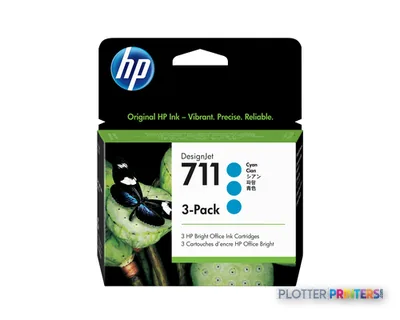 HP 711 3-pack 29-ml Cyan Ink Cartridges
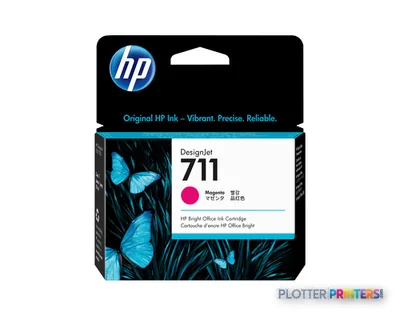 HP 711 29-ml Magenta Ink Cartridge
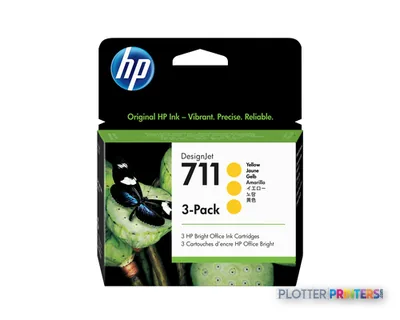 HP 711 3-pack 29-ml Yellow Ink Cartridges
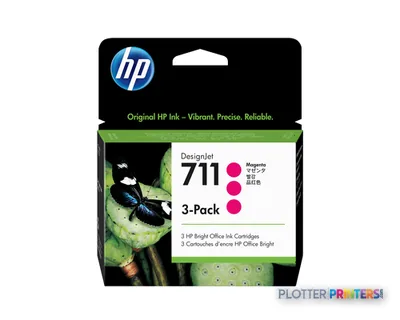 HP 711 3-pack 29-ml Magenta Ink Cartridges
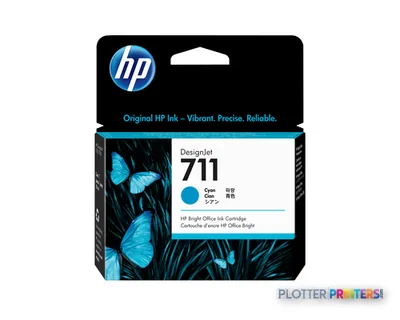 HP 711 29-ml Cyan Ink Cartridge
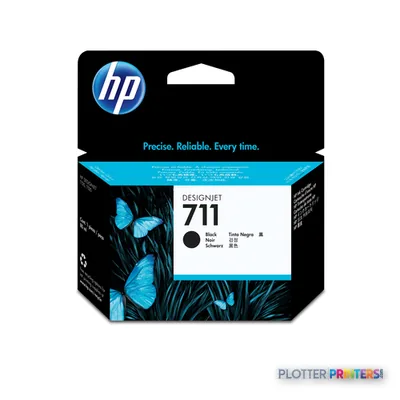 HP 711 80-ml Black Ink Cartridge
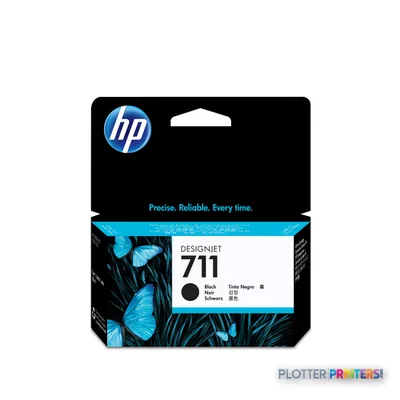 HP 711 38-ml Black Ink Cartridge
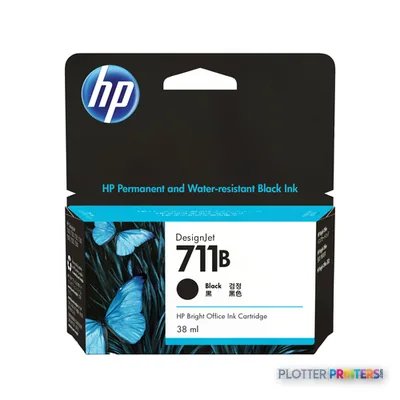 HP 711B 38-ml Black Ink Cartridge
 HP 711B 2-Pack 80-ml Black Ink Cartridges
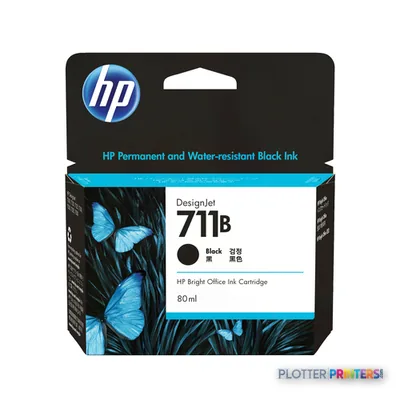 HP 711B 80-ml Black Ink Cartridge
Printheads 1
Paper & Media 11
 Representative image5 Mil Water-Resistant Self-Adh Vinyl (3" AC)Representative imageHP Universal Gloss Photo Paper
 HP Universal Coated PaperRepresentative imageHP Universal Bond Paper, 4-packRepresentative imageHP Bright White Inkjet Paper, 4-packRepresentative imageMagic 36LB Heavyweight Coated Inkjet Paper (JS036)Representative imageMagic 98gsm/26# Coated Matte Paper (DMPG98)Representative imageMagic 4mil Inkjet Clear Film w/ Side Stripe (DMCF4HPS)Representative image6.5mil Matte Coated Paper w/ PSA (746PSA)
 HP C6035A large format media 45.7 m
 HP 2-pack Everyday Adhesive Matte Polypropylene-610 mm x 22.9 m (24 in x 75 ft)
Questions
Straight answers
What AEC work is the HP T120 24-in suited to?
It fits light-duty plotting of plans, check prints, coordination drawings, permit sheets, and other color or monochrome technical documents up to 24 inches wide. It is most appropriate where output is needed locally rather than through a central print room.
Can the HP T120 24-in scan or copy plans?
No. The listed configuration has no scanning and no copying capability. Firms that need to capture marked-up drawings should consider the HP DesignJet T830 24-in instead.
What paper can it use?
It supports roll paper and cut sheets. Listed media types are bond paper, coated paper, photo paper, plain paper, and recycled paper.
How does the HP T120 24-in connect to a network?
The listed interfaces are Wi-Fi, one RJ-45 Ethernet port, and one USB 2.0 port with a USB Type-A connector. Confirm the driver and network setup with IT before installation.
Which inks and printhead does this printer use?
The compatible supply family is HP 711 inks, and the compatible printhead is the HP 711 printhead. Use model-specific supplies rather than assuming later DesignJet consumables will fit.
Is the rated A1 speed the same as real set-production speed?
No. HP lists 40 pph for black-line A1 output in economy mode. Actual job time can also include file processing, media loading, output handling, and sorting.
Ready to put the HP DesignJet T120 to work?
Configuration, media and a quote tailored to your workflow — from AEC plotter specialists.