
Home / Wide-Format Printers / HP DesignJet
HP · Wide-Format Plotter
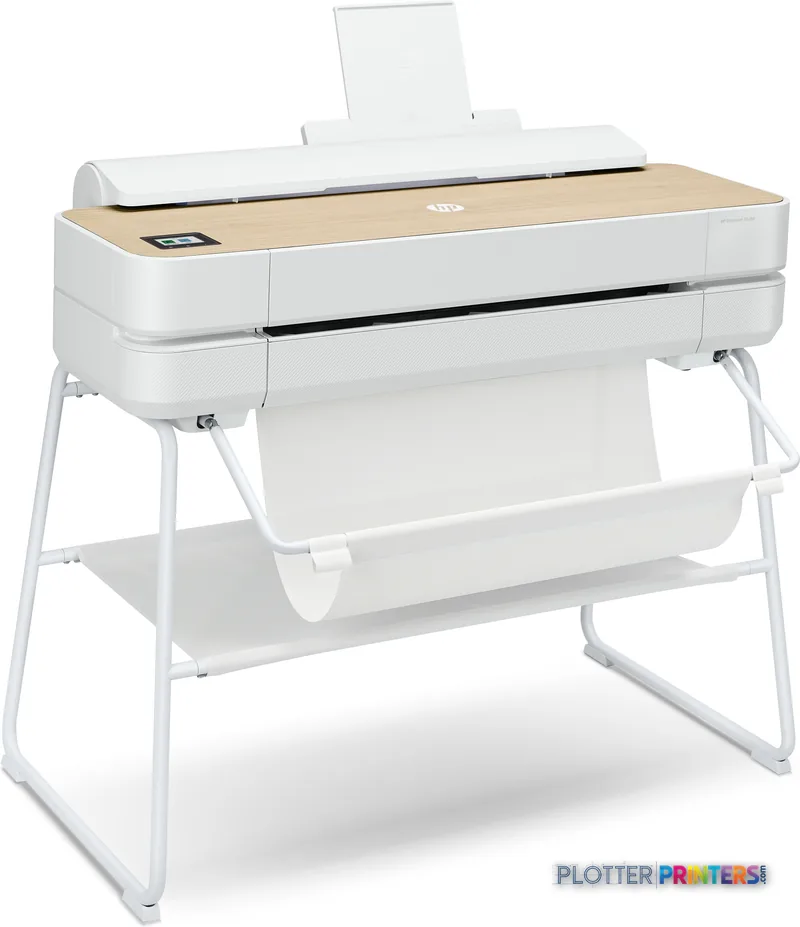
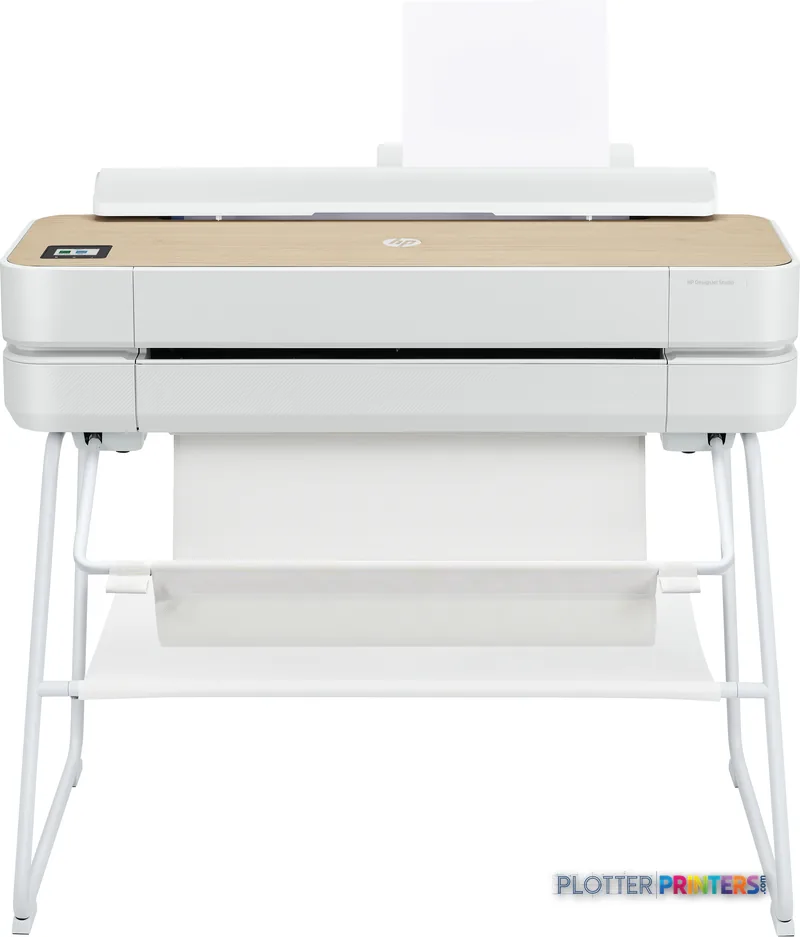
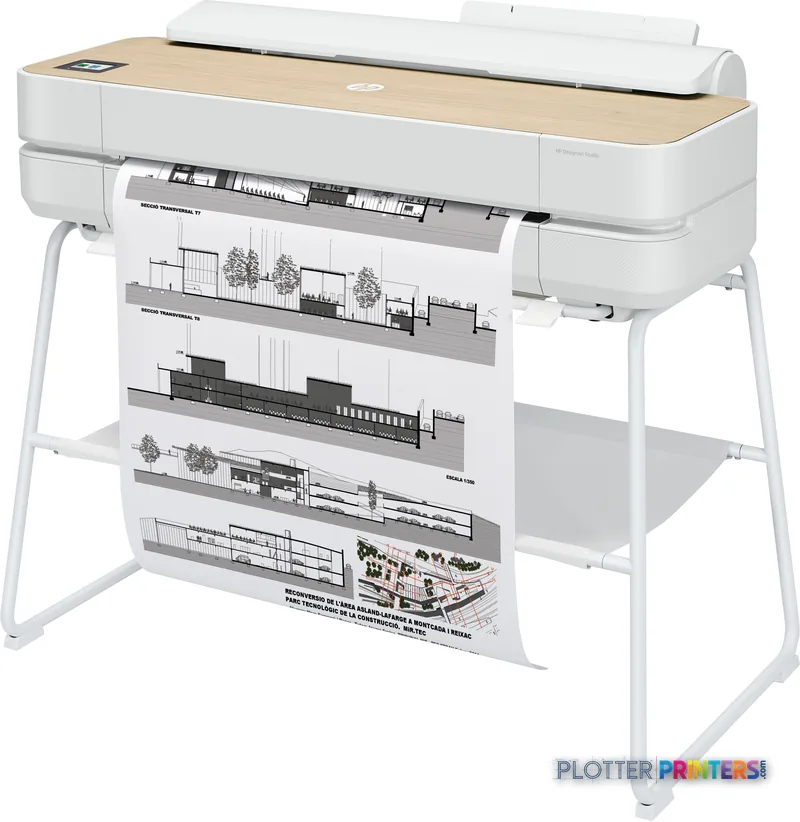
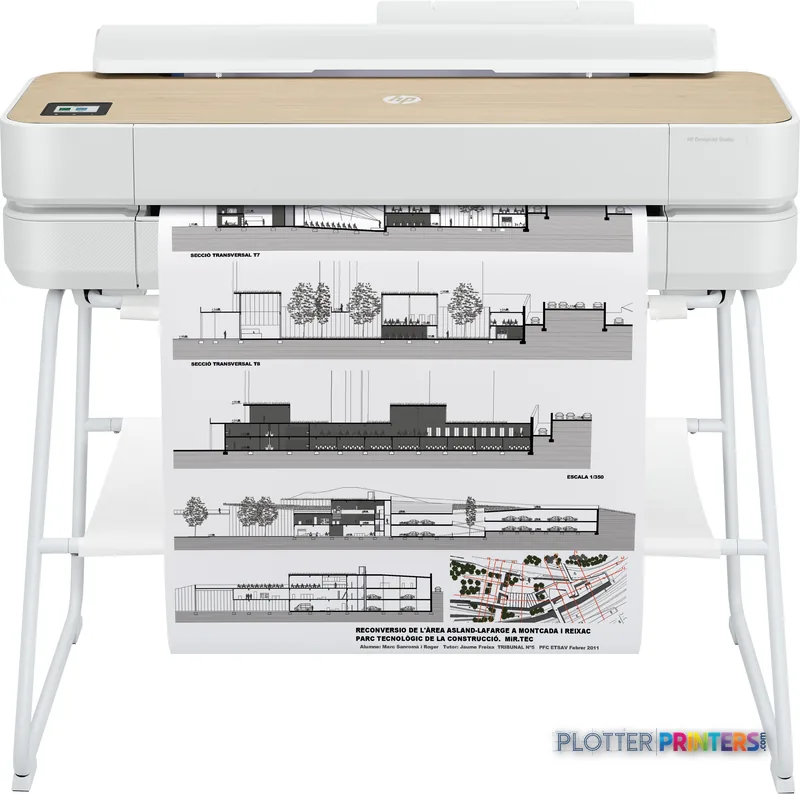
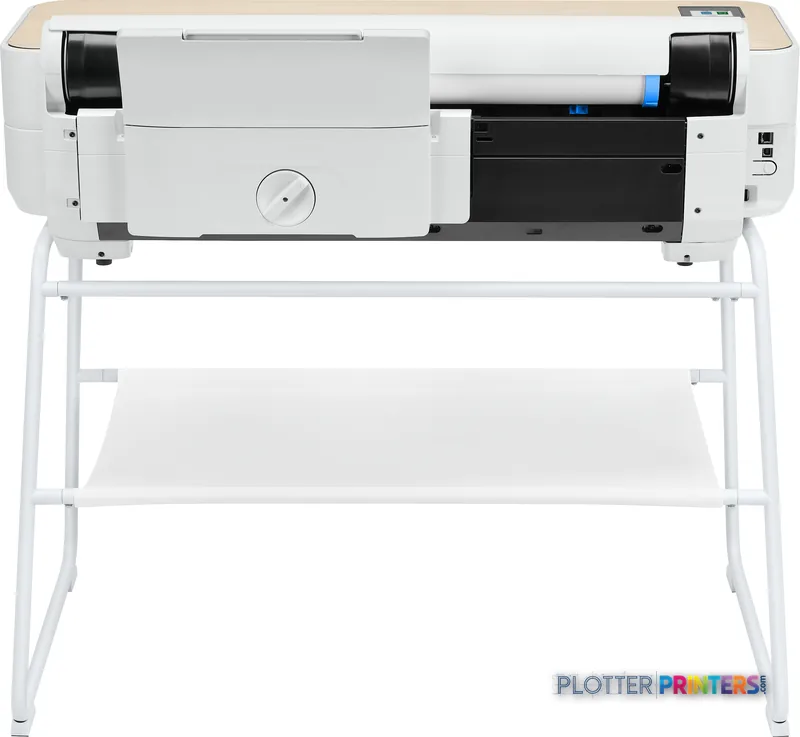
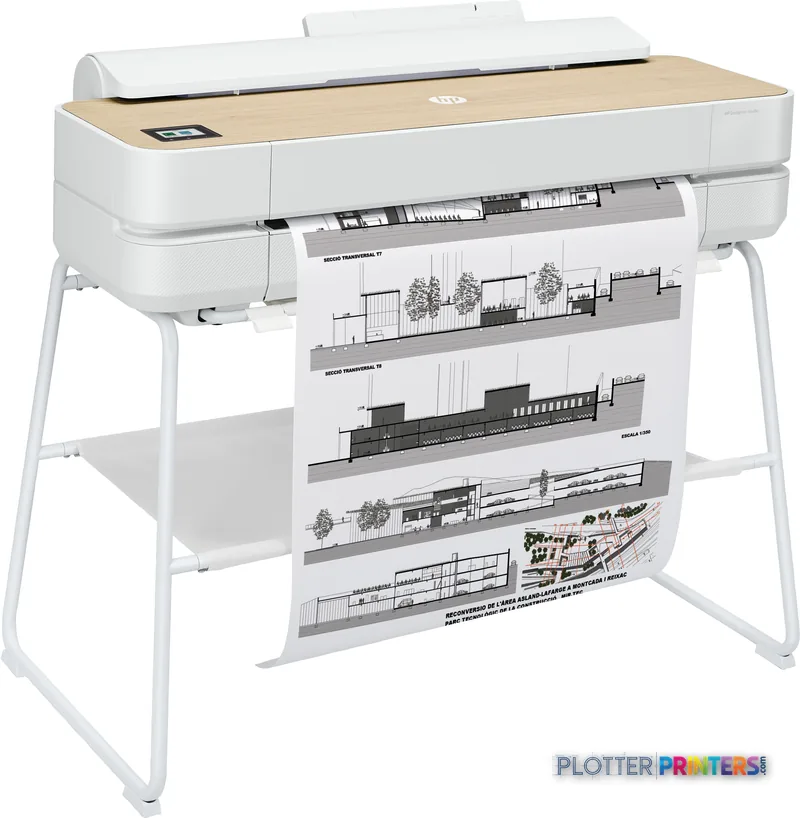
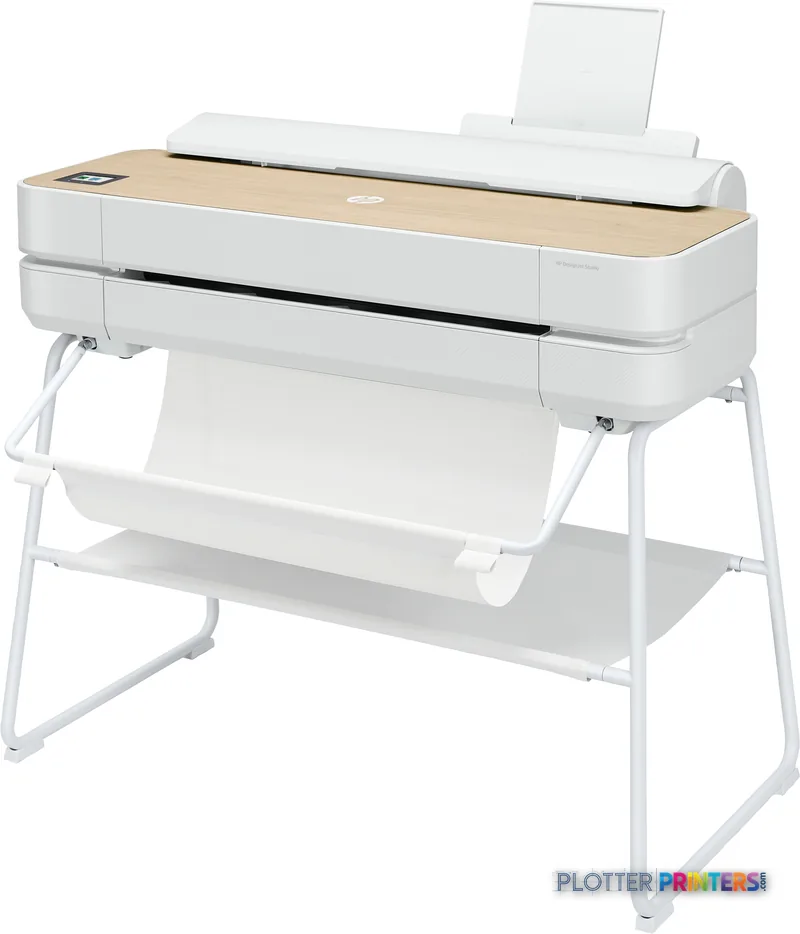
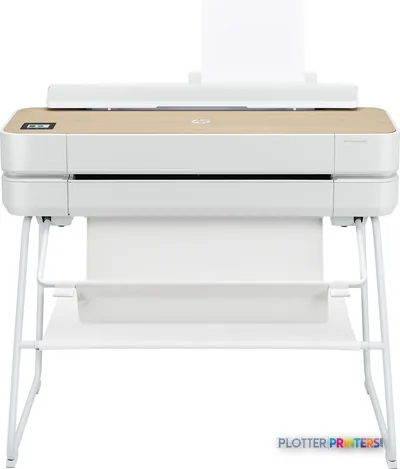
HP DesignJet Studio
24" technical / CAD plotter
- ModelStudio
- Prints24" wide
- Score49/100
Authorized HP dealerGenuine hardware & ink
Manufacturer warrantyExtension plans available
Free shippingContinental U.S.
Plotter specialistsAEC experts, not just sellers
Analyst take
- The printer handles up to 24 x 75 inch output for office-side technical drawings and graphics.
- Its automatic sheet feeder supports sheet work, while manual feed reaches the full 24-inch width.
- HP-GL/2, HP-RTL, CALS G4, JPEG, and URF support fit common technical-document environments.
Not sure if the Studio is right for you?
Compare key specs and an AI analyst read-out against similar models.
- Wide-format reach Prints up to 24" wide on rolls and sheets.
- Fine detail 2400 x 1200 DPI maximum resolution for crisp line work.
- Ink platform Black, Cyan, Magenta, Yellow.
- Connectivity Wi-Fi + Ethernet for shared team printing.
- Analyst score Scores 49/100 in our class-relative rating.
Overview
Built for the work
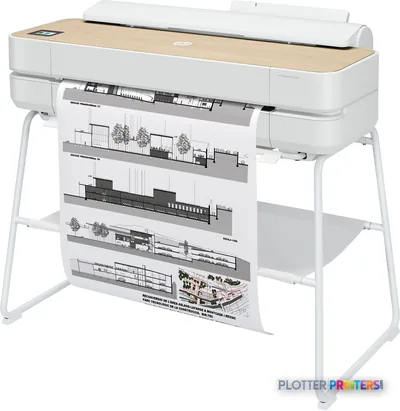
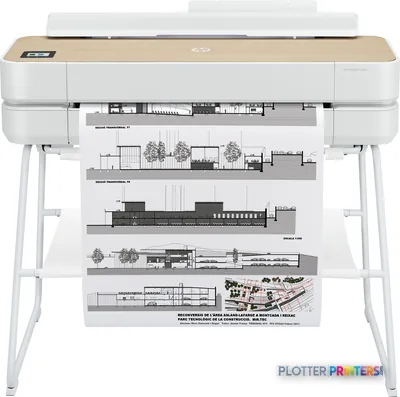
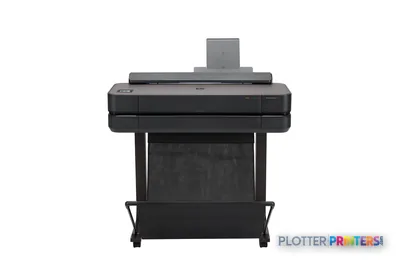
HP Designjet Studio 24-in Printer, Thermal inkjet, 2400 x 1200 DPI, HP-GL/2, JPEG, HP-RTL, CALS G4, URF, Black, Cyan, Magenta, Yellow, 2400 x 1200 DPI, 610 x 1897 mm
- 24″Max print width
- 4Ink channels
- 2,400 dpiMax resolution
Spec Analysis
overall
overall
Where it performs best
Connections
100
Size / Fit
97
Print Quality
65
Class best is 60. How we grade →
Features
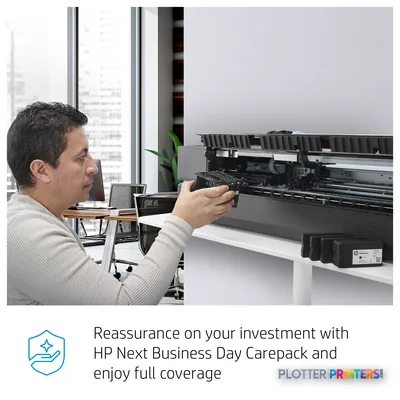
What sets it apart


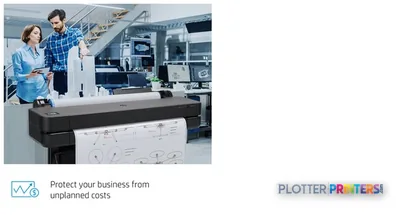
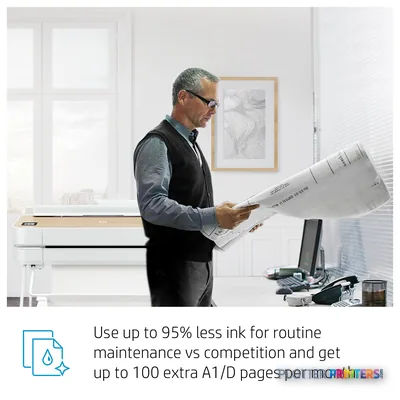
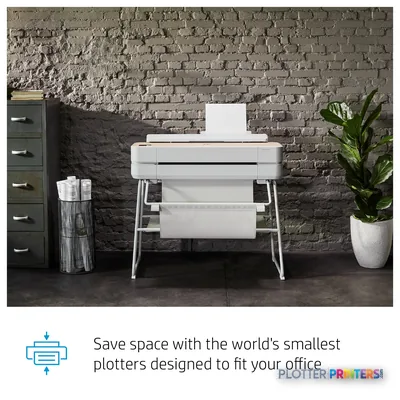
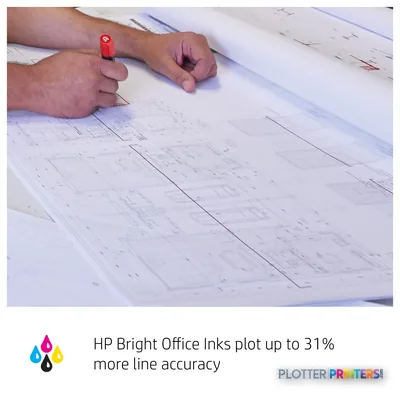
Swipe to explore →
Expert analysis
What you should know

Key takeaways
- The printer handles up to 24 x 75 inch output for office-side technical drawings and graphics.
- Its automatic sheet feeder supports sheet work, while manual feed reaches the full 24-inch width.
- HP-GL/2, HP-RTL, CALS G4, JPEG, and URF support fit common technical-document environments.
- It connects through Gigabit Ethernet, Wi-Fi, or USB, but IT should review HP dynamic security before deployment.
- There is no scanning or copying, so it is not a replacement for a plan-room multifunction workflow.
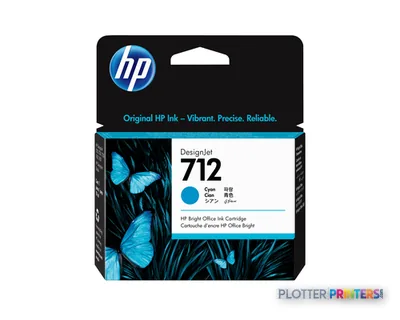
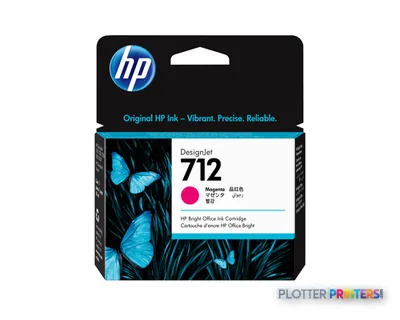
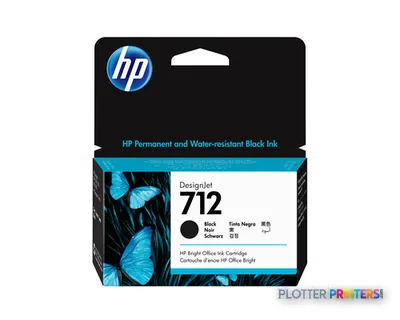
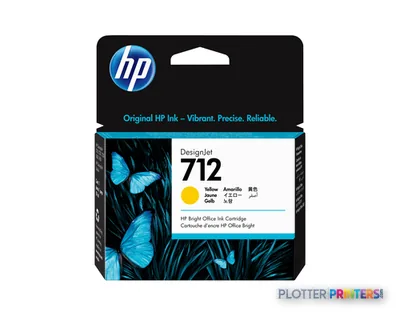
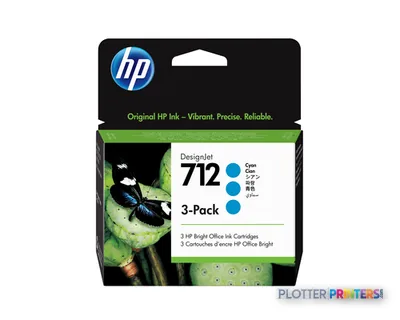
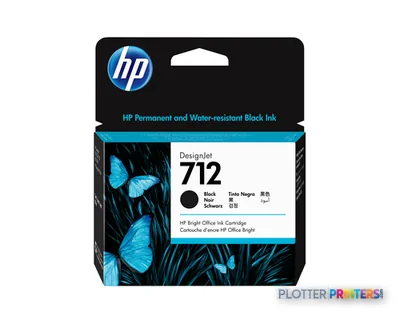
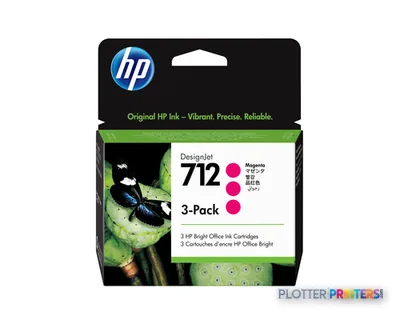
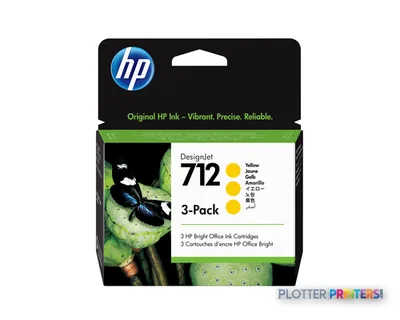
- HP 712 inks and the HP 713 printhead are the resolved consumable families for this model.
At 4:45 p.m., the person at the output tray usually needs one thing: a legible plan, map, or marked-up sheet before the meeting starts. The HP DesignJet Studio 24-in Printer is a compact 24-inch color thermal-inkjet printer for that office-side work—small-format sheets, occasional full-size drawings, and presentation-ready color output without handing every job to a central reprographics room.
It prints up to 24 x 75 inches, supports HP-GL/2, HP-RTL, CALS G4, JPEG, and URF, and connects by Gigabit Ethernet, Wi-Fi, or USB. That covers the common CAD and PDF handoff well. It does not scan or copy, though, and it has no built-in display. Those omissions are not defects. They are a reminder that this is a printer, not a plan-room hub.
24" x 75" (610 x 1897 mm)Maximum print sizeFor full-width drawings and longer technical sheets.
24" (61 cm)Maximum roll widthSized for desktop and small-office plotting.
2400 x 1200 DPIMaximum resolutionFor detailed color and linework output.
35 WTypical power consumptionUseful context for an office installation.
Where it earns its floor space
This machine makes sense for a small architecture studio, a field office, a survey crew, or a project team that needs control of routine output. Think permit sheets, detail enlargements, color-coded coordination drawings, GIS maps, and client boards that need to stay inside the office. The automatic sheet feeder also handles sheet sizes from 210 x 279 mm to 13 x 19 inches, while manual feed reaches the full 24-inch width.
The practical benefit is choice. A team can keep letter- and tabloid-size supporting documents moving through the feeder, then manually feed a wider drawing when it matters. That is a workable rhythm for intermittent AEC plotting. It is less attractive when every set contains mixed sizes and somebody is constantly changing media. Paper handling, like coffee, gets less charming after the third interruption.
Bottom line: This is a sensible local printer when wide-format work is important but not constant.
Output, files, and the IT reality
The 2,400 x 1,200 dpi maximum resolution and four printing colors—black, cyan, magenta, and yellow—suit the normal AEC mix of black linework, shaded PDFs, marked-up plans, and color disciplines. It accepts coated, plain, bond, matte, glossy, semi-glossy, satin, photo, and heavy papers through the paper tray. Media thickness is limited to 0.012 inch, so verify specialty stock before promising boards for a presentation deadline.
For job submission, HP includes HP Click App, HP Click Driver for Windows 11, HP Smart app, HP Print Preview for Windows, HP Easy Start, HP DesignJet Utility for Windows, and HP Support Assistant. The available page-description languages matter because HP-GL/2 and HP-RTL remain common in technical plotting, while CALS G4 can turn up in older engineering document flows. For IT, Gigabit Ethernet, Wi-Fi, USB, and HP dynamic security should be part of the deployment conversation—not an afterthought after the printer is already under someone’s desk.
Bottom line: File support and connectivity are appropriate for ordinary technical-document workflows, provided IT reviews security and driver standards first.
Know the boundary before buying
The Studio 24-in is not the right tool for a busy construction-document room that needs scan-to-file, walk-up copying, high-volume set production, or wider drawings. There is no scanning or copying function. There is one printhead and four cartridges, using HP 712 inks and the HP 713 printhead. Keep those operating realities separate from a spec-sheet maximum: a printer can be technically capable of a size without being the right production workflow for it.
Within the catalog options provided, the HP DesignJet T918 36-in is the obvious functional step-up for teams that need a 36-inch scanner/MFP format, though it is listed as discontinued. A firm comparing 24-inch alternatives can also put the Studio alongside the Canon GP-2000 24-in or open a direct comparison. Neither comparison replaces a live test with your own PDFs, CAD files, bond paper, and network policies.
Bottom line: Buy this for local printing; move up when scanning, copying, width, or sustained set handling drives the day.
Compare before the deadline does it for you
HP DesignJet T918 36-inA discontinued 36-inch scanner/MFP option for installed-base and replacement discussions.Canon GP-2000 24-inA 24-inch cross-brand model to place beside the Studio in a workflow review.24-inch printer class rankingReview the class view alongside your own output mix.How we rate technical printersRead the evaluation framework behind the class comparisons.
The read
The HP DesignJet Studio 24-in Printer fits AEC teams that need dependable access to occasional 24-inch color output without building a print room around it. It has the connectivity, technical file-language support, sheet feeding, and manual full-width feed that make everyday drawings and project graphics practical. The trade-off is plain: no scanner, no copier, no built-in display, and no reason to pretend it is a production MFP. If the job is getting a clean plan onto paper before the coordination call, it belongs on the shortlist. If the job is processing stacks of mixed-size sets all day, give the workload a bigger machine than your patience.
Spec analysis
How the specs grade
Overall performance
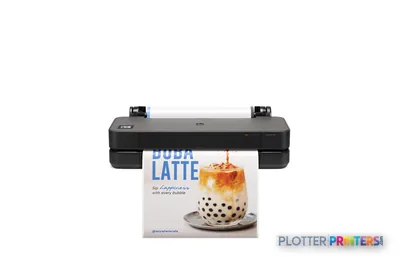
- This printer
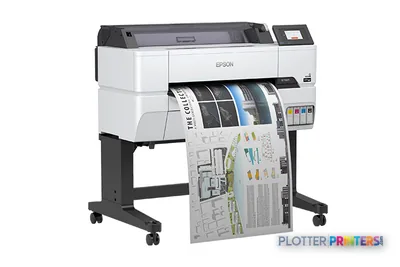
- Epson SureColor T3475
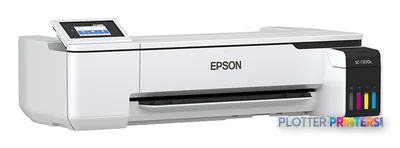
Category leaders best technical / CAD plotters, by dimension
Verified specifications
The specs that decide it
| Maximum print width | 24 in |
|---|---|
| Print technology | Thermal inkjet |
| Maximum resolution | 2400 x 1200 DPI |
| Printing colors | Black, Cyan, Magenta, Yellow |
| Number of print cartridges | 4 |
| Page description languages | HP-GL/2, JPEG, HP-RTL, CALS G4, URF |
| Internal memory | 1024 MB |
| Maximum print size | 610 x 1897 mm |
| Media thickness | 0.3 mm |
| Maximum roll diameter | 3.94" (10 cm) |
| Scanning | No |
| Wi-Fi | Yes |
| Ethernet | Yes |
| Power consumption | 35 W |
Specifications
Full technical detail
Print technologyThermal inkjet
Max resolution2400 x 1200 DPI
Max print width24"
ColorColor
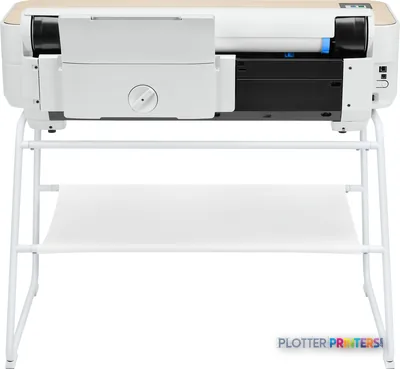
ConnectivityEthernet (Gigabit LAN), USB, Wi-Fi
Use caseCAD / Technical
Printing
| Color | Yes |
|---|---|
| Print head | 1 |
| Printing colors | Black, Cyan, Magenta, Yellow |
| Print technology | Thermal inkjet |
| Resolution color | 2400 x 1200 DPI |
| Maximum resolution | 2400 x 1200 DPI |
| Number of print cartridges | 4 |
| Page description languages | HP-GL/2, JPEG, HP-RTL, CALS G4, URF |
Performance
| HP segment | Business |
|---|---|
| Certification | Compliant with Class B requirements, including: USA (FCC rules), Canada (ICES), EU (EMC/RED Directives), Australia (ACMA), New Zealand (RSM), China (CCC), Japan (VCCI); Certified as Class B product: Korea (KCC) |
| Product color | White |
| Internal memory | 1024 MB |
| Built-in display | No |
| Country of origin | China |
Paper handling
| Media thickness | 0.3 mm |
|---|---|
| Custom media sizes | Auto sheet feeder: 210 x 279 to 330 x 482 mm; manual feed: 210 x 279 to 610 x 1897 mm |
| Maximum print size | 610 x 1897 mm |
| Maximum roll width | 24" (61 cm) |
| Maximum roll diameter | 3.94" (10 cm) |
| Paper tray media types | Coated paper, Plain paper, Semi-glossy paper, Glossy paper, Bond paper, Photo paper, Matte paper, Heavy paper, Satin paper |
| ISO A-series sizes (A0…A9) | A1, A2, A3, A4 |
Ports & interfaces
| Wi-Fi | Yes |
|---|---|
| USB port | Yes |
| Ethernet LAN | Yes |
| USB 2.0 ports quantity | 1 |
| Ethernet LAN data rates | 1000 Mbit/s |
Technical details
| Box contents | HP DesignJet Studio 24-in Printer, printer stand, automatic sheet feeder, roll cover, printhead, introductory ink cartridges, spindle, quick reference guide, setup poster, power cord |
|---|
Weight & dimensions
| Depth | 21.9" (555 mm) |
|---|---|
| Width | 39.9" (1013 mm) |
| Height | 36.7" (932 mm) |
| Weight | 74.1 lbs (33.6 kg) |
Power
| AC input voltage | 100 – 240 V |
|---|---|
| AC input frequency | 50/60 Hz |
| Power consumption (off) | 0.2 W |
| Power consumption (sleep) | 2.1 W |
| Power consumption (standby) | 0.2 W |
| Power consumption (typical) | 35 W |
Operational conditions
| Operating altitude | 0 – 118110.2" (0 – 3000 m) |
|---|---|
| Storage temperature (T-T) | -25 – 55 °C |
| Operating temperature (T-T) | 5 – 40 °C |
| Storage relative humidity (H-H) | 0 – 95% |
| Operating relative humidity (H-H) | 20 – 80% |
Other features
| UNSPSC-code | 23153405 |
|---|---|
| Electromagnetic compatibility | Compliant with Class B requirements, including: USA (FCC rules), Canada (ICES), EU (EMC/RED Directives), Australia (ACMA), New Zealand (RSM), China (CCC), Japan (VCCI); Certified as Class B product: Korea (KCC) |
Copying
| Copying | No |
|---|
Scanning
| Scanning | No |
|---|
Logistics data
| Harmonized System (HS) code | 84433210 |
|---|
Packaging data
| Package depth | 23.2" (590 mm) |
|---|---|
| Package width | 47.2" (1199 mm) |
| Package height | 20.6" (524 mm) |
| Package weight | 94.8 lbs (43 kg) |
| Bundled software | HP Click App, HP Click Driver for Windows 11, HP Smart app, HP Print Preview for Windows, HP Easy Start, HP DesignJet Utility for Windows, HP Support Assistant |
Sustainability
| Sustainability compliance | Yes |
|---|---|
| Sustainability certificates | ENERGY STAR, Forest Stewardship Council (FSC) |
| Sustainable technologies and materials | Free, convenient HP ink cartridge and printhead recycling with HP Planet Partners; FSC-certified papers and a range of recyclable HP media with a take-back program; ENERGY STAR certified |
Brand-specific features
| HP dynamic security | Yes |
|---|
Everything that fits the HP DesignJet Studio
The full supplies hub lists every cartridge, printhead, roll and accessory verified against the manufacturer's own documentation for this machine.
8 ink cartridges · 14 paper & media items
HP DesignJet Studio ink and paper →Supplies
Compatible ink, printheads & media
Genuine consumables that fit the HP DesignJet Studio 24-in Printer — only the cartridges, printheads and media compatible with this model.
Ink Cartridges 8
Paper & Media 9
 Representative image5 Mil Water-Resistant Self-Adh Vinyl (3" AC)Representative imageHP Universal Gloss Photo Paper
 HP Universal Coated PaperRepresentative imageHP Universal Bond Paper, 4-packRepresentative imageHP Bright White Inkjet Paper, 4-packRepresentative imageMagic 36LB Heavyweight Coated Inkjet Paper (JS036)Representative imageMagic 98gsm/26# Coated Matte Paper (DMPG98)Representative imageMagic 4mil Inkjet Clear Film w/ Side Stripe (DMCF4HPS)Representative image6.5mil Matte Coated Paper w/ PSA (746PSA)
Questions
Straight answers
Can the HP DesignJet Studio 24-in Printer print full-size AEC drawings?
It supports a maximum print size of 24 x 75 inches and a maximum roll width of 24 inches. That suits many local technical-drawing needs, but not 36-inch output.
Does this printer scan and copy plans?
No. Copying and scanning are both listed as unavailable, so it should not be selected where walk-up plan copying or scan-to-file is required.
What technical file languages does it support?
The listed page-description languages are HP-GL/2, JPEG, HP-RTL, CALS G4, and URF. HP also includes HP Click software and Windows-oriented utilities.
What ink and printhead does it use?
This model uses HP 712 inks and the HP 713 printhead. It uses four cartridges: black, cyan, magenta, and yellow.
Can it be connected to an office network?
Yes. It offers Gigabit Ethernet LAN, Wi-Fi, and one USB 2.0 port. It also includes HP dynamic security, which IT should consider alongside company device and supply policies.
Ready to put the HP DesignJet Studio to work?
Configuration, media and a quote tailored to your workflow — from AEC plotter specialists.