Expert analysis
What you should know

By Ray KowalczykSenior Technical Editor — CAD & Technical Printing Key takeaways
- A remarketed, discontinued 42-inch DesignJet — proven, but no longer a current product.
- Strongest at saturated color: renderings, presentation boards and marketing sheets.
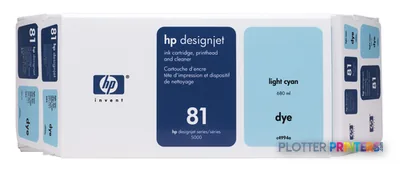
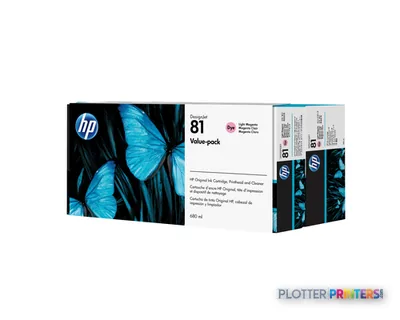
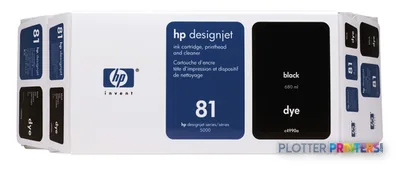
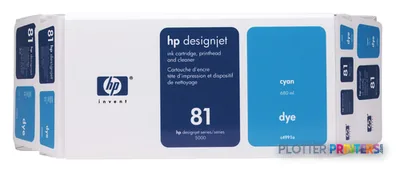
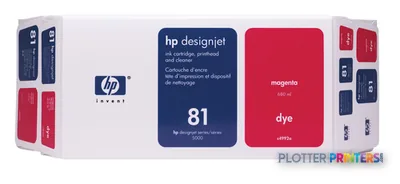
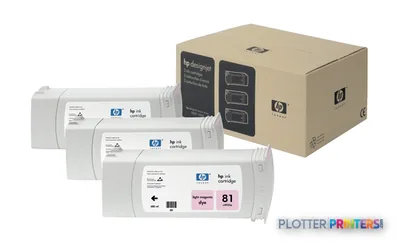
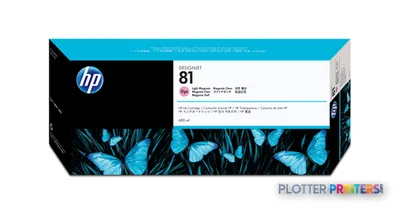
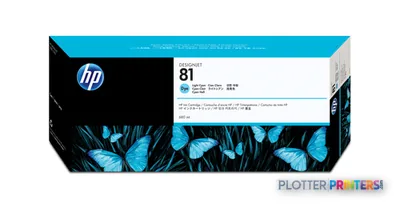
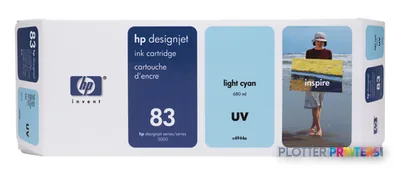
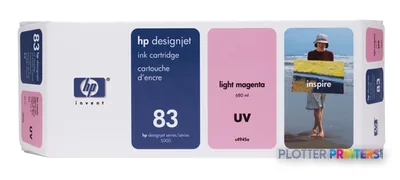
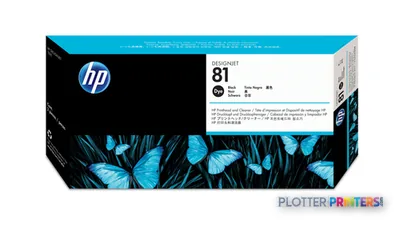
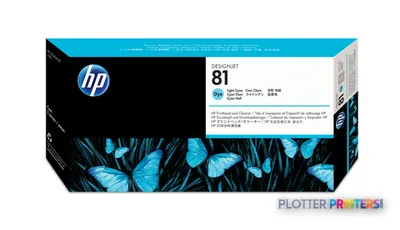
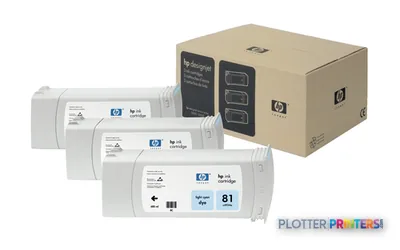
- Uses HP 81 dye or pigment inks, with UV Upgrade Kits available for fade resistance.
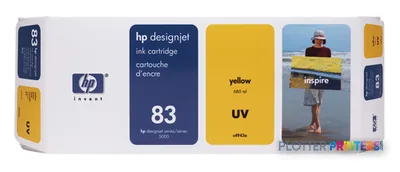
- Operator-replaceable HP 81 and HP 83 printheads keep a healthy unit running between service calls.
- No scanner, no modern touchscreen, no built-in network security or job accounting.
- For current support and today's ink, a 44-inch Canon imagePROGRAF is the modern comparison.
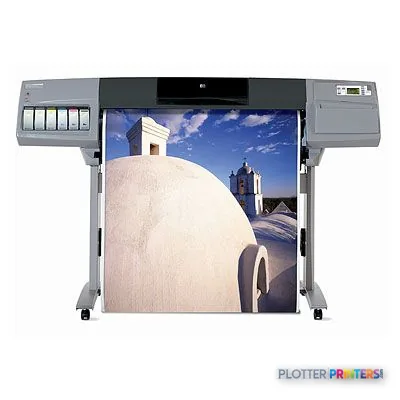
It’s 4:45 on a Thursday and someone needs a full presentation set — color renderings, site plans, the works — before the client meeting Friday morning. That’s the job the HP Designjet 5500 was built for. A 42-inch, dye-and-UV-pigment workhorse from HP’s older DesignJet generation, still turning up in reprographics rooms and engineering departments that never saw a reason to rip it out.
This is a remarketed unit. It is not a current product. Buying one means buying into a proven, well-understood machine — and accepting that the industry has moved on around it. Both of those things are true at the same time.
42 inPrint widthhandles D- and E-size architectural and engineering sheets
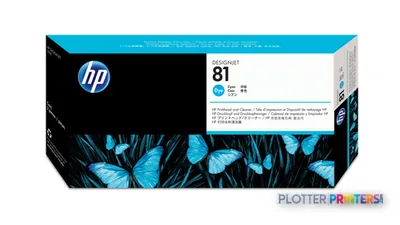
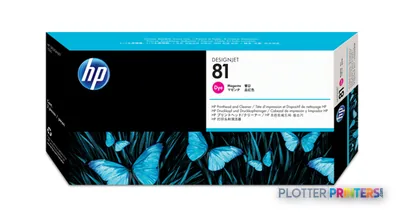
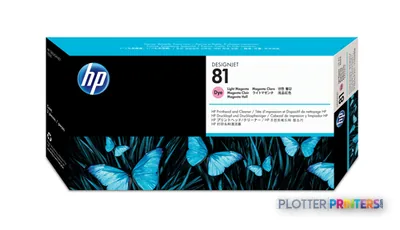
HP 81Ink familydye and pigment cartridges plus matching printheads
Remarketed / discontinuedStatussupported by the used-equipment and consumables channel
What it actually does well
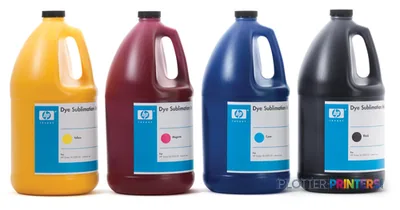
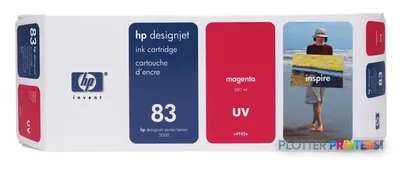
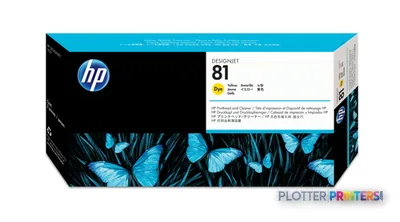
The 5500 earned its reputation on color. With the HP 81 dye inks it lays down saturated renderings, presentation boards and marketing sheets that still look good on the wall. Firms that ran the UV pigment variant — via the HP UV Upgrade Kit with Ink/42 or the /60 kit — got better fade resistance for archival and displayed work.
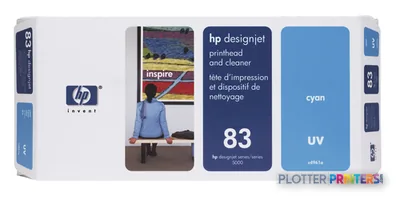
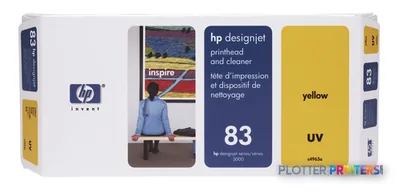
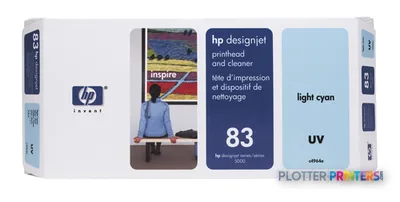
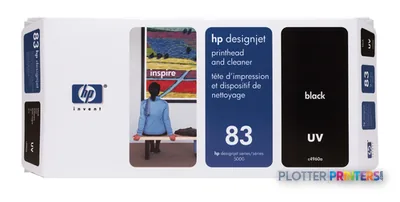
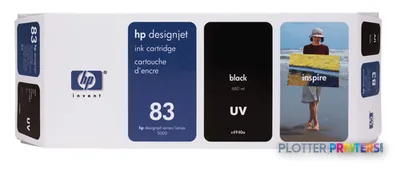
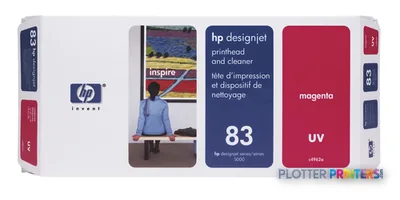
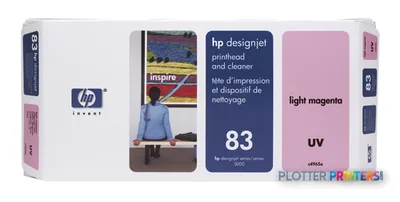
Separate printheads and cartridges mean you replace only what runs dry. The HP 83 printheads and the various C4940A-through-C5005A head options were designed to be swapped by the operator, not a technician. That keeps a healthy machine running between service calls.
- Color-heavy presentation and rendering output on bond and coated stock
- Mixed monochrome plan sets where you already own the machine
- Print rooms with an operator who knows the 5500’s quirks
- Shops with a reliable used-parts and HP 81 ink supply line
Where it doesn't belong
Be honest about the age. This is a discontinued platform. Parts come from the remarketed channel, service is find-your-own-technician, and there is no modern touchscreen, no cloud submission, no current security posture. If your IT director needs user authentication and network job accounting out of the box, this isn’t that machine.
It also has no scanner. If your workflow needs copy-and-scan of legacy drawings, look at an MFP like the HP DesignJet T918 36-in instead — though note that’s a narrower 36-inch device. For a current 44-inch color plotter with today’s ink chemistry, the Canon imagePROGRAF line is the obvious modern comparison: the Canon GP-4000 44-in on the current side, or the still-catalogued Canon iPF8300 44-in for photo-grade color. Worth a side-by-side before you commit — put the 5500 next to the GP-4000 and decide what your deadlines actually need.
Worth comparing before you buy
The read
The 5500 is a good machine having a second life, not a first one. If you already run one, or you can buy a clean remarketed unit with a dependable HP 81 ink supply and a technician who knows it, it will keep printing color plan sets and presentation boards for years. If you’re building a workflow from scratch — with scanning, network security and vendor support on the list — a current 44-inch Canon or a newer in-family MFP earns the money instead. Bottom line: buy it for what it still does, not for what a new plotter would.