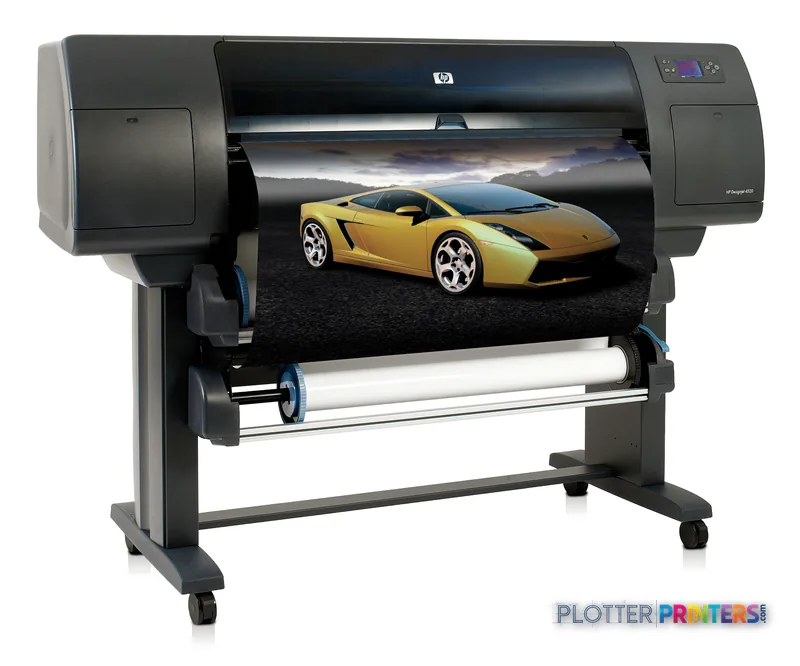
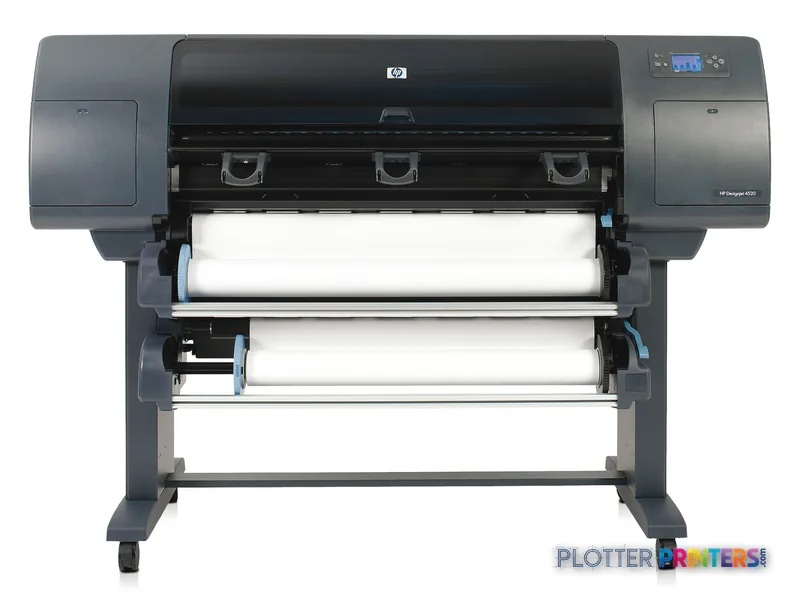
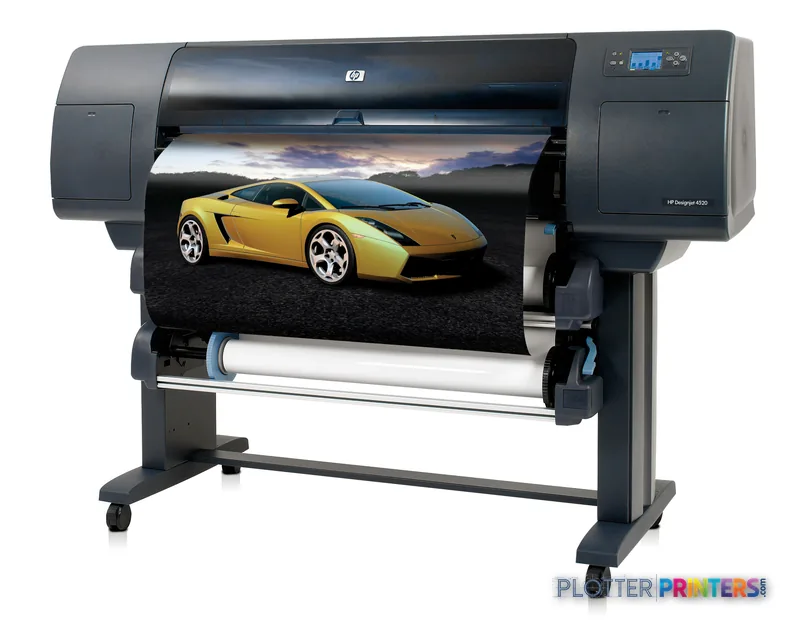
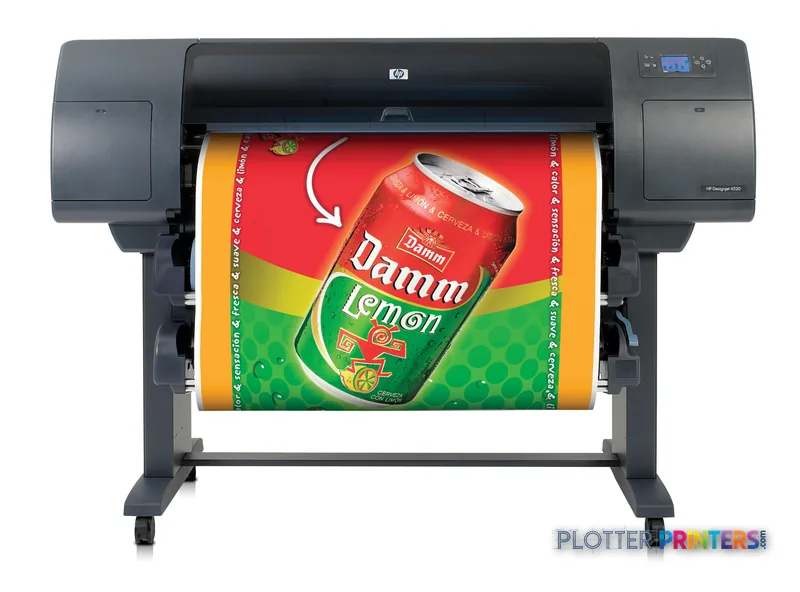
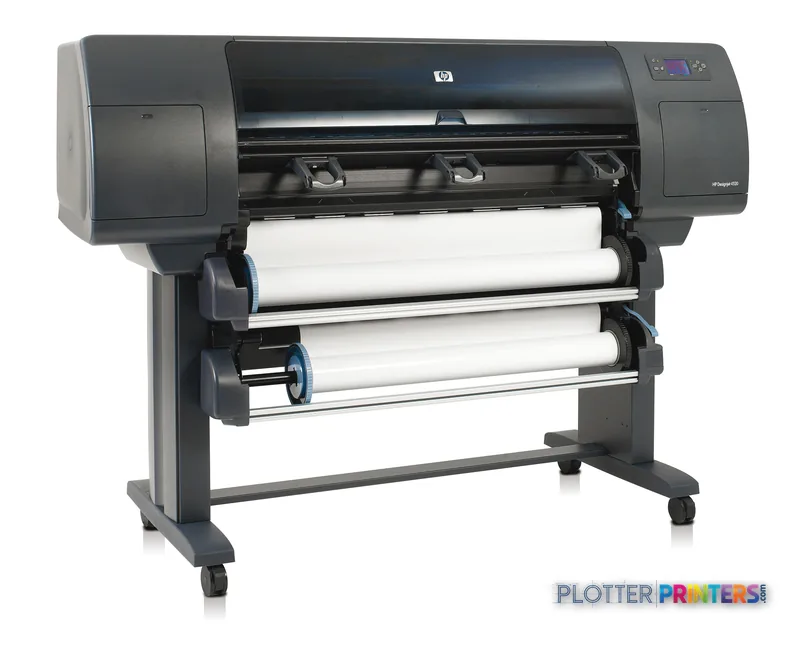
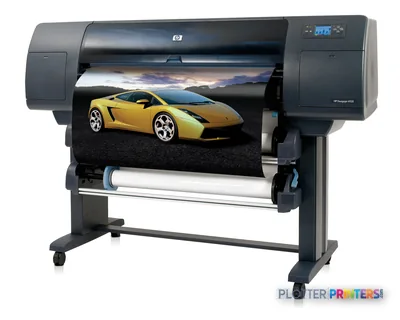
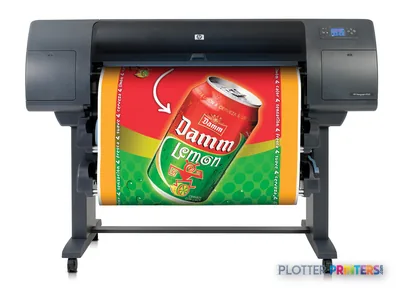
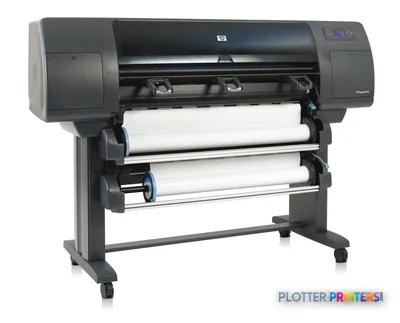
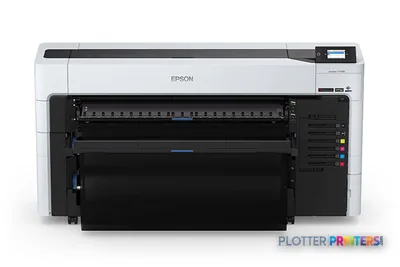
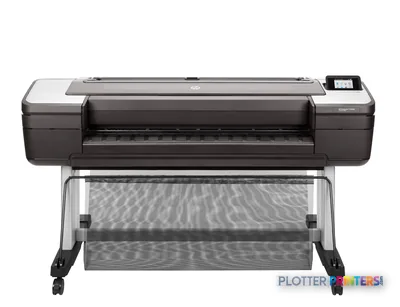
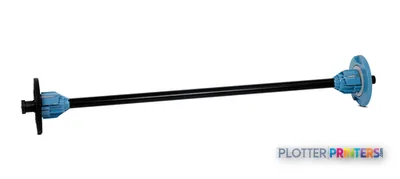
The HP 4520ps supports 42-inch media and accepts up to two input rolls for shared AEC plotting.
Its stated minimum line width of 0.00276 inches and line accuracy of +/- 0.1% are relevant to detailed technical drawings.
PDF 1.5, PostScript 3, a 160 GB hard drive, and Gigabit Ethernet support a networked submission workflow.
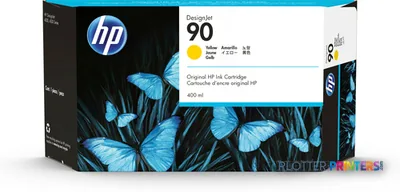
The four-color HP 90 ink system supports color documents, but no measured ICC gamut data is available here.
No scanner or USB port is listed, so it is better aligned with network plotting than scan/copy-led or walk-up workflows.
The discontinued HP DesignJet T918 36-in is a scanner/MFP comparison point, not a direct 42-inch replacement.
A coordination drawing is judged first by its quiet essentials: the hairline that remains separate from its neighbor, the note that stays readable at the edge of a dense detail, and the magenta revision cloud that does not swallow the line beneath it. The HP 4520ps is a 42-inch, four-color wide-format printer built around those everyday AEC demands, with a stated minimum line width of 0.00276 inches and line accuracy of +/- 0.1%.
Its practical appeal is the combination of two roll inputs, PDF 1.5 and PostScript 3 support, an internal hard drive, and Gigabit Ethernet for shared plotting. That makes it credible for CAD sheets, PDF issue sets, color-coded engineering plans, GIS maps, and presentation output where ordinary bond, coated stock, film, photo paper, or glossy paper may all have a role.
42"Maximum media widthRoll media supported
+/- 0.1%Line accuracyA specification that matters for scaled drawing output
2400 x 1200 DPIMaximum resolutionSpecified best-quality color resolution
2Roll capacityMaximum roll input
The HP 4520ps is a substantial floor-standing plotter: allow for its 76 x 31.5 x 53.1-inch installed footprint as well as workable space for loading rolls and collecting output.
Where the configuration earns its place
Two loaded rolls are the feature most likely to change the rhythm of an AEC print room. A team can keep common plan paper available alongside coated paper or another approved medium, reducing interruptions when a set alternates between construction sheets and client-facing color exhibits. The specified media range is 50 to 328 g/m², with media thickness up to 0.016 inches; opaque film and photo media are also supported.
The 160 GB internal storage and embedded web server give print-room and IT staff useful infrastructure for a networked device. One RJ-45 Gigabit Ethernet connection is provided, and the machine supports JetDirect-compatible products. PDF 1.5 and PostScript 3 matter because they reduce dependence on application-specific plotting paths for many submitted documents; they do not, by themselves, guarantee that every complex PDF will process identically. Check the available evaluation approach alongside a representative set of your own PDFs before standardizing a workflow.
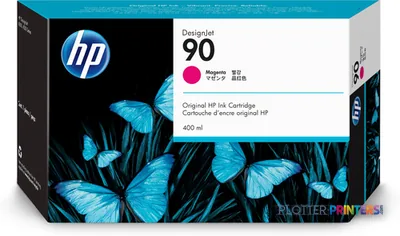
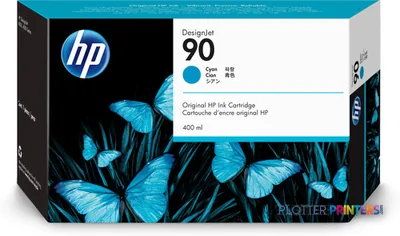
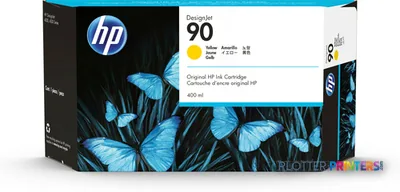
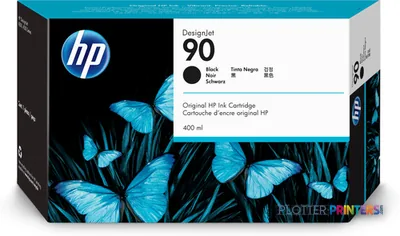
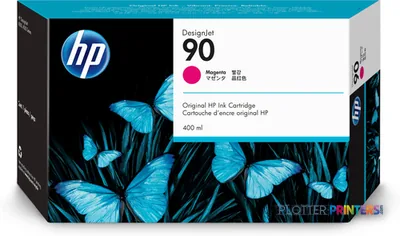
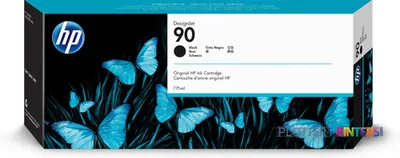
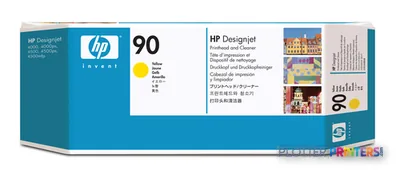
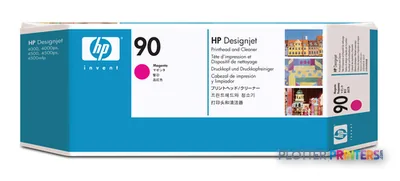
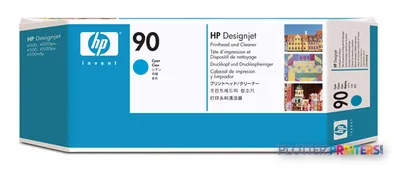
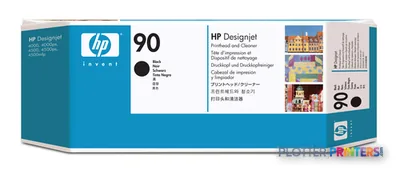
For color, the four inks are Black, Cyan, Yellow, and Magenta, using the compatible HP 90 ink and printhead family. The 5 pl cyan, magenta, and yellow drops and 15 pl black drops describe the ink-delivery system, not a promise of photographic color accuracy. We have no measured ICC gamut data for this machine, so it would be overconfident to make a gamut claim. Evaluate proof-like presentation work on the media you actually specify; the difference often lives in the cyan edge of a pale aerial image.
Fit, limitations, and the closest catalog comparison
This is particularly well suited to a shared engineering or architecture department that needs 42-inch rolls, recurring PDF and PostScript plotting, and occasional color documents on more than one media type. Its stated maximum print size is 24 x 42 inches. At 407.9 lb and with typical power consumption specified at 500 W, it belongs in a planned print-room location rather than an improvised desk-side corner. Printing sound pressure is specified at 53 dB.
It may be less appropriate where scanning and copying are central to the workflow: no scanner is listed for this unit. The catalog’s named in-family alternative is the discontinued HP DesignJet T918 36-in, which is a 36-inch scanner/MFP rather than a simple step-up in width. It is relevant when scan/copy capability outweighs 42-inch media handling, but not as a like-for-like replacement. For a current 44-inch cross-brand comparison, review the HP 4520ps alongside the Canon GP-4000 44-in and validate media, service, and application requirements locally.
The published operating-system list is rooted in Windows Vista, Windows Server 2008, Windows XP, Server 2003, older Mac OS X releases, and Linux. Modern desktop deployment therefore deserves a practical driver and queue test rather than an assumption. There is no USB port listed, reinforcing the expectation of a network-centered installation.
Two roll positions suit teams that move regularly between plan paper and more presentation-oriented media without treating each change as a manual reset.
Confirm that 220–240 VAC power is available at the intended location; this model specifies 3 A at 50/60 Hz. Measure the full operating area, not only the machine footprint, and establish who will load rolls, manage the HP 90 consumables, and handle queue interruptions. For organizations with accounting or access-control requirements, ask the dealer to demonstrate the proposed workflow through the embedded web server and network environment rather than assuming that a hard drive or Ethernet connection supplies those policies by itself.
For AEC output, the important test is not an isolated sample but a real set: fine details, filled hatches, revision color, and the media your team uses most.
The read
The HP 4520ps is a credible fit for a networked AEC plot room that values 42-inch roll capability, two loaded media sources, and PDF/PostScript submission. Its line-focused specifications and broad stated media support make sense for plans, maps, and mixed technical/presentation work. The trade-off is that it is a large, power-specific printer without listed scanning or USB connectivity, and its published desktop-platform list warrants validation in a current IT environment. Choose it for disciplined shared plotting; look elsewhere when integrated scan/copy or a different width is the primary requirement.
Graded on a curve against the best published spec among the wide-format printers we track — 100 = the catalog’s gold standard for that metric (the finest droplet, the longest warranty, the fastest rated speed actually on the market). Every input is a manufacturer-published spec; rated speeds are shown as listed, not timed throughput. Ticks mark the class best. How we grade →
Category leaders best color graphics & photo printers, by dimension
– Windows Vista (32/64-bit), Windows Server 2008 (32/64-bit), XP Home & Professional (32/64-bit),
Server 2003 (32/64-bit)
– Mac OS X v10.4, v10.5
– Linux
Recommended system requirements
Intel Pentium 4 (1 GHz), 1 GB RAM, 2 GB HDD
Everything that fits the HP DesignJet 4520ps
The full supplies hub lists every cartridge, printhead, roll and accessory verified against the manufacturer's own documentation for this machine.
9 ink cartridges · 5 printheads · 66 paper & media items · 2 accessories
It fits shared CAD and PDF plotting, construction-document sets, color-coded engineering drawings, GIS maps, and presentation-oriented output. Its two-roll input is useful when teams regularly alternate between plan paper and another approved medium.
How wide can the HP 4520ps print?
The maximum media width is 42 inches. The stated maximum print size is 24 x 42 inches.
Can it handle fine lines and small drawing details?
HP specifies a minimum line width of 0.00276 inches and line accuracy of +/- 0.1%. Those specifications are relevant to technical linework, but a buyer should still test the firm’s own CAD and PDF files.
Does the HP 4520ps scan and copy drawings?
No scanner or copying capability is listed in the supplied product data. The HP DesignJet T918 36-in is the named in-family scanner/MFP comparison, although it is a 36-inch discontinued model.
How does it connect to a network?
It has one RJ-45 port with Gigabit Ethernet and an embedded web server, and it is compatible with JetDirect products. No USB port is listed.
What should IT verify before deploying it?
Test the driver and queue workflow with current workstations and representative PDF files. The published compatibility list names older Windows, Mac OS X, and Linux environments, so current-platform behavior should be confirmed in the organization’s own environment.