
Home / Wide-Format Printers / Epson SureColor
Epson · Wide-Format Plotter
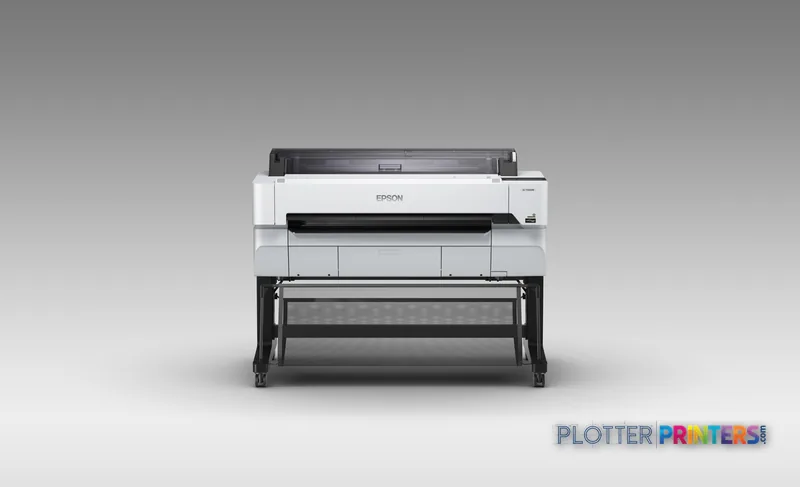
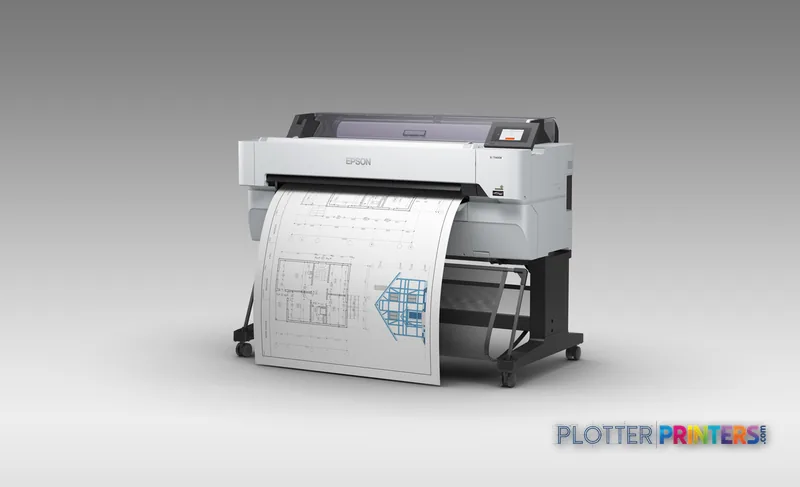
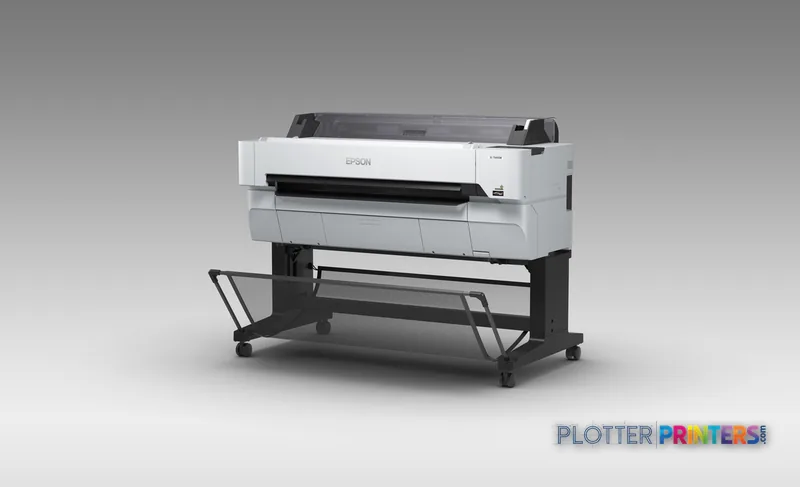
Epson SureColor SC-T5430M
36" wide-format MFPs
- ModelSC-T5430M
- Prints36" wide
- Score48/100
Authorized Epson dealerGenuine hardware & ink
1-year warranty includedExtension plans available
Free shippingContinental U.S.
Plotter specialistsAEC experts, not just sellers
Analyst take
- The SC-T5430M combines four-color inkjet printing with color CIS scanning for shared AEC document workflows.
- HP-GL/2 and HP-RTL support make it relevant where CAD plot files remain part of everyday production.
- It supports roll and plain-paper media, borderless printing, Ethernet, Wi-Fi, Wi-Fi Direct and USB connectivity.
Not sure if the SC-T5430M is right for you?
Compare key specs and an AI analyst read-out against similar models.
- Wide-format reach Prints up to 36" wide on rolls and sheets.
- Fine detail 2400 x 1200 DPI maximum resolution for crisp line work.
- Ink platform UltraChrome XD2 Pigment Ink (4 cartridges: C, M, Y, K).
- Scan & copy Integrated scanner for digitizing and sharing sets.
- Connectivity Wi-Fi + Ethernet for shared team printing.
- Verified specs 9 specs checked against the manufacturer datasheet.
Overview
Built for the work
Epson SureColor SC-T5430M, Inkjet, 2400 x 1200 DPI, ESC P, HP-GL/2, HP-RTL, Black, Cyan, Magenta, Yellow, Color scanning, CIS
- 36″Max print width
- 4Ink channels
- 2,400 dpiMax resolution
- 12 moIncluded warranty
Spec Analysis
overall
overall
Where it performs best
Connections
100
Size / Fit
84
Print Quality
76
Class best is 73. How we grade →
Expert analysis
What you should know

Key takeaways
- The SC-T5430M combines four-color inkjet printing with color CIS scanning for shared AEC document workflows.
- HP-GL/2 and HP-RTL support make it relevant where CAD plot files remain part of everyday production.
- It supports roll and plain-paper media, borderless printing, Ethernet, Wi-Fi, Wi-Fi Direct and USB connectivity.
- The supplied specifications identify color scanning but do not identify copying capability.
- The Epson T7770DR 44-in is the more appropriate in-family direction when wider output and dual-roll operation are required.
AEC plotting problems rarely begin at the printer. They begin when a permit set is late, a field team needs a marked-up sheet, and someone discovers that the file, driver, network path and media roll all have opinions. The Epson SC-T5430M is a color inkjet wide-format device for teams that need CAD, PDF and color coordination output alongside color document scanning.
Its practical appeal is straightforward: it combines four-color printing, HP-GL/2 and HP-RTL support, roll and plain-paper handling, and a CIS scanner in one office-oriented footprint. That makes it a sensible workflow node for architects, engineers, surveyors and construction teams producing drawings, maps and color-coded coordination documents—not a substitute for a dedicated high-production print room.
2400 x 1200 DPIMaximum resolutionInkjet output for technical drawings and color documents
4Print colorsBlack, cyan, magenta and yellow
1024 MBInternal memoryUseful context for networked file processing
38 WTypical power consumptionSpecified typical operating consumption
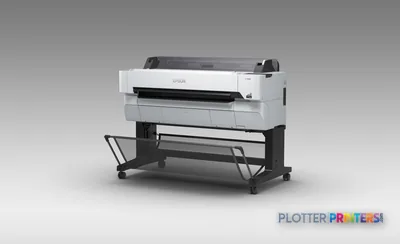
Where it fits in an AEC workflow
The SC-T5430M fits best where wide-format output is important, but the machine will be used by project staff rather than a dedicated reprographics operator. Its supported ESC/P, HP-GL/2 and HP-RTL page-description languages matter in mixed CAD and PDF environments, particularly where older plot files still circulate alongside current BIM exports.
Color scanning is relevant for redlines, field-marked drawings, archived sheets and coordination documents that need to return to a shared project folder. The supplied data identifies color scanning but not copying, so buyers should treat it as a scan-enabled printer rather than assume walk-up copy workflows. The scanner is free. The person standing at it is not.
Borderless printing, roll-media support and a media-thickness specification of 0.44″ provide flexibility for ordinary plan output and selected presentation-oriented work. Fine-line readability, dimensional consistency and real CAD/PDF throughput should still be demonstrated using your own files before deployment.
Network and IT considerations
This is not just a plotter on a desk. It is a network endpoint handling project documents. The SC-T5430M offers Ethernet at 10,100,1000 Mbit/s, Wi-Fi, Wi-Fi Direct, USB and Windows support, giving IT several deployment paths. Ethernet is generally the more manageable choice for shared production; Wi-Fi Direct is useful for controlled local access but deserves an explicit policy.
The 4.3″ touch display supports local interaction, but the operating model should be decided before installation: who loads media, who monitors jobs, where scans land, and how users identify the correct device and driver. A plotter that saves thirty seconds a plot buys you nothing if the file spends four minutes finding it.
Ask the supplier to demonstrate driver deployment, user permissions, scan destination setup and behavior with your largest PDF sheets. Also confirm local service coverage, response arrangements and the procedure for keeping project output moving during downtime.
How to position it within the Epson range
The closest catalog comparison is the Epson SC-T5400M 36-in, which shares inkjet technology and a 2400 x 1200 DPI specification. Compare the two against the actual media sizes, scan workflow and space available in your office rather than assuming a familiar family name makes them interchangeable.
Firms that need wider output and dual-roll operation should look at the Epson T7770DR 44-in. Its wider format and dual-roll configuration point to a different operating model: less waiting around a single roll and more emphasis on uninterrupted document production. It becomes more compelling when mixed media sizes or longer unattended runs are routine. Use the side-by-side comparison tool to separate genuine workflow needs from specifications that merely look impressive.
For a broader view of where this device sits among comparable equipment, see the wide-format class ranking.
Related evaluation tools
The read
Choose the Epson SC-T5430M if your office needs color wide-format printing plus color scanning, uses CAD-oriented file formats, and values a compact shared-device workflow over dedicated production capacity. Choose the Epson T7770DR 44-in if wider output and dual-roll operation are central to keeping document production moving. Buy the machine for the workflow you have, not the one the brochure imagines.
Spec analysis
How the specs grade
Overall performance
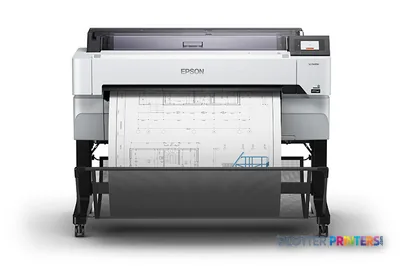
- This printer
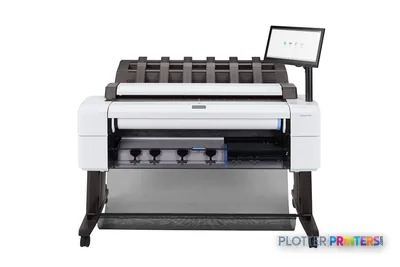
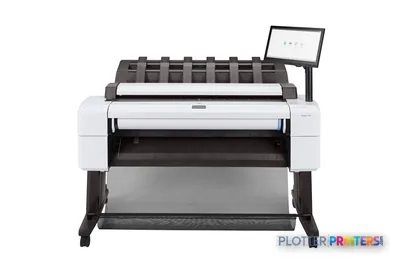
- HP DesignJet T2600dr MFP
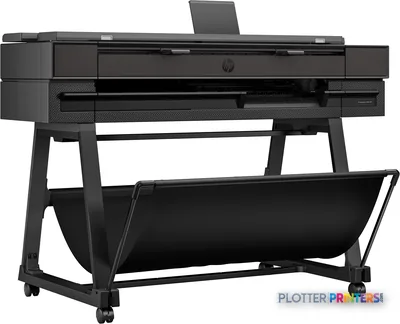
Verified specifications
The specs that decide it
| Maximum print width | 36 in (914 mm)manufacturer-verified |
|---|---|
| Maximum resolution | 2,400 x 1,200 dpi |
| Ink platform | UltraChrome XD2 Pigment Ink (4 cartridges: C, M, Y, K)manufacturer-verified |
| Droplet size | 4.0 plmanufacturer-verified |
| Page description languages | ESC/P raster, HP-GL/2, HP RTL |
| Roll width range | 10 to 36 in (254 to 914 mm)manufacturer-verified |
| Max roll diameter / weight | 6.7 in (170 mm) / 26.5 lb (12 kg)manufacturer-verified |
| Connectivity | Gigabit Ethernet (100BASE-TX/1000BASE-T), USB 3.0, Wi-Fi 802.11b/g/n, Wi-Fi Direct |
| Scan technology | CIS, color scanning (copying: No) |
| Warranty | 3-year warrantymanufacturer-verified |
manufacturer-verified = checked against the manufacturer’s official datasheet, not aggregator data. Everything else is standards-body / catalog data we consider reliable.
Specifications
Full technical detail
Print technologyInkjet
Max resolution2400 x 1200 DPI
ColorColor
ConnectivityEthernet (Gigabit LAN), USB, Wi-Fi
Use caseCAD / Technical
Printing
| Color | Yes |
|---|---|
| Printing colors | Black, Cyan, Magenta, Yellow |
| Print technology | Inkjet |
| Maximum resolution | 2400 x 1200 DPI |
| Borderless printing | Yes |
| Number of print cartridges | 4 |
| Page description languages | ESC P, HP-GL/2, HP-RTL |
Performance
| Control type | Touch |
|---|---|
| Product color | Black, White |
| Internal memory | 1024 MB |
| Built-in display | Yes |
| Display diagonal | 4.3" |
Paper handling
| Media thickness | 11.1 mm |
|---|---|
| Paper tray media types | Plain paper, Roll |
Ports & interfaces
| Wi-Fi | Yes |
|---|---|
| USB port | Yes |
| Ethernet LAN | Yes |
| Wi-Fi Direct | Yes |
| Ethernet LAN data rates | 10,100,1000 Mbit/s |
Weight & dimensions
| Depth | 38" (966 mm) |
|---|---|
| Width | 54.5" (1385 mm) |
| Height | 41.7" (1060 mm) |
| Weight | 167.6 lbs (76 kg) |
Power
| AC input voltage | 100 – 240 V |
|---|---|
| AC input frequency | 50 – 60 Hz |
| Power consumption (off) | 0.25 W |
| Power consumption (typical) | 38 W |
Operational conditions
| Storage temperature (T-T) | -20 – 40 °C |
|---|---|
| Operating temperature (T-T) | 10 – 35 °C |
| Storage relative humidity (H-H) | 20 – 80% |
| Operating relative humidity (H-H) | 5 – 85% |
Copying
| Copying | No |
|---|
Scanning
| Scanning | Color scanning |
|---|---|
| Scan technology | CIS |
System requirements
| Windows operating systems supported | Yes |
|---|
Everything that fits the Epson SureColor SC-T5430M
The full supplies hub lists every cartridge, printhead, roll and accessory verified against the manufacturer's own documentation for this machine.
12 paper & media items · 4 accessories · 6 coverage plans
Epson SureColor SC-T5430M ink and paper →Supplies
Compatible ink, printheads & media
Genuine consumables that fit the Epson SureColor SC-T5430M 36-in — only the cartridges, printheads and media compatible with this model.
Paper & Media 12
 Representative image20LB Inkjet Vellum (772)Representative image18LB Inkjet Bond Paper (Translucent) (750)Representative image28LB Inkjet Coated Matte Paper (748)Representative image46LB Inkjet Coated Matte Paper (747)Representative image6.5mil Matte Coated Paper w/ PSA (746PSA)Representative image24LB Inkjet Coated Matte Paper (745)Representative image20LB High Brite Inkjet Bond Paper (740)Representative image24LB Inkjet Bond Paper (731)Representative image20LB Inkjet Bond Paper (730)Representative image24LB Inkjet Coated Matte Paper Economy (714)Representative image20LB Engineering Vellum (471)Representative imageWSL 28LB Simple Inkjet Coated Matte Paper (C2S) (448)
Accessories 4
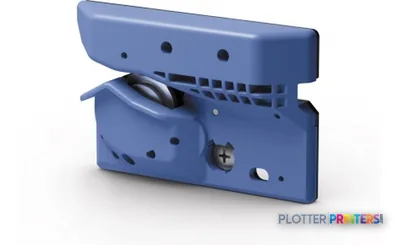
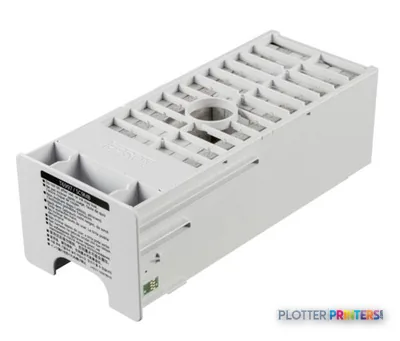

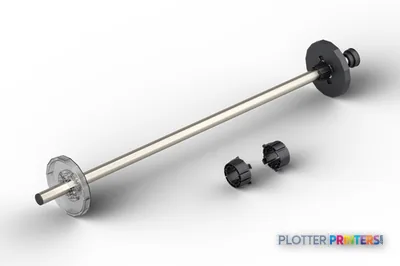
Coverage & Support Plans 6
 Epson 1-Year Next-Business-Day On-Site Purchase With Hardware Extended Service P (PST5400S1)Epson 1-Year Next-Business-Day On-Site Purchase With Hardware Extended Service P (PST5400MS1)
 Epson 2-Year Next-Business-Day On-Site Purchase With Hardware Extended Service P (PST5400S2)Epson 2-Year Next-Business-Day On-Site Purchase With Hardware Extended Service P (PST5400MS2)
 Epson 4-Year Next-Business-Day On-Site Purchase With Hardware Extended Service P (PST5400S4)Epson 4-Year Next-Business-Day On-Site Purchase With Hardware Extended Service P (PST5400MS4)
Questions
Straight answers
Is the Epson SC-T5430M suitable for CAD drawings?
It supports HP-GL/2, HP-RTL and ESC/P, which are relevant to technical CAD-oriented output workflows. Test representative CAD exports and complex PDFs with the intended driver configuration.
Can it scan marked-up plans in color?
Yes. The supplied specifications identify color scanning using CIS technology. They do not identify copying capability.
How can the SC-T5430M connect to an office network?
It supports Ethernet LAN with 10,100,1000 Mbit/s data rates, Wi-Fi, Wi-Fi Direct and USB. A managed Ethernet deployment is usually the clearer choice for a shared project-document device.
What media can it handle?
The specifications list plain paper and roll media, with supported media thickness up to 0.44″. Confirm the exact media types and required roll workflow with the supplier before purchase.
When should we consider the Epson T7770DR 44-in instead?
Consider it when wider output and dual-roll operation are important to your workflow. Those capabilities suit teams trying to reduce roll-change interruptions and support more continuous production.
Ready to put the Epson SureColor SC-T5430M to work?
Configuration, media and a quote tailored to your workflow — from AEC plotter specialists.