A 17-inch, A2-maximum desktop photo printer, not a wide-format drawing plotter.
Ten-channel UltraChrome Pro ink set with two blacks plus Gray and Light Gray for neutral tonal control.
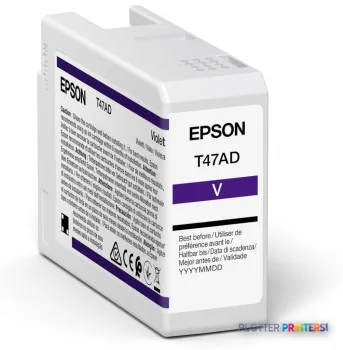
Includes a Violet channel that extends the blue-purple range beyond ordinary CMYK.
No scanning or copying, and it cannot produce D- or E-size drawing sets.
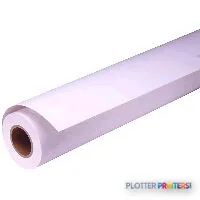
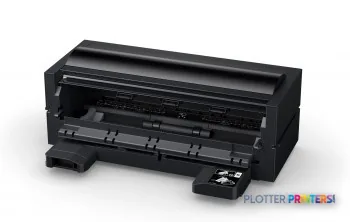
Roll capability requires the optional Epson SC-P900 Roll Paper Unit.
Quiet (41 dB printing) and low-draw (24 W typical), suited to occupied studio space.
The Epson SureColor SC-P900 is not, strictly speaking, a plotter. It is a 17-inch photographic printer that many AEC firms quietly repurpose — and once you see a presentation board render on it, you understand why. On a color-managed rendering, the deep teatime shadows under a cantilever hold their detail instead of collapsing into black, because this machine carries a ten-ink UltraChrome set with two dedicated black inks and a Gray/Light Gray pairing built for gradation.
For an architect who lives in AutoCAD and Revit but occasionally needs a client-facing board that looks considered rather than merely printed, that distinction matters. This is a desktop instrument, not a print-room workhorse — and being honest about that boundary is the whole point.
A2 (17" x 23" (420 x 594 mm))Maximum print sizeCut-sheet or roll-fed to 17 inches wide
41 dBSound pressure level (printing)Quiet enough for an occupied studio
What the eye actually gets on paper
Epson states this printer uses a 1.5-picoliter minimum droplet across its ten UltraChrome Pro channels — I’ll attribute that to Epson rather than claim it as a measured finding, because our desk hasn’t run the SC-P900 through its ICC gamut protocol. What I can speak to is what the ink architecture is designed for. The difference between eight inks and this ten-ink layout shows up where photographs live: in the last five percent of a saturated red on a rendered brick facade, and in the neutral ramp of a grayscale elevation, where the Gray and Light Gray channels keep skin tones and concrete tones from picking up a color cast.
The Violet channel widens the blue-purple corner that ordinary CMYK struggles with — useful when your presentation palette leans into dusk skies or brand blues. On matte stock the Matte Black switches in automatically; on gloss and luster, Photo Black. That black-swap behavior is convenient, but it does consume ink and time, so batching your matte and glossy jobs is worth the habit.
The AEC workflows it genuinely fits
This machine earns its keep on the presentation side of the practice, not the production side. It handles cut sheets up to A2 and accepts a roll through the optional Epson SC-P900 Roll Paper Unit, with media thickness support from 0.003″ up to 0.059″ — enough to run fine-art and canvas stocks for competition boards. Connectivity is complete for a modern office: Wi-Fi, Wi-Fi Direct, Ethernet, USB, plus AirPrint and Epson Connect for the mobile submissions your project managers will inevitably attempt.
Small architecture or design studios producing occasional A2 client boards and renderings in-house.
Firms that need photographic-quality material — competition submissions, marketing pieces, portfolio work — without sending it out.
Grayscale elevation and diagram output where neutral tonal control genuinely matters.
Quiet, occupied offices: at 41 dB and 24 W typical draw, it sits on a desk without dominating the room.
Where it is the wrong tool — and what to reach for instead
Be clear-eyed here. The SC-P900 tops out at 17 inches wide and A2 cut-sheet size. It will not produce a D- or E-size drawing set, it does not scan or copy, and it is not built for the sustained, unattended plotting a busy engineering department needs. If your daily reality is bid sets and permit drawings, this is the wrong category entirely.
Within Epson’s own line, the step up in width is the Epson P5300 17-in for higher-throughput 17-inch work, or the wider Epson SureColor P6000 24-in when you need 24-inch output. For true drawing-set production, look to a dual-roll or 44-inch machine such as the Epson P8570DR 44-in. If your needs are purely photographic and smaller, the Epson P700 13-in covers the same ink philosophy at 13 inches. It’s worth putting the SC-P900 and P5300 side by side before you decide, and checking where it sits on the 17-inch class ranking.
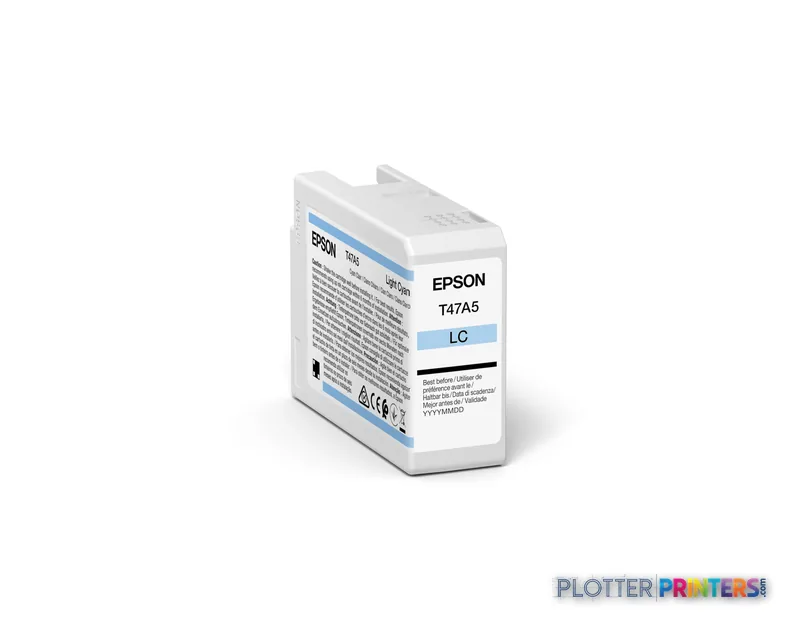
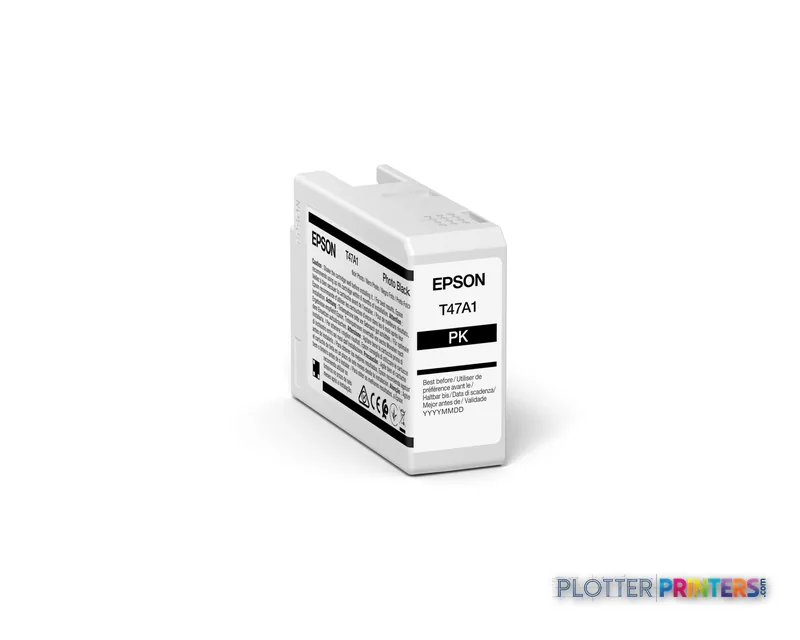
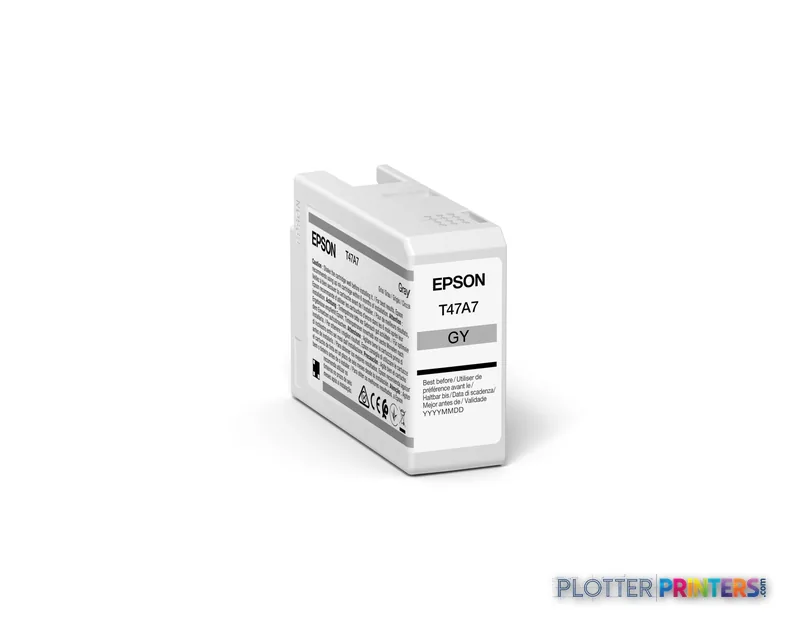
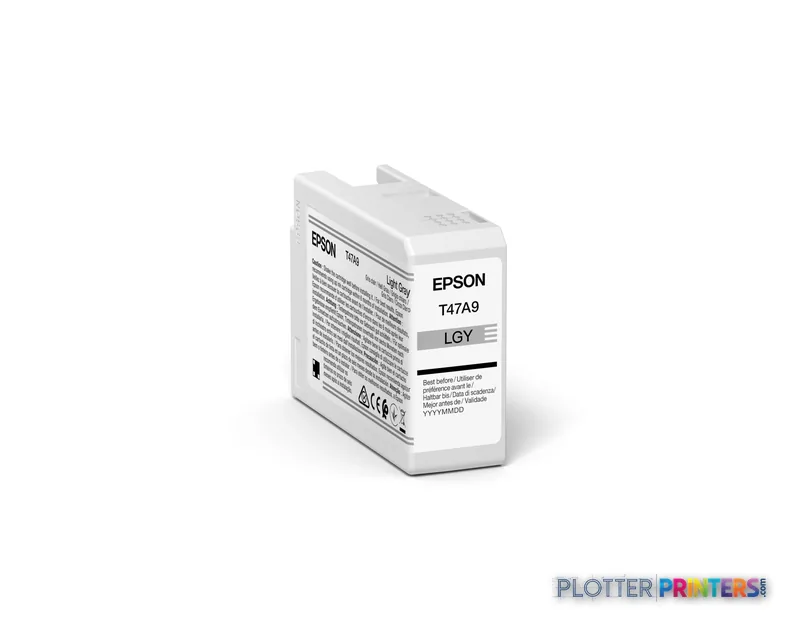
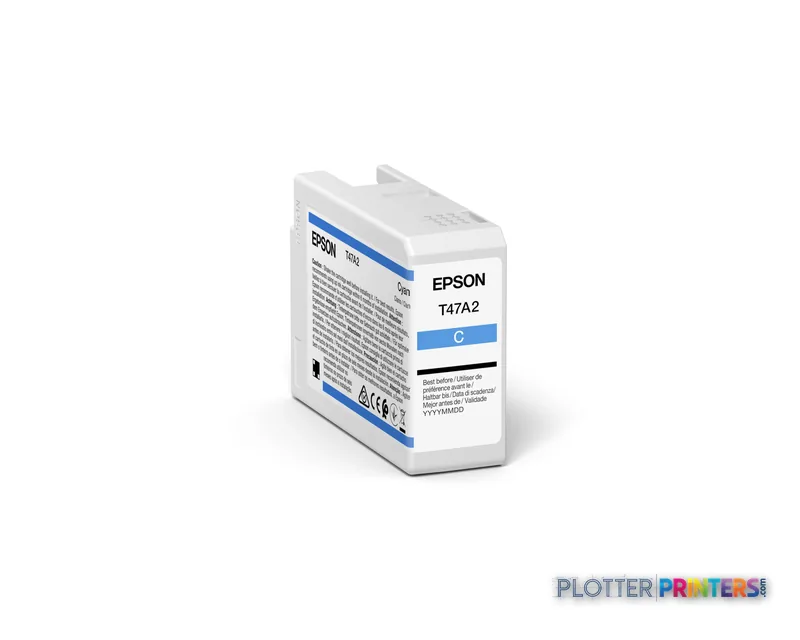
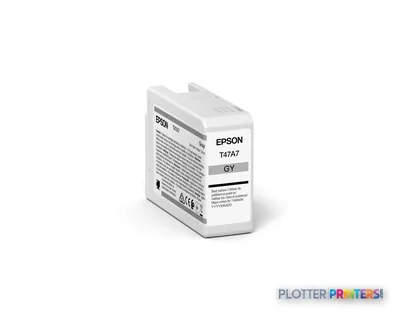
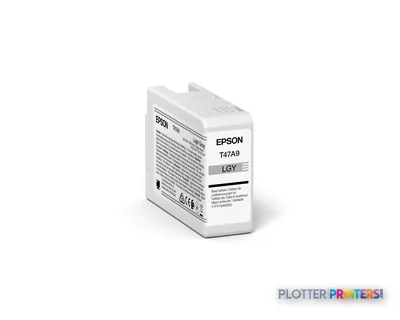
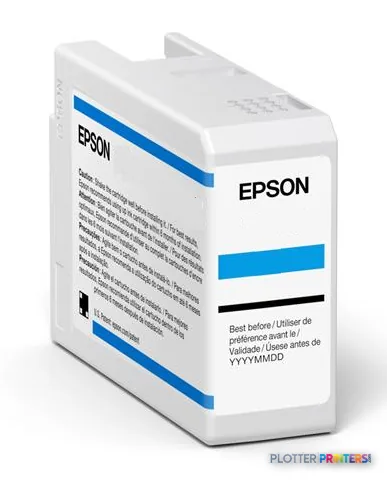
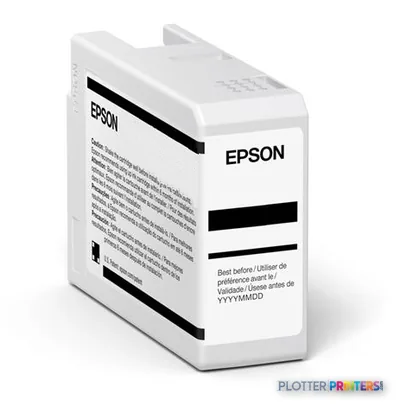
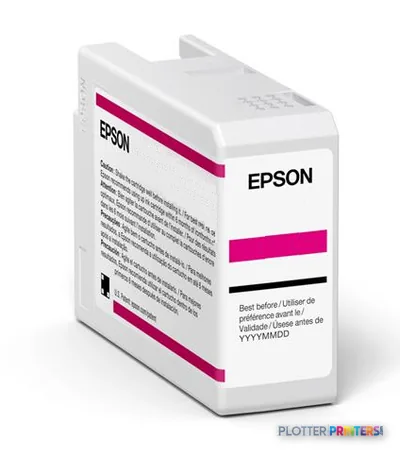
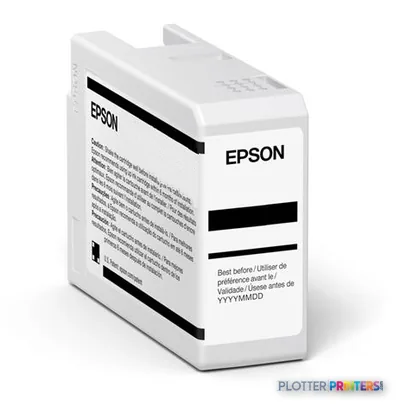
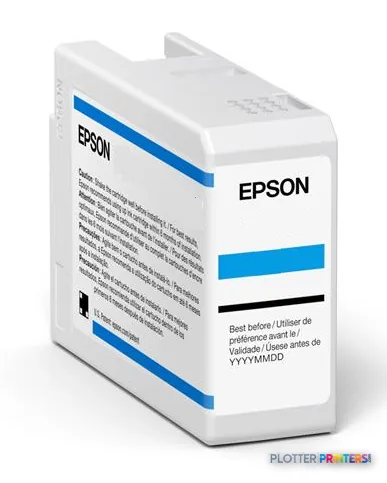
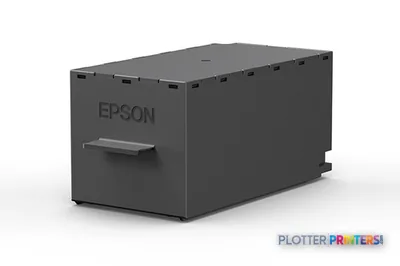
The SC-P900's ten-cartridge bay: both black inks stay loaded, with the media type triggering the switch.
The read
The Epson SC-P900 is a precise, quiet, genuinely capable photographic printer that happens to serve AEC firms well on the presentation side of the house. Judge it as what it is: a desktop A2 board-and-rendering instrument with an ink set tuned for neutral grays and expanded blues, not a plotter. If your firm needs client-facing quality without an outside vendor and can live within 17 inches, it belongs on the shortlist. If you need drawing sets, scanning or volume, its family has wider tools — and you should be looking at those instead.
Spec analysis
How the specs grade
Overall performance
within color graphics & photo printers
60% spec coverage
This printer
How it scores
Media Handling68
Print Quality100
Print CostNot enough spec data
Color49
SpeedNot enough spec data
Connections100
WorkflowNot enough spec data
Size / Fit99
Warranty33
Graded on a curve against the best published spec among the wide-format printers we track — 100 = the catalog’s gold standard for that metric (the finest droplet, the longest warranty, the fastest rated speed actually on the market). Every input is a manufacturer-published spec; rated speeds are shown as listed, not timed throughput. Ticks mark the class best. How we grade →
up to 200 years color / 400 years black-and-whitemanufacturer-verified
Connectivity
100Base-T Ethernet, USB 3.0, dual-band Wi-Fi (b/g/n/ac), Wi-Fi Directmanufacturer-verified
Weight
35.3 lb
manufacturer-verified = checked against the manufacturer’s official datasheet, not aggregator data. Everything else is standards-body / catalog data we consider reliable.
Can the SC-P900 print full-size construction drawing sets?
No. It maxes out at 17 inches wide and A2 cut-sheet size, so it cannot produce D- or E-size sheets. For drawing-set production, look at a wider family model such as the Epson SureColor P6000 24-in or the 44-inch Epson P8570DR.
Does it scan or copy drawings?
No. The SC-P900 is print-only, with no scanning or copying function. If you need wide-format scanning and copying, this machine won’t cover that requirement.
Do I need the roll unit, or can I run cut sheets?
It accepts cut sheets up to A2 out of the box and supports a total input capacity of 120 sheets across two trays. Roll media requires the optional Epson SC-P900 Roll Paper Unit.
Why ten inks for an AEC office?
The set includes both Photo Black and Matte Black plus Gray and Light Gray, which hold neutral tones in grayscale elevations and renderings, and a Violet channel that extends the blue-purple range. It matters most for client-facing boards and marketing output rather than line drawings.
Is it quiet enough for a shared studio?
Yes. Epson rates it at 41 dB while printing and 24 W typical power draw, so it can sit on a desk in an occupied office without dominating the space.
How does it compare to the smaller P700?
The Epson P700 13-in shares the same ink philosophy but tops out at 13 inches wide, while the SC-P900 reaches 17 inches and A2. Choose the SC-P900 if you need the larger presentation format.