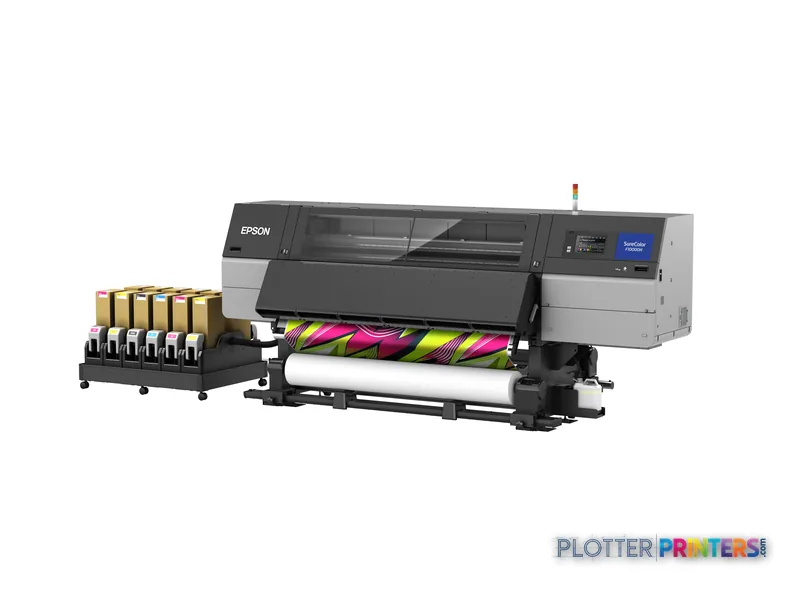
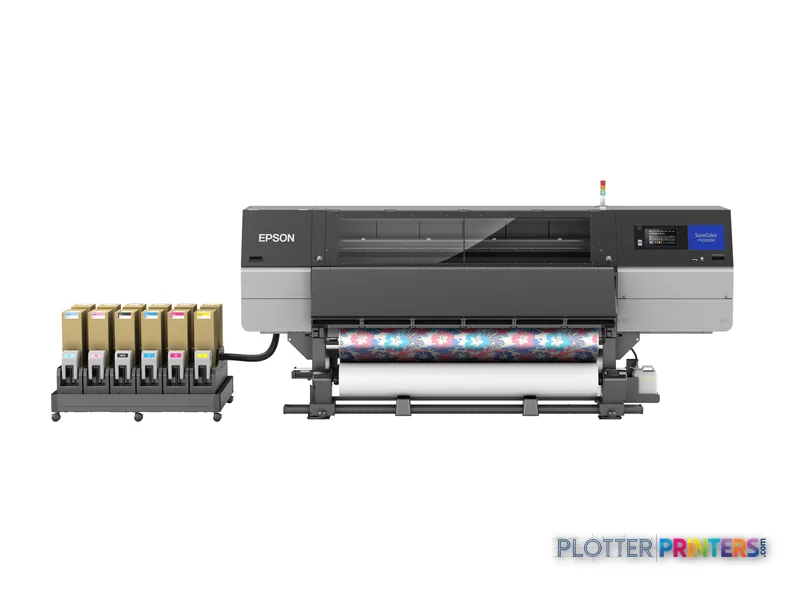
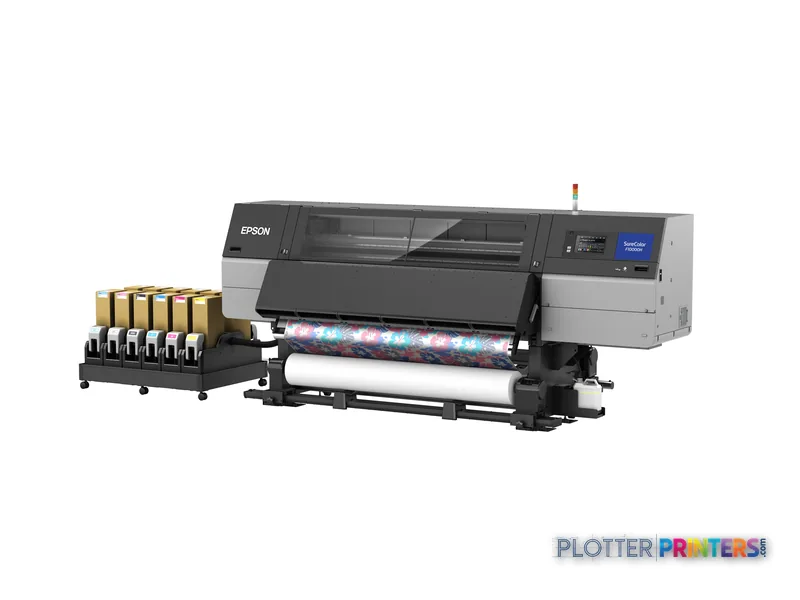
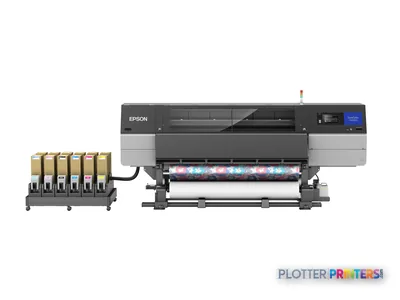
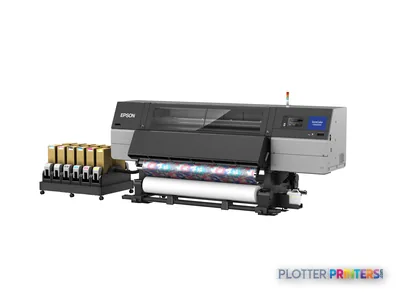
The Epson SC-F10000H is a roll-fed color inkjet with a stated 197.2-inch maximum width.
Its 197.2-inch width, 51.3-inch depth and 1690.9-pound weight require planned production-floor placement.
USB is listed, while Wi-Fi and Ethernet LAN are not listed, so workstation workflow needs review.
Black is not among the listed printing colors, making application testing important for technical linework and text-heavy output.
The Epson F9470 64-in and Epson F501 24-in serve smaller physical-output requirements rather than directly replacing this machine’s width.
At 4:45 p.m., this is the machine for the team producing one very large color output, not a stack of ordinary permit sheets. The Epson SC-F10000H is a roll-fed color inkjet with a 197.2" working width. That puts oversized visual output, exhibit-scale graphics and large-format project communication in play where smaller technical printers simply run out of paper.
It needs a real production location. The unit is 197.2" wide, 51.3" deep, 74.3" high and weighs 1690.9 lbs. Plan the route in, the power, and the working room around it before anyone promises a deadline. This is not the printer you tuck beside the plotter because there happened to be an outlet there.
1200 x 1200 DPIMaximum resolutionUseful context for detailed color output.
1690.9 lbs (767 kg)Machine weightA placement and delivery consideration, not an afterthought.
200 – 240 VPower requirementConfirm the electrical installation before delivery.
The Epson SC-F10000H is a large roll-fed production device. Measure the room, the path to the room, and the space needed to work around it.
Where it fits in an AEC operation
The SC-F10000H makes sense when an AEC group has a specific oversized color-output job and the space to support it. Think project-display graphics, large visual communications, wayfinding material, presentation work, or other applications where a conventional 24- or 64-inch device creates an artificial size limit.
Its 1200 x 1200 DPI maximum resolution gives the operator a stated ceiling for detailed work. But resolution is only one part of a readable drawing or graphic. File preparation, source artwork, media choice and the intended viewing distance still decide whether the output works in the field or merely looks busy from three feet away. Nobody has ever won an RFI by adding more tiny type.
The printer accepts roll media. That favors repeatable large-format output, but it also means the media workflow deserves attention: loading, handling, storage and the space needed to manage wide rolls safely. Bottom line: This machine is most credible for specialized, very wide color production rather than everyday plan-set traffic.
Network, workstation and support reality
The listed connectivity is USB. Wi-Fi and Ethernet LAN are not listed. For an IT team, that changes the conversation. A USB-connected production printer can fit a controlled workstation workflow, but it is not the same thing as a networked departmental print queue with broad access and centralized job submission.
Windows 7, Windows 8, Windows 8.1 and Windows 10 are listed as supported operating systems. Firms running newer endpoint standards should validate the actual driver and deployment path before treating this as a fleet-ready installation. Do that with the files people actually send: PDFs, color-marked coordination documents and the occasional file that arrives five minutes before the meeting.
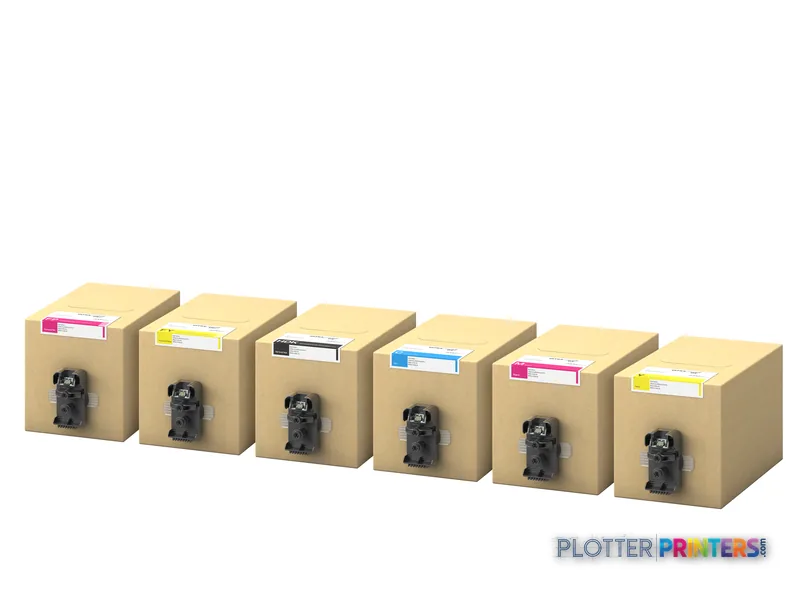
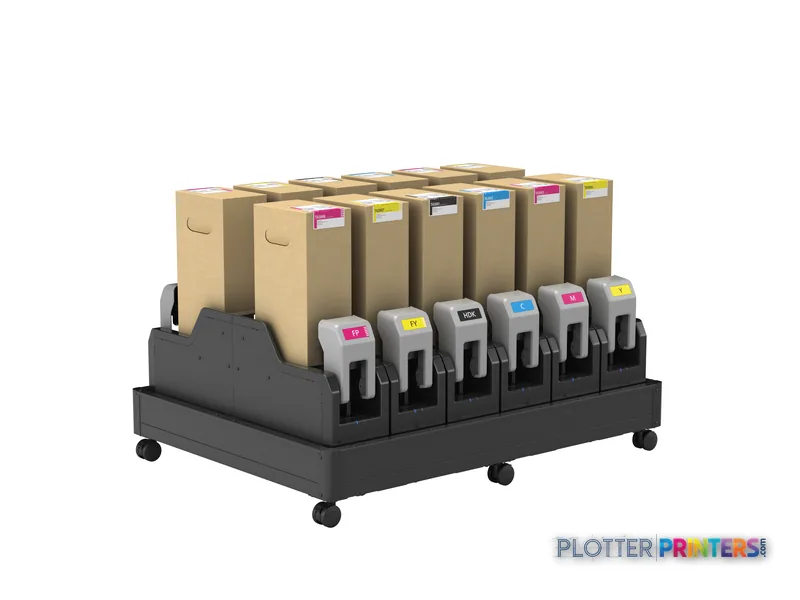
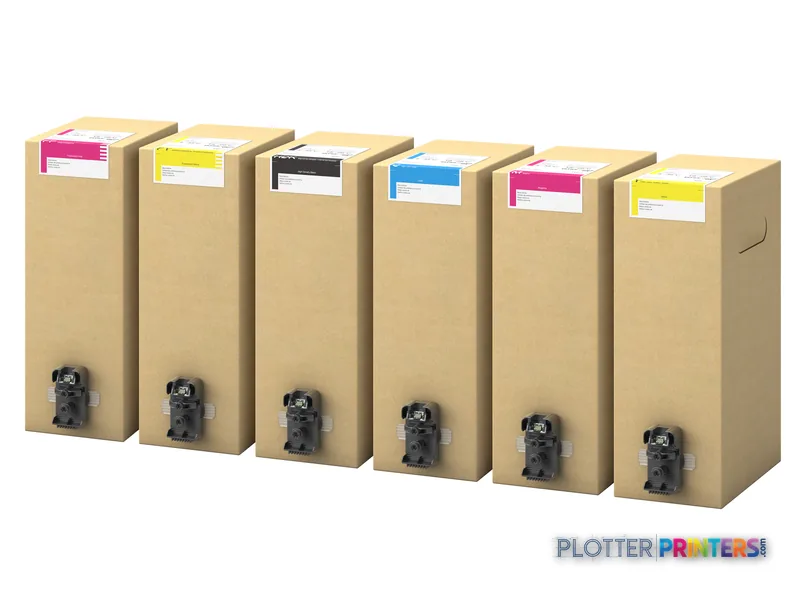
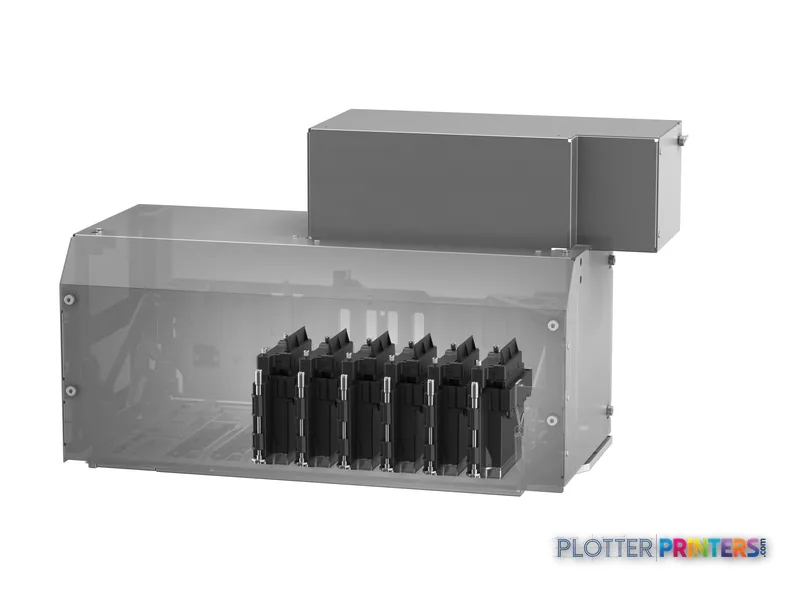
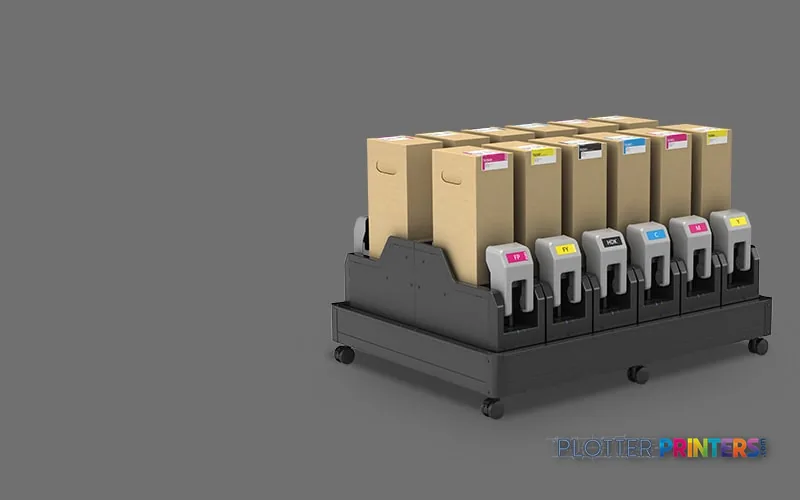
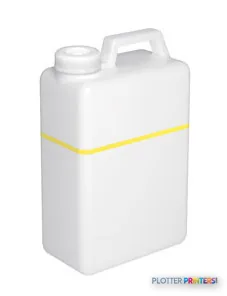
The built-in color LCD touch display gives the operator local control. Consumable and maintenance planning should include the Epson Waste Ink Bottle 4L, Epson CP01OSWHCF83, Epson CP05OSCRCF83 and Epson C13S210103. Bottom line: Treat workstation design and service support as part of the machine decision, not paperwork for after delivery.
A large-format production workflow needs clearance for roll handling and operator access, especially when the deadline is already making its own plans.
Family context and the limits of this choice
Within the listed Epson range, the Epson F9470 64-in is a materially narrower alternative for teams whose work fits within 64 inches. The Epson F501 24-in is smaller again and suits a different physical-output scale. Neither is a direct substitute for a 197.2-inch machine; they answer a different question about how much output width the operation genuinely needs.
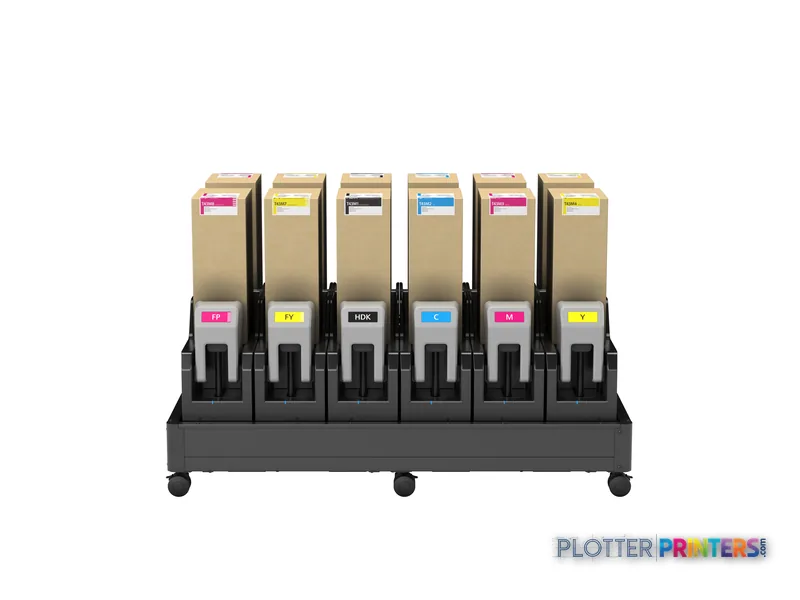
For buyers comparing available catalog options, use the SC-F10000H and Epson F9470 64-in comparison as a screening tool, then test the actual media and files that matter. The listed printing colors are Light Cyan, Yellow, Cyan, Light Magenta and Magenta. Black is not among the listed colors. That deserves a serious application review before assigning fine black CAD linework or text-heavy technical sheets to this device.
This is also not a scanner, copier or conventional office-network printer based on the supplied information. If those functions are central to the print room, they need separate coverage. Bottom line: Buy this scale only when the work repeatedly requires it; a very large printer is a poor cure for an ordinary plotting problem.
The useful question is not whether the printer is large. It is whether your team will keep it busy with work that needs that width.
The read
The Epson SC-F10000H is a specialized, very wide roll-fed color inkjet for AEC organizations with a defined oversized-output requirement and a production environment that can accommodate it. Its stated 197.2-inch width is the central fact. The trade-off is a major footprint, substantial weight, 200 – 240 V power requirements and USB-only listed connectivity. It becomes more compelling for dedicated visual-output work than for routine drawing sets, particularly because black is not listed among its printing colors. Bottom line: Match it to recurring oversized color work, not to the hope that a bigger machine will make every print problem disappear.
Spec analysis
How the specs grade
Overall performance
—Not enough data for an overall score
Individual dimensions are shown where the specs support them.
This printer
How it scores
Media HandlingNot enough spec data
Print Quality40
Print CostNot enough spec data
Color27
SpeedNot enough spec data
Connections33
WorkflowNot enough spec data
Size / Fit0
WarrantyNot enough spec data
Graded on a curve against the best published spec among the wide-format printers we track — 100 = the catalog’s gold standard for that metric (the finest droplet, the longest warranty, the fastest rated speed actually on the market). Every input is a manufacturer-published spec; rated speeds are shown as listed, not timed throughput. Ticks mark the class best. How we grade →
Verified specifications
The specs that decide it
Print technology
Inkjet
Maximum resolution
1200 x 1200 DPI
Printing colors
Cyan, Magenta, Yellow, Blackmanufacturer-verified
Wi-Fi
No
Ethernet
No
manufacturer-verified = checked against the manufacturer’s official datasheet, not aggregator data. Everything else is standards-body / catalog data we consider reliable.
Specifications
Full technical detail
Print technologyInkjet
Max resolution1200 x 1200 DPI
ColorColor
ConnectivityUSB
Use caseGraphics / Production
Printing
Color
Yes
Printing colors
Light Cyan, Yellow, Cyan, Light magenta, Magenta
Print technology
Inkjet
Maximum resolution
1200 x 1200 DPI
Performance
Display
LCD
Control type
Touch
Color display
Yes
Product color
Black, Gray
Built-in display
Yes
Country of origin
China
Paper handling
Paper tray media types
Roll
Ports & interfaces
Wi-Fi
No
USB port
Yes
Ethernet LAN
No
Weight & dimensions
Depth
51.3" (1303 mm)
Width
197.2" (5008 mm)
Height
74.3" (1886 mm)
Weight
1690.9 lbs (767 kg)
Power
AC input voltage
200 – 240 V
Logistics data
Quantity per pack
1 pc(s)
Packaging data
Package depth
151.2" (3840 mm)
Package width
44.1" (1120 mm)
Package height
73.6" (1870 mm)
Package weight
1666.7 lbs (756 kg)
System requirements
Windows operating systems supported
Windows 10, Windows 7, Windows 8, Windows 8.1
Everything that fits the Epson SureColor SC-F10000H
The full supplies hub lists every cartridge, printhead, roll and accessory verified against the manufacturer's own documentation for this machine.
What AEC work is the Epson SC-F10000H most suited to?
It fits specialized oversized color-output work where the stated 197.2-inch width matters, such as very large project communication and presentation applications. It is less naturally aligned with routine plan-set production.
Can it be connected to the office network?
USB is listed. Wi-Fi and Ethernet LAN are not listed, so confirm the intended workstation, driver and job-submission workflow before deployment.
Is it a good choice for black-and-white CAD drawings?
The listed printing colors are Light Cyan, Yellow, Cyan, Light Magenta and Magenta; black is not listed. Test representative CAD and PDF files before assigning fine black linework or text-heavy drawing production to it.
What site preparation does it need?
The printer is listed at 197.2 inches wide, 51.3 inches deep, 74.3 inches high and 1690.9 pounds. It also requires 200 – 240 V input, so delivery access, clearances and electrical provision should be confirmed in advance.
Which operating systems are listed as supported?
Windows 7, Windows 8, Windows 8.1 and Windows 10 are listed. Organizations using other operating systems should verify their driver and deployment approach before committing.
What maintenance items should be planned?
The resolved consumables include the Epson Waste Ink Bottle 4L, Epson CP01OSWHCF83, Epson CP05OSCRCF83 and Epson C13S210103. Keep the relevant items in the operating plan so maintenance does not arrive in the middle of a deadline.