
Home / Wide-Format Printers / Epson SureColor
Epson · Wide-Format Plotter
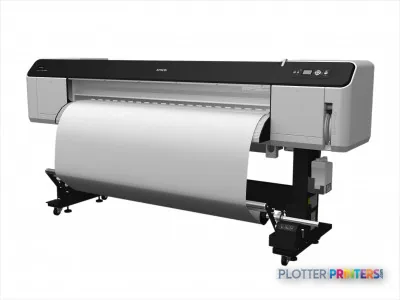
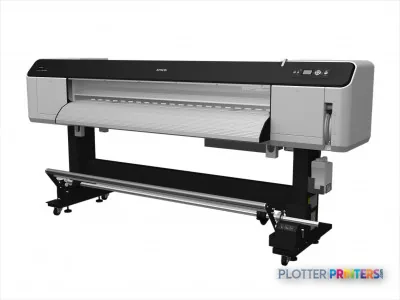
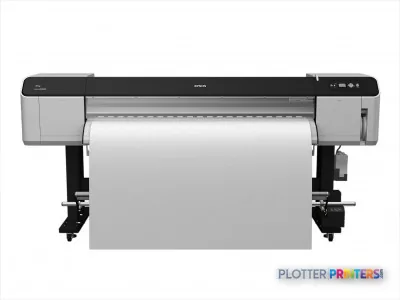
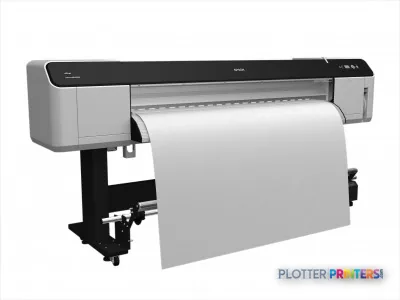
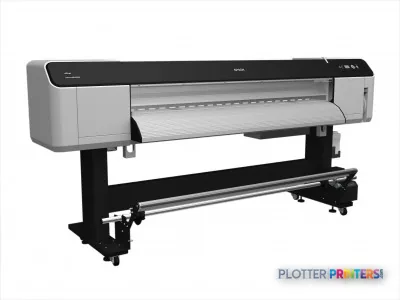
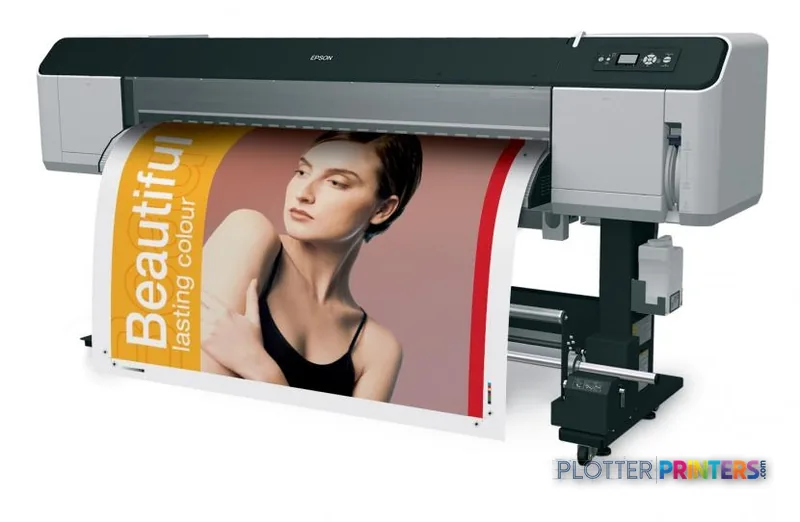
Epson Stylus Pro GS6000
64" color graphics & photo printer
- ModelGS6000
- Prints64" wide
- Score49/100
Authorized Epson dealerGenuine hardware & ink
Manufacturer warrantyExtension plans available
Free shippingContinental U.S.
Plotter specialistsAEC experts, not just sellers
Analyst take
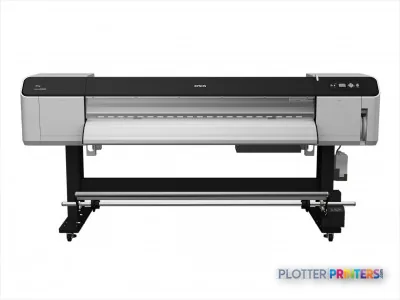
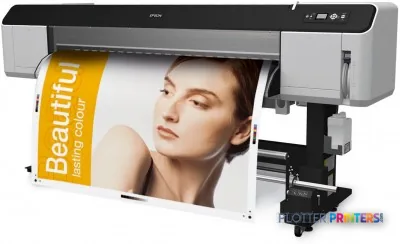
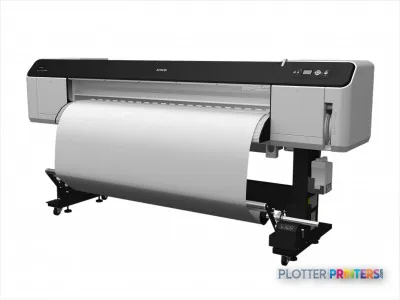
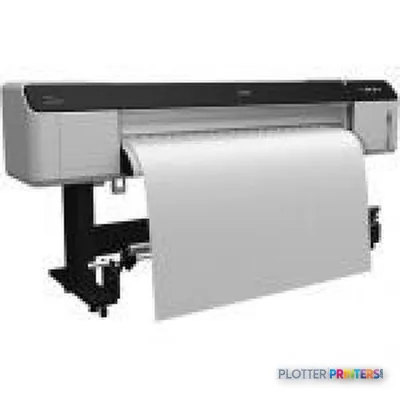
- The Epson Stylus Pro GS6000 is a 64-inch roll-fed color printer with vinyl-media support.
- It is better aligned with banners, presentation graphics, wayfinding, and large project communications than mixed cut-sheet document sets.
- The supplied record lists no cut-sheet capability, making media workflow an important buying constraint.
Not sure if the GS6000 is right for you?
Compare key specs and an AI analyst read-out against similar models.
- Wide-format reach Prints up to 64" wide on rolls and sheets.
- Fine detail 1440 x 1440 DPI maximum resolution for crisp line work.
- Connectivity Ethernet for shared team printing.
- Verified specs 7 specs checked against the manufacturer datasheet.
- Analyst score Scores 49/100 in our class-relative rating.
Overview
Built for the work
Epson Stylus Pro GS6000, 1440 x 1440 DPI, 5.8 m2/hr (720×1440 dpi), 25.3 m2/hr (720×360 dpi), 950 ml, Banner, Glossy paper, 6.69" (17 cm)
- 64″Max print width
- 272 ft²/hRated speed
- 8Ink channels
- 1,440 dpiMax resolution
Spec Analysis
overall
overall
Expert analysis
What you should know

Key takeaways
- The Epson Stylus Pro GS6000 is a 64-inch roll-fed color printer with vinyl-media support.
- It is better aligned with banners, presentation graphics, wayfinding, and large project communications than mixed cut-sheet document sets.
- The supplied record lists no cut-sheet capability, making media workflow an important buying constraint.
- Its 106.2 x 37.1 x 49.9-inch dimensions, 70 dB printing sound level, and 680 W active power requirement warrant deliberate placement planning.
- There is no measured ICC gamut information in the supplied record, so color-critical buyers should test their own media and files.
- The available catalog alternatives for comparison are the HP DesignJet Z6 64-in and HP DesignJet Z9+ 64-in.
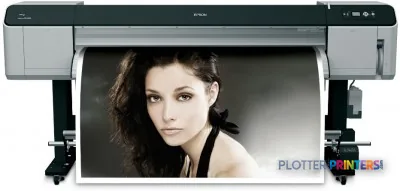
When a construction presentation needs a full-width vinyl graphic, a site team needs a banner, or a design studio is assembling color boards, media width can change the conversation before resolution does. The Epson Stylus Pro GS6000 is a 64-inch roll-fed color printer with vinyl-media support, aimed at work that needs broad-format graphic output rather than a stack of cut-sheet documents.
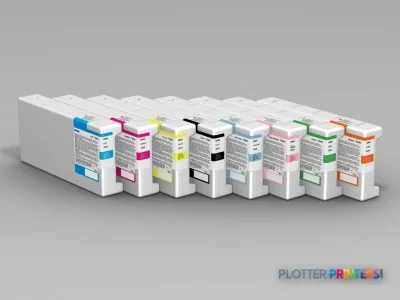
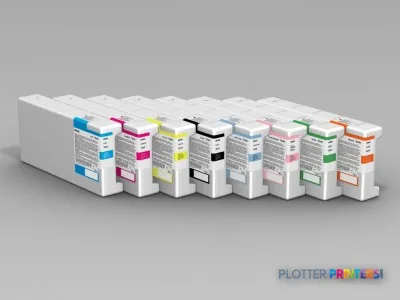
Its 1440 x 1440 DPI maximum resolution and 3.7 pl ink drop specification indicate the detail available for close-viewed graphics, while the eight-cartridge configuration supports color work across a wide image area. There is no measured ICC gamut data in the supplied record, so color range and matching should be verified on the actual vinyl or banner stock a team intends to use—not assumed from a resolution figure alone.
1626 mm/64"Maximum media width
1440 x 1440 DPIMaximum resolution
25.3 m2/hr (720×360 dpi)Normal-quality rated speedManufacturer-supplied product data; job processing and media handling also affect delivered time.
5.8 m2/hr (720×1440 dpi)Best-quality rated speedManufacturer-supplied product data.
Where it fits in an AEC environment
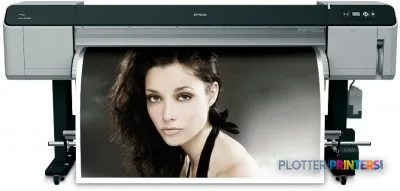
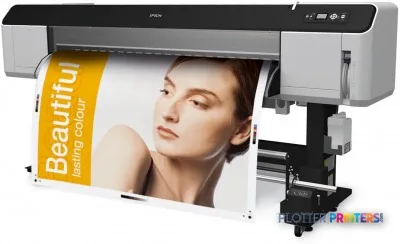
The GS6000 is most naturally a graphics-oriented complement to an AEC document fleet. It fits teams producing construction-site banners, wayfinding, branded project displays, exhibit graphics, and large visual communication pieces on roll media. Vinyl support is the operational distinction: it opens applications beyond ordinary plan output, particularly where a project message needs to be visible from across a lobby, site fence, or meeting room.
For a civil or infrastructure group, that can mean large public-engagement graphics; for a GC, it may mean safety or directional material; for an architect, presentation panels and environmental graphics. Gigabit Ethernet and USB 2.0 provide conventional connection options, and the built-in LCD gives an operator local status access. Teams using Mac systems have stated compatibility in the supplied product record, alongside Windows Vista/XP and Macintosh 10.5.x; IT should validate driver and workflow suitability against its present operating-system estate before deployment.
Media, space, and operator realities
This is a substantial device: 106.2 x 37.1 x 49.9 inches, with a maximum roll diameter of 6.69 inches. Its 70 dB sound-pressure specification while printing and 680 W active power figure make placement a practical decision, not an afterthought. Allow working room for roll loading, output handling, and routine service, rather than treating it as an office-corner plotter.
The machine accepts roll paper but not cut sheets. That is a meaningful boundary for AEC teams: it may be useful for repeatable roll-fed graphic production, but it is not the natural choice for a mixed set of small, ad hoc sheets. A take-up reel is listed among supported accessories as the Epson Take up Reel Unit, which may matter when longer unattended runs or controlled output winding are part of the workflow. The listed compatible ink family is Epson 7104422; maintenance planning should also account for the listed Epson C12C890621 maintenance item.
Estimate media time from the supplied rated speed, then add a realistic allowance for RIP processing, roll loading, drying or handling requirements, and operator intervention.
One set: – · Weekly plotting time: –
Computed from the manufacturer's rated 272 ft²/h. Real-world mixed sets run slower — treat this as a best case for comparing machines, not a promise.
How to position it against the available alternatives
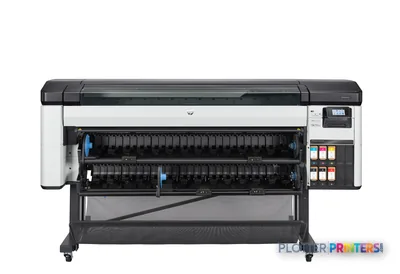
There is no in-family step-up or step-down model in the supplied catalog set, so a direct family ladder cannot be drawn here. The relevant listed cross-brand alternatives are the HP DesignJet Z6 64-in and HP DesignJet Z9+ 64-in. Both share a 64-inch format, but their supplied catalog descriptions identify thermal inkjet technology and a 2400 x 1200 DPI maximum resolution; those facts alone do not settle suitability for a particular media, CAD, PDF, or color-managed workflow.
For firms comparing these machines, run the same files on the same intended substrate and inspect the areas that tend to expose differences: fine labels on a coordination graphic, neutral gray fills, dense color overlays, and the cyan edge of a high-contrast logo. Use the side-by-side comparison tool for the available catalog fields, then confirm driver support, media qualification, finishing needs, and local service capability. The class ranking view can provide additional context, but it cannot substitute for an application-specific trial.
Compare and evaluate
HP DesignJet Z6 64-inA listed 64-inch thermal-inkjet alternative for comparison.HP DesignJet Z9+ 64-inAnother listed 64-inch thermal-inkjet alternative.Wide-format class rankingReview the class context alongside your application requirements.How we evaluate printersUnderstand the criteria behind the editorial framework.
The read
The Epson Stylus Pro GS6000 makes the most sense when 64-inch roll-fed vinyl and banner work is a defined part of an AEC team’s output, rather than an occasional exception. Its trade-off is specialization: no cut-sheet support, a large physical footprint, and a need to validate compatibility with a modern IT environment. It may be less appropriate as the sole machine for mixed-size plan sets or routine technical-document production. For graphics-led project communication, evaluate it through real media trials and the complete workflow—not just the attractive numbers on a specification sheet.
Spec analysis
How the specs grade
Overall performance
within color graphics & photo printers · 3 compared
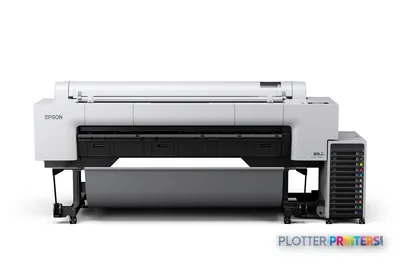
Class best 71 — Epson SureColor P20570
56% spec coverage
- This printer
- Epson SureColor P20570
Category leaders best color graphics & photo printers, by dimension
Verified specifications
The specs that decide it
| Maximum media width | 64 in |
|---|---|
| Maximum resolution | 1440 × 1440 dpi |
| Print speed (normal quality) | 25.3 m²/hr (720×360 dpi) |
| Print speed (best quality) | 5.8 m²/hr (720×1440 dpi) |
| Ink cartridges | 8 cartridges, 950 ml eachmanufacturer-verified |
| Ink drop size | 3.7 pl |
| Media handling | Roll paper only (no cut sheets); vinyl supportedmanufacturer-verified |
| Roll capacity | 6.7 in max diameter, 3 in core, 66.1 lb (30 kg) |
| Page-description language | ESC/P Raster, ESC/P2 (no PostScript)manufacturer-verified |
| Connectivity | 100BaseTX / 1000BaseT Ethernet via RJ-45, plus USB |
manufacturer-verified = checked against the manufacturer’s official datasheet, not aggregator data. Everything else is standards-body / catalog data we consider reliable.
Specifications
Full technical detail
Max resolution1440 x 1440 DPI
Max print width64"
ConnectivityEthernet (Gigabit LAN), USB
Use casePhoto / Fine Art
Printing
| Color | Yes |
|---|---|
| Maximum resolution | 1440 x 1440 DPI |
| Print head nozzles | 360 x 8 |
| Number of print cartridges | 8 |
| Print speed (best quality) | 5.8 m2/hr (720×1440 dpi) |
| Print speed (normal quality) | 25.3 m2/hr (720×360 dpi) |
| Print cartridge volume (metric) | 950 ml |
Performance
| Display | LCD |
|---|---|
| Built-in display | Yes |
| Country of origin | Japan |
| Sound pressure level (printing) | 70 dB |
Paper handling
| Cut sheets | No |
|---|---|
| Roll paper | Yes |
| Maximum media width | 1626 mm/64" |
| Maximum roll diameter | 6.69" (17 cm) |
| Paper tray media types | Banner, Glossy paper |
Ports & interfaces
| USB port | Yes |
|---|---|
| Ethernet LAN | Yes |
| USB connector | USB Type-A |
| RJ-45 ports quantity | 1 |
| USB 2.0 ports quantity | 1 |
| Ethernet LAN data rates | 10/100/1000Base-T(X) |
| Ethernet interface type | Gigabit Ethernet |
Weight & dimensions
| Weight | 7.13 oz (202 g) |
|---|---|
| Size (imperial) | 64" |
| Dimensions (WxDxH) | 106.2 x 37.1 x 49.9" (2698 x 943 x 1267 mm) |
Power
| Power requirements | AC 100 –240 V, 50 – 60 Hz |
|---|---|
| Power consumption (active) | 680 W |
| Power consumption (standby) | 48 W |
| Power consumption (typical) | 680 W |
Operational conditions
| Storage temperature (T-T) | -20 – 40 °C |
|---|---|
| Operating temperature (T-T) | 10 – 35 °C |
| Storage relative humidity (H-H) | 5 – 85% |
| Operating relative humidity (H-H) | 40 – 50% |
Other features
| Ink drop | 3.7 pl |
|---|---|
| Vinyl media | Yes |
| Minimum system requirements | 2.8 GHz Intel Core 2 Duo, 4GB RAM |
Logistics data
| Quantity per pack | 1 pc(s) |
|---|
Packaging data
| Package depth | 116.5" (2960 mm) |
|---|---|
| Package width | 45.7" (1160 mm) |
| Package height | 48.2" (1225 mm) |
| Package weight | 959.2 lbs (435.1 kg) |
System requirements
| Mac compatibility | Yes |
|---|---|
| Compatible operating systems | Windows Vista/XP, Macintosh 10.5.x |
Everything that fits the Epson Stylus Pro GS6000
The full supplies hub lists every cartridge, printhead, roll and accessory verified against the manufacturer's own documentation for this machine.
9 ink cartridges · 4 accessories
Epson Stylus Pro GS6000 ink and paper →Supplies
Compatible ink, printheads & media
Genuine consumables that fit the Epson Stylus Pro GS6000 — only the cartridges, printheads and media compatible with this model.
Ink Cartridges 9
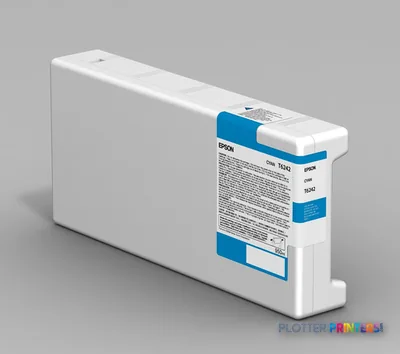 Epson Singlepack Photo Black T624100
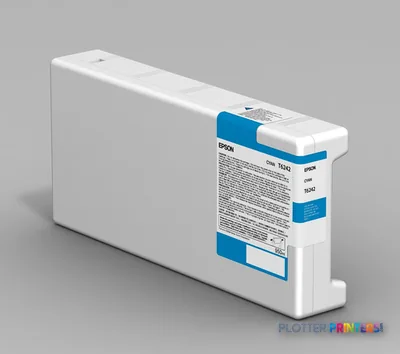 Epson Singlepack Orange T624800
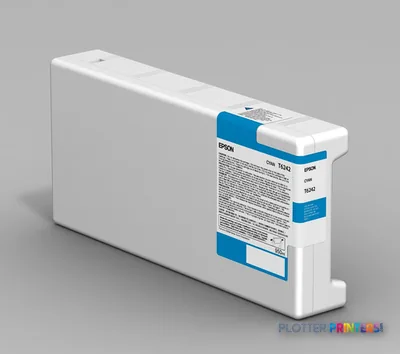 Epson Singlepack Yellow T624400
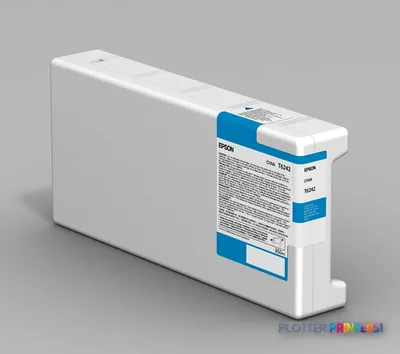 Epson Singlepack Cyan T624200
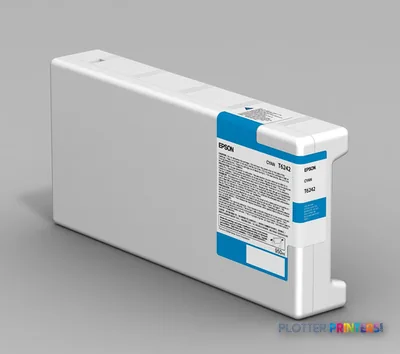 Epson Singlepack Magenta T624300
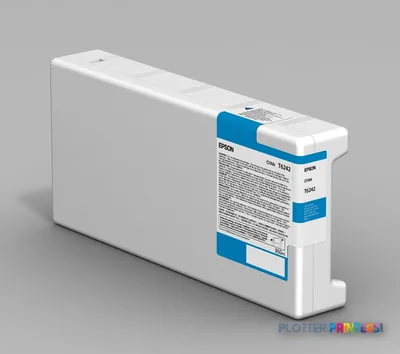 Epson Singlepack Light Magenta T624600
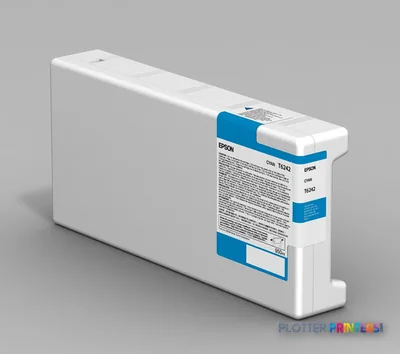 Epson Singlepack Light Cyan T624500
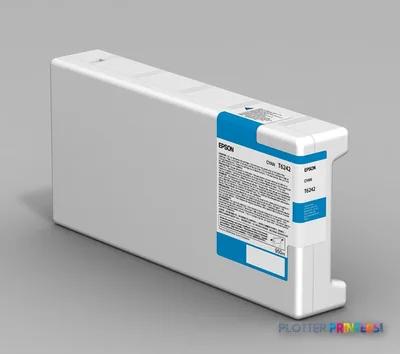 Epson Singlepack Green T624700
 Epson GS6000 Ink Collection Bottle, 2.5 L (7104422)
Questions
Straight answers
What AEC work is the Epson Stylus Pro GS6000 suited to?
It is suited to wide roll-fed graphics such as project displays, banners, wayfinding, and vinyl-based communication materials. Its 64-inch maximum media width and vinyl-media support are central to that fit.
Can it print cut sheets for smaller drawing sets?
No. The supplied product data lists cut sheets as unsupported and roll paper as supported, so it should not be selected primarily for mixed cut-sheet workflows.
How fast is the GS6000?
The supplied data lists 25.3 m2/hr at normal quality, 720×360 dpi, and 5.8 m2/hr at best quality, 720×1440 dpi. Those are rated figures; file processing, media handling, and operator activity affect actual job completion time.
What should IT verify before adding this printer?
Confirm that its stated Windows Vista/XP and Macintosh 10.5.x compatibility works with the organization’s current systems and job-submission workflow. The supplied record lists Gigabit Ethernet and USB 2.0 connectivity.
What consumables and accessories should a buyer plan for?
The supplied compatibility list includes the Epson 7104422 ink family, Epson C12C890621 maintenance item, and Epson Take up Reel Unit. Confirm the exact supported configuration and availability before committing to a workflow.
What are the most relevant catalog alternatives?
The supplied competitive set identifies the HP DesignJet Z6 64-in and HP DesignJet Z9+ 64-in. Compare each using the same files and intended media rather than relying on maximum-resolution figures alone.
Ready to put the Epson Stylus Pro GS6000 to work?
Configuration, media and a quote tailored to your workflow — from AEC plotter specialists.