
Home / Wide-Format Printers / HP Latex
HP · Wide-Format Plotter
HP Latex R1000
latex signage printer
- ModelK0Q47A
Authorized HP dealerGenuine hardware & ink
Manufacturer warrantyExtension plans available
Free shippingContinental U.S.
Plotter specialistsAEC experts, not just sellers
Analyst take
- A 64-inch Latex flatbed-and-roll device for rigid and flexible signage, not for drawing production.
- White ink plus rigid handling let it print onto dark, clear and colored substrates.
- No scanning, no copying, no USB — it does not replace a plotter or MFP.
Not sure if the K0Q47A is right for you?
Compare key specs and an AI analyst read-out against similar models.
- Fine detail 1200 x 1200 DPI maximum resolution for crisp line work.
- Ink platform Black, Light magenta, Yellow, White.
- Connectivity Ethernet for shared team printing.
Overview
Built for the work
HP Latex R1000 Printer, Latex printing, 1200 x 1200 DPI, Black, Light magenta, Yellow, White, 1200 x 1200 DPI, 1625 x 1220 mm, Coated paper, Banner
Features
What sets it apart
Swipe to explore →
Expert analysis
What you should know

Key takeaways
- A 64-inch Latex flatbed-and-roll device for rigid and flexible signage, not for drawing production.
- White ink plus rigid handling let it print onto dark, clear and colored substrates.
- No scanning, no copying, no USB — it does not replace a plotter or MFP.
- At 2,810.9 lbs and 165.7 inches wide, it needs a dedicated production bay.
- Jobs-per-shift depend on operator board-loading pace, not just rated ink speed.
- Runs HP 872 and HP 886 inks with HP 886 printheads; HP Dynamic Security is active.
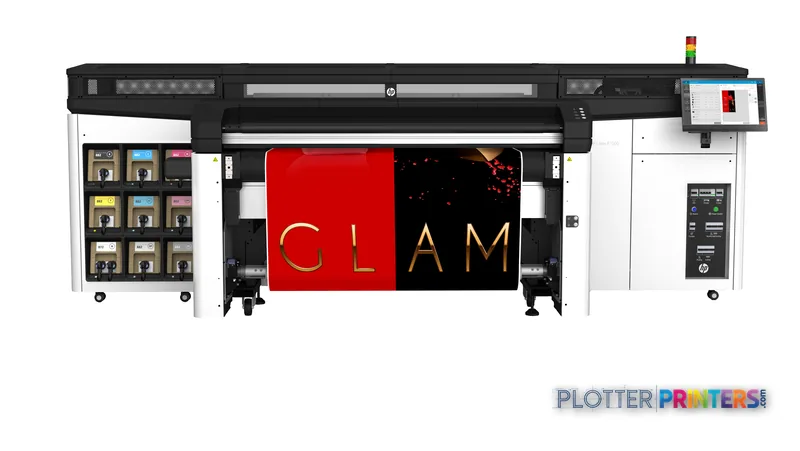
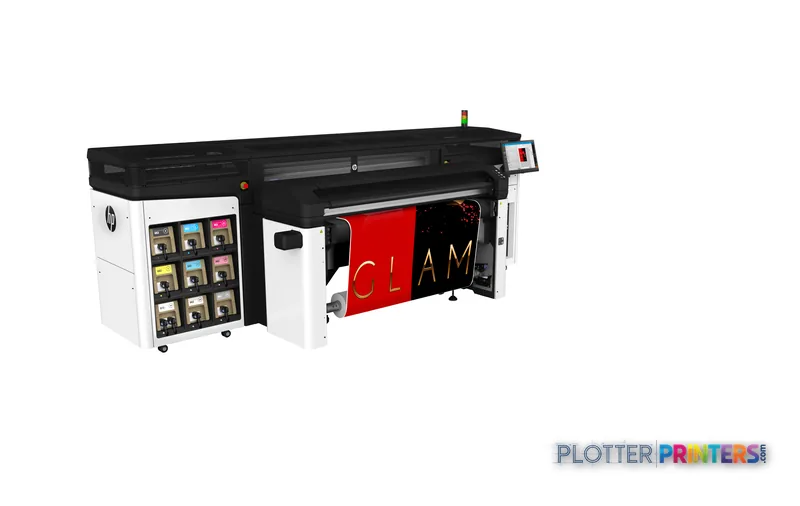
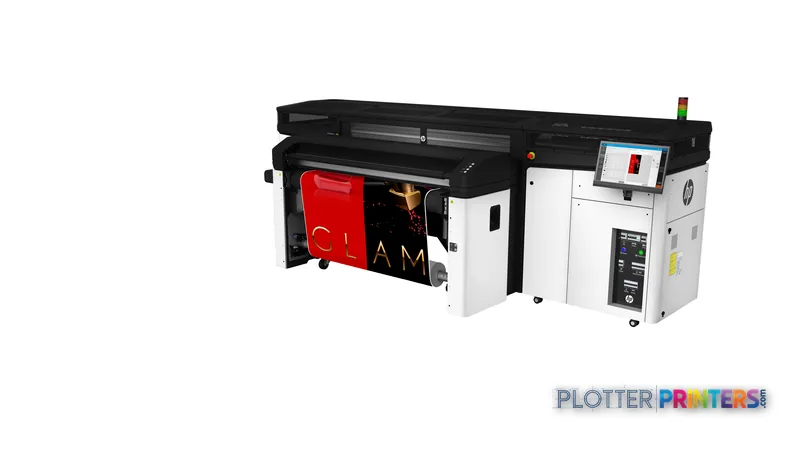
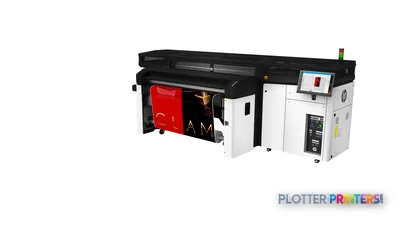
Let’s set expectations before you clear floor space. The HP Latex R1000 is not a plotter for churning out permit sets on bond. It’s a 64-inch flatbed-and-roll Latex machine built for rigid and flexible signage — the presentation boards, coordination graphics, site-hoarding panels and wayfinding an AEC shop produces alongside its drawings, not instead of them.
At 165.7 inches wide and 2,810.9 lbs, this is a production device with a production footprint. If your question is ‘how do I print D-size drawings faster,’ this isn’t your answer. If it’s ‘how do we bring rigid-board and large-format color signage in-house,’ now we’re on the right floor.
64" x 48" (1625 x 1220 mm)Max print sizeup to 64" x 120" with two sets of optional extension tables
1200 x 1200 DPIResolution
8PrintheadsHP 886 Latex Printheads
165.7" (4210 mm)Footprint (W x D)depth 80.3" (2040 mm)
What it actually does on the floor
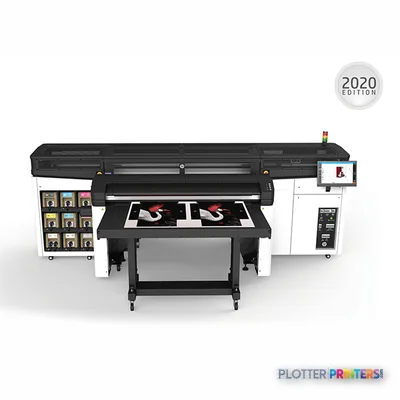
Latex printing on the R1000 uses water-based inks that cure with heat, so panels come off the table dry and handle-ready — no off-gassing wait, no separate solvent extraction. That matters in an office environment where a signage device shares air with staff. The head configuration prints Black, Light magenta, Yellow and White; the White channel is the reason people buy an R-series over a roll-only Latex unit — it lets you print onto colored, clear and dark rigid substrates.
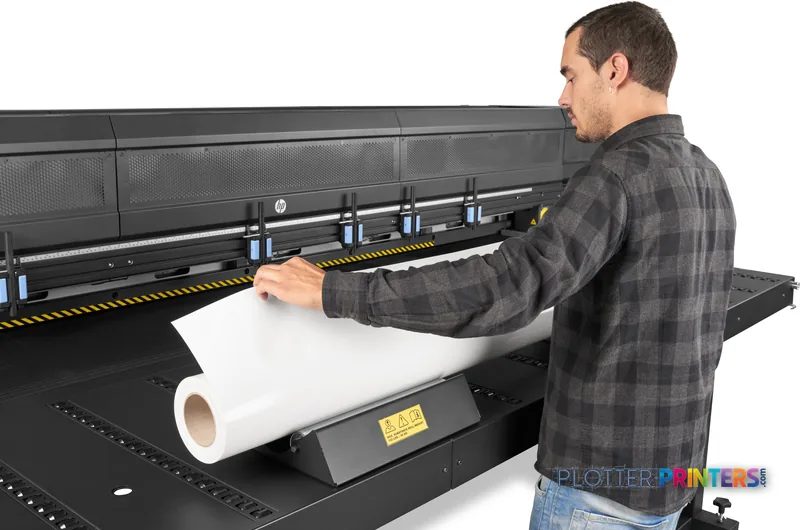
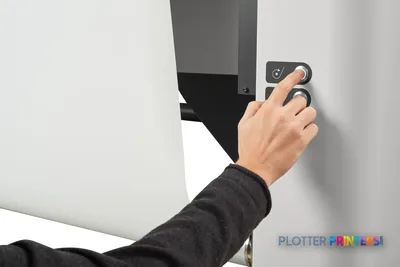
It feeds two ways: rigid boards across the flatbed tables, and flexible media on a roll. Standard input and output tables ship in the box, along with a foot switch for hands-free board loading. Media types on the tray path cover coated paper and banner. The unsexy truth of a machine this size is the loading and takedown — boards go on and off by hand, and your jobs-per-shift number depends more on how fast two operators cycle panels than on any rated ink speed.
Where it fits an AEC operation
This is a shared-resource machine for a reprographics room or a large multidisciplinary practice that already sells or produces display work. The White ink and rigid handling make it a genuine sign and board printer, not a drawing device wearing a costume.
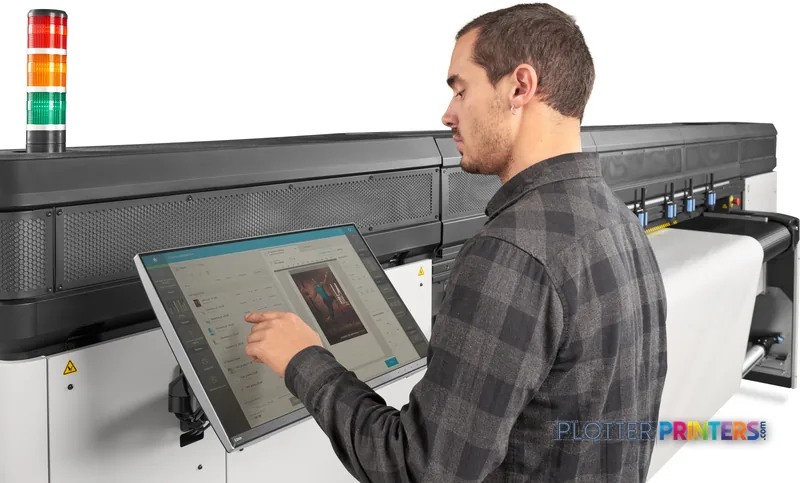
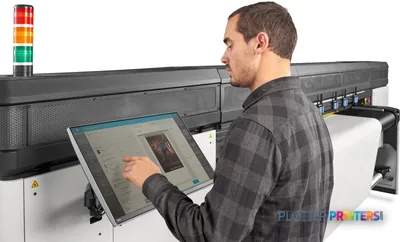
Run it through the HP Large Format Onyx Thrive RIP Software for real production queuing and color management — a device this expensive to feed shouldn’t run off a basic driver. HP PrintOS Solution covers fleet monitoring and job status, and the HP Latex R Series Edge Holders Kit keeps thin or curling stock flat on the table. Feed it HP 872 and HP 886 Latex inks and the HP 886 printheads. Note HP Dynamic Security is active on this platform — plan your consumable sourcing accordingly.
What it is not
Be honest about the gap this machine leaves. It does not scan or copy, has no USB port, and its custom media starts at 12″ x 17″ — it is not your bid-set, redline or as-built workhorse. For desktop color proofing of presentation sheets, a small pigment inkjet like the Epson P5300 17-in or Epson SC-P900 17-in does that job on a fraction of the floor, and Canon’s 17-inch iPF5100 and iPF5000 cover the same proofing-and-photo lane. Those are companions, not competitors — line them up side by side and the split in purpose is obvious. Our catalog lists no in-family step-up or step-down for the R1000, so size the decision on your rigid-signage volume, not on trading down within the R line.
Keep reading
The read
Buy the R1000 for one reason: you want rigid-board and flexible signage — with White ink onto dark and clear substrates — produced in-house, dry off the table, in an environment people work in. It earns its footprint in a reprographics room or a large practice already selling display work. It will not touch your drawing production, it won’t scan, and at over 2,800 lbs it commits you to a dedicated bay. Three questions before you sign: what’s your real rigid-panel volume per week, who cycles boards on and off the tables, and are you sourcing HP 872 and HP 886 consumables with Dynamic Security in mind? Answer those and the fit is clear either way.
Spec analysis
How the specs grade
Overall performance
—Not enough data for an overall score
Individual dimensions are shown where the specs support them.
- This printer
Verified specifications
The specs that decide it
| Print technology | Latex printing |
|---|---|
| Maximum resolution | 1200 x 1200 DPI |
| Printing colors | Black, Light magenta, Yellow, White |
| Number of print cartridges | 9 |
| Maximum print size | 1625 x 1220 mm |
| Scanning | No |
| Ethernet | Yes |
| Power consumption | 10000 W |
Specifications
Full technical detail
Print technologyLatex printing
Max resolution1200 x 1200 DPI
ColorColor
ConnectivityEthernet (Gigabit LAN)
Use caseGraphics / Production
Printing
| Color | Yes |
|---|---|
| Print head | 8 |
| Printing colors | Black, Light magenta, Yellow, White |
| Print technology | Latex printing |
| Resolution color | 1200 x 1200 DPI |
| Maximum resolution | 1200 x 1200 DPI |
| Number of print cartridges | 9 |
Performance
| HP segment | Business |
|---|---|
| Certification | Compliant with Class A requirements, including: USA (FCC rules), Canada (ICES), EU (EMC Directive), Australia (ACMA), New Zealand (RSM) |
| Product color | Black, White |
| Built-in display | Yes |
| Country of origin | Singapore |
Paper handling
| Custom media sizes | 297 x 420 mm to 1625 x 1220 mm (up to 1625 x 3050 mm with two sets of optional extension tables) |
|---|---|
| Maximum print size | 1625 x 1220 mm |
| Paper tray media types | Coated paper, Banner |
Ports & interfaces
| USB port | No |
|---|---|
| Ethernet LAN | Yes |
| Ethernet LAN data rates | 10,100,1000 Mbit/s |
| Ethernet interface type | Gigabit Ethernet |
Technical details
| Box contents | HP Latex R1000 Printer; HP 886 Latex Printheads; HP Latex Printhead Cleaning Kit; standard input and output tables; foot switch; HP Internal Print Server and displays (x2); printer maintenance kit; warranty and intro docs |
|---|
Weight & dimensions
| Depth | 80.3" (2040 mm) |
|---|---|
| Width | 165.7" (4210 mm) |
| Height | 68.9" (1750 mm) |
| Weight | 2810.9 lbs (1275 kg) |
Power
| Power consumption (typical) | 10000 W |
|---|
Operational conditions
| Operating temperature (T-T) | 15 – 30 °C |
|---|---|
| Operating relative humidity (H-H) | 20 – 70% |
Other features
| UNSPSC-code | 45101511 |
|---|---|
| Electromagnetic compatibility | Compliant with Class A requirements, including: USA (FCC rules), Canada (ICES), EU (EMC Directive), Australia (ACMA), New Zealand (RSM) |
Copying
| Copying | No |
|---|
Scanning
| Scanning | No |
|---|
Packaging data
| Package depth | 0.882" (22.4 mm) |
|---|---|
| Package width | 1.74" (44.3 mm) |
| Package height | 84.6" (2150 mm) |
| Package weight | 5015.5 lbs (2275 kg) |
Carbon footprint
| Total carbon footprint (kg of CO2e) | 10920 |
|---|---|
| Carbon emissions, logistics (kg of CO2e) | 555 |
| Carbon emissions, end-of-life (kg of CO2e) | 11 |
| Carbon emissions, manufacturing (kg of CO2e) | 6815 |
| Total carbon emissions, w/o use phase (kg of CO2e) | 3539 |
Brand-specific features
| HP GTIN (EAN/UPC) | 192545981859 |
|---|---|
| HP dynamic security | Yes |
Everything that fits the HP Latex R1000 Plus
The full supplies hub lists every cartridge, printhead, roll and accessory verified against the manufacturer's own documentation for this machine.
10 ink cartridges · 4 printheads · 12 paper & media items · 4 accessories
HP Latex R1000 Plus ink and paper →Supplies
Compatible ink, printheads & media
Genuine consumables that fit the HP Latex R1000 Printer — only the cartridges, printheads and media compatible with this model.
Ink Cartridges 10
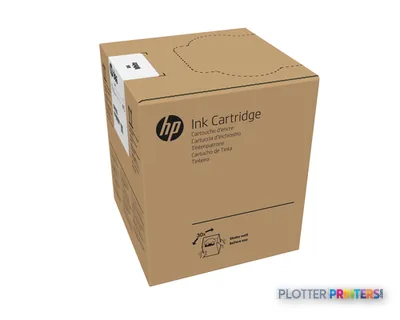 HP 886 3-liter White Latex Ink Cartridge
 HP Latex R Series Edge Holders Kit
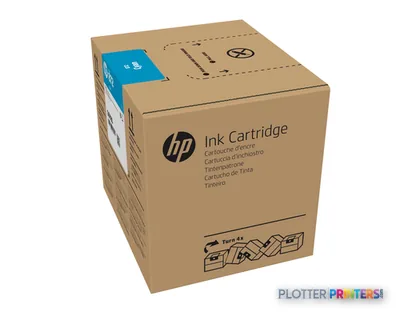 HP 872 3-liter Cyan Latex Ink Cartridge
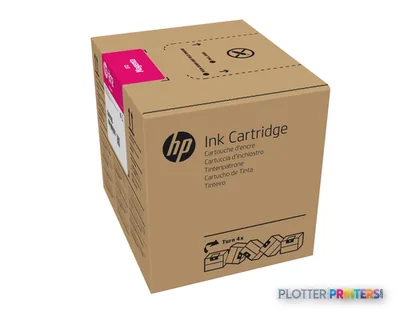 HP 872 3-liter Magenta Latex Ink Cartridge
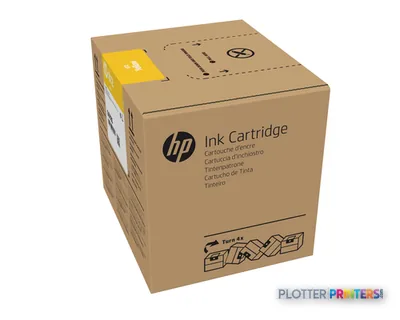 HP 872 3-liter Yellow Latex Ink Cartridge
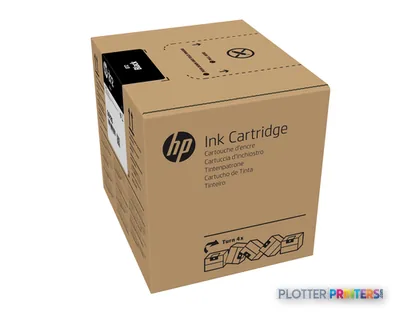 HP 872 3-liter Black Latex Ink Cartridge
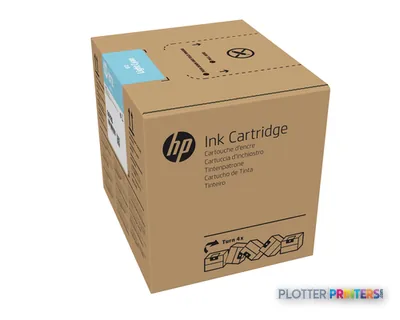 HP 872 3-liter Light Cyan Latex Ink Cartridge
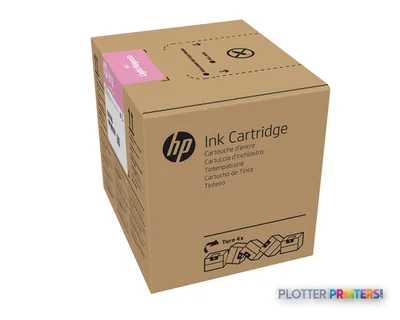 HP 872 3-liter Light Magenta Latex Ink Cartridge
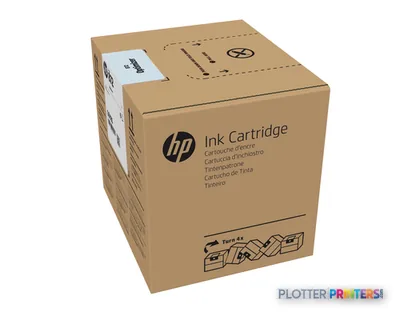 HP 872 3-liter Optimizer Latex Ink Cartridge
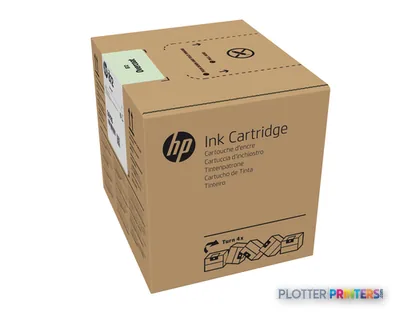 HP 872 3-liter Overcoat Latex Ink Cartridge
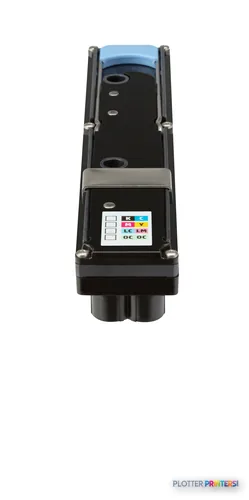
Printheads 4
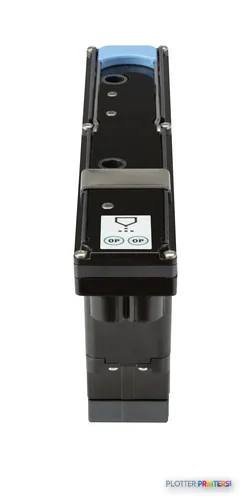
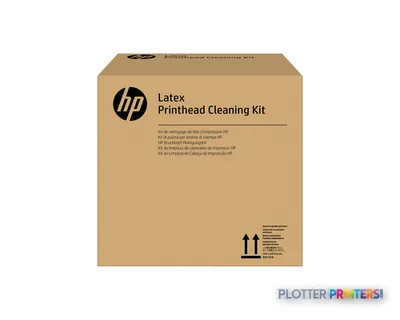
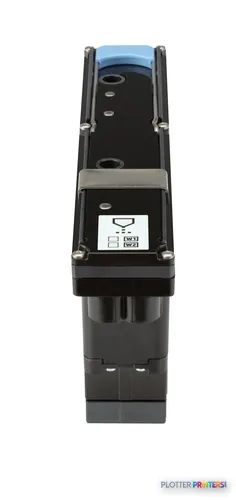
Paper & Media 12
 Representative image11 Mil Water-Resistant Synthetic BannerRepresentative image10 Mil Solvent Printable PolycarbonateRepresentative image225gsm Solvent Satin PE PaperRepresentative image180gsm Solvent Satin PE PaperRepresentative image225gsm Gloss Solvent PE PaperRepresentative image3 Mil Fusion Finesse Polypropylene LaminateRepresentative image230gsm Special Matte Photo PaperRepresentative image200gsm Special Matte Photo PaperRepresentative image10 Mil Water-resistant Blockout Display FilmRepresentative image10 Mil Solvent Blockout Display FilmRepresentative image10 Mil White Opaque BackerRepresentative image8mil Poster Paper Satin (514)
Questions
Straight answers
Can the HP Latex R1000 print architectural drawings or permit sets?
It’s built for signage and rigid boards, not drawing production. There’s no scan or copy function, and its media starts at 12″ x 17″, so it won’t serve as your bid-set or as-built plotter.
What does the White ink channel add?
The R1000 prints Black, Light magenta, Yellow and White. The White channel lets you print onto colored, clear and dark rigid substrates — the main reason to choose an R-series flatbed over a roll-only Latex unit.
What space and power does it need?
It measures 165.7″ wide, 80.3″ deep and 68.9″ high, and weighs 2,810.9 lbs, with typical power consumption of 10000 W. Plan a dedicated production bay, not a shared office corner.
What inks and printheads does it use?
HP 872 and HP 886 Latex inks with HP 886 Latex Printheads (eight heads). Note that HP Dynamic Security is active on this platform, so factor consumable sourcing into your plan.
What software should I run it with?
For production work, pair it with the HP Large Format Onyx Thrive RIP Software for queuing and color management, and HP PrintOS Solution for fleet monitoring. A basic print driver underuses a device this large.
Is there a smaller or larger model in the same family to consider?
Our catalog lists no in-family step-up or step-down for the R1000, so size your decision on rigid-signage volume. For desktop color proofing of presentation sheets, a 17-inch companion like the Epson P5300 or Canon iPF5100 fills that separate need.
Ready to put the HP Latex R1000 to work?
Configuration, media and a quote tailored to your workflow — from AEC plotter specialists.