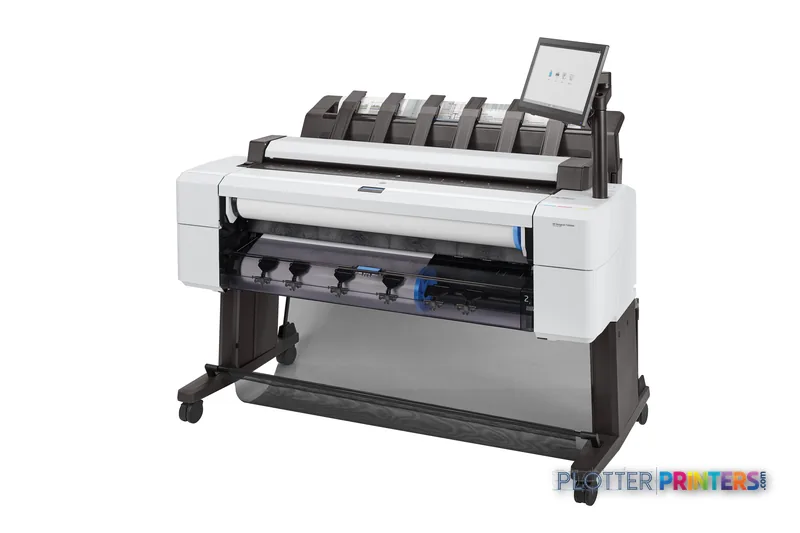
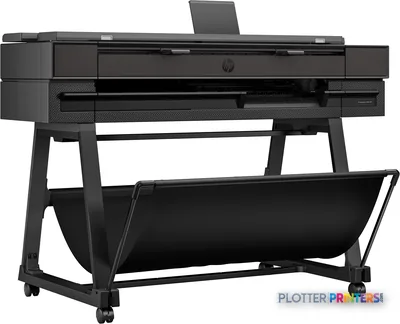
This is a 36-inch color multifunction technical printer designed around printing, copying, scanning, and direct file submission.
Dual-roll capability matters most when a shared AEC team regularly alternates media or drawing formats.
HP-GL/2, HP-RTL, TIFF, JPEG, and CALS G4 support align it with common technical-document environments.
HP Web Jetadmin and HP Security Manager give IT staff relevant fleet and security-management tools.
The integrated scanner makes this a stronger fit for redlines, legacy drawings, and field-document workflows than print-only devices.
A 44-inch requirement should be solved with a wider device, not trimming, tiling, or wishful thinking.
At 4:40 p.m., a revised civil set is rarely just a PDF. It may need a half-size check print, a full-size permit sheet, a marked-up scan sent back to the design team, and a clean archive copy before the contractor’s inbox starts making demands. The HP DesignJet T2600dr 36-in Multifunction Printer Plus Edition is built for that sort of shared AEC document station: a 36-inch color thermal-inkjet MFP with direct printing, scanning, copying, Wi-Fi Direct, and dual-roll capability.
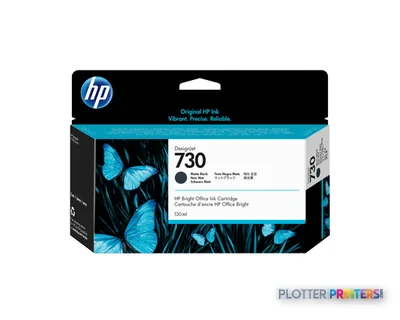
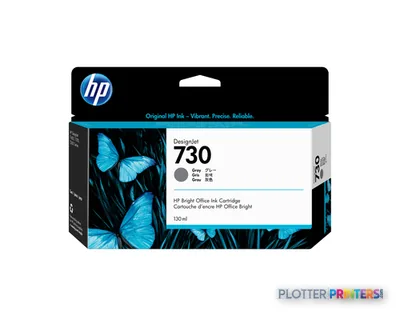
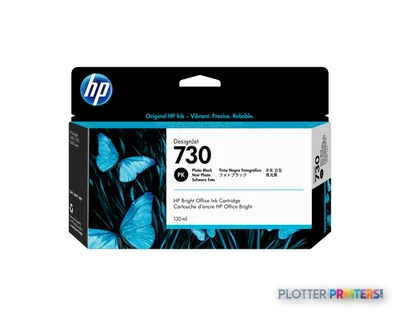
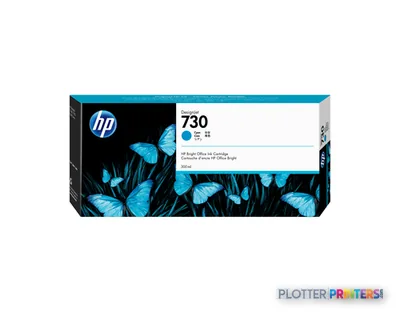
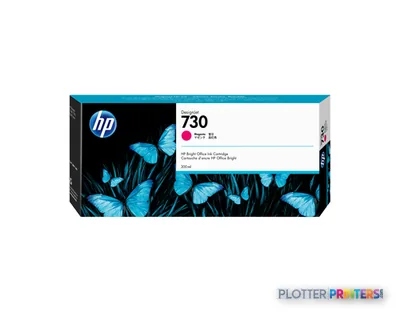
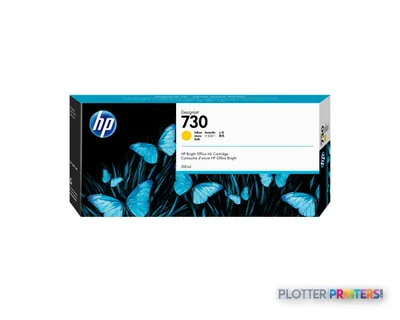
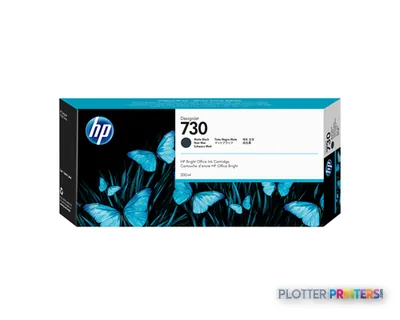
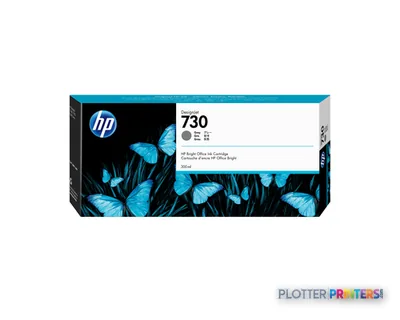
Its six-color system includes cyan, photo black, matte black, magenta, yellow, and gray, while HP-GL/2, HP-RTL, TIFF, JPEG, and CALS G4 support connect it sensibly to established CAD and technical-document workflows. This is a practical fit where drawings, color coordination plans, site maps, and scanned redlines all move through one managed device rather than a collection of heroic workarounds.
36" x 48"Maximum print widthCustom media size support
2400 x 1200 DPIMaximum resolution
600 x 600 DPIOptical scanning resolution
25 – 400%Copier resize range
Where it earns its floor space
The T2600dr makes the most sense for architecture, engineering, survey, and construction teams that need regular access to both output and intake. A scanned field markup, legacy plan, or consultant sheet can enter the same workflow that produces review prints and issue sets. The 600 x 600 DPI optical scanner is relevant here because scan quality is part of the record, not merely a convenience feature.
Print and copy full-size drawings, plus smaller technical documents within its supported custom-size range.
Produce color-coded coordination drawings, GIS material, and presentation-oriented technical output.
Submit common technical file types directly, including HP-GL/2, HP-RTL, TIFF, JPEG, and CALS G4.
Use two rolls to reduce interruptions when teams alternate between media types or drawing formats.
The specification deserves context: resolution supports detailed linework and color output, but productive delivery still depends on file preparation, roll selection, scan handling, and who owns exceptions. Money is minutes, and the person waiting for a misfiled PDF is not impressed by the printer’s maximum resolution.
See how this model’s speed classification sits within the 36-inch multifunction technical-print class; rated output is only one part of set-production time. See the full class ranking →
Workflow, security, and support considerations
For IT and print-room staff, the useful story is less glamorous than the printer and more durable: HP Click App, HP App, HP Web Jetadmin, HP Security Manager, and the HP Click Driver for Windows 11 are bundled, with HP SmartTracker and HP SmartStream listed as optional. HP Build Workspace is also included. That gives a team defined tools for submission, fleet administration, security management, and project-oriented workflow rather than asking users to improvise from a generic print dialog.
HP dynamic security is supported, and Wi-Fi Direct plus HP ePrint provide additional submission paths. Those paths should be governed deliberately in a managed environment: confirm network policy, access controls, driver deployment, and who can retrieve scanned files before installation. A printer can be well managed; an unmanaged scan destination is simply a different kind of incident report.
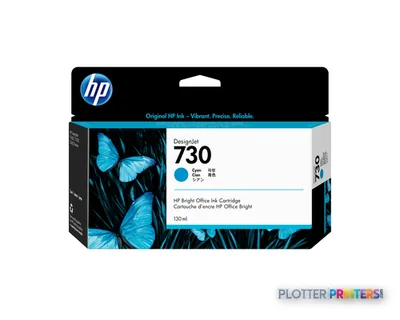
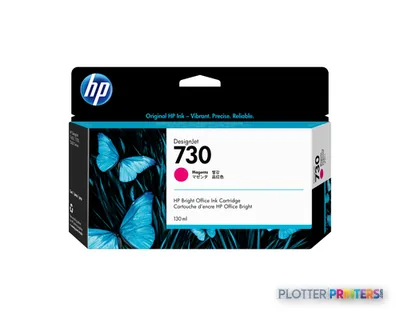
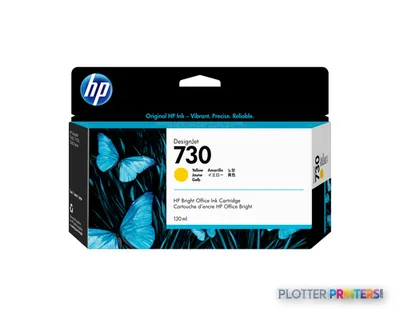
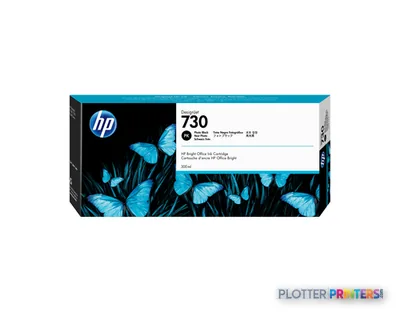
For supplies, this model uses HP 730 inks and the HP 727 printhead. Confirm the intended consumable configuration and service coverage with the supplier, especially if the device will carry a department’s deadline-sensitive scanning as well as its plotting.
Use the estimator to model plot time, then add the real-world allowance for file processing, roll changes, collection, and any scan or copy steps.
One set: – · Weekly plotting time: –
Computed from the manufacturer's rated 1,211 ft²/h. Real-world mixed sets run slower — treat this as a best case for comparing machines, not a promise.
How it sits in the T-series choice
Within the listed family, the HP DesignJet T2600 36-in is the logical comparison for organizations considering the same 36-inch multifunction format without the dual-roll designation. The HP DesignJet T2600PS 36-in is another close same-format alternative to assess where the organization’s preferred submission and processing workflow is the deciding factor. The right comparison is not a feature checklist contest; it is whether mixed media, scanning, and user submission habits justify the operational complexity of the chosen configuration.
Teams that routinely require a wider output format should evaluate the HP DesignJet T1700dr 44-in instead of trying to make a 36-inch device solve a 44-inch requirement through trimming or workarounds. Conversely, a firm that rarely scans, copies, or switches rolls may be buying more station than its workflow needs. Buy the machine for the workflow you have, not the one the brochure imagines.
Choose the HP DesignJet T2600dr 36-in Multifunction Printer Plus Edition if your AEC office needs a shared 36-inch color print, copy, and scan station with dual-roll flexibility and managed HP workflow tools. Choose the HP DesignJet T1700dr 44-in if wider drawings are a routine operational requirement; choose a simpler 36-inch family configuration if scanning and dual-roll use will remain occasional rather than daily.
Graded on a curve against the best published spec among the wide-format printers we track — 100 = the catalog’s gold standard for that metric (the finest droplet, the longest warranty, the fastest rated speed actually on the market). Every input is a manufacturer-published spec; rated speeds are shown as listed, not timed throughput. Ticks mark the class best. How we grade →
Category leaders best wide-format MFPs, by dimension
manufacturer-verified = checked against the manufacturer’s official datasheet, not aggregator data. Everything else is standards-body / catalog data we consider reliable.
Compliant with Class A requirements, including: USA (FCC rules), Canada (ICES), EU (EMC Directive), Australia (ACMA), New Zealand (RSM), China (CCC), Japan (VCCI), Korea (KCC)
Paper handling
Custom media sizes
210 x 279 to 914 x 1219 mm
Paper tray media types
Coated paper, Semi-glossy paper, Glossy paper, Bond paper, Photo paper, Matte paper, Heavy paper, Satin paper
ISO A-series sizes (A0…A9)
A0, A1, A2, A3, A4
Ports & interfaces
Wi-Fi Direct
Yes
Direct printing
Yes
Mobile printing technologies
HP ePrint
Technical details
Box contents
HP DesignJet T2600 Multifuntion Printer, printer stand and media bin, 15.6" touchscreen, spindle(s)[8], printheads, introductory ink cartridges, user guide, power cords
Weight & dimensions
Depth
29.9" (760 mm)
Width
54.7" (1390 mm)
Height
48.8" (1240 mm)
Weight
240.3 lbs (109 kg)
Power
AC input frequency
50/60 Hz
Power consumption (off)
0.3 W
Power consumption (sleep)
10 W
Operational conditions
Storage temperature (T-T)
-25 – 55 °C
Operating temperature (T-T)
5 – 35 °C
Operating relative humidity (H-H)
20 – 80%
Other features
UNSPSC-code
43212104
Electromagnetic compatibility
Compliant with Class A requirements, including: USA (FCC rules), Canada (ICES), EU (EMC Directive), Australia (ACMA), New Zealand (RSM), China (CCC), Japan (VCCI), Korea (KCC)
Copying
Copier resize
25 – 400%
Scanning
Optical scanning resolution
600 x 600 DPI
Packaging data
Package depth
30.2" (767 mm)
Package width
58.1" (1477 mm)
Package height
31.5" (800 mm)
Package weight
313.1 lbs (142 kg)
Bundled software
HP Click App, HP App, HP Web Jetadmin, HP Security Manager, HP SmartTracker (optional), HP Click Driver for Windows 11, HP Build Workspace, HP SmartStream (optional)
Genuine consumables that fit the HP DesignJet T2600dr 36-in Multifunction Printer Plus Edition – Build Connected — only the cartridges, printheads and media compatible with this model.
Is this printer suitable for CAD and technical drawing files?
Yes. Its listed page-description languages include HP-GL/2, HP-RTL, TIFF, JPEG, and CALS G4, and it supports direct printing. Those formats are relevant to established CAD and technical-document workflows.
What AEC work does the integrated scanner support?
The device includes optical scanning at 600 x 600 DPI and copy resizing from 25 – 400%. It is suited to bringing marked-up plans, legacy drawings, and other paper technical documents back into a digital workflow.
Why would an office need the dual-roll configuration?
Dual-roll capability is useful when users frequently move between media types or drawing formats and want to reduce roll-change interruptions. Its value is operational: it depends on how often those changes actually occur.
What software and management tools are included?
Bundled tools include HP Click App, HP App, HP Web Jetadmin, HP Security Manager, HP Click Driver for Windows 11, and HP Build Workspace. HP SmartTracker and HP SmartStream are listed as optional.
What consumables should buyers plan around?
Compatible supplies listed for this model include HP 730 inks and the HP 727 printhead. Confirm the final supply configuration and service arrangement with the supplier before standardizing the device for a department.
Does it fit a managed IT environment?
It includes HP Web Jetadmin, HP Security Manager, and HP dynamic security, while also supporting Wi-Fi Direct and HP ePrint. IT should define network, driver-deployment, and scan-file handling policies before rollout.