Expert analysis
What you should know
Key takeaways
- The T2600 combines 36-inch color printing, copying and 600 x 600 DPI optical scanning in one AEC-oriented device.
- Its supported page-description languages include HP-GL/2, HP-RTL, TIFF, JPEG and CALS G4.
- HP Click, HP Web Jetadmin and HP Security Manager make driver, fleet and security planning part of the purchase decision.
- The copier resize range of 25 – 400% supports practical reproduction of marked-up and legacy drawings.
- The dual-roll HP DesignJet T2600dr 36-in is the better in-family fit when frequent media switching is the recurring bottleneck.
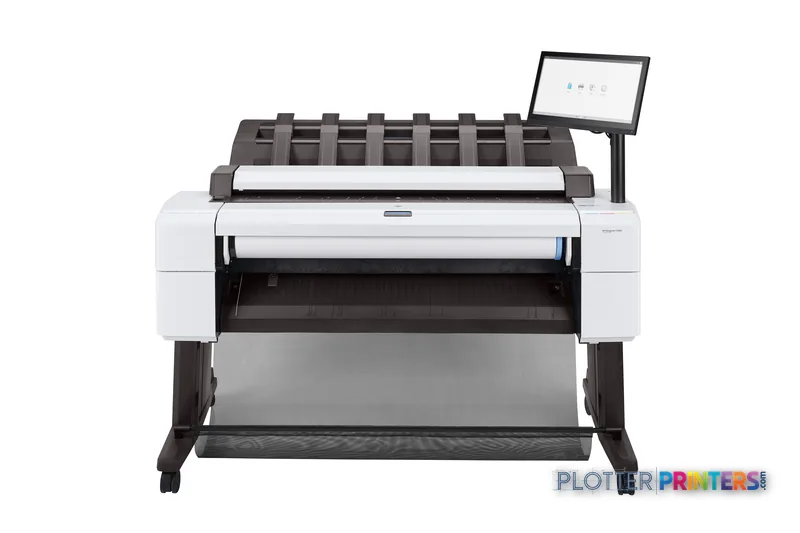
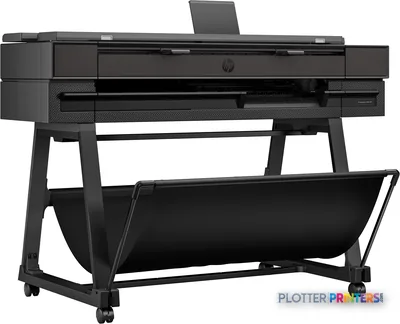
AEC plotting rarely fails because a drawing cannot be printed. It fails because a permit revision is trapped in a PDF queue, a field markup needs copying at the wrong scale, or the one person who knows the driver is out on site. The HP DesignJet T2600 36-in Multifunction Printer Plus Edition – Build Connected is a 36-inch color multifunction system intended to keep printing, copying and scan-based document work in one office-side device.
Its practical appeal is the combination of wide-format output, a 600 x 600 DPI optical scanner, direct printing and workflow tools including HP Click App, HP Click Driver for Windows 11 and HP Build Workspace. That suits teams producing CAD sheets, PDF plan revisions, coordination drawings and marked-up construction documents—not simply occasional presentation prints.
2400 x 1200 DPIMaximum resolutionColor-capable output
600 x 600 DPIOptical scanning resolutionFor scan and copy workflows
54.7" (1390 mm)Installed widthAllow room for operation and media handling
233.7 lbs (106 kg)WeightPlan its location before delivery
Where it fits in an AEC document workflow
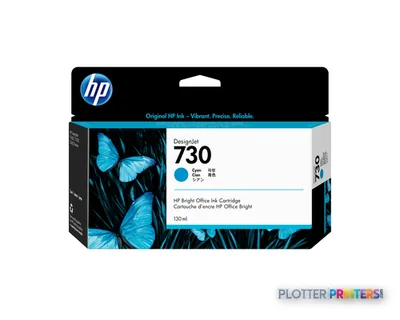
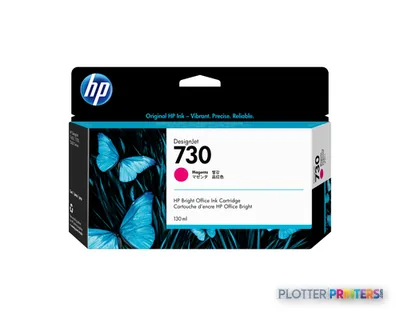
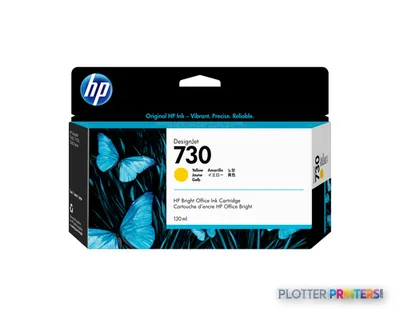
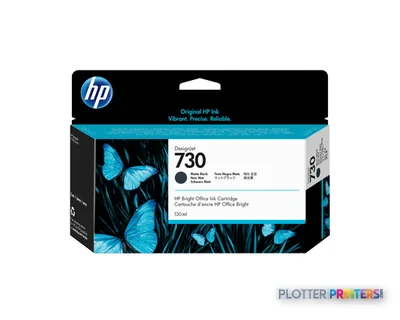
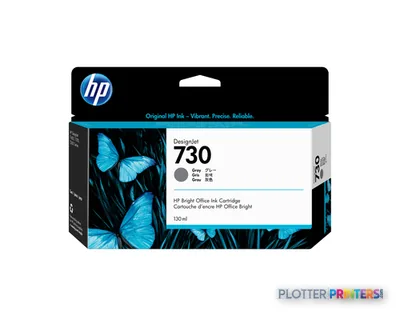
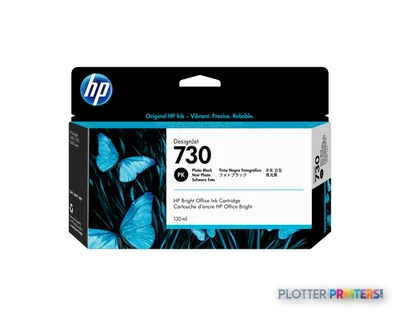
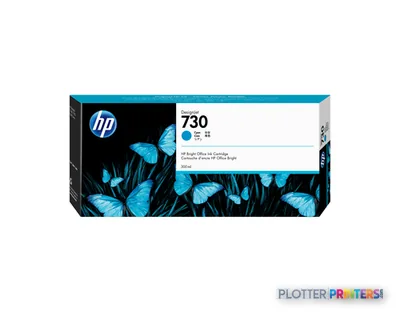
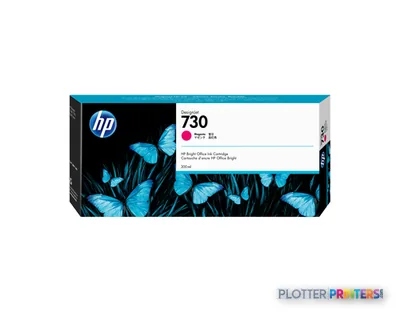
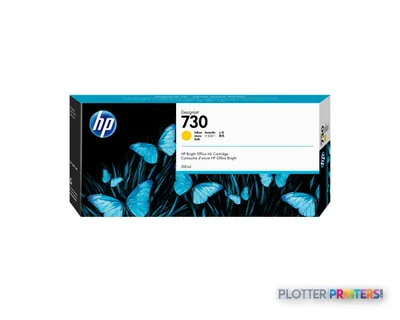
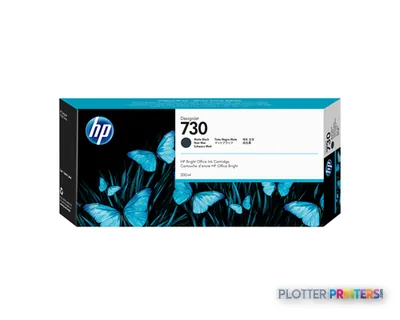
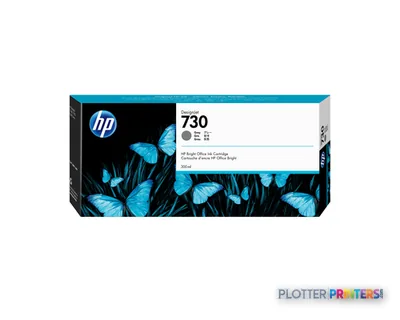
This model is particularly well suited to an architecture, engineering or construction office that needs a shared 36-inch printer for routine plan output and occasional scan-to-file work. HP-GL/2, HP-RTL, TIFF, JPEG and CALS G4 support matters in mixed drawing environments, where current PDFs may sit alongside established CAD and technical-document formats. The six-color ink set includes cyan, photo black, matte black, magenta, yellow and gray, providing a useful foundation for monochrome linework as well as color-coded civil, MEP and coordination drawings.
The copier can resize from 25 – 400%, which is useful when a field set, legacy detail or marked-up drawing needs to become a working copy at another scale. Custom media sizes range from 210 x 279 to 36″ x 48″ (914 x 1219 mm). That is a sensible fit for day-to-day drawing production, but buyers should confirm their actual sheet and roll workflow rather than assuming every nonstandard deliverable will behave identically.
For offices comparing equipment internally, the T2600 and T2600dr comparison is the relevant starting point. The HP DesignJet T2600dr 36-in adds dual-roll capability, making it more compelling where operators regularly switch between media types or sizes. A plotter that saves thirty seconds a plot buys you nothing if the file spends four minutes finding it.
Workflow and IT considerations
The software bundle is unusually relevant to the people supporting the printer, not just those sending drawings. HP Click App and HP Click Driver for Windows 11 address job submission; HP Web Jetadmin and HP Security Manager give IT tools for fleet administration and security management; HP SmartTracker and HP SmartStream are optional. HP ePrint and Wi-Fi Direct expand submission options, while direct printing can reduce dependence on a single desktop application.
That does not remove the need for disciplined setup. IT should establish who can use Wi-Fi Direct, which driver is standard, how device access is managed, and whether project or department reporting requires the optional tools. HP dynamic security is supported. In a project office, the printer is one node in a system of files, identities, networks and deadlines; unmanaged exceptions become the expensive part.
The machine carries ENERGY STAR certification and lists 10 W sleep power consumption and 0.3 W off power consumption. Those figures are useful for facilities planning, but they do not describe the operator time spent resolving bad PDFs, misplaced scans or unlabelled output. Money is minutes.
The trade-offs to examine before ordering
The T2600 is an MFP choice for teams that genuinely need scanning and copying in the same location as printing. It may be less appropriate for a print room whose main problem is unattended media switching: the HP DesignJet T2600dr 36-in is the in-family alternative listed with dual-roll capability. Conversely, firms that do not need integrated scan/copy should question whether an MFP workflow is solving a real bottleneck or merely adding equipment functions that will sit idle.
Physical planning is not decorative. The unit measures 29.9″ (760 mm) deep, 54.7″ (1390 mm) wide and 48.8″ (1240 mm) high, and weighs 233.7 lbs (106 kg). Leave working clearance for loading media, collecting output and using the scanner. It operates from 5 – 35 °C and 20 – 80% relative humidity. For a wider-format conversation, the HP DesignJet T1700 44-in is a catalog-listed 44-inch alternative, though its listed configuration should be reviewed separately rather than inferred from this machine.
Related tools and comparisons
The read
Choose the HP DesignJet T2600 36-in Multifunction Printer Plus Edition – Build Connected if your office needs shared 36-inch color printing plus integrated copying and scanning, with HP tools available for job submission and fleet management. Choose the HP DesignJet T2600dr 36-in if roll switching and unattended media flexibility are the more persistent operational constraint. Buy the machine for the workflow you have, not the one the brochure imagines.