
Home / Wide-Format Printers / HP DesignJet
HP · Wide-Format Plotter
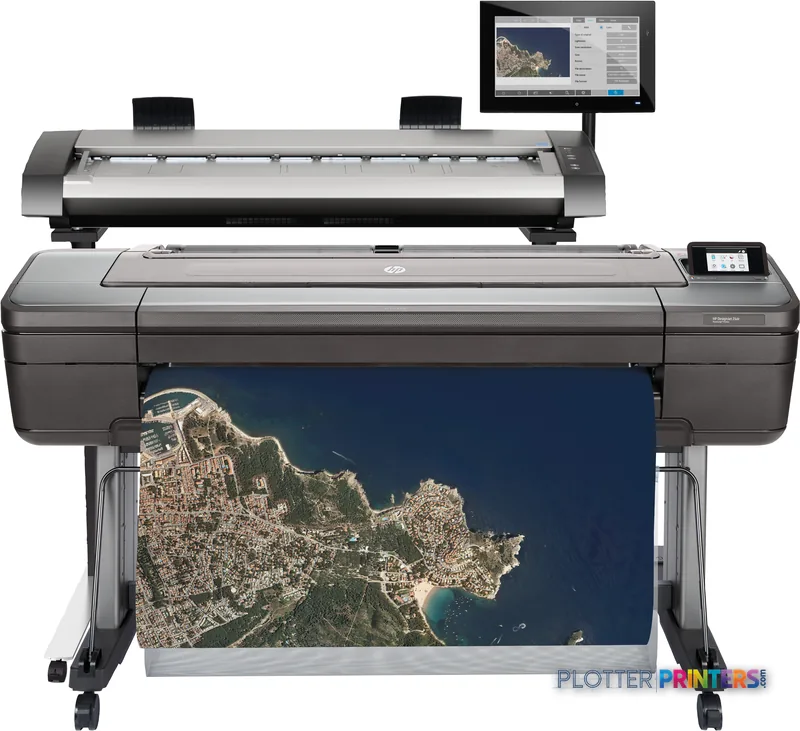
HP DesignJet HD Pro
wide-format MFPs
- ModelHD Pro
- Score63/100
Authorized HP dealerGenuine hardware & ink
Manufacturer warrantyExtension plans available
Free shippingContinental U.S.
Plotter specialistsAEC experts, not just sellers
Analyst take
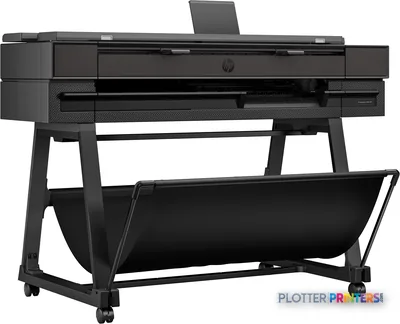
- The HP HD Pro combines wide-format color inkjet printing with CCD color scanning and copying.
- Its supported HP-GL/2, HP-RTL, PDF 1.7, PostScript 3 and TIFF languages fit mixed AEC document intake.
- Scan-to-email, FTP, file and USB support several document-control handoff methods.
Not sure if the HD Pro is right for you?
Compare key specs and an AI analyst read-out against similar models.
- Fine detail 2400 x 1200 DPI maximum resolution for crisp line work.
- Ink platform Chromatic red, Cyan, Magenta, Matte black, Photo black, Yellow.
- Scan & copy Integrated scanner for digitizing and sharing sets.
- Connectivity Ethernet for shared team printing.
- Analyst score Scores 63/100 in our class-relative rating.
Overview
Built for the work
HP Designjet HD Pro, Inkjet, 2400 x 1200 DPI, HP-GL/2, HP-RTL, PDF 1.7, PostScript 3, TIFF, Chromatic red, Cyan, Magenta, Matte black, Photo black, Yellow, 60 m²/hr, Color copying
- 646 ft²/hRated speed
- 6Ink channels
- 2,400 dpiMax resolution
Spec Analysis
overall
overall
Expert analysis
What you should know

Key takeaways
- The HP HD Pro combines wide-format color inkjet printing with CCD color scanning and copying.
- Its supported HP-GL/2, HP-RTL, PDF 1.7, PostScript 3 and TIFF languages fit mixed AEC document intake.
- Scan-to-email, FTP, file and USB support several document-control handoff methods.
- A wired Ethernet connection, 500 GB HDD and USB access require deliberate IT and retention policies.
- The 42-inch maximum print size suits standard large-format AEC work more directly than a substantially wider graphics-oriented platform.
The HP HD Pro is built for AEC teams that still need to turn marked-up drawings, legacy plans, maps and presentation graphics into usable digital files and color copies—not merely send PDFs to a printer and hope the markup survives. Its CCD scanner, color copying and broad scan destinations make it relevant to print rooms, survey teams and project offices handling physical documents alongside current digital sets.
It is a wide-format inkjet system with a maximum print size of 42" x 75", six-color printing and support for HP-GL/2, HP-RTL, PDF 1.7, PostScript 3 and TIFF. That matters when CAD output, consultant PDFs and scanned originals all arrive before lunch with different ideas about what “ready to print” means.
42" x 75" (1067 x 1897 mm)Maximum print size
60 m²/hrNormal-quality print speed
6 ipsColor scan speed
500 GBInternal storage
Where it fits in an AEC document workflow
This machine is particularly well suited to teams that need one station for color scanning, copying and wide-format output. Scan-to-email, FTP, file and USB give document-control staff several handoff paths for signed sheets, redlines, archival drawings and field markups. The 1200 x 1200 DPI optical scanning resolution is relevant when small annotations and linework need to remain legible after capture.
- Architecture and engineering offices converting marked plan sets into PDF workflows.
- Survey and infrastructure teams scanning color-coded maps and annotated originals.
- Construction offices producing color copies for coordination and field review.
- Central print rooms supporting HP-GL/2, HP-RTL, PDF, PostScript and TIFF files.
Its 2400 x 1200 DPI maximum print resolution and chromatic red ink position it for drawings where color carries information: discipline overlays, utility routes, phasing plans and review comments. Output quality still begins with the file. A plotter that saves thirty seconds a plot buys you nothing if the file spends four minutes finding it.
Operational considerations before it reaches the print room
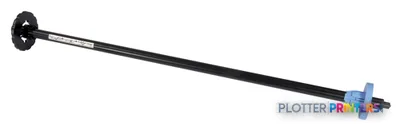
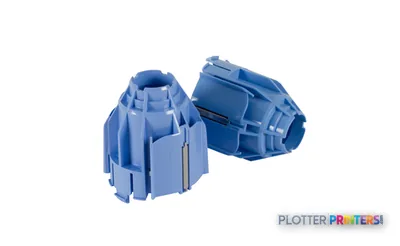
The specified normal-quality speed of 60 m²/hr is useful for broad capacity planning, but productive throughput will also depend on file processing, media changes, scan preparation, job mix and the person collating the finished set. The machine accepts roll paper and supports a HP DesignJet 44-in Spindle; the HP DesignJet 3-in Core Adapter may matter where existing media inventory uses that core format.
For consumables planning, this model uses HP 727 inks and an HP 727 printhead. Its physical footprint—69.7" wide, 44.9" deep and 59.1" high—deserves a real floor-plan check, including room for loading rolls and handling originals. At a specified 42 dB sound pressure level while printing, it may be more office-friendly than a traditional production print room, though scanner traffic and finishing activity still create their own small weather system.
Estimate rated print time for typical plan volumes, then add the handling, processing and collation time your workflow actually requires.
One set: – · Weekly plotting time: –
Computed from the manufacturer's rated 646 ft²/h. Real-world mixed sets run slower — treat this as a best case for comparing machines, not a promise.
Network, storage and workflow governance
IT should treat this as a networked document endpoint, not a harmless plotter in the corner. The HP HD Pro has Ethernet LAN, one RJ-45 port, USB connectivity and a 500 GB HDD, but no Wi-Fi. That can simplify placement within a managed wired environment; it also means network segmentation, access control, HDD handling and scan-destination governance should be agreed before deployment. The scanner is free. The person standing at it is not.
There is no built-in display specified, so confirm how operators will submit, release and monitor jobs in the intended environment. Review driver deployment, PDF behavior, scan naming conventions, FTP retention and who can send documents to email or USB. For broader context, see how we assess wide-format workflow fit and the wide-format class ranking.
How it sits against the listed alternatives
The nearest listed in-family comparison is the HP DesignJet T918 36-in. Its narrower 36-inch format makes it a different fit for teams whose work rarely requires the HP HD Pro’s 42-inch maximum print size. Compare the two around scan/copy workflow, media requirements and physical space rather than assuming that a smaller platform is automatically simpler.
The Epson F100 77-in is a much wider cross-brand alternative. Its 77-inch format changes the conversation toward oversized graphics and larger-format output; it is not a like-for-like substitute for an AEC team centered on 42-inch documents and integrated scanning. Use the comparison tool to keep width, resolution and workflow requirements visible rather than comparing one headline specification at a time.
Related evaluation tools
The read
Choose the HP HD Pro if your AEC operation needs color wide-format printing plus CCD scanning and copying in one wired, document-control-oriented station, and your work routinely fits within a 42-inch print width. Choose the HP DesignJet T918 36-in if its narrower format better matches the documents you actually produce. Consider the Epson F100 77-in only when substantially wider output is a genuine workflow requirement, not an occasional request that has acquired executive sponsorship.
Spec analysis
How the specs grade
Overall performance
- This printer
- HP DesignJet T2600dr MFP
Verified specifications
The specs that decide it
| Print technology | Inkjet |
|---|---|
| Maximum resolution | 2400 x 1200 DPI |
| Printing colors | Chromatic red, Cyan, Magenta, Matte black, Photo black, Yellow |
| Number of print cartridges | 6 |
| Page description languages | HP-GL/2, HP-RTL, PDF 1.7, PostScript 3, TIFF |
| Maximum print size | 1067 x 1897 mm |
| Scanning | Color scanning |
| Wi-Fi | No |
| Ethernet | Yes |
| Sound level (printing) | 42 dB |
| Power consumption | 120 W |
Specifications
Full technical detail
Print technologyInkjet
Max resolution2400 x 1200 DPI
ColorColor
ConnectivityEthernet (Gigabit LAN), USB
Use caseCAD / Technical
Printing
| Color | Yes |
|---|---|
| Printing colors | Chromatic red, Cyan, Magenta, Matte black, Photo black, Yellow |
| Print technology | Inkjet |
| Maximum resolution | 2400 x 1200 DPI |
| Number of print cartridges | 6 |
| Page description languages | HP-GL/2, HP-RTL, PDF 1.7, PostScript 3, TIFF |
| Print speed (normal quality) | 60 m²/hr |
Performance
| Product color | Black |
|---|---|
| Storage media | HDD |
| Built-in display | No |
| Internal storage capacity | 500 GB |
| Sound pressure level (printing) | 42 dB |
Paper handling
| Roll paper | Yes |
|---|---|
| Maximum print size | 1067 x 1897 mm |
| ISO A-series sizes (A0…A9) | A0, A1, A2, A3, A4 |
Ports & interfaces
| Wi-Fi | No |
|---|---|
| USB port | Yes |
| Ethernet LAN | Yes |
| USB connector | USB Type-A |
| RJ-45 ports quantity | 1 |
| USB 2.0 ports quantity | 1 |
| USB 3.2 Gen 1 (3.1 Gen 1) ports quantity | 1 |
Weight & dimensions
| Depth | 44.9" (1140 mm) |
|---|---|
| Width | 69.7" (1770 mm) |
| Height | 59.1" (1500 mm) |
| Weight | 346.1 lbs (157 kg) |
Power
| Power consumption (typical) | 120 W |
|---|---|
| Power consumption (PowerSave) | 3 W |
Copying
| Copying | Color copying |
|---|
Scanning
| Scan to | E-mail, FTP, File, USB |
|---|---|
| Scanning | Color scanning |
| Scan technology | CCD |
| Scan speed (black) | 13 ips |
| Scan speed (color) | 6 ips |
| Optical scanning resolution | 1200 x 1200 DPI |
Packaging data
| Package depth | 57.1" (1450 mm) |
|---|---|
| Package width | 76" (1930 mm) |
| Package height | 28" (710 mm) |
| Package weight | 445.3 lbs (202 kg) |
Sustainability
| Sustainability certificates | EPEAT Bronze, ENERGY STAR |
|---|
Everything that fits the HP DesignJet HD Pro
The full supplies hub lists every cartridge, printhead, roll and accessory verified against the manufacturer's own documentation for this machine.
18 ink cartridges · 1 printhead · 2 accessories
HP DesignJet HD Pro ink and paper →Supplies
Compatible ink, printheads & media
Genuine consumables that fit the HP DesignJet HD Pro Scanner — only the cartridges, printheads and media compatible with this model.
Ink Cartridges 18
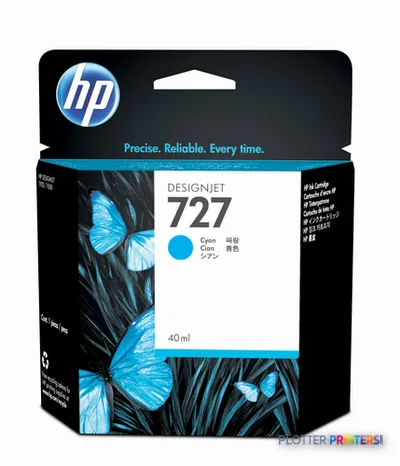 HP 727 Cyan Ink Cartridge, 40 ml (B3P13A)
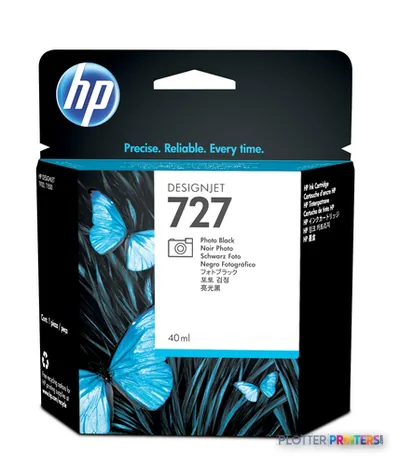 HP 727 Photo Black Ink Cartridge, 40 ml (B3P17A)
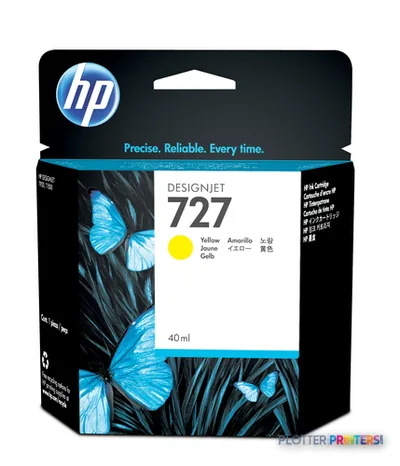 HP 727 Yellow Ink Cartridge, 40 ml (B3P15A)
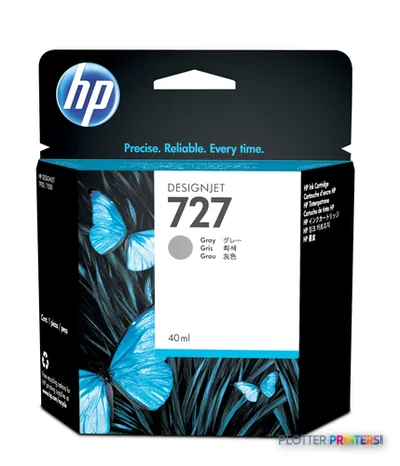 HP 727 Gray Ink Cartridge, 40 ml (B3P18A)
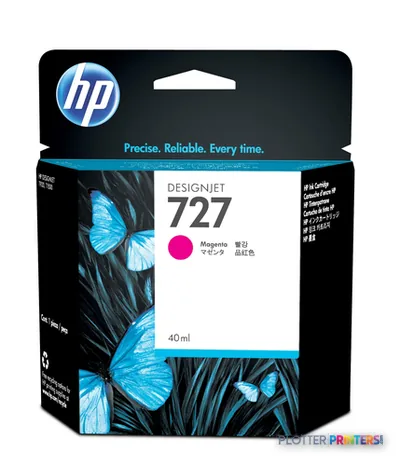 HP 727 Magenta Ink Cartridge, 40 ml (B3P14A)
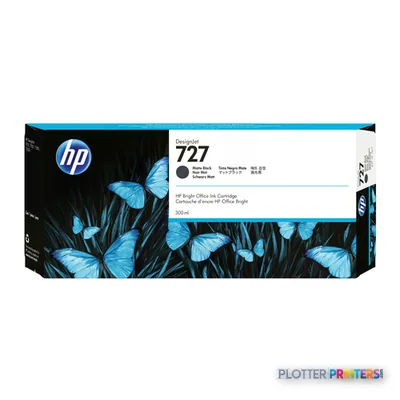 HP 727 300-ml Matte Black Ink Cartridge
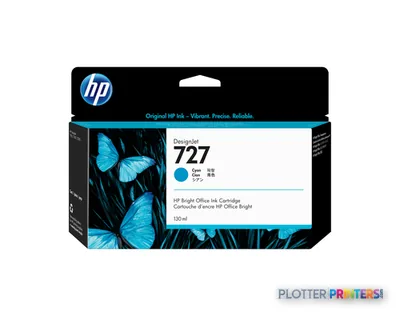 HP 727 130-ml Cyan Ink Cartridge
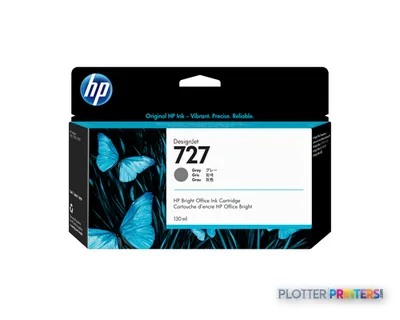 HP 727 130-ml Gray Ink Cartridge
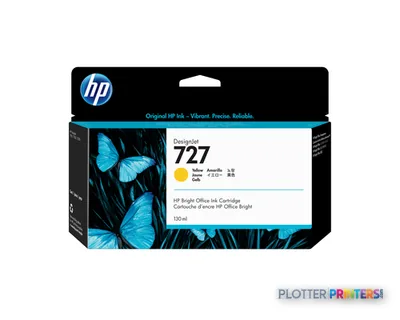 HP 727 130-ml Yellow Ink Cartridge
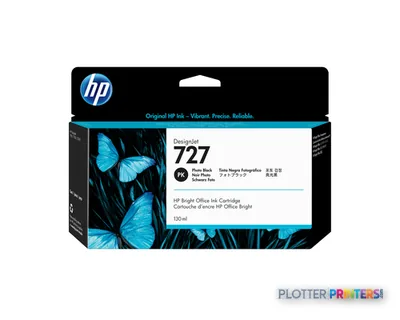 HP 727 130-ml Photo Black Ink Cartridge
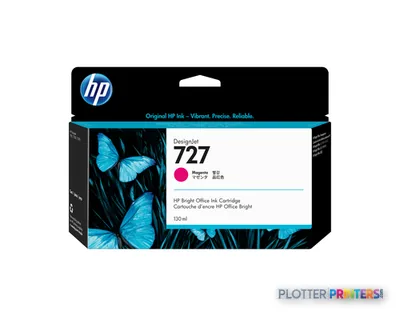 HP 727 130-ml Magenta Ink Cartridge
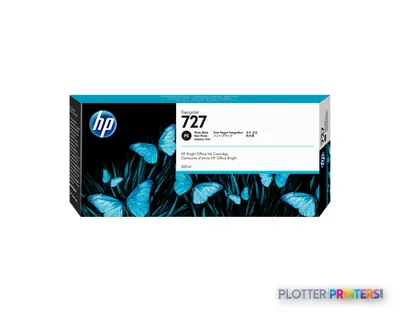 HP 727 300-ml Photo Black Ink Cartridge
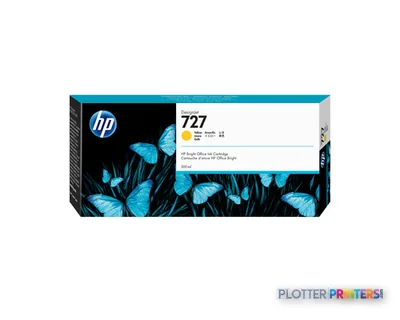 HP 727 300-ml Yellow Ink Cartridge
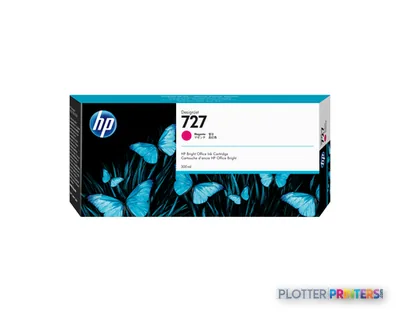 HP 727 300-ml Magenta Ink Cartridge
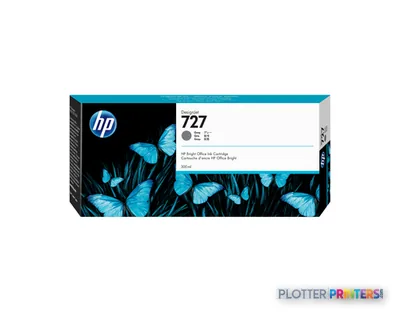 HP 727 300-ml Gray Ink Cartridge
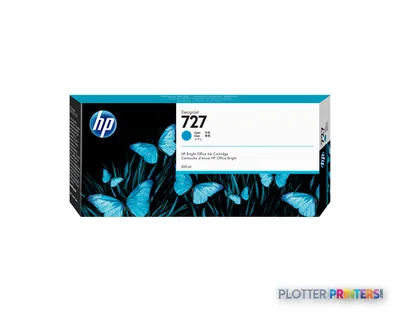 HP 727 300-ml Cyan Ink Cartridge
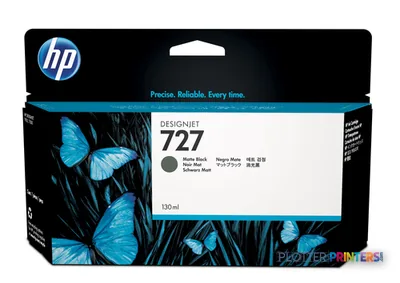 HP 727 130-ml Matte Black Ink Cartridge
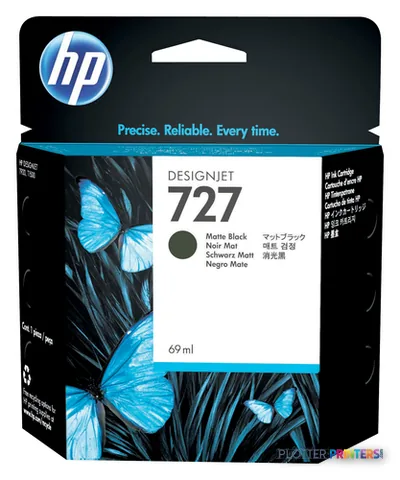 HP 727 Matte Black Ink Cartridge, 69 ml (C1Q11A)
Printheads 1
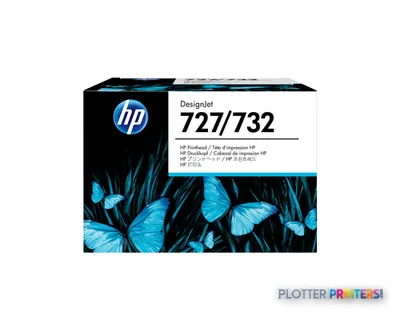
Accessories 2
Questions
Straight answers
What AEC work is the HP HD Pro designed to support?
It fits document-heavy work involving wide-format drawings, color copies, scanned markups, maps and legacy originals. Its supported page-description languages include HP-GL/2, HP-RTL, PDF 1.7, PostScript 3 and TIFF.
Can the HP HD Pro scan color documents?
Yes. It provides color scanning and color copying, uses CCD scan technology and has a stated optical scanning resolution of 1200 x 1200 DPI.
Where can scanned files be sent?
The listed scan destinations are email, FTP, file and USB. Teams should establish naming, retention and access procedures for each route before deployment.
Does it support Wi-Fi?
No. The listed connectivity includes Ethernet LAN, one RJ-45 port and USB, but no Wi-Fi.
What consumables should a buyer plan for?
This model uses HP 727 inks and an HP 727 printhead. It also supports the HP DesignJet 44-in Spindle and the HP DesignJet 3-in Core Adapter.
How does it compare with the listed HP alternative?
The HP DesignJet T918 36-in is the listed in-family option and has a narrower 36-inch format. The HP HD Pro has a stated maximum print size of 42″ x 75″, so the practical choice turns on document width, scan/copy needs and available space.
Ready to put the HP DesignJet HD Pro to work?
Configuration, media and a quote tailored to your workflow — from AEC plotter specialists.