
Home / Wide-Format Printers / Epson SureColor
Epson · Wide-Format Plotter
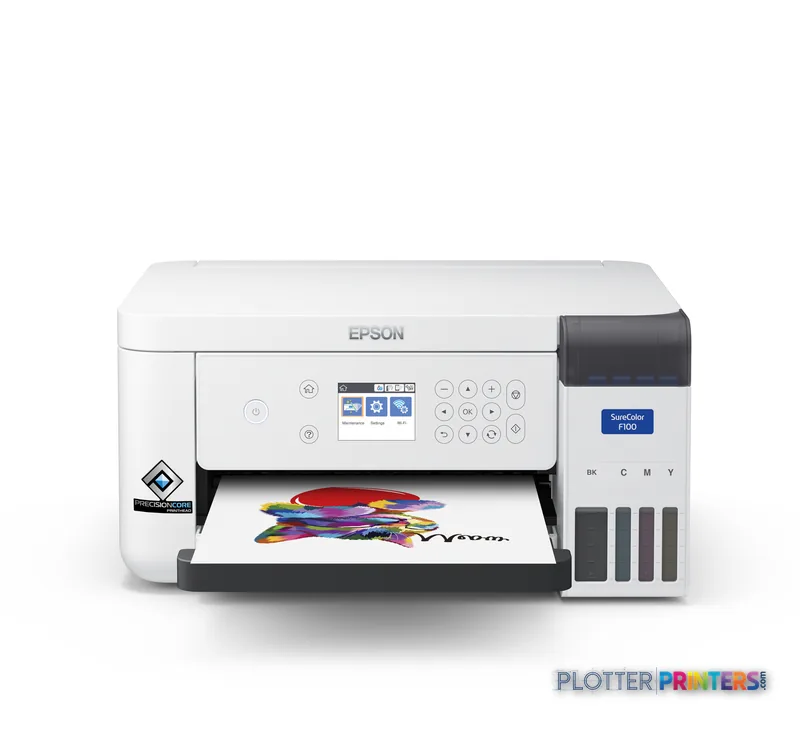
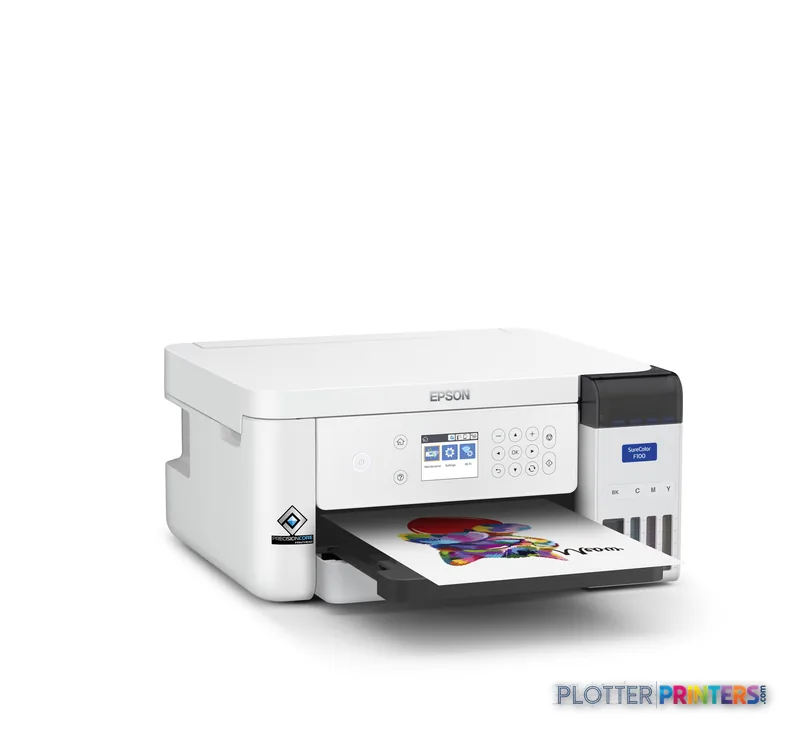
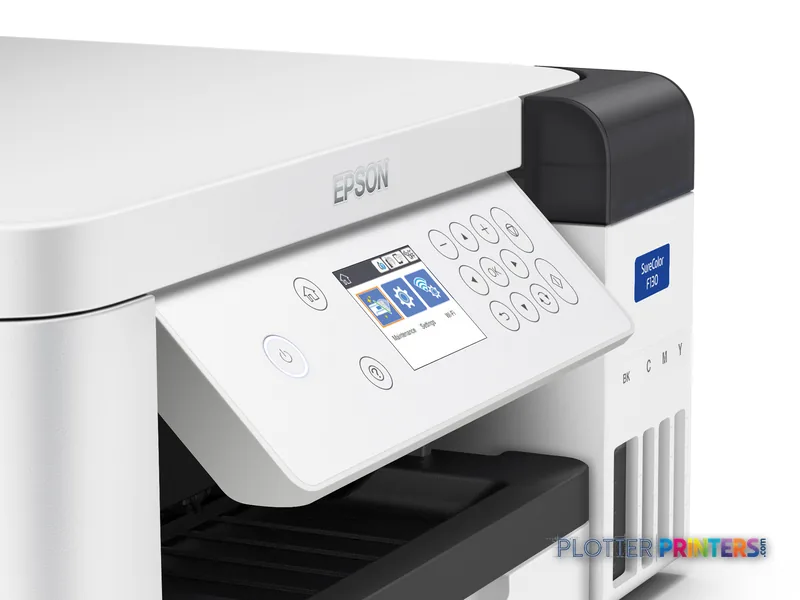
Epson SureColor SC-F100
technical / CAD plotter
- ModelSC-F100
Authorized Epson dealerGenuine hardware & ink
Manufacturer warrantyExtension plans available
Free shippingContinental U.S.
Plotter specialistsAEC experts, not just sellers
Analyst take
- The Epson SC-F100 prints up to A4 (8.3" x 12" (210 x 297 mm)), which excludes normal wide-format AEC drawing production.
- It has no scanning or copying functions, so it cannot replace a technical multifunction device for redlines or archive capture.
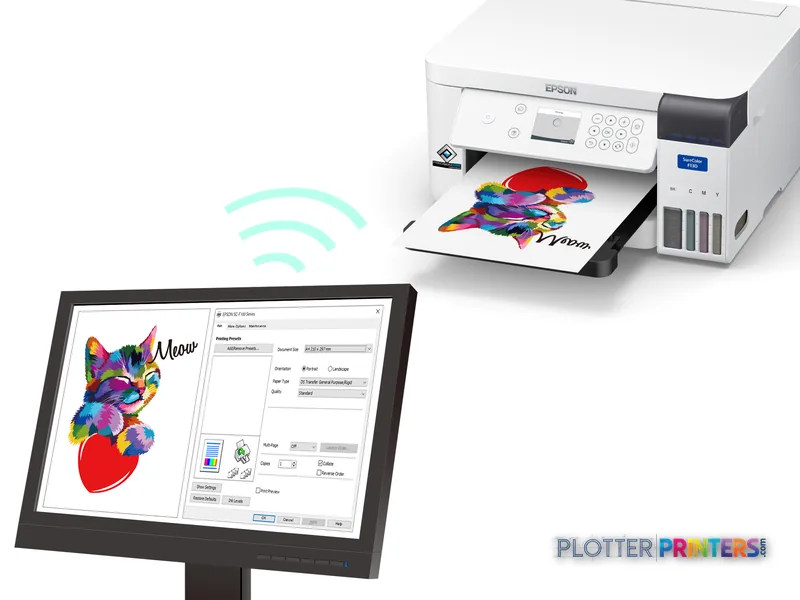
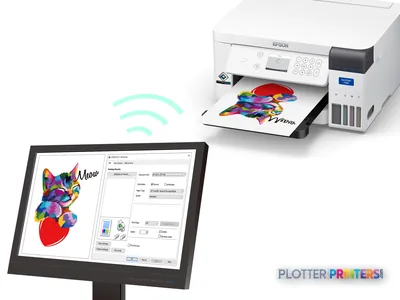
- Wi-Fi, USB, and Ethernet LAN provide several deployment options for a small department or desk-side location.
Not sure if the SC-F100 is right for you?
Compare key specs and an AI analyst read-out against similar models.
- Fine detail 600 x 1200 DPI maximum resolution for crisp line work.
- Productivity Rated at Up to 2,700 sqft/hr.
- Ink platform Black, Cyan, Yellow, Magenta.
- Connectivity Wi-Fi + Ethernet for shared team printing.
- Verified specs 3 specs checked against the manufacturer datasheet.
Overview
Built for the work
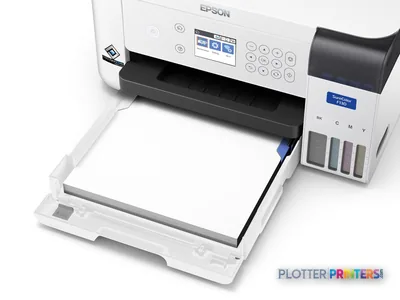
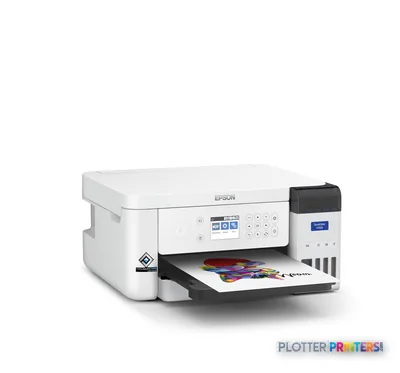
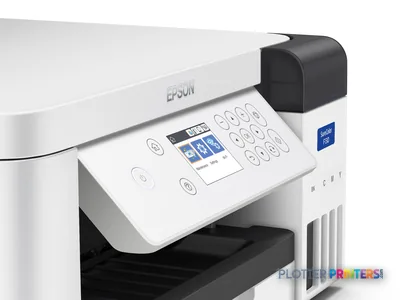
Epson SureColor SC‑F100, Inkjet, 600 x 1200 DPI, Black, Cyan, Yellow, Magenta, A4 (210 x 297 mm), White, Philippines
Expert analysis
What you should know

Key takeaways
- The Epson SC-F100 prints up to A4 (8.3" x 12" (210 x 297 mm)), which excludes normal wide-format AEC drawing production.
- It has no scanning or copying functions, so it cannot replace a technical multifunction device for redlines or archive capture.
- Wi-Fi, USB, and Ethernet LAN provide several deployment options for a small department or desk-side location.
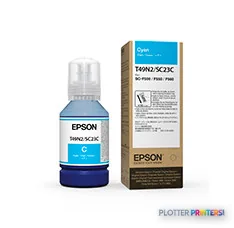
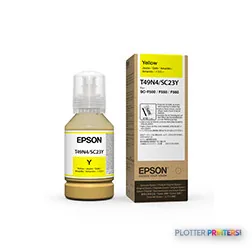
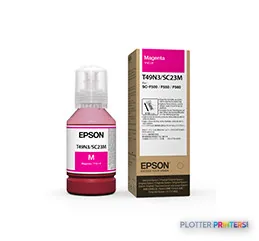
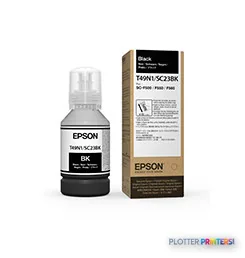
- Its four listed inks are Epson Dye Sublimation Black T49N100 (140mL), Epson Dye Sublimation Cyan T49N200 (140mL), Epson Dye Sublimation Magenta T49N300 (140mL), and Epson Dye Sublimation Yellow T49N400 (140mL).
- The Epson SC-F500 is the more relevant in-family comparison when the buyer needs a wider printing format.
At 4:45 p.m., nobody in an architecture or engineering office needs another device pretending to be a plotter. The Epson SC-F100 has a much narrower job: compact, A4 color output where a full-size drawing set is not the assignment. Think small project handouts, internal reference sheets, or color items tied to a project team’s presentation and identification work.
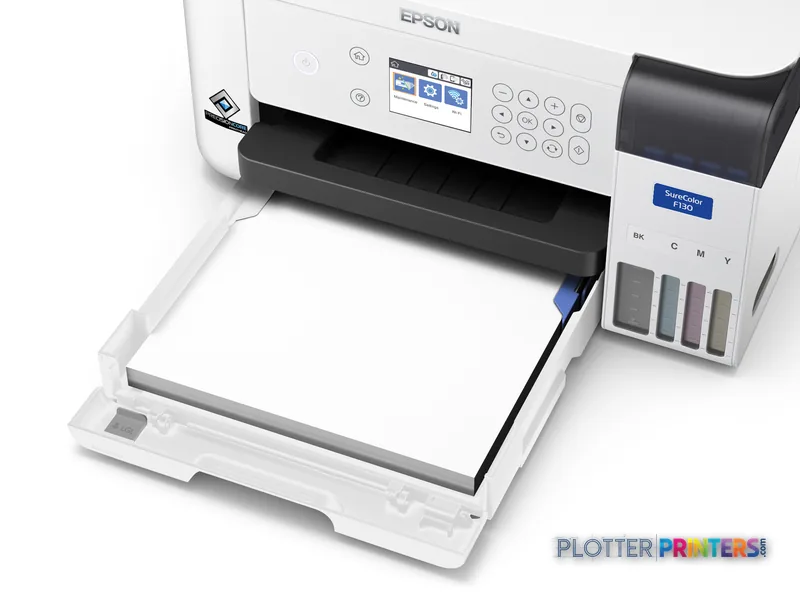
It is an inkjet unit with four colors—Black, Cyan, Yellow, and Magenta—and it uses Epson Dye Sublimation Black T49N100 (140mL), Epson Dye Sublimation Cyan T49N200 (140mL), Epson Dye Sublimation Magenta T49N300 (140mL), and Epson Dye Sublimation Yellow T49N400 (140mL). That matters because this is not a substitute for the wide-format CAD printer parked near the plan room. It is a small-format specialty device with a very specific lane.
A4 (8.3" x 12" (210 x 297 mm))Maximum print sizeThis sets the boundary for document work.
600 x 1200 DPIMaximum resolutionUseful context for small-format color output.
14.8" (375 mm)Printer footprintA desk-side footprint rather than a print-room machine.
10.1 lbs (4.6 kg)WeightEasy to place where the work happens.
Where it fits in an AEC office
The SC-F100 makes sense when an AEC team needs a small dedicated color printer and understands its format limit before it arrives. Its built-in display, Wi-Fi, USB port, and Ethernet LAN give IT more than one practical connection path. That can suit a reception area, project pod, marketing desk, or a small department that does not need scanning and copying in the same device.
The 600 x 1200 DPI maximum resolution is relevant for small graphics and documents, but it does not change the basic production reality: the maximum sheet is A4. A civil set, an MEP coordination sheet, a survey exhibit, and a construction plan set all outgrow this machine immediately. So do not make it the last stop before a bid deadline. That is how innocent equipment winds up with a grudge.
Bottom line: the SC-F100 is a compact specialty printer for A4 work, not an AEC drawing-production device.
The limitations are not minor details
This printer has no copying function and no scanning function. That rules out walk-up redline copying, legacy-sheet capture, and the usual scan-to-PDF chores that keep many technical print rooms busy. There is also no evidence here of roll media, automatic roll switching, set collation, or wide-format finishing. Those are not omissions to solve with a better driver. They are different machine jobs.
For ordinary AEC document production, its maximum A4 size is the hard stop. Firms that routinely issue larger drawings should look toward a wider device in the same family, such as the Epson SC-F500, or use the SC-F100 and SC-F500 comparison tool to put the format difference in plain view. The Epson SC-F500 is listed with 2400 x 1200 DPI, while the SC-F100 is listed at 600 x 1200 DPI; neither figure, by itself, tells you whether either machine matches your actual paper and workflow requirements.
Bottom line: if your normal job starts with a roll of bond paper, start with another machine.
Supplies, support, and the buying conversation
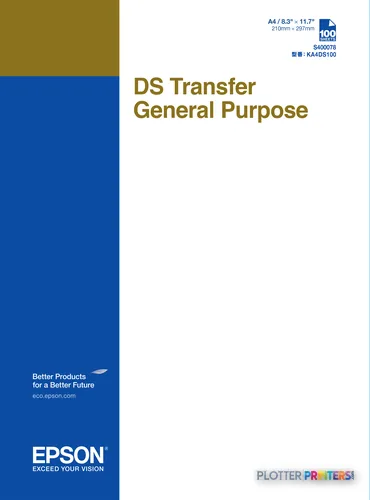
Buyers should confirm the intended media and end-use process with their supplier before treating the SC-F100 as a general office color printer. The listed supplies include Epson DS Transfer General Purpose A4 sheets and Epson C13S210125 maintenance support. Those names point to a workflow that deserves a proper sample test with the actual files, material, and finishing steps your team expects to use.
IT should also decide whether Wi-Fi, USB, or Ethernet LAN is the right connection for the location. Ethernet is usually the cleaner choice when a device needs managed network access; USB can be sensible for a tightly controlled local workflow. The product data confirms the interfaces, not the firm’s authentication, accounting, or security policy. Those questions still belong in the dealer conversation.
For a different compact Epson direction, Epson F571 is also in the family. It is listed as a dye-sublimation model with 2400 x 1200 DPI. That does not automatically make it the right next step, but it is a sensible model to evaluate when A4 is too limiting and the work remains in this application category.
Bottom line: test the whole workflow, not just the printer on a clean demo file.
Compare the next questions, not just the next model
The read
The Epson SC-F100 is easy to understand once the A4 limit is treated as the main fact, not a footnote. It can fit an AEC office that needs compact, dedicated small-format color output and has no expectation of scanning, copying, or plan production. It is a poor fit for architects, engineers, surveyors, and contractors who need to print or reproduce drawing sets. Those teams should move straight to a wider workflow rather than trying to make a small specialty machine cover a print-room job.
Bottom line: buy the SC-F100 for contained A4 work; do not ask it to carry a drawing deadline.
Spec analysis
How the specs grade
Overall performance
—Not enough data for an overall score
Individual dimensions are shown where the specs support them.
- This printer
Verified specifications
The specs that decide it
| Print technology | Inkjet |
|---|---|
| Maximum resolution | 600 x 1200 DPI |
| Print speed | Up to 2,700 sqft/hrmanufacturer-verified |
| Printing colors | Black, Cyan, Yellow, Magenta |
| Number of print cartridges | 4manufacturer-verified |
| Maximum print size | A4 (210 x 297 mm) |
| Scanning | No |
| Wi-Fi | Yes |
| Ethernet | 1000Base-T Ethernetmanufacturer-verified |
manufacturer-verified = checked against the manufacturer’s official datasheet, not aggregator data. Everything else is standards-body / catalog data we consider reliable.
Specifications
Full technical detail
Print technologyInkjet
Max resolution600 x 1200 DPI
ColorColor
ConnectivityEthernet (Gigabit LAN), USB, Wi-Fi
Use caseGraphics / Production
Printing
| Color | Yes |
|---|---|
| Printing colors | Black, Cyan, Yellow, Magenta |
| Print technology | Inkjet |
| Maximum resolution | 600 x 1200 DPI |
| Number of print cartridges | 4 |
Performance
| Product color | White |
|---|---|
| Built-in display | Yes |
| Country of origin | Philippines |
Paper handling
| Maximum print size | A4 (210 x 297 mm) |
|---|
Ports & interfaces
| Wi-Fi | Yes |
|---|---|
| USB port | Yes |
| Ethernet LAN | Yes |
Weight & dimensions
| Depth | 13.7" (347 mm) |
|---|---|
| Width | 14.8" (375 mm) |
| Height | 7.36" (187 mm) |
| Weight | 10.1 lbs (4.6 kg) |
Power
| AC input voltage | 100-240 V |
|---|
Other features
| Ink drop | 3.8 |
|---|
Copying
| Copying | No |
|---|
Scanning
| Scanning | No |
|---|
Logistics data
| Pallet weight | 0 oz (0 g) |
|---|---|
| Quantity per pack | 1 pc(s) |
| Pallet weight (UK) | 0 oz (0 g) |
| Quantity per pallet | 14 pc(s) |
| Quantity per pallet (UK) | 28 pc(s) |
Packaging data
| Package depth | 20.1" (510 mm) |
|---|---|
| Package width | 17.2" (437 mm) |
| Package height | 10.9" (277 mm) |
| Package weight | 16.4 lbs (7.45 kg) |
Everything that fits the Epson SureColor SC-F100
The full supplies hub lists every cartridge, printhead, roll and accessory verified against the manufacturer's own documentation for this machine.
5 ink cartridges
Epson SureColor SC-F100 ink and paper →Supplies
Compatible ink, printheads & media
Genuine consumables that fit the Epson SureColor SC-F100 — only the cartridges, printheads and media compatible with this model.
Questions
Straight answers
Can the Epson SC-F100 print architectural or engineering plan sets?
Not in the usual AEC sense. Its maximum print size is A4 (8.3″ x 12″ (210 x 297 mm)), so full-size plan sets and larger drawing sheets are outside its stated format.
Does the Epson SC-F100 scan or copy marked-up drawings?
No. The product data lists no scanning and no copying, so it is not suited to walk-up redline copying or scan-to-PDF work.
What connectivity does the Epson SC-F100 provide?
It has Wi-Fi, a USB port, and Ethernet LAN. The appropriate choice depends on how the office manages local devices and network access.
Which inks does the Epson SC-F100 use?
It uses Epson Dye Sublimation Black T49N100 (140mL), Epson Dye Sublimation Cyan T49N200 (140mL), Epson Dye Sublimation Magenta T49N300 (140mL), and Epson Dye Sublimation Yellow T49N400 (140mL).
When should an AEC buyer consider the Epson SC-F500 instead?
Consider the Epson SC-F500 when A4 is too restrictive and the work requires a wider format. It is listed as an in-family inkjet option with 2400 x 1200 DPI.
Ready to put the Epson SureColor SC-F100 to work?
Configuration, media and a quote tailored to your workflow — from AEC plotter specialists.