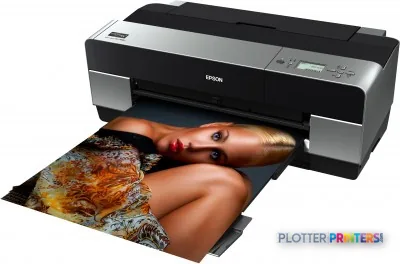
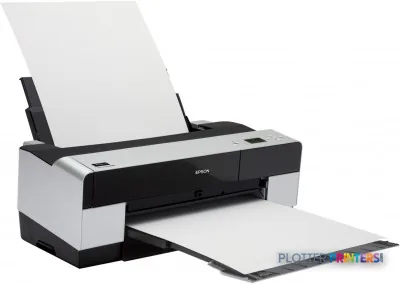
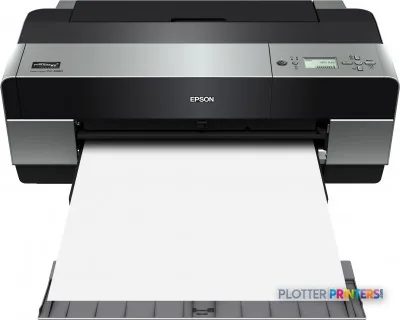
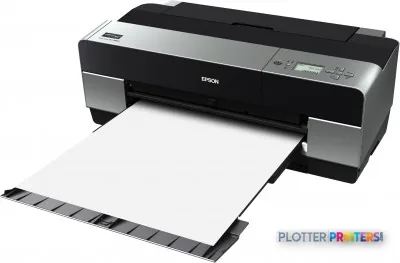
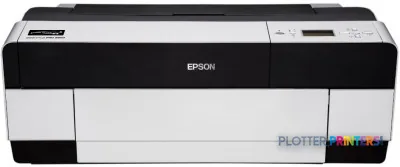
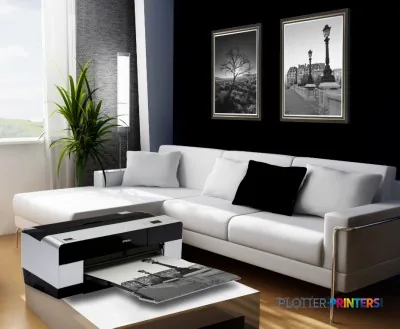
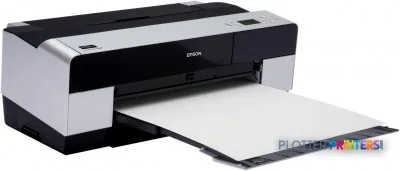
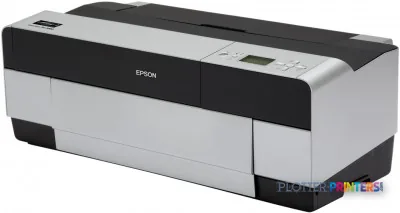
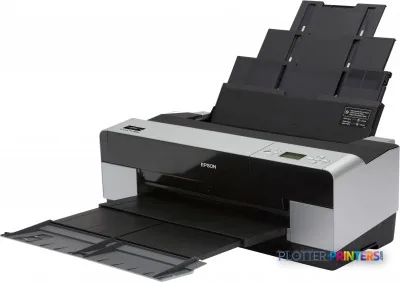
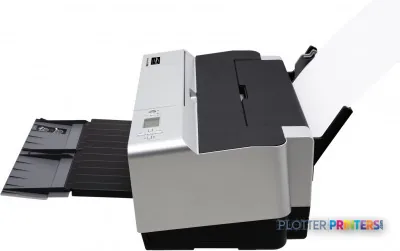
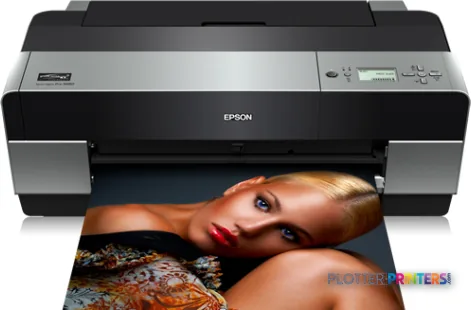
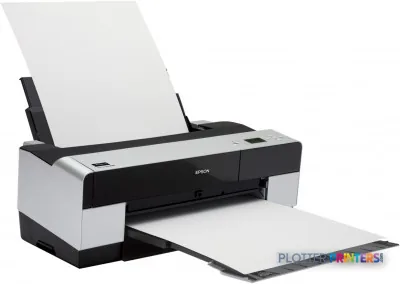
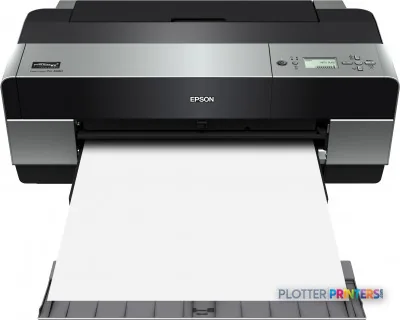
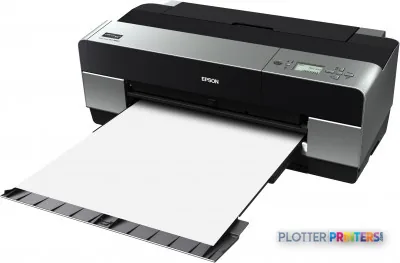
A 17-inch sheet-fed pigment printer, not a roll-fed plotter — it does not do plan-set production.
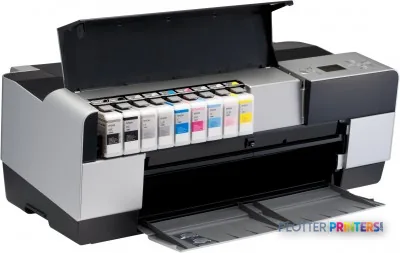
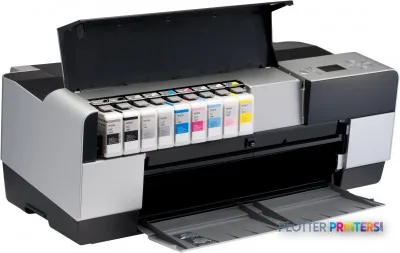
The eight-cartridge UltraChrome set with two blacks and a matte black keeps large gray fields neutral.
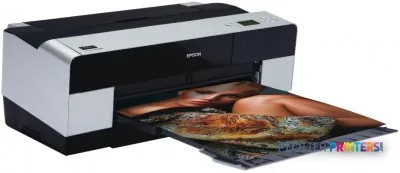
Handles rigid boards up to 0.059 inches thick for mounted presentation work.
Maximum resolution is 2880 x 1440 DPI addressability, which is not the same as measured color accuracy.
At 39 dB in printing and about 41.9 lbs, it fits on a shared studio bench.
The bundled Mirage layout software lowers the barrier for studios without a dedicated operator.
The Epson Stylus Pro 3880 is not a plotter, and pretending otherwise sets it up to disappoint. It is a 17-inch desktop photo printer that landed in AEC print rooms for one honest reason: when a rendering, a presentation board, or a color site photograph needs to look the way the eye expects, this machine reproduces it with a restraint that plan printers cannot match. Skin tones hold, shadows keep their depth, and the last five percent of a saturated sky doesn’t collapse into a flat wash.
What you’re evaluating here is a niche tool with a specific job. It runs Epson’s UltraChrome K3 pigment set across eight cartridges, and it prints up to 17 inches wide on sheets and boards up to 0.059 inches thick. It will never collate a bid set. But for the deliverable that has to persuade a client or a design committee, it earns its footprint.
39 dBSound pressure (printing)quiet enough for a shared studio
Where the eight-ink set actually matters
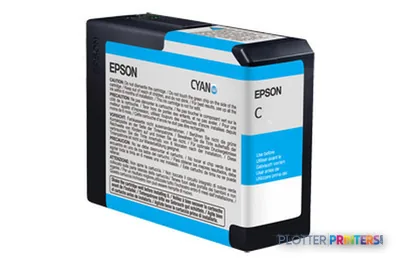
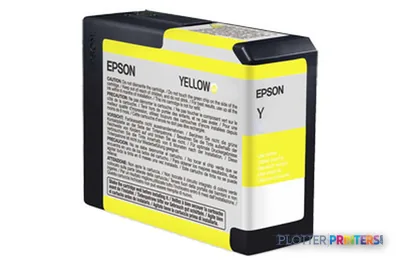
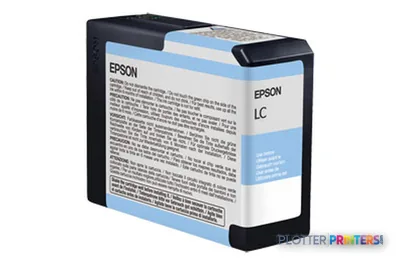
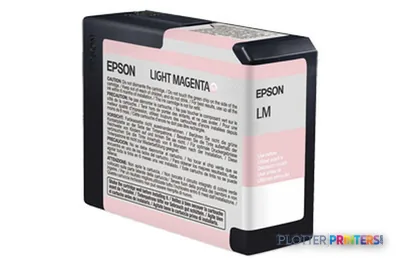
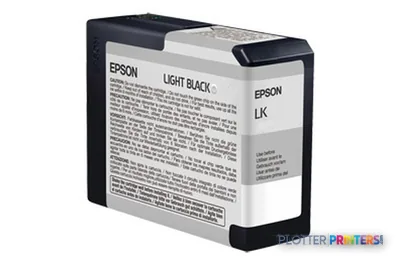
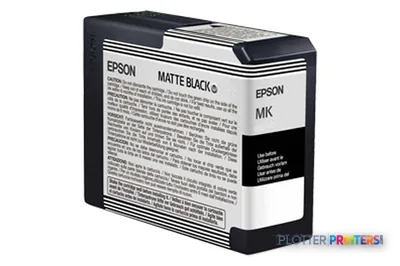
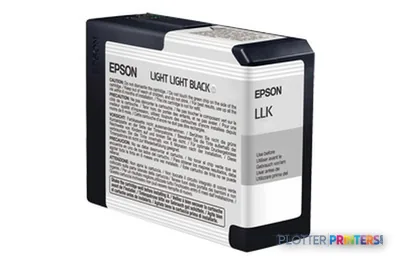
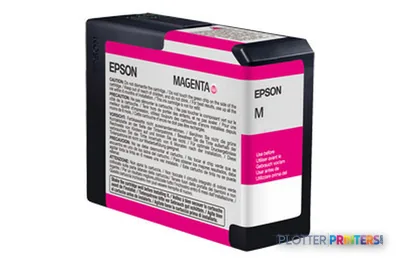
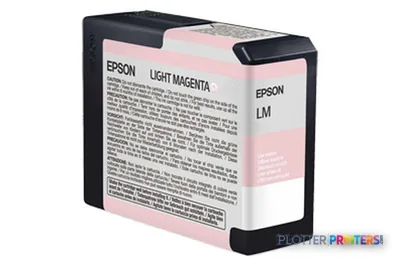
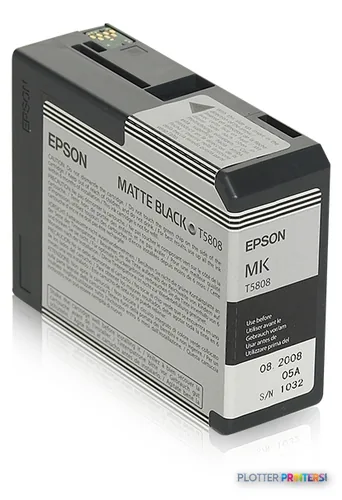
The 3880 carries Black, Cyan, Light Cyan, Matte Black, Photo Black, and Yellow among its channels — a pigment array built for tonal subtlety rather than plan throughput. In AEC terms, the payoff shows up on the deliverables that photographs and renderings live inside: a dusk exterior with deep blue shadow, a material board where two grays must read as genuinely different, a context photo pasted into a submission.
The distinction worth making — because most spec sheets blur it — is that Epson’s resolution figure of 2880 x 1440 DPI describes addressability, not measured color accuracy. We have no measured gamut for this unit on our reference media, so I won’t quote a number I can’t stand behind. What I can say from the ink architecture is that the two blacks plus a matte black are the reason neutrals stay neutral, and that is exactly where cheaper four-color devices drift green or magenta in a large gray field.
The 3880's front-loading path accepts rigid boards up to 0.059 inches — the reason it survives in studios that mount presentation work.
The Mirage software layer, and what it doesn't change
The “Mirage” designation refers to the print-management front end bundled with the unit, which simplifies sizing, tiling, and layout for users who don’t want to fight a driver. For a small architecture studio without a dedicated operator, that lowers the barrier to a good print considerably. It does not, however, turn a 17-inch photo printer into a document engine. There is no roll feed doing unattended plan production here, and the compatible-OS list skews to older releases — Windows XP through Vista and Mac OS 10.3 and up — so IT should verify current driver support before committing.
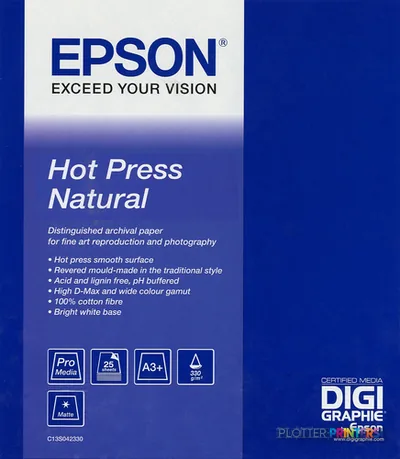
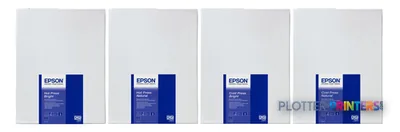
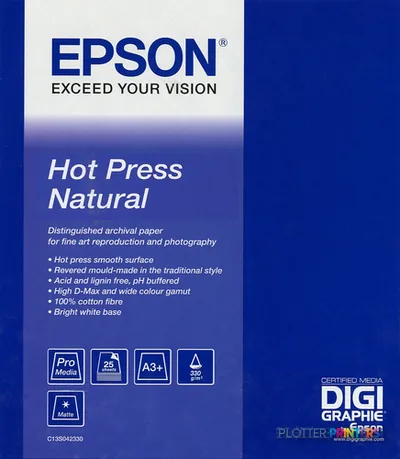
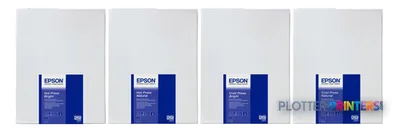
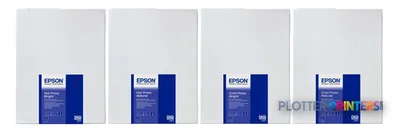
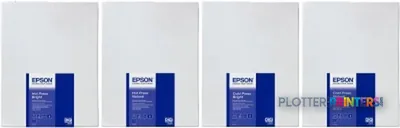
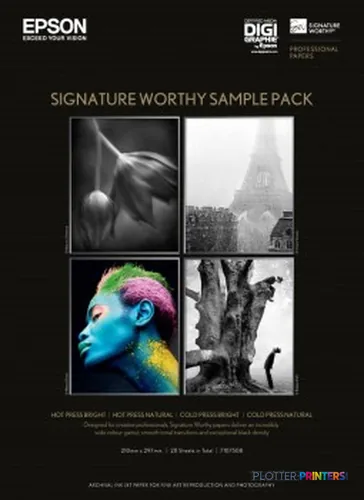
Consumables are the standard Epson UltraChrome cartridge family for this platform, and Epson’s own fine-art stocks — Cold Press Bright, Hot Press Natural, and their siblings — are matched to it if you want the surface to do part of the work.
Where it isn't the right tool
If your actual problem is volume — permit sets, redlines, as-builts, mixed-size plan production — the 3880 is the wrong machine outright, and no amount of color quality rescues it. That work belongs on a roll-fed engine. For high-coverage color at real width, a 60-inch roll device such as the Canon PRO-6100 60-in or the Canon PRO-6000 60-in is a different category built for continuous output; it’s worth seeing the two side by side before you assume one printer can serve both needs. For a general sense of where this class sits, our wide-format ranking gives the landscape.
Buy the Stylus Pro 3880 for what it is: a quiet, 17-inch pigment printer that reproduces renderings, boards, and color photography with real tonal discipline, and that a small studio can run without a print operator. Do not buy it as a plotter, and do not stretch it across production plan work — that job wants a roll-fed 60-inch machine and a different budget. If your deliverables live at 17 inches and the color has to be right, this remains a sensible, honest choice; verify current OS driver support with your IT team first, because the compatibility list is aging.
Spec analysis
How the specs grade
Overall performance
within color graphics & photo printers
58% spec coverage
This printer
How it scores
Media Handling100
Print Quality72
Print Cost23
Color44
SpeedNot enough spec data
ConnectionsNot enough spec data
WorkflowNot enough spec data
Size / Fit100
WarrantyNot enough spec data
Graded on a curve against the best published spec among the wide-format printers we track — 100 = the catalog’s gold standard for that metric (the finest droplet, the longest warranty, the fastest rated speed actually on the market). Every input is a manufacturer-published spec; rated speeds are shown as listed, not timed throughput. Ticks mark the class best. How we grade →
No. It is a 17-inch sheet-fed device with no roll feed, so it is unsuited to plan-set or mixed-size production. That work belongs on a roll-fed engine such as the Canon PRO-6000 60-in.
What is the widest and thickest media it handles?
It prints up to 17 inches wide and accepts media up to 0.059 inches (1.5 mm) thick, which is why it can output rigid presentation boards, not just paper.
Which inks does it use?
It runs Epson’s UltraChrome pigment cartridges for this platform, including Black, Cyan, Light Cyan, Matte Black, Photo Black, and Yellow channels.
Will it run on a current operating system?
The listed compatibility covers Windows 2000 through Vista and Mac OS 10.3 and later. Because those are older releases, IT should confirm current driver availability before deploying it.
How color-accurate is it in practice?
We have no measured gamut for this unit on our reference media, so we won’t quote a number. The 2880 x 1440 DPI figure describes addressable resolution, not color fidelity; the two-black plus matte-black architecture is the practical reason neutrals stay neutral.
Is it quiet enough for a shared studio?
Yes. Epson rates it at 39 dB during printing, with typical power consumption around 25 W, which suits a desktop in an occupied workspace.