
Home / Wide-Format Printers / Epson SureColor
Epson · Wide-Format Plotter
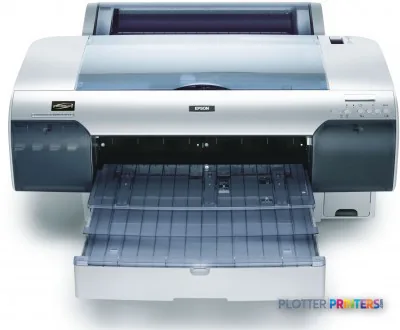
Epson Stylus Pro 4450
17" technical / CAD plotter
- Model4450
- Prints17" wide
- Score59/100
Authorized Epson dealerGenuine hardware & ink
1-year warranty includedExtension plans available
Free shippingContinental U.S.
Plotter specialistsAEC experts, not just sellers
Analyst take
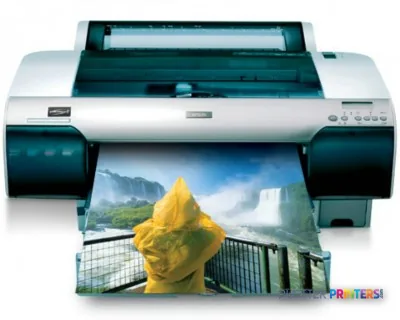
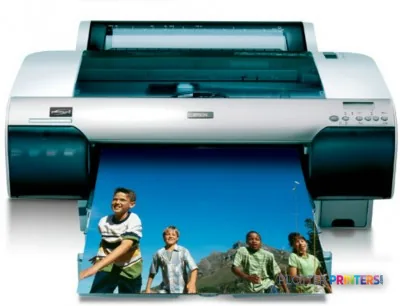
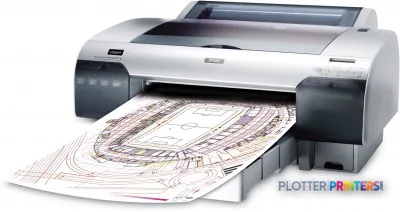
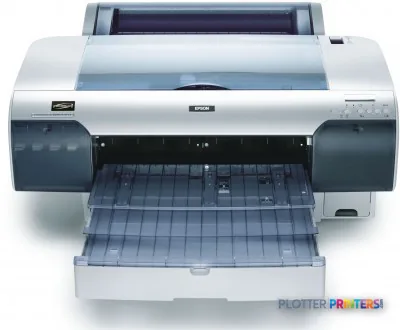
- The Epson Stylus Pro 4450 is a 17-inch color printer with a maximum listed print size of A2.
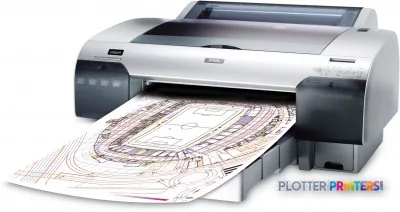
- It fits detail sheets, color coordination drawings, GIS exhibits, review prints, and other smaller technical documents.
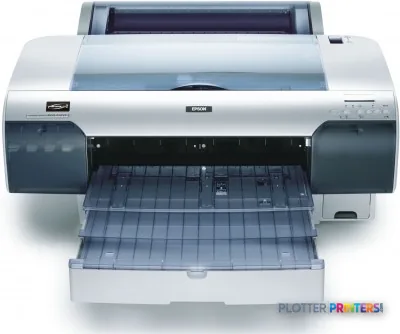
- Cut-sheet and roll-paper support help with one-off prints and short runs in the same office.
Not sure if the 4450 is right for you?
Compare key specs and an AI analyst read-out against similar models.
- Wide-format reach Prints up to 17" wide on rolls and sheets.
- Fine detail 1440 x 720 DPI maximum resolution for crisp line work.
- Ink platform Cyan, Magenta, Matte black, Yellow.
- Connectivity Ethernet for shared team printing.
- Verified specs 5 specs checked against the manufacturer datasheet.
- Analyst score Scores 59/100 in our class-relative rating.
Overview
Built for the work
Epson Stylus Pro 4450, 1440 x 720 DPI, Cyan, Magenta, Matte black, Yellow, 18.7 m2/Hr, A2 (420 x 594 mm), A2, A3, A3+, A4, B3, B4
- 17″Max print width
- 201 ft²/hRated speed
- 4Ink channels
- 1,440 dpiMax resolution
- 12 moIncluded warranty
Spec Analysis
overall
overall
Expert analysis
What you should know

Key takeaways
- The Epson Stylus Pro 4450 is a 17-inch color printer with a maximum listed print size of A2.
- It fits detail sheets, color coordination drawings, GIS exhibits, review prints, and other smaller technical documents.
- Cut-sheet and roll-paper support help with one-off prints and short runs in the same office.
- There is no Wi-Fi, so deployment depends on USB Type-B or Fast Ethernet.
- The listed legacy operating-system support makes driver and print-server validation essential in a current IT environment.
- It is not the right machine for full-size plan sets, scanning, copying, or high-volume reprographics.
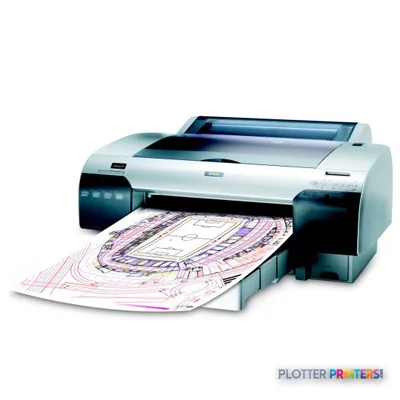
It is 4:45 p.m., someone needs a marked-up detail sheet, a color-coded coordination print, or an A2 drawing before the meeting starts, and the big plotter is already tied up. The Epson Stylus Pro 4450 is the compact color printer for that smaller-format technical work. It takes cut sheets and roll paper up to 17 inches wide, with a maximum listed print size of A2.
That makes it a fit for design reviews, field markups, GIS exhibits, permit attachments, detail packages, and presentation-oriented technical output. It is not the machine for a full-size plan-room workload. Nobody should ask a 17-inch printer to impersonate a 36-inch production plotter. That way lies overtime and inventive language.
A2 (17" x 23" (420 x 594 mm))Maximum print sizeSized for smaller drawing sheets, details, exhibits, and review output.
17" (43.2 cm)Maximum roll widthUseful for narrow technical rolls rather than full-size plan sets.
1440 x 720 DPIMaximum resolutionResolution is only one part of readable CAD output, but it supports detailed color work.
18.7 m2/HrPrint speed (normal quality)Treat this as a rated figure, not a promise for a mixed queue of PDFs and sheet changes.
Where the 4450 earns its desk space
The Stylus Pro 4450 works best as a local color-output device where A2 and smaller sheets are the real job. An architect can produce finish boards and detail sheets. A civil team can issue color utility exhibits. A superintendent can print a coordination sketch without walking across the office. The four-color system uses cyan, magenta, matte black, and yellow, so it is aimed at practical color communication rather than specialty photographic ink sets.
Its listed media-thickness range of 0.003″–0.059″ gives the operator room to work with ordinary paper and heavier specialty media. Cut-sheet capability matters when a one-off review sheet lands late in the day. Roll-paper support matters when that one sheet turns into a small run. The 0.118″ roll top margin can also help conserve media at the leading edge, though margins still need checking against the drawing border before a permit set goes out.
Bottom line: This printer suits teams that need dependable small-format color technical output close to the people making decisions.
Workflow and IT reality
USB Type-B and Fast Ethernet provide the available connection paths; there is no Wi-Fi. That is often fine in a managed office, where Ethernet is preferable to another untracked wireless endpoint. It also means placement should be planned around a network drop or a directly connected workstation, not wishful thinking.
The supported operating-system list includes Windows 2000, Windows XP, Windows Vista, Windows 7, Mac OS X 10.3 Panther, and Linux. For a current managed environment, that list is a signal to validate driver behavior, print-server configuration, PDF handling, and security policy before committing the printer to a production queue. A machine can be mechanically capable and still become a nuisance if the submission path is held together with old drivers and optimism.
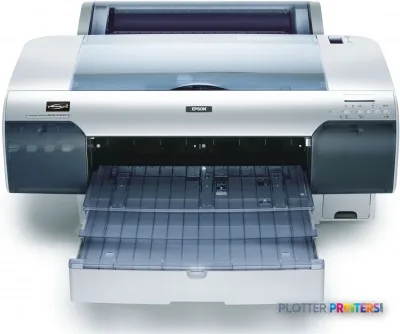
At 86 lbs and 33.4″ wide, it is manageable in a studio, site office, or departmental print corner. Printing sound pressure is listed at 50 dB, so it belongs in a work area, not beside the person trying to finish a structural calculation.
Bottom line: Confirm the modern driver and network workflow first; that is the failure mode that ruins an otherwise sensible small-format setup.
Use the plot-time estimator to turn the rated speed into a planning figure for your mix of A2 drawings, color exhibits, and short review runs.
One set: – · Weekly plotting time: –
Computed from the manufacturer's rated 201 ft²/h. Real-world mixed sets run slower — treat this as a best case for comparing machines, not a promise.
What it does not replace
The 17-inch ceiling is the defining constraint. Firms producing 24-inch or 36-inch architectural, engineering, or construction sheets need a wider device. Firms that need scanning, copying, set collation, or unattended plan-set production need a different category of equipment. The Stylus Pro 4450 is a focused output printer, not a reprographics department in a gray-and-silver box.
There is no in-family step-up or step-down model in the available catalog to name. If you are comparing like-for-like 17-inch alternatives, review the Canon iPF500 17-in and Canon iPF-510 17-in against your actual media, driver, and color-output needs. Resolution figures alone do not settle that decision. The operator standing at the tray does.
Bottom line: Buy this format only when your important work truly fits within 17 inches.
Compare the relevant 17-inch options
The read
The Epson Stylus Pro 4450 is for AEC teams with recurring small-format color work, limited floor space, and a clear need for A2 or narrower output. Its cut-sheet and roll-paper support make it more useful than a desktop-only device, while Ethernet gives IT a straightforward wired connection option. The trade-off is simple and non-negotiable: it cannot carry full-size plan production. Validate the current software path, make sure 17-inch media matches the work, and it can be a practical departmental printer. If your deadline involves full drawing sets, start with a wider production platform instead.
Spec analysis
How the specs grade
Overall performance
within technical / CAD plotters
88% spec coverage
- This printer
Verified specifications
The specs that decide it
| Maximum roll width | 17" (43.2 cm) |
|---|---|
| Maximum print size | A2 (420 x 594 mm) |
| Maximum print length | 220 inmanufacturer-verified |
| Maximum resolution | 5760 x 1440 dpi |
| Print technology | 4-color (CMYK) MicroPiezo inkjetmanufacturer-verified |
| Page description language | ESC/P-Raster (no PostScript)manufacturer-verified |
| Connectivity | Hi-Speed USB + Fast Ethernet 10/100 Mbit/s, no Wi-Fi |
| Internal memory | 64 MB |
| Media thickness range | 0.08 – 1.50 mm |
| Warranty | 1-year limited (U.S. and Canada)manufacturer-verified |
manufacturer-verified = checked against the manufacturer’s official datasheet, not aggregator data. Everything else is standards-body / catalog data we consider reliable.
Specifications
Full technical detail
Max resolution1440 x 720 DPI
Max print width17"
ColorColor
ConnectivityEthernet (Gigabit LAN), USB
Use casePhoto / Fine Art
Printing
| Color | Yes |
|---|---|
| Printing colors | Cyan, Magenta, Matte black, Yellow |
| Maximum resolution | 1440 x 720 DPI |
| Number of print cartridges | 4 |
| Print speed (normal quality) | 18.7 m2/Hr |
Performance
| Product color | Gray, Silver |
|---|---|
| Internal memory | 64 MB |
| Built-in display | Yes |
| Country of origin | China |
| Sound pressure level (printing) | 50 dB |
Paper handling
| Cut sheets | Yes |
|---|---|
| Roll paper | Yes |
| Media thickness | 0.08 – 1.50 mm |
| Roll top margin | 0.118" (3 mm) |
| Maximum print size | A2 (420 x 594 mm) |
| Maximum roll width | 17" (43.2 cm) |
| Maximum roll length | 279mm |
| Print margin cut-sheet | 3 x 3 x 3 x 14 |
| ISO A-series sizes (A0…A9) | A2, A3, A3+, A4 |
| ISO B-series sizes (B0…B9) | B3, B4 |
Ports & interfaces
| Wi-Fi | No |
|---|---|
| USB port | Yes |
| Ethernet LAN | Yes |
| USB connector | USB Type-B |
| RJ-45 ports quantity | 1 |
| USB 2.0 ports quantity | 2 |
| Ethernet LAN data rates | 10,100 Mbit/s |
| Ethernet interface type | Fast Ethernet |
Weight & dimensions
| Depth | 30.1" (765 mm) |
|---|---|
| Width | 33.4" (848 mm) |
| Height | 13.9" (354 mm) |
| Weight | 86 lbs (39 kg) |
Power
| Power consumption (off) | 1 W |
|---|---|
| Power consumption (standby) | 5 W |
| Power consumption (typical) | 55 W |
Logistics data
| Quantity per pack | 1 pc(s) |
|---|---|
| Quantity per pallet | 3 pc(s) |
| Quantity per pallet layer | 1 pc(s) |
Packaging data
| Manual | Yes |
|---|---|
| Package depth | 39" (990 mm) |
| Package width | 22.8" (580 mm) |
| Package height | 31.5" (800 mm) |
| Package weight | 2.1 oz (59.4 g) |
| Cartridge(s) included | Yes |
Sustainability
| Sustainability certificates | ENERGY STAR |
|---|
System requirements
| Mac operating systems supported | Mac OS X 10.3 Panther |
|---|---|
| Linux operating systems supported | Yes |
| Windows operating systems supported | Windows 2000, Windows 7, Windows 7 x64, Windows Vista, Windows Vista x64, Windows XP |
Everything that fits the Epson Stylus Pro 4450
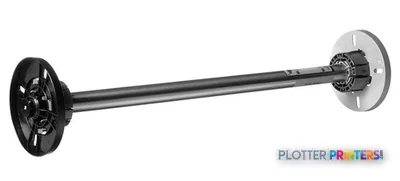
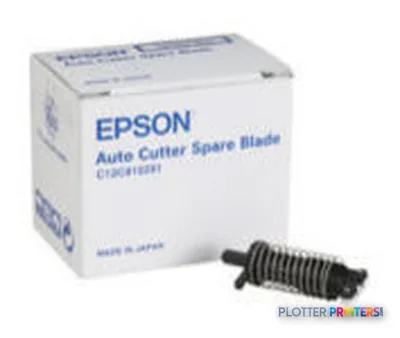
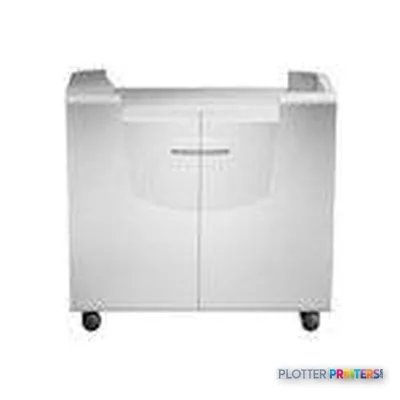
The full supplies hub lists every cartridge, printhead, roll and accessory verified against the manufacturer's own documentation for this machine.
22 ink cartridges · 16 paper & media items · 6 accessories
Epson Stylus Pro 4450 ink and paper →Supplies
Compatible ink, printheads & media
Genuine consumables that fit the Epson Stylus Pro 4450 — only the cartridges, printheads and media compatible with this model.
Ink Cartridges 22
 Epson Premium Ink Jet Plain Paper, DIN A4, 80g/m², 250 Sheets
 Epson Singlepack Yellow T613400
 Epson Singlepack Magenta T613300
 Epson Singlepack Matte Black T613800
 Epson Singlepack Cyan T613200
 Epson Singlepack Magenta T614300 220 ml
 Epson Singlepack Matte Black T614800 220 ml
 Epson Singlepack Yellow T614400 220 ml
 Epson Singlepack Photo Black T614100 220 ml
 Epson Singlepack Cyan T614200 220 ml
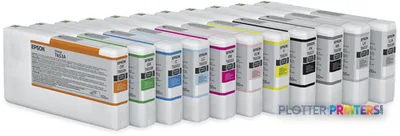 Epson T6531 Photo Black Ink Cartridge (200ml)
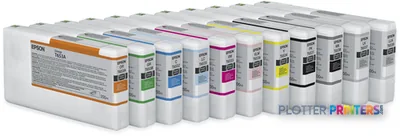 Epson T6532 Cyan Ink Cartridge (200ml)
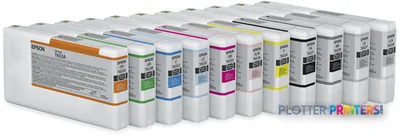 Epson T6533 Vivid Magenta Ink Cartridge (200ml)
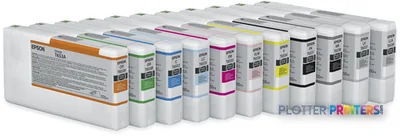 Epson T6534 Yellow Ink Cartridge (200ml)
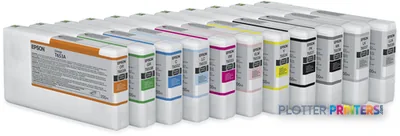 Epson T6535 Light Cyan Ink Cartridge (200ml)
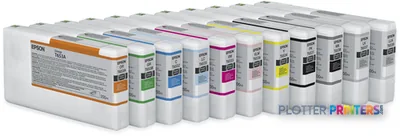 Epson T6536 Vivid Light Magenta Ink Cartridge (200ml)
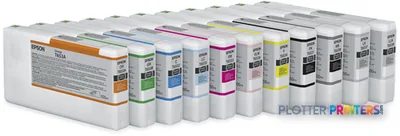 Epson T6537 Light Black Ink Cartridge (200ml)
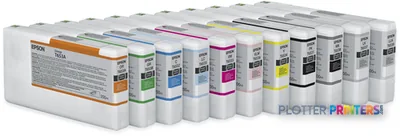 Epson T6538 Matte Black Ink Cartridge (200ml)
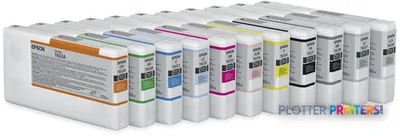 Epson T6539 Light Light Black Ink Cartridge (200ml)
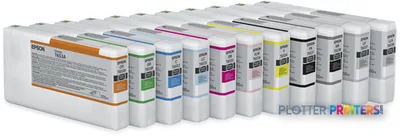 Epson T653A Orange Ink Cartridge (200ml)
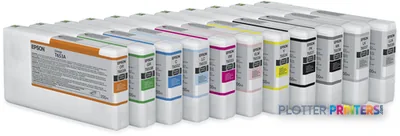 Epson T653B Green Ink Cartridge (200ml)
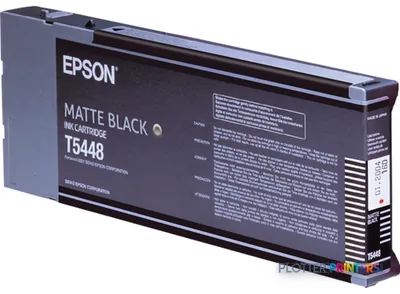 Epson Singlepack Matte Black T61480N 220 ml
Paper & Media 16
 Epson Smooth Fine Art Paper Roll, 17" x 15,2 m, 255g/m²
 Epson Textured Fine Art Paper Roll, 17" x 15,2 m, 255g/m²
 Epson Photo Grade Glossy Paper Roll
 Epson Enhanced Matte Paper, 17" x 22", 189g/m², 50 Sheets
 Epson Singleweight Matte Paper, 17" x 22", 120g/m², 100 Sheets
 Epson Singleweight Matte Paper, DIN A2, 120g/m², 100 Sheets
 Epson Ultrasmooth Fine Art Paper, 17" x 22", 325g/m², 25 Sheets
 Epson Glossy Photo Paper, DIN A4, 225g/m², 20 Sheets
 Epson Proofing Paper Publication, 17" x 30,5 m, 250g/m²
 Epson Proofing Paper Publication, 13" x 30,5 m, 250g/m²
 Epson Photo Grade Semiglossy Paper Roll
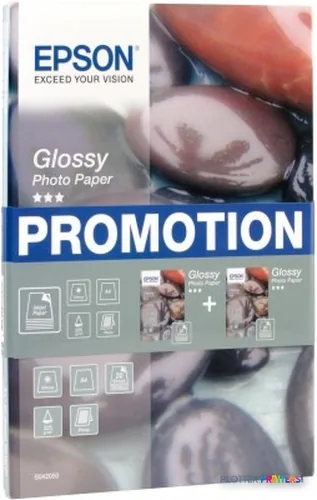 Epson Glossy Photo Paper BOGOF, DIN A4, 225g/m², 40 Sheets
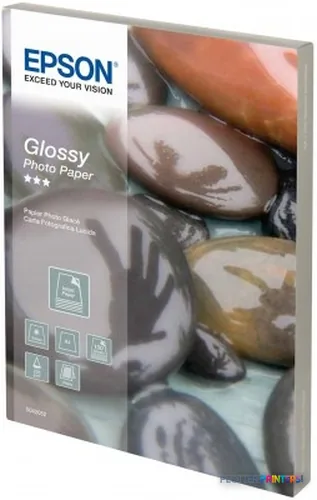 Epson Glossy Photo Paper, DIN A4, 225g/m², 100 Sheets
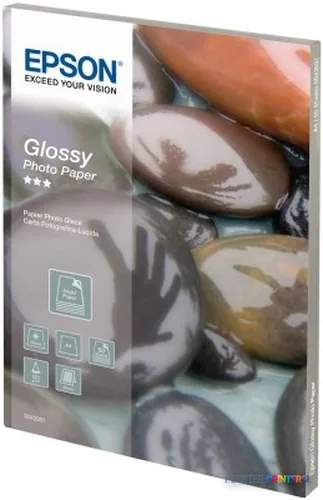 Epson Glossy Photo Paper, DIN A4, 225g/m², 50 Sheets
 Epson Singleweight Matte Paper, DIN A3+, 120g/m², 100 Sheets
 Epson Japanese Kozo Paper Thin 13" x 10m
Questions
Straight answers
Can the Epson Stylus Pro 4450 print full-size architectural plan sets?
No. Its maximum roll width is 17″ (43.2 cm), and its maximum listed print size is A2 (17″ x 23″ (420 x 594 mm)). It is intended for smaller-format output.
Does it accept both sheets and rolls?
Yes. The product data lists both cut-sheet and roll-paper capability, which is useful for mixed small-format technical work.
Does the Epson Stylus Pro 4450 have Wi-Fi?
No. It has USB Type-B and Ethernet LAN connectivity, with one RJ-45 port and Fast Ethernet data rates of 10 and 100 Mbit/s.
What should IT verify before putting this printer on a current network?
Test the available driver path, PDF workflow, print-server behavior, and security requirements. The listed supported Windows and Mac operating systems are older, so current-environment compatibility should not be assumed.
Is it suitable for a busy construction-document room?
Usually not as the primary device. The 17-inch media limit and small-format role make it better suited to local review prints and short technical runs than full drawing-set production.
Ready to put the Epson Stylus Pro 4450 to work?
Configuration, media and a quote tailored to your workflow — from AEC plotter specialists.