
Home / Wide-Format Printers / Epson SureColor
Epson · Wide-Format Plotter
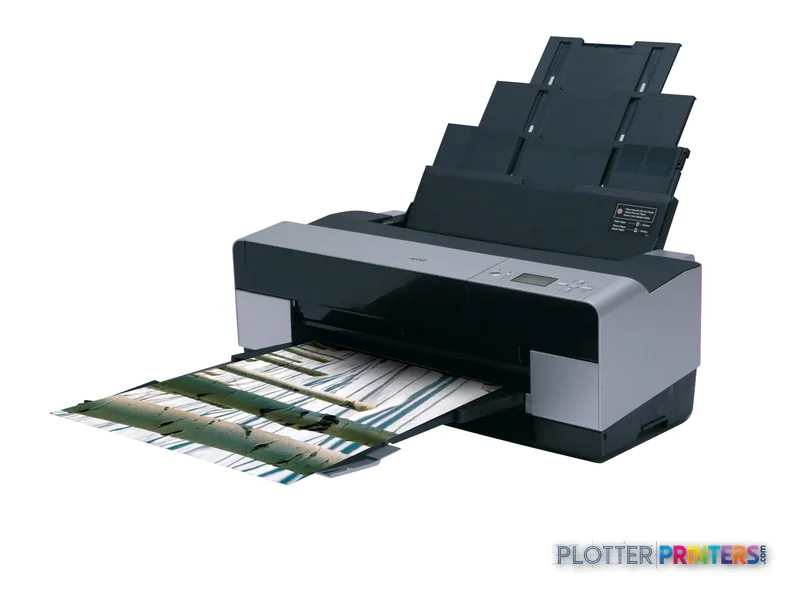
Epson Stylus Pro 3800
wide-format inkjet printer
- Model3800
Authorized Epson dealerGenuine hardware & ink
Manufacturer warrantyExtension plans available
Free shippingContinental U.S.
Plotter specialistsAEC experts, not just sellers
Analyst take
- The Epson Stylus Pro 3800 prints in color up to A2 (17" x 23" (420 x 594 mm)).
- Its listed 405 sec normal-quality print time calls for realistic deadline planning.
- Fast Ethernet and USB support both shared-office and directly attached use.
Not sure if the 3800 is right for you?
Compare key specs and an AI analyst read-out against similar models.
Overview
Built for the work
Epson Stylus Pro 3800, 2880 x 1440 DPI, 697 sec, 405 sec, Epson Micro Piezo, A2 (420 x 594 mm), A2, A3, A4, A5
Expert analysis
What you should know

Key takeaways
- The Epson Stylus Pro 3800 prints in color up to A2 (17" x 23" (420 x 594 mm)).
- Its listed 405 sec normal-quality print time calls for realistic deadline planning.
- Fast Ethernet and USB support both shared-office and directly attached use.
- The compact 43 lbs (19.5 kg) machine is easier to place near a design team than a dedicated production device.
- The supplied data does not establish roll handling, scanning, copying, stacking, or finishing capability.
- Listed operating-system compatibility is limited to Windows 2000, Windows XP, Windows XP 64bit, and MAC OSX 10.x.x.
At 4:45 p.m., the person at the output tray usually does not need a truckload of plans. They need a clean A2 coordination sheet, a color-coded markup, or a presentation print that can leave with the project manager. The Epson Stylus Pro 3800 is a compact color printer for that sort of desk-side or studio-side work, with a maximum print size of A2.
Its 43 lbs (19.5 kg) weight and 26.9 x 14.8 x 10.1″ footprint make it easier to place near a design team than a conventional plan-room device. It connects by USB or Fast Ethernet, and supports Mac as well as the listed Windows and Mac operating systems. Bottom line: this is for controlled, smaller-format output—not a last-minute bid-set factory.
A2 (17" x 23" (420 x 594 mm))Maximum print sizeSuitable for sheets that need more room than standard office output.
2880 x 1440 DPIMaximum resolutionA specification that matters most for detailed graphics and presentation-oriented work.
405 secNormal-quality listed print timeAllow for the job to process and finish before promising it at the door.
43 lbs (19.5 kg)Machine weightPractical for a studio or project-office location.
Where it fits in an AEC office
The sensible use case is color output up to A2: design-review sheets, detail enlargements, GIS excerpts, redlined PDFs, client boards, and small batches of coordination drawings. The Epson Micro Piezo print head and maximum 2880 x 1440 DPI specification give the machine the resolution headroom for fine graphical work, although resolution alone does not guarantee line quality from every CAD file. Driver settings, PDF construction, and the paper selected still get a vote. They always do.
Networked placement is realistic through Fast Ethernet, while the USB connection suits a directly attached workstation. Plug and Play is listed, and the bundled tools include Epson ColorBase 2.0, Epson LFP Remote Panel Utility, and Epson Imaging Workshop. For an office with both Mac and Windows workstations, confirm the actual operating-system versions in use before deployment; the listed compatibility is Windows 2000, Windows XP, Windows XP 64bit, and MAC OSX 10.x.x.
Bottom line: it fits a small team that needs occasional controlled color output, not an IT department looking for current-platform assurances from the catalog data alone.
Speed needs deadline context
The listed normal-quality print time is 405 sec, while best quality is listed at 697 sec. Those figures are useful planning markers, not a promise of finished sheets per hour. They do not account here for file processing, workstation delays, paper handling, proofing, or someone discovering that the revision cloud is on the wrong PDF. That is not a printer problem. It is still your problem.
For one-off sheets and modest presentation runs, that pace can be workable. It becomes less comfortable when the task is repeated A2 plan distribution, mixed-size sets, or a queue of people waiting on a permit deadline. The provided data does not establish roll capacity, automatic roll switching, stacking, collation, scanning, copying, or finishing. Do not assume any of those functions during a purchase or replacement review.
Bottom line: schedule this printer like a careful output device, not like a production plotter.
Comparison and replacement questions
There is no in-family step-up or step-down model supplied in this catalog set, so a direct family ladder cannot be drawn responsibly. The closer catalog alternatives are the Canon iPF500 17-in, Canon iPF5000 17-in, Canon iPF-510 17-in, and Canon iPF5100 17-in. They share the 17-inch class designation in the catalog, but they are not interchangeable merely because the width sounds familiar.
Start with the job: maximum sheet size, expected queue length, need for network access, and whether staff require scanning or copying. Then compare the Epson Stylus Pro 3800 with a candidate directly in the comparison tool. If the real requirement is routine plan-set production, ask for a wider device with the paper capacity and finishing workflow your team actually needs. If the requirement is a nearby A2 color printer, this machine’s compact physical format is the stronger part of its case.
Bottom line: compare workflow first, because matching a width label is how bad purchasing meetings happen.
Related evaluation tools
The read
The Epson Stylus Pro 3800 makes sense for an AEC studio or project office that needs color output through A2, has room for a compact 43 lbs (19.5 kg) machine, and can live with a deliberate print cycle. It is less appropriate where crews need wide plans, unattended queues, scanned markups, or fast set production. Verify operating-system support, service availability, and the required media before making it part of a live deadline workflow. Bottom line: good fit for smaller controlled output; wrong tool for a busy plan room.
Spec analysis
How the specs grade
Overall performance
—Not enough data for an overall score
Individual dimensions are shown where the specs support them.
- This printer
Verified specifications
The specs that decide it
| Maximum resolution | 2880 x 1440 DPI |
|---|---|
| Maximum print size | A2 (420 x 594 mm) |
| Ethernet | Yes |
| Power consumption | 25 W |
Specifications
Full technical detail
Max resolution2880 x 1440 DPI
ConnectivityEthernet (Gigabit LAN), USB
Use casePhoto / Fine Art
Printing
| Color | Yes |
|---|---|
| Print head | Epson Micro Piezo |
| Maximum resolution | 2880 x 1440 DPI |
| Print speed (best quality) | 697 sec |
| Print speed (normal quality) | 405 sec |
Performance
| Country of origin | Japan |
|---|
Paper handling
| Maximum print size | A2 (420 x 594 mm) |
|---|---|
| ISO A-series sizes (A0…A9) | A2, A3, A4, A5 |
Ports & interfaces
| USB port | Yes |
|---|---|
| Ethernet LAN | Yes |
| USB connector | USB Type-A |
| USB 2.0 ports quantity | 1 |
| Ethernet interface type | Fast Ethernet |
Weight & dimensions
| Weight | 43 lbs (19.5 kg) |
|---|---|
| Dimensions (WxDxH) | 26.9 x 14.8 x 10.1" (684 x 376 x 257 mm) |
Power
| Power consumption (standby) | 5.5 W |
|---|---|
| Power consumption (typical) | 25 W |
| Power consumption (PowerSave) | 0.4 W |
Other features
| Plug and Play | Yes |
|---|
Logistics data
| Pallet width | 47.2" (120 cm) |
|---|---|
| Pallet height | 39.4" (100 cm) |
| Quantity per pack | 1 pc(s) |
| Pallet length (UK) | 83.1" (2.11 m) |
| Pallet weight (UK) | 606.3 lbs (275 kg) |
| Quantity per pallet | 8 pc(s) |
| Quantity per pallet (UK) | 8 pc(s) |
| Quantity per pallet layer | 2 pc(s) |
| Quantity per pallet layer (UK) | 2 pc(s) |
Packaging data
| Package depth | 30.7" (780 mm) |
|---|---|
| Package width | 20.5" (520 mm) |
| Package height | 15.4" (390 mm) |
| Package weight | 56.2 lbs (25.5 kg) |
| Bundled software | Epson ColorBase 2.0 Epson LFP Remote Panel Utility Epson Imaging Workshop |
Sustainability
| Sustainability certificates | ENERGY STAR |
|---|
System requirements
| Mac compatibility | Yes |
|---|---|
| Compatible operating systems | Windows 2000, Windows XP, Windows XP 64bit, MAC OSX 10.x.x |
Everything that fits the Epson Stylus Pro 3800
The full supplies hub lists every cartridge, printhead, roll and accessory verified against the manufacturer's own documentation for this machine.
30 ink cartridges · 22 paper & media items · 1 accessory
Epson Stylus Pro 3800 ink and paper →Supplies
Compatible ink, printheads & media
Genuine consumables that fit the Epson Stylus Pro 3800 — only the cartridges, printheads and media compatible with this model.
Ink Cartridges 30
 Epson Singlepack Magenta T580300
 Epson Singlepack Yellow T580400
 Epson Singlepack Light Black T580700
 Epson Singlepack Matte Black T580800
 Epson Singlepack Light Light Black T580900
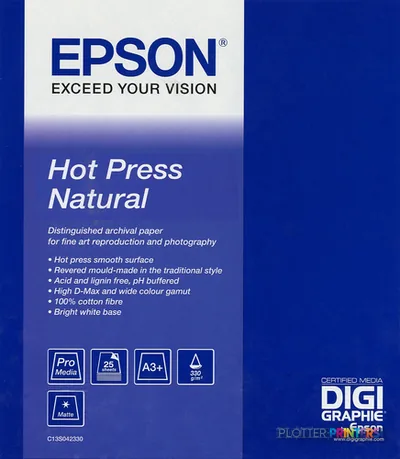 Epson Hot Press Natural, A3+, 25 Sheets
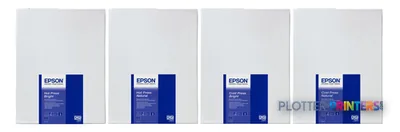 Epson Hot Press Bright, DIN A2, 25 Sheets
 Epson Hot Press Bright, A3+, 25 Sheets
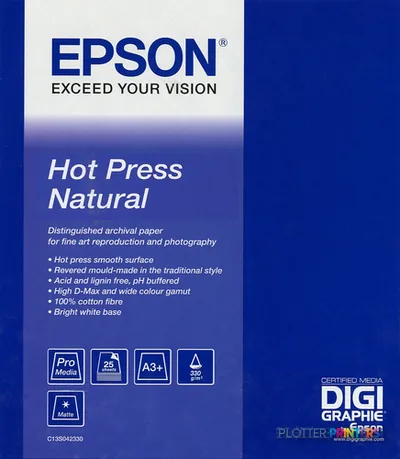 Epson Hot Press Natural, DIN A2, 25 Sheets
 Epson Cold Press Bright, A3+, 25 Sheets
 Epson Cold Press Natural, A3+, 25 sheets
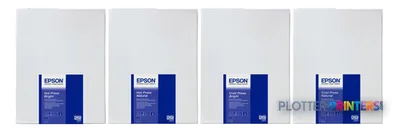 Epson Cold Press Natural, DIN A2, 25 Sheets
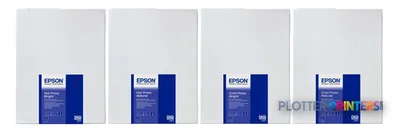 Epson Cold Press Bright, DIN A2, 25 Sheets
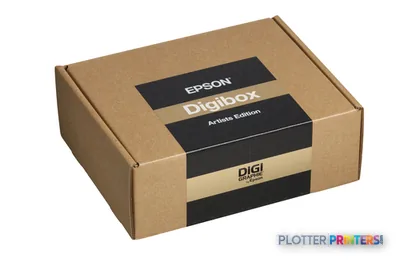 Epson Digibox for Digigraphie Artists
 Epson Singlepack Light Cyan T580500
 Epson Singlepack Light Magenta T580600
 Epson Singlepack Photo Black T580100
 Epson Singlepack Cyan T580200
 Epson Hot Press Bright, DIN A2, 25 Sheets, White Box
 Epson Signature Worthy Sample pack, A4 size, 20 sheets
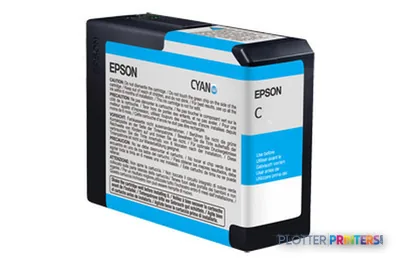 Epson Cyan Ink Cartridge, 80 ml (T630200)
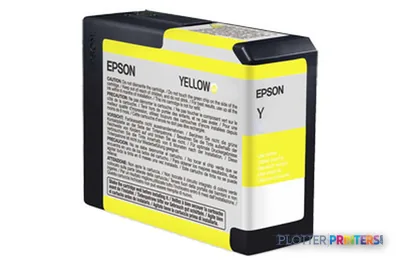 Epson Yellow Ink Cartridge, 80 ml (T630400)
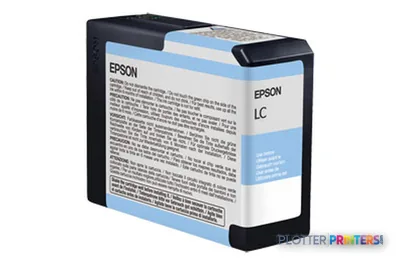 Epson Light Cyan Ink Cartridge, 80 ml (T630500)
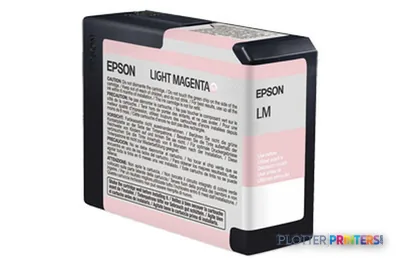 Epson Light Magenta Ink Cartridge, 80 ml (T630600)
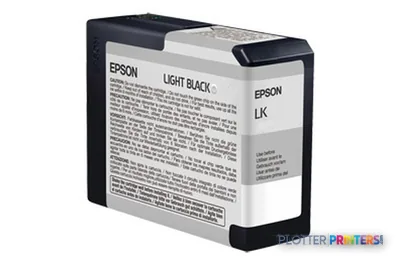 Epson Light Black Ink Cartridge, 80 ml (T630700)
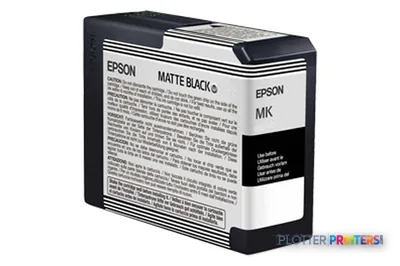 Epson Matte Black Ink Cartridge, 80 ml (T630800)
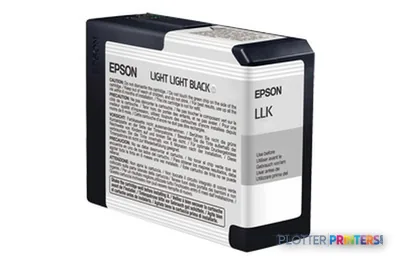 Epson Light Light Black Ink Cartridge, 80 ml (T630900)
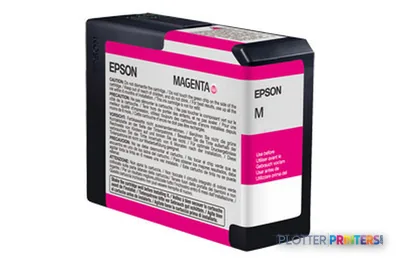 Epson Vivid Magenta Ink Cartridge, 80 ml (T630A00)
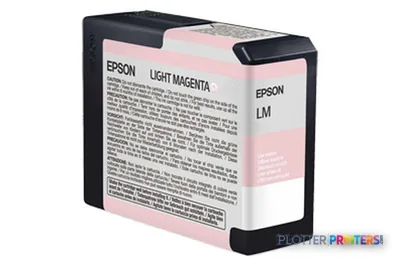 Epson Vivid Light Magenta Ink Cartridge, 80 ml (T630B00)
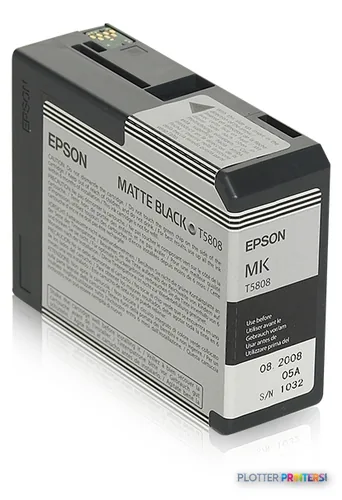 Epson Singlepack Matte Black T58080N
Paper & Media 22
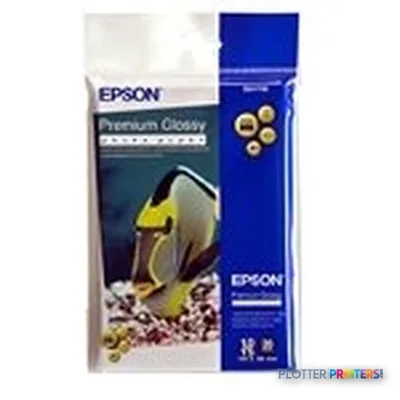 Epson Premium Glossy Photo Paper, 100 x 150 mm, 255g/m², 20 Sheets
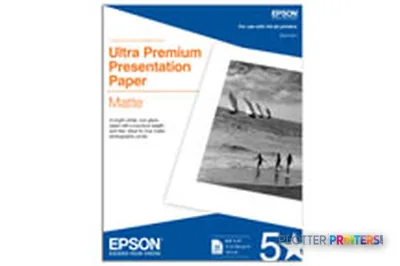 Epson Enhanced Matte Paper, 17" x 22", 189g/m², 50 Sheets
 Epson Singleweight Matte Paper, 17" x 22", 120g/m², 100 Sheets
 Epson Singleweight Matte Paper, DIN A2, 120g/m², 100 Sheets
 Epson Ultrasmooth Fine Art Paper, 17" x 22", 325g/m², 25 Sheets
 Epson Premium Glossy Photo Paper, 100 x 150 mm, 255g/m², 50 Sheets
 Epson Glossy Photo Paper, DIN A4, 225g/m², 20 Sheets
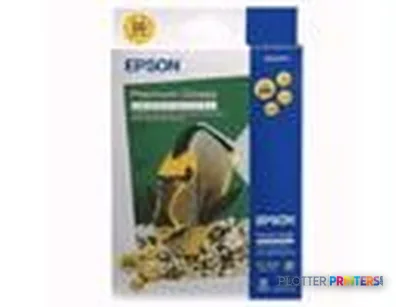 Epson Premium Glossy Photo Paper, 130 x 180 mm, 255g/m², 50 Sheets
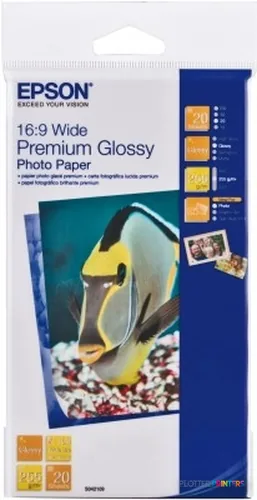 Epson Premium Glossy Photo Paper, 16:9 Breitformat, 255g/m², 20 Sheets
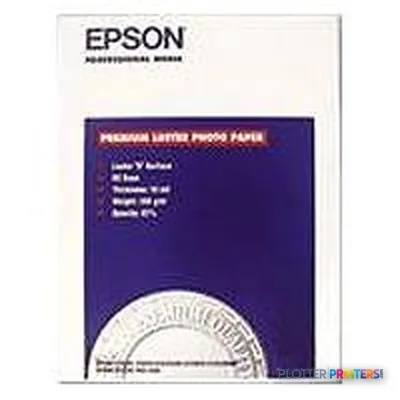 Epson Premium Luster Photo Paper, 17" x 22", 235g/m², 25 Sheets
 Epson Premium Semimatte Photo Paper, 17" x 22", 235g/m², 25 Sheets
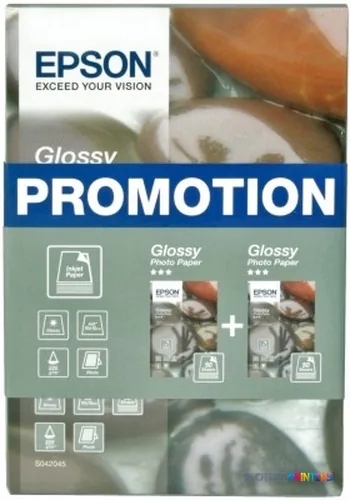 Epson Glossy Photo Paper BOGOF, 100 x 150 mm, 225g/m², 100 Sheets
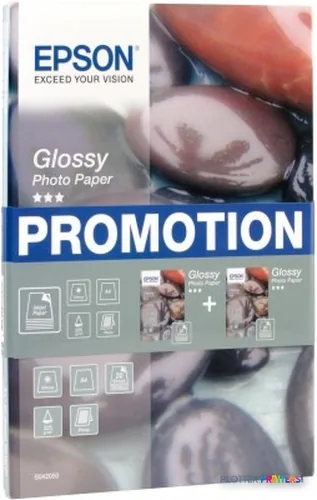 Epson Glossy Photo Paper BOGOF, DIN A4, 225g/m², 40 Sheets
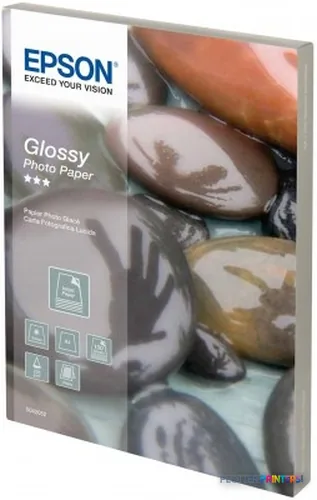 Epson Glossy Photo Paper, DIN A4, 225g/m², 100 Sheets
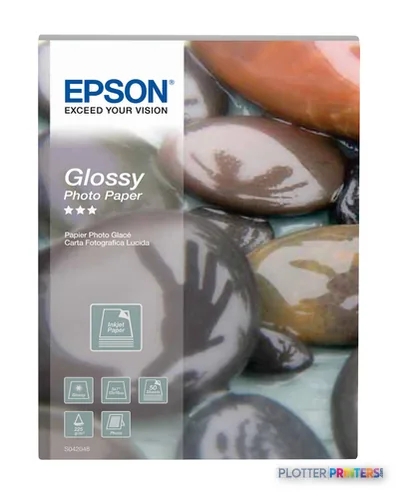 Epson Glossy Photo Paper, 130 x 180 mm, 225g/m², 50 Sheets
 Epson Glossy Photo Paper, 100 x 150 mm, 225g/m², 50 Sheets
 Epson Glossy Photo Paper, DIN A4, 225g/m², 50 Sheets
 Epson Glossy Photo Paper, 100 x 150 mm, 225g/m², 100 Sheets
 Epson Premium Semigloss Photo Paper, 100 x 150 mm, 251g/m², 20 Sheets
 Epson Standard Proofing Paper 205 , A3++ (100 sheets)
 Epson Standard Proofing Paper 240 , A3++ (100 sheets)
 Epson Japanese Kozo Paper Thin 13" x 10m
Accessories 1
Questions
Straight answers
What AEC work is the Epson Stylus Pro 3800 suited to?
It suits smaller-format color work through A2, such as design reviews, detail sheets, GIS excerpts, markups, and presentation output. It is not positioned by the supplied data as a wide-plan production system.
What is the largest sheet it can print?
The maximum print size listed is A2 (17″ x 23″ (420 x 594 mm)).
How long does it take to print?
The listed print time is 405 sec at normal quality and 697 sec at best quality. Actual job turnaround can also include processing, paper handling, and review time.
Can it be shared on an office network?
Yes. It has a Fast Ethernet interface and one USB 2.0 port, so it can be connected to a network or directly to a workstation.
Will it work with current Windows or Mac computers?
The listed compatible operating systems are Windows 2000, Windows XP, Windows XP 64bit, and MAC OSX 10.x.x. Confirm support for the computers and drivers actually used in your office before deployment.
Does it replace a larger plan-room printer?
Not on the evidence provided. Its listed maximum is A2, and the data does not establish production features such as roll switching, stacking, collation, scanning, or copying.
Ready to put the Epson Stylus Pro 3800 to work?
Configuration, media and a quote tailored to your workflow — from AEC plotter specialists.