
Home / Wide-Format Printers / Epson SureColor
Epson · Wide-Format Plotter
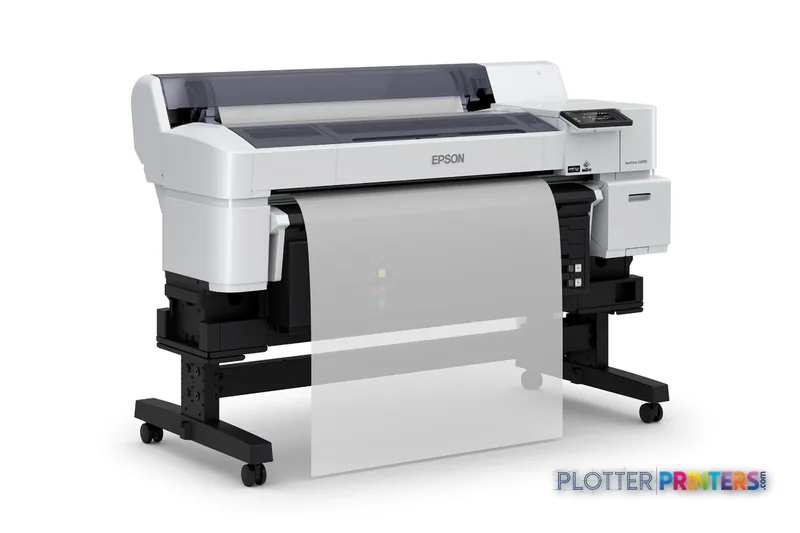
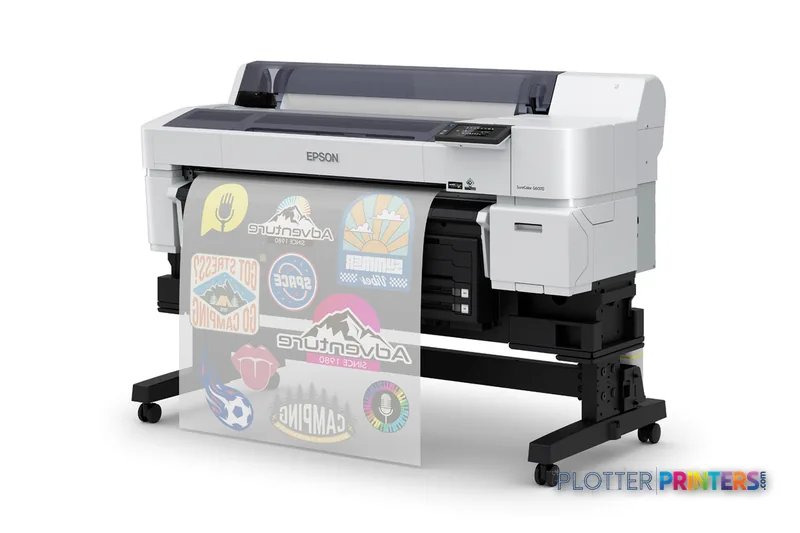
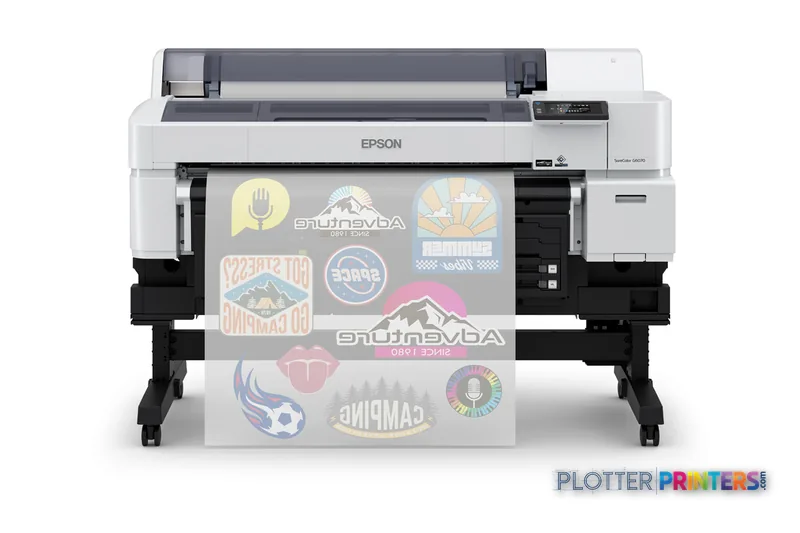
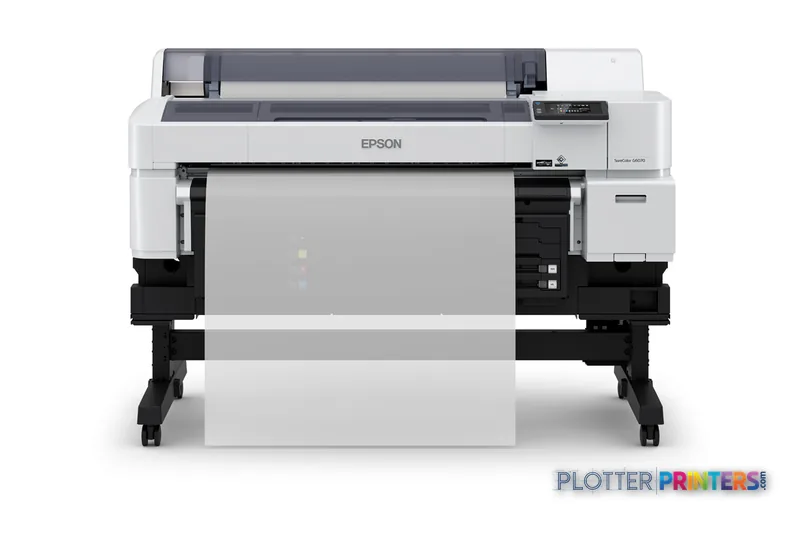
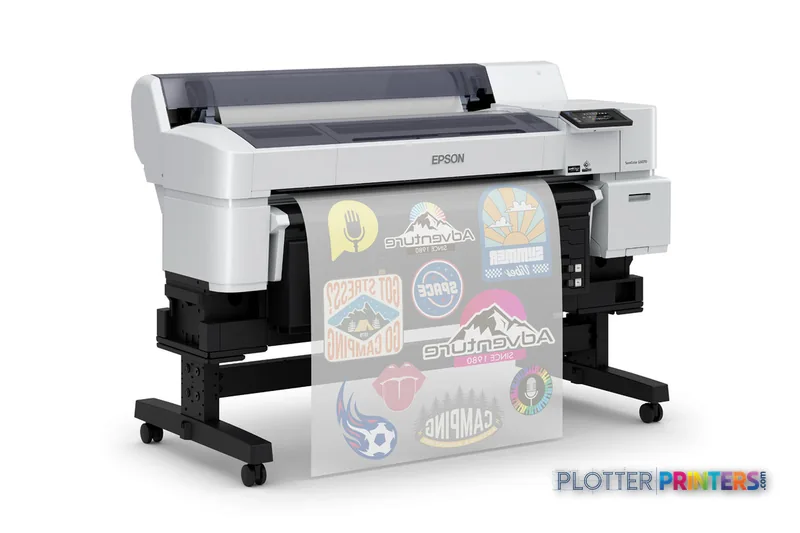
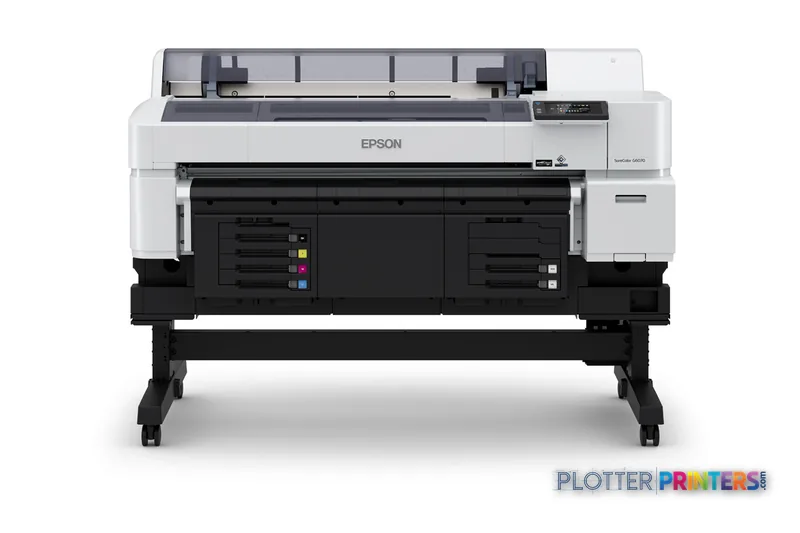
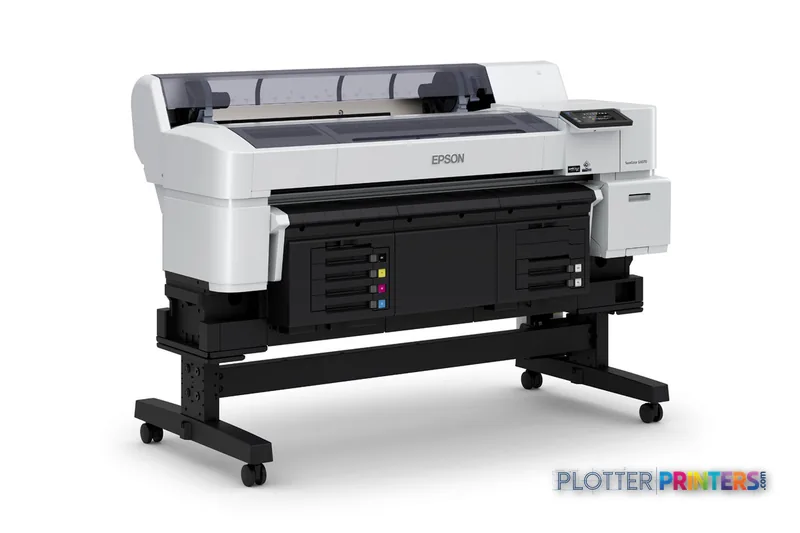
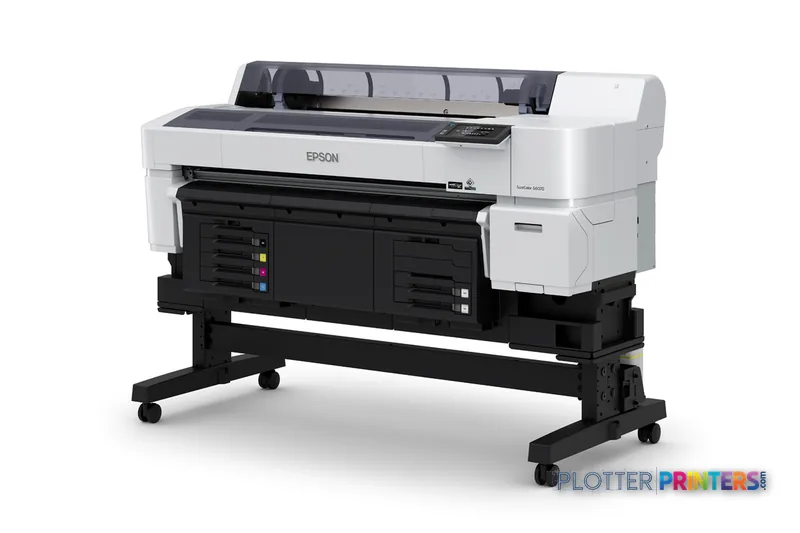
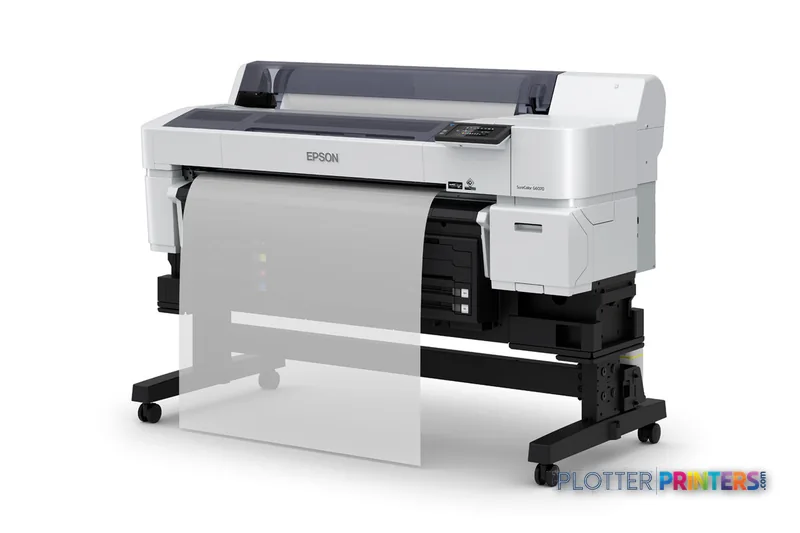
Epson SCG6070SE
36" dye-sublimation printer
- ModelSCG6070SE
- Prints36" wide
- Score31/100
Authorized Epson dealerGenuine hardware & ink
1-year warranty includedExtension plans available
Free shippingContinental U.S.
Plotter specialistsAEC experts, not just sellers
Analyst take
- The Epson SCG6070SE is a five-color dye-sublimation printer with Cyan, Magenta, Yellow, Black, and White inks.
- Its role is specialized color production, rather than general CAD plotting or walk-up plan-room copying.
- Ethernet LAN and USB are available, while Wi-Fi is not.
Not sure if the SCG6070SE is right for you?
Compare key specs and an AI analyst read-out against similar models.
- Wide-format reach Prints up to 36" wide on rolls and sheets.
- Fine detail 1200 x 600 DPI maximum resolution for crisp line work.
- Ink platform UltraChrome DF (5 colors: C, M, Y, K, White).
- Connectivity Ethernet for shared team printing.
- Verified specs 7 specs checked against the manufacturer datasheet.
- Analyst score Scores 31/100 in our class-relative rating.
Overview
Built for the work
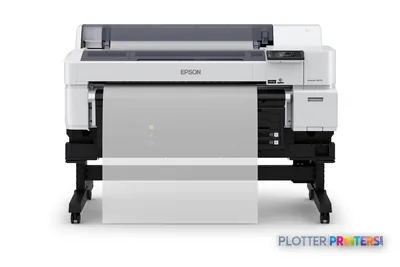
Epson SCG6070SE, Dye-sublimation, 1200 x 600 DPI, ESC P, Cyan, Magenta, Yellow, Black, White, Roll, White
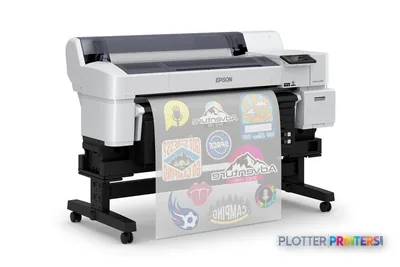
- 36″Max print width
- 5Ink channels
- 1,200 dpiMax resolution
- 12 moIncluded warranty
Spec Analysis
overall
overall
Expert analysis
What you should know

Key takeaways
- The Epson SCG6070SE is a five-color dye-sublimation printer with Cyan, Magenta, Yellow, Black, and White inks.
- Its role is specialized color production, rather than general CAD plotting or walk-up plan-room copying.
- Ethernet LAN and USB are available, while Wi-Fi is not.
- The machine has no scanning or copying capability and accepts roll media through one input tray.
- A single-roll workflow requires buyers to consider media changes and operator involvement in their production planning.
The Epson SCG6070SE is a color dye-sublimation printer for teams whose output needs are more specialized than everyday construction-document sets. Its five-color configuration includes White alongside Cyan, Magenta, Yellow, and Black, a useful distinction when a project graphic depends on color layers that need to remain visible over darker areas rather than disappearing into them.
For an AEC print room, the first question is not whether it can render a drawing, but whether dye-sublimation belongs in the intended workflow. This is a roll-fed device with Ethernet LAN and USB connectivity, touch control, and no built-in copying or scanning. It suits a managed production role better than a walk-up plan-room multifunction position.
1200 x 600 DPIMaximum resolutionSpecified maximum resolution.
Cyan, Magenta, Yellow, Black, WhitePrinting colorsFive-color configuration.
80 WTypical power consumptionManufacturer-listed typical consumption.
293.2 lbsMachine weightAllow for this in siting and installation planning.
Where it fits in an AEC environment
This machine becomes credible when an architecture, interiors, exhibit, facilities, or construction-marketing group has a defined dye-sublimation output process and needs color graphics as part of that process. The White ink is the notable configuration detail: it broadens the conversation beyond ordinary four-color graphics, though the appearance of any finished piece still depends on the media and downstream dye-sublimation workflow.
Networked placement is straightforward in principle: the SCG6070SE provides Ethernet LAN, USB, a built-in display, and touch control. Its ESC P page-description language should be checked against the organization’s actual CAD, BIM, PDF, and print-management path before deployment. A controlled test set—small annotations, color-coded coordination overlays, raster imagery, and the organization’s typical PDFs—is more useful than judging a specification alone.
For comparison shopping, the Canon GP-300 36-in is a catalog alternative with a different inkjet approach and a stated 2400 x 1200 DPI maximum resolution. That does not establish equivalence: media, color process, output purpose, and workflow integration need to be assessed side by side. Use the comparison tool to keep that review structured.
Operational limits worth recognizing early
The single roll input and maximum of one input tray point toward a focused media workflow, not unattended switching between plan sizes or stocks. There is no copying or scanning, so it cannot replace the wide-format MFP used to scan redlines, copy marked-up sheets, or convert legacy drawings. There is also no Wi-Fi; that may be entirely appropriate for an IT-managed Ethernet installation, but it removes an ad hoc wireless submission option.
Physical planning matters. The unit measures 63.3 in wide, 44.4 in deep, and 29.4 in high, with a listed weight of 293.2 lbs. It operates at 15–35 °C and 20–80% relative humidity. Those facts do not determine a site by themselves, but they are a sensible starting point for facilities, power, ventilation, and service-clearance review.
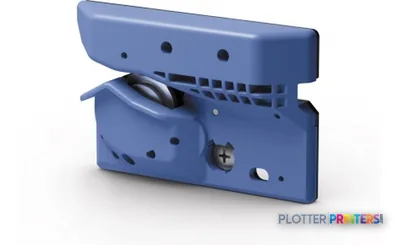
Maintenance planning should include the compatible Epson Waste ink bottle. Buyers should also establish what the listed Epson C13S902006 accessory contributes to their intended setup, and review the available epson PSG6070S1, epson PSG6070S2, and epson PSG6070S4 warranty options with the supplying service organization.
A disciplined buying decision
The right evaluation is application-led. Ask the dealer to demonstrate the exact media and transfer process the team expects to use, not merely a generic color sample. Evaluate the full path from design application through PDF or driver submission, then inspect fine text, line joins, solid fills, and color relationships in the finished output. The difference often shows up where photographs live—in the last five percent of a saturated red—but linework and annotation readability deserve the same scrutiny.
There is no in-family step-up or step-down model in the supplied catalog to name responsibly. Buyers wanting a different class of device should compare the needed workflow rather than assume a model-number ladder exists. The Canon imagePROGRAF 700 36-in and Canon iPF760 36-in are additional catalog alternatives for a broader evaluation, while the class ranking page can provide context for available models.
Continue the evaluation
The read
The Epson SCG6070SE is best treated as a specialized color-production device for an AEC organization with a genuine dye-sublimation requirement, not as a default replacement for a CAD plotter or scanning multifunction system. Its Ethernet LAN connection, roll media handling, touch interface, and White ink configuration may align well with a controlled graphics workflow. The trade-off is clear: no scanning, no copying, no Wi-Fi, and one roll input make it less appropriate for mixed-size plan-set production, redline copying, or a busy shared print room. Validate the finished output on the actual intended media and workflow before making it part of project delivery.
Spec analysis
How the specs grade
Overall performance
within dye-sublimation printers
66% spec coverage
- This printer
Verified specifications
The specs that decide it
| Print technology | Dye-sublimation |
|---|---|
| Ink platform | UltraChrome DF (5 colors: C, M, Y, K, White)manufacturer-verified |
| Maximum resolution | 1,200 x 600 dpi |
| Maximum roll / print width | 35.4 inmanufacturer-verified |
| Ink cartridge capacity | 1.6 Lmanufacturer-verified |
| Ethernet LAN | 1000Base-T Ethernet |
| USB port | SuperSpeed USB 3.0 |
| Scanning / Copying | No / No |
| Page description language | ESC/P (no PostScript) |
| Weight | 295 lb |
manufacturer-verified = checked against the manufacturer’s official datasheet, not aggregator data. Everything else is standards-body / catalog data we consider reliable.
Specifications
Full technical detail
Print technologyDye-sublimation
Max resolution1200 x 600 DPI
ColorColor
ConnectivityEthernet (Gigabit LAN), USB
Printing
| Color | Yes |
|---|---|
| Printing colors | Cyan, Magenta, Yellow, Black, White |
| Print technology | Dye-sublimation |
| Maximum resolution | 1200 x 600 DPI |
| Number of print cartridges | 5 |
| Page description languages | ESC P |
Performance
| Control type | Touch |
|---|---|
| Product color | White |
| Built-in display | Yes |
| Country of origin | China |
Paper handling
| Paper tray media types | Roll |
|---|
Ports & interfaces
| Wi-Fi | No |
|---|---|
| USB port | Yes |
| Ethernet LAN | Yes |
Weight & dimensions
| Depth | 44.4" (1128 mm) |
|---|---|
| Width | 63.3" (1608 mm) |
| Height | 29.4" (746 mm) |
| Weight | 293.2 lbs (133 kg) |
Power
| AC input voltage | 120/200 – 240 V |
|---|---|
| AC input frequency | 50/60 Hz |
| Power consumption (sleep) | 20 W |
| Power consumption (typical) | 80 W |
Operational conditions
| Operating temperature (T-T) | 15 – 35 °C |
|---|---|
| Operating relative humidity (H-H) | 20 – 80% |
Copying
| Copying | No |
|---|
Scanning
| Scanning | No |
|---|
Input & output capacity
| Maximum number of input trays | 1 |
|---|
Supplies
Compatible ink, printheads & media
Genuine consumables that fit the Epson SCG6070SE 36-in — only the cartridges, printheads and media compatible with this model.

Coverage & Support Plans 3



Questions
Straight answers
Can the Epson SCG6070SE scan marked-up drawings or copy plan sets?
No. The supplied product data lists neither scanning nor copying capability, so a separate wide-format scanner or multifunction device is required for those tasks.
Does this printer support wireless printing?
No. The listed connectivity includes Ethernet LAN and USB, but not Wi-Fi. It is therefore better suited to a managed wired-network location than to ad hoc wireless submission.
What color configuration does the SCG6070SE use?
It uses Cyan, Magenta, Yellow, Black, and White, with five print cartridges. The White ink is relevant only where the intended media and dye-sublimation workflow can make use of it.
How is media loaded?
The printer uses roll media and has a maximum of one input tray. Confirm the expected media-change routine if several media types or sizes are needed during a shift.
What should facilities teams allow for when siting it?
The listed dimensions are 63.3 in wide, 44.4 in deep, and 29.4 in high, and the listed weight is 293.2 lbs. Its specified operating range is 15–35 °C and 20–80% relative humidity.
Ready to put the Epson SCG6070SE to work?
Configuration, media and a quote tailored to your workflow — from AEC plotter specialists.