Is the HP DesignJet T530 36-in Printer suitable for CAD drawings?
It supports HP-GL/2 and HP-RTL, along with JPEG and CALS G4. Its maximum resolution is 2400 x 1200 DPI, making it a practical candidate for color technical output.
Can this printer scan field markups or copy existing plans?
No. The product data lists no scanning and no copying. Teams that need those functions should consider a separate scanner or the listed HP DesignJet T830 24-in MFP.
How can users connect to the printer?
The T530 includes Fast Ethernet, Wi-Fi, Wi-Fi Direct, one USB 2.0 port, USB Type-A, and direct printing. The appropriate connection depends on the office network and IT policy.
What media can it handle?
Listed media types include bond, plain, recycled, coated, heavy, matte, glossy, satin, semi-glossy, and photo paper. Listed maximum media thickness is 0.012 in.
Which inks does this printer use?
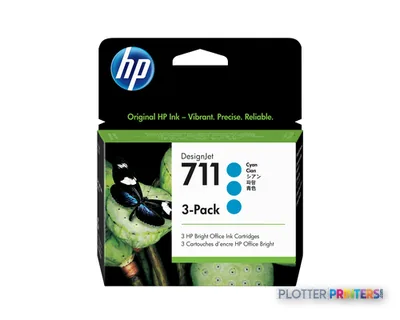
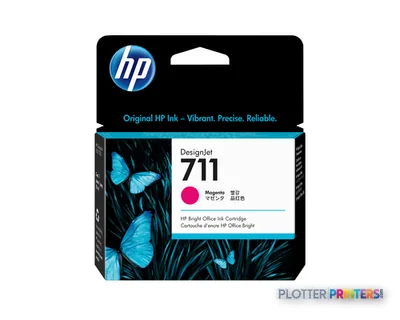
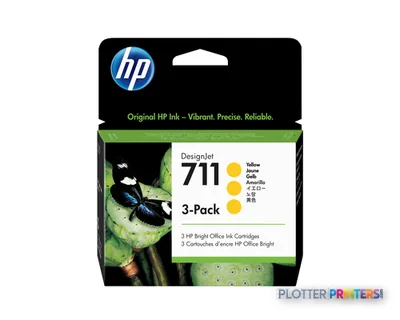
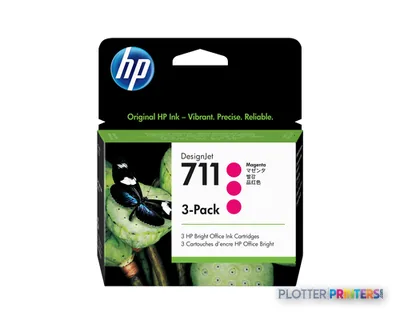
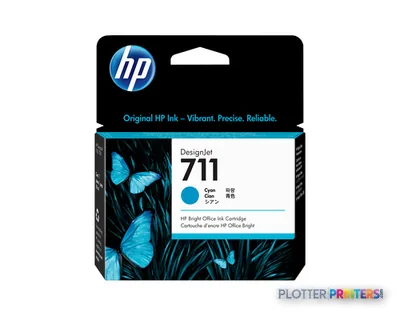
Compatible consumables include HP 712 inks. The compatible printhead family is the HP 713 printhead.
When should a buyer move up to the HP DesignJet T1600dr 36-in?
Move up when the workflow requires the listed dual-roll capability. That becomes more relevant when media changes interrupt the workday or multiple drawing formats are routinely needed.