
Home / Wide-Format Printers / HP DesignJet
HP · Wide-Format Plotter
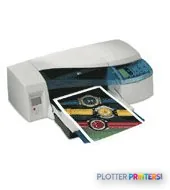
HP DesignJet 20ps
wide-format inkjet printer
- Model20ps
Authorized HP dealerGenuine hardware & ink
Manufacturer warrantyExtendable to 3 years
Free shippingContinental U.S.
Plotter specialistsAEC experts, not just sellers
Analyst take
- An aqueous inkjet DesignJet with a PostScript-capable configuration aimed at design-office plotting and proofing.
- Runs on the older HP 11, HP 82 and HP 84 ink families with the HP 84 and HP C5018A printheads — a separate-cartridge, separate-printhead architecture.
- Supports HP Gloss Proofing and Premium Plus Satin-matt media, pointing toward color proofing and presentation output.
Not sure if the 20ps is right for you?
Compare key specs and an AI analyst read-out against similar models.
Overview
Built for the work
HP DesignJet 20ps Printer
Expert analysis
What you should know

Key takeaways
- An aqueous inkjet DesignJet with a PostScript-capable configuration aimed at design-office plotting and proofing.
- Runs on the older HP 11, HP 82 and HP 84 ink families with the HP 84 and HP C5018A printheads — a separate-cartridge, separate-printhead architecture.
- Supports HP Gloss Proofing and Premium Plus Satin-matt media, pointing toward color proofing and presentation output.
- An optional HP Auto Duplexer Unit enables double-sided reports and spec books.
- Not built for high-volume, deadline-driven E-size plan production where a wider multi-roll or scanning machine fits better.
- Verified speed, width and roll specifications were not available for this listing; evaluate a demo or the unit's own plate before buying.
Here’s the honest problem with the HP DesignJet 20ps: I don’t have a verified spec sheet in front of me. No rated speed. No print width. No roll count. And I don’t quote numbers I can’t source — that’s how bad buying decisions get made at 4:45 on a bid day.
So this page tells you what I can stand behind: what family it belongs to, what feeds it, and how to think about whether it fits your shop. Where a fact isn’t confirmed, I’ll say so plainly rather than dress up a guess as a spec.
What this machine actually is
The DesignJet 20ps is an aqueous inkjet wide-format device in HP’s DesignJet line — the same family that has printed the vast majority of architectural and engineering plan sets in this country for years. The “ps” designation historically points to a PostScript-capable configuration, which matters if your workflow leans on PostScript files or proofing rather than plain HP-GL/2 plotting.
The consumable set tells you more than the name does. This machine runs on HP 11, HP 82, and HP 84 ink families, with HP 84 and the HP C5018A printhead handling the imaging side. That’s an older-generation ink architecture — separate printheads and cartridges — not the integrated-cartridge design of current DesignJet plotters. If you’re evaluating a used or installed-base unit, that consumable lineage is your first clue about the machine’s age.
HP 11Ink familiesalso runs HP 82 and HP 84 ink
HP 84Printheadplus the HP C5018A printhead
HP Auto Duplexer Unit duplex unitDuplex optionaccessory, not standard
HP 1year PWNbd DesignjetT1XX-24inHW SuppWarranty optionnext-business-day coverage
The workflows it fits
Think about who’s standing at the tray. On the strength of its consumable set and the PostScript configuration, this is a device built for design-office plotting and proofing on coated and gloss stock — note the HP Gloss Proofing White and HP Premium Plus Satin-matt White media in its compatible list. That points toward presentation output and color proofing, not just bond-paper permit sets.
An Auto Duplexer Unit is available as an accessory, which is genuinely useful for double-sided specification books and reports where you don’t want a stack of single-sided sheets landing on a PM’s desk. But I won’t tell you it turns bid-set collation into an unattended overnight job — I don’t have the roll capacity or the speed figures to make that claim.
Where it isn't the right tool
If you’re a high-volume engineering department cranking D-size and E-size sets against back-to-back deadlines, an older single-roll design like this is a bottleneck waiting to happen — every roll change is a person walking away from their desk. That’s the kind of load where you’d look at a wider, scanner-equipped machine such as the HP DesignJet T918 36-in, which pairs plotting with integrated scanning for as-built and redline capture. Worth noting: that T918 is itself discontinued, so it’s an installed-base comparison, not a fresh-off-the-truck option. Run the two side by side in our compare tool before you commit.
For a small studio doing occasional color proofs and the odd plan set, the 20ps’s proofing-media support is the part that earns its keep.
Keep reading
The read
The DesignJet 20ps is a proofing-and-plotting device from an older DesignJet generation — its HP 11, HP 82 and HP 84 ink lineage tells you that much. If you inherited one or you’re weighing a used unit for a small studio doing color proofs and light plan work, it can still earn a corner of the print room. If your day is measured in bid deadlines and E-size volume, look at a wider, multi-roll or scanner-equipped machine instead. Bottom line: know its age, price the ink honestly, and don’t ask a design-office plotter to run a reprographics department.
Spec analysis
How the specs grade
Overall performance
—Not enough data for an overall score
Individual dimensions are shown where the specs support them.
Specifications
Full technical detail
Use caseCAD / Technical
Everything that fits the HP DesignJet 20ps
The full supplies hub lists every cartridge, printhead, roll and accessory verified against the manufacturer's own documentation for this machine.
9 ink cartridges · 7 printheads · 12 paper & media items · 1 accessory · 2 coverage plans
HP DesignJet 20ps ink and paper →Supplies
Compatible ink, printheads & media
Genuine consumables that fit the HP DesignJet 20ps Printer — only the cartridges, printheads and media compatible with this model.
Ink Cartridges 9
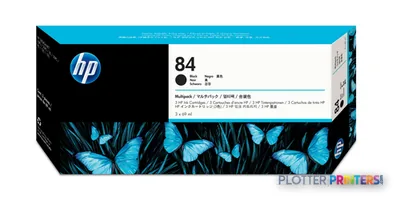 HP 84 ink cartridge 3 pc(s) Original Photo black
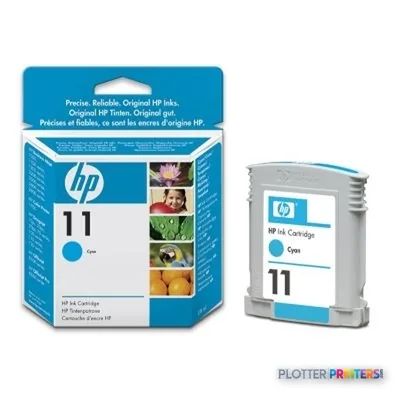 HP 11 Cyan ink cartridge
 HP 11 Cyan ink cartridge
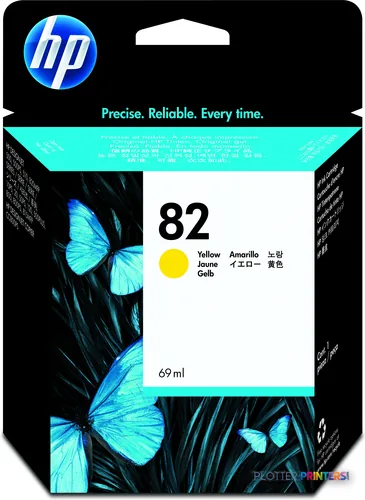 HP 82 69-ml Yellow Ink Cartridge
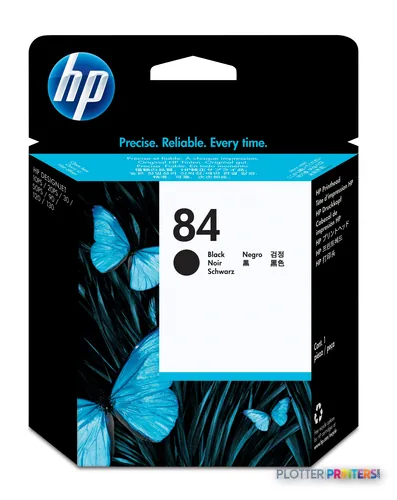
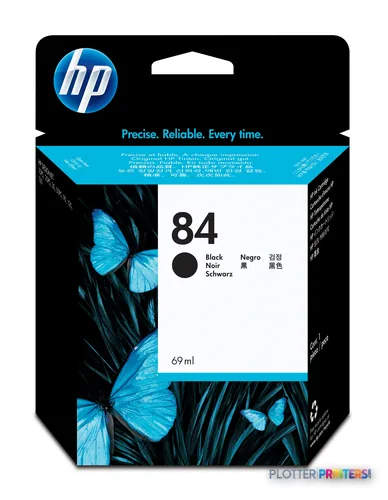 HP 84 69-ml Black Ink Cartridge print head Thermal inkjet
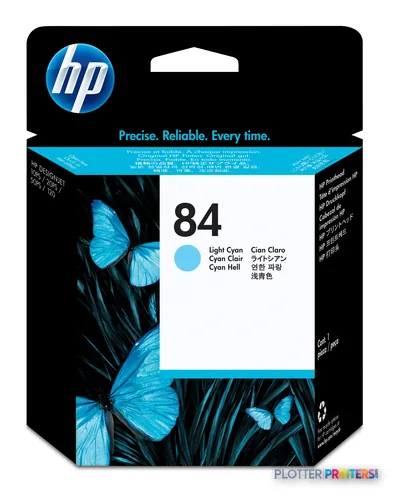
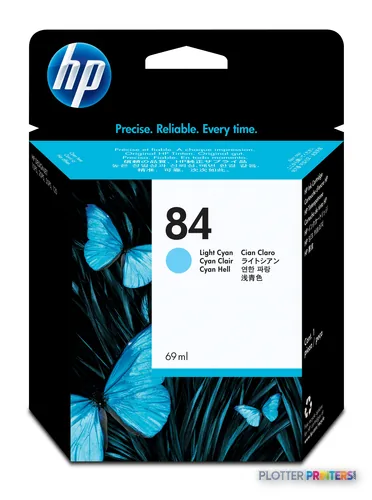 HP 84 69-ml Light Cyan Ink Cartridge print head Thermal inkjet
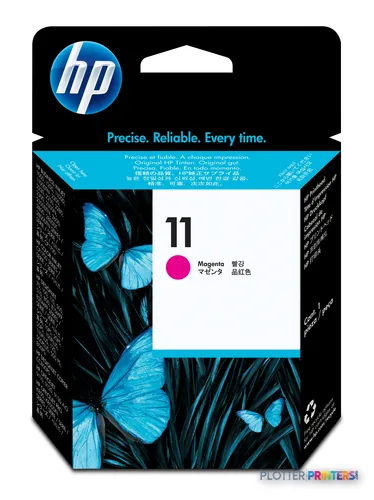
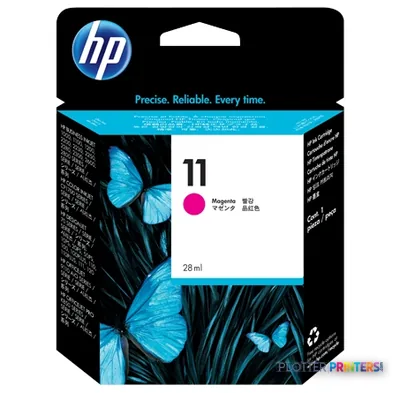 HP 11 Magenta Ink Cartridge (C4837AE)
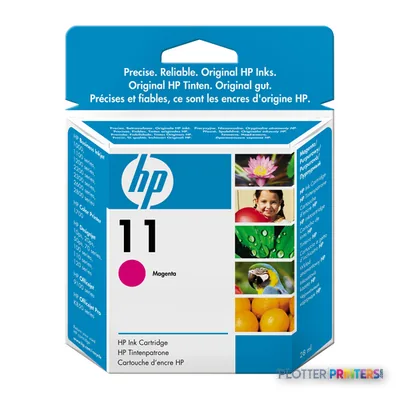 HP 11 Magenta Original Ink Cartridge
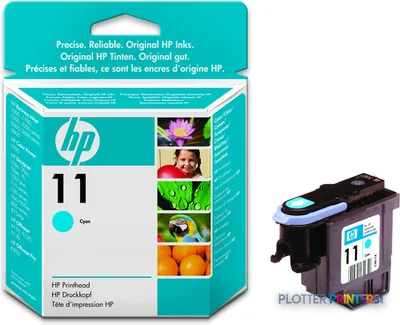 HP 11 Cyan Original Ink Cartridge
Printheads 7
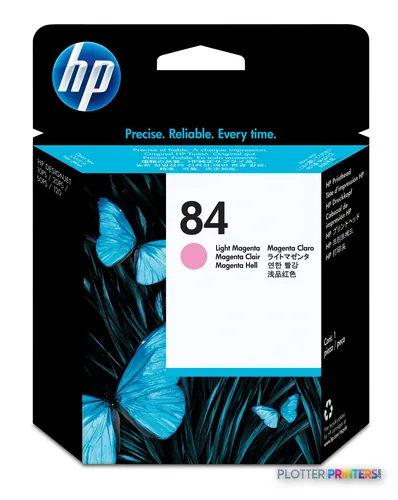
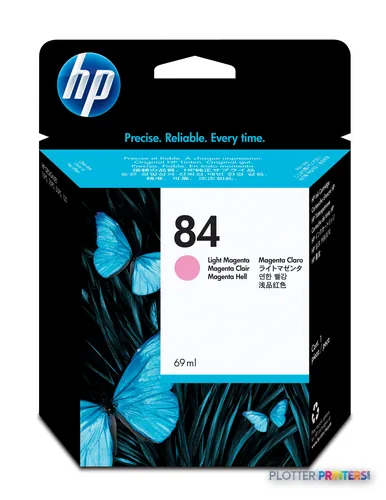
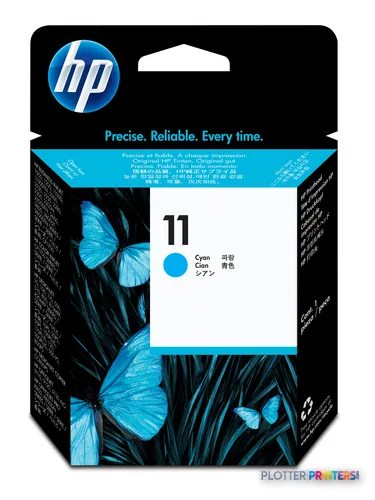
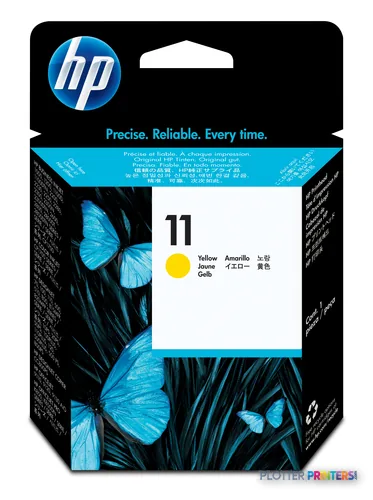
Paper & Media 12
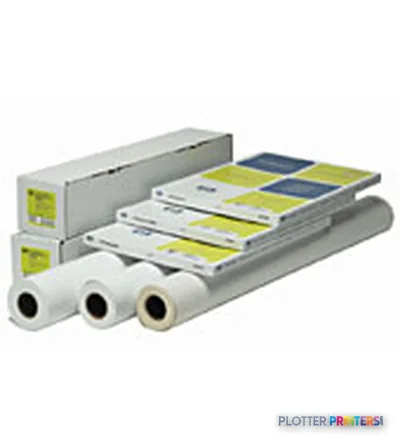 HP Semi-gloss Proofing Paper-50 sht/A3+/330 x 483 mm (13 x 19 in)
 HP Q1961A large format media
 HP Q1962A large format media
 HP Gloss Proofing Paper-50 sht/A3+/330 x 483 mm (13 x 19 in)
 HP Q1967A printing paper A3+ (330×483 mm) Matte 100 sheets White
 HP Gloss Proofing A2 White
 HP Gloss Proofing A1 White
 HP Gloss Proofing White
 HP Semi-gloss Proofing Paper-610 mm x 30.5 m (24 in x 100 ft)
 HP Q1968A large format media 30.5 m Matte
 HP Premium Plus Satin-matt Photo Paper 280 g/m²-10 x 15 cm plus tab/60 sht
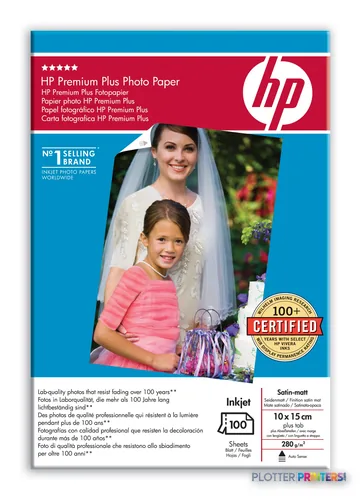 HP Premium Plus Satin-matt White Satin-matte
Accessories 1


Questions
Straight answers
What inks and printheads does the DesignJet 20ps use?
It runs on the HP 11, HP 82 and HP 84 ink families, with the HP 84 printhead and the HP C5018A printhead handling imaging. That’s an older separate-cartridge, separate-printhead design — confirm supply availability before you commit to a used unit.
Can it print double-sided?
Yes, with the optional HP Auto Duplexer Unit accessory. That’s genuinely handy for double-sided spec books and reports, but it’s an add-on, not standard equipment.
Is this machine good for high-volume bid sets?
I can’t confirm its speed or roll capacity from the available data, but its generation and single-roll-class design make it a poor fit for back-to-back E-size deadline work. For that load, a wider scanner-equipped machine like the HP DesignJet T918 36-in is the better shape — though that model is itself discontinued.
Does it handle color proofing?
Its compatible-media list includes HP Gloss Proofing White and HP Premium Plus Satin-matt White stock, and the ‘ps’ PostScript configuration supports that use. That combination points toward proofing and presentation output as a real strength.
What warranty and support options are available?
Support options include the HP 1year PWNbd DesignjetT1XX-24inHW Supp next-business-day plan and several extension packs. On an older machine, next-business-day parts and labor coverage matters more than on a new one — ask your dealer what’s still serviceable locally.
Should I buy this new or is it installed-base only?
The available data doesn’t confirm a current lifecycle status, and the older ink architecture suggests it’s largely an installed-base machine. Verify current availability with the seller and price the ink and printheads before you decide.
Ready to put the HP DesignJet 20ps to work?
Configuration, media and a quote tailored to your workflow — from AEC plotter specialists.