
Home / Wide-Format Printers / Epson SureColor
Epson · Wide-Format Plotter
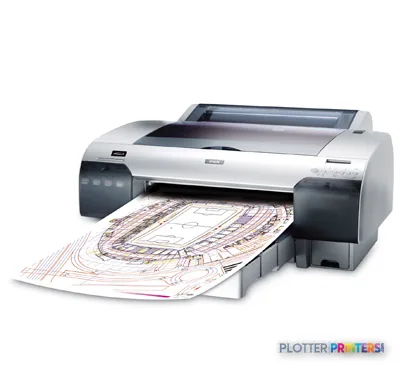
Epson Stylus Pro 4450+
17" technical / CAD plotter
- ModelC11CA00011DA
- Prints17" wide
- Score59/100
Authorized Epson dealerGenuine hardware & ink
1-year warranty includedExtension plans available
Free shippingContinental U.S.
Plotter specialistsAEC experts, not just sellers
Analyst take
- Maximum print size is A2 (17 x 23 inches) — this is a desktop photo printer, not a full-size plotter.
- At 1440 x 720 DPI it produces clean, legible color renderings and presentation boards.
- Standby power is just 5 W, so it costs little to leave ready between jobs.
Not sure if the C11CA00011DA is right for you?
Compare key specs and an AI analyst read-out against similar models.
- Wide-format reach Prints up to 17" wide on rolls and sheets.
- Fine detail 1440 x 720 DPI maximum resolution for crisp line work.
- Connectivity Ethernet for shared team printing.
- Analyst score Scores 59/100 in our class-relative rating.
Overview
Built for the work
Epson Stylus Pro 4450+ 3 Years Extension Warranty, 1440 x 720 DPI, 24.3 m²/Hr, 180 x 8, A2 (420 x 594 mm), 17" (43.2 cm), 5.91" (15 cm)
- 201 ft²/hRated speed
- 4Ink channels
- 1,440 dpiMax resolution
- 12 moIncluded warranty
Spec Analysis
overall
overall
Expert analysis
What you should know

Key takeaways
- Maximum print size is A2 (17 x 23 inches) — this is a desktop photo printer, not a full-size plotter.
- At 1440 x 720 DPI it produces clean, legible color renderings and presentation boards.
- Standby power is just 5 W, so it costs little to leave ready between jobs.
- At 86.9 lbs it's heavy for a desktop — plan a dedicated, sturdy surface.
- Connectivity is USB 2.0 and Ethernet with 64 MB memory; listed OS support runs to Windows Vista-era systems.
- For full-size drawing output, a 36-inch machine such as the Canon iPF760 is the right category.
Here’s the honest starting point: the Epson Stylus Pro 4450 Photo is a 17-inch-wide desktop printer, not a plotter. Its maximum print size tops out at A2 — roughly 17 by 23 inches. That’s a presentation board, a small site plan, a rendering, a color-coded detail sheet. It is not a machine for running a 24-by-36 bid set.
So who’s standing at the output tray? Usually an architect or designer who needs a clean color proof or a mounted board before the client walks in — not the print-room operator feeding a permit set at 4:45 p.m. Judge it on that job and it makes sense. Judge it as a drawing plotter and it will disappoint you fast.
What it’s actually good at
This is a pigment-class photo printer that happens to be useful in an AEC office. At 1440 x 720 DPI it lays down clean lines and readable small text on coated stock, which matters when your “drawing” is really a color rendering, a material board, or a marketing sheet for a pursuit.
Feed it the right media — Epson supports it with cut-sheet and roll options in the Epson C13S041907 family — and it earns its keep as a proofing and presentation device. Standby draw is just 5 W, so leaving it warm between jobs costs you almost nothing.
- Color renderings and elevations for client meetings
- Mounted presentation boards up to A2
- MEP and coordination details where color-coding must stay legible
- Proof prints before you send full-size work to a wide plotter
Where it falls down for AEC
Name the failure mode first: you’ll hit the 17-inch ceiling on day one if your real output is full-size drawings. There is no 24- or 36-inch path here. A2 is the wall.
Connectivity is dated, too. USB 2.0 and Ethernet are on board, and 64 MB of internal memory is modest for heavy PDF spooling. The listed OS support runs to Windows Vista and older Mac OS X — fine on a legacy workstation, something to verify with your IT staff on a current one.
If your workday is drawings, not renderings, you want a true 36-inch roll machine. In our catalog that means cross-brand options like the [[product:14872006|Canon iPF760 36-in]] or the scanner-equipped [[product:54409637|Canon iPF770 36-in]]. Worth a side-by-side: [[compare:1281540,14872006|put the 4450 next to the iPF760]] and the use-case difference is obvious.
Consumables and support
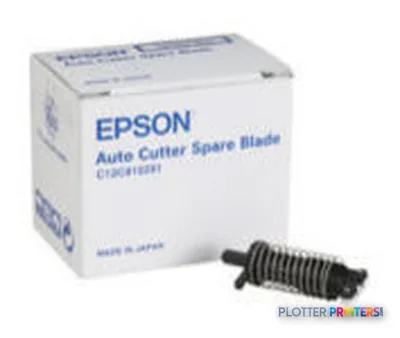
Ink and maintenance are straightforward once you know the family names. Keep spares on hand so a dry cartridge doesn’t cost you a presentation. The Epson SP-4880 maintenance items and the wide range of Epson C13S041907 media accessories keep it fed for coated and photo stock.
Because this is a photo-class unit, media choice drives quality more than on a plain-bond plotter. Match the paper to the job and the 1440 x 720 DPI output holds up. Where it ranks against the field is on its [[leaderboard|class page]].
The Epson Stylus Pro 4450 Photo is a good tool for the wrong job title. As a color proofing and presentation printer for a design studio, it does clean work at A2 and sips power at idle. As a drawing plotter, it doesn’t exist — 17 inches is the ceiling and there’s no way around it. Buy it to make renderings and boards look right before the client sees them. For bid sets and permit drawings, look at a 36-inch machine like the [[product:14872006|Canon iPF760]]. Bottom line: excellent proofing partner, poor substitute for a plotter — know which one you need before you order.
Spec analysis
How the specs grade
Overall performance
within technical / CAD plotters
88% spec coverage
- This printer
Verified specifications
The specs that decide it
| Maximum resolution | 1440 x 720 DPI |
|---|---|
| Internal memory | 64 MB |
| Maximum print size | A2 (420 x 594 mm) |
| Ethernet | Yes |
Specifications
Full technical detail
Max resolution1440 x 720 DPI
Max print width17"
ConnectivityEthernet (Gigabit LAN), USB
Use casePhoto / Fine Art
Printing
| Color | Yes |
|---|---|
| Print head | 180 x 8 |
| Maximum resolution | 1440 x 720 DPI |
| Number of print cartridges | 4 |
| Print speed (normal quality) | 24.3 m²/Hr |
Performance
| Internal memory | 64 MB |
|---|---|
| Sound pressure level (printing) | 50 dB |
Paper handling
| Cut sheets | Yes |
|---|---|
| Roll paper | Yes |
| Maximum print size | A2 (420 x 594 mm) |
| Maximum roll width | 17" (43.2 cm) |
| Maximum roll diameter | 5.91" (15 cm) |
Ports & interfaces
| USB port | Yes |
|---|---|
| Ethernet LAN | Yes |
| USB connector | USB Type-A |
| RJ-45 ports quantity | 1 |
| USB 2.0 ports quantity | 1 |
Weight & dimensions
| Weight | 86.9 lbs (39.4 kg) |
|---|---|
| Dimensions (WxDxH) | 33.4 x 30.1 x 13.9" (848 x 765 x 354 mm) |
| Maximum dimensions (W x D x H) | 33.4 x 43.5 x 13.9" (848 x 1105 x 354 mm) |
Power
| Power requirements | 100-120 V, 220-240 V |
|---|---|
| Power consumption (standby) | 5 W |
| Power consumption (typical) | 59 W |
| Power consumption (PowerSave) | 1 W |
Sustainability
| Sustainability certificates | ENERGY STAR |
|---|
System requirements
| Mac compatibility | Yes |
|---|---|
| Compatible operating systems | Microsoft Windows 2000 / XP, Windows Vista, Mac OS X 10.x.x |
Everything that fits the Epson Stylus Pro 4450
The full supplies hub lists every cartridge, printhead, roll and accessory verified against the manufacturer's own documentation for this machine.
22 ink cartridges · 16 paper & media items · 6 accessories
Epson Stylus Pro 4450 ink and paper →Supplies
Compatible ink, printheads & media
Genuine consumables that fit the Epson Stylus Pro 4450+ 17-in (3-Year Warranty) — only the cartridges, printheads and media compatible with this model.
Ink Cartridges 22
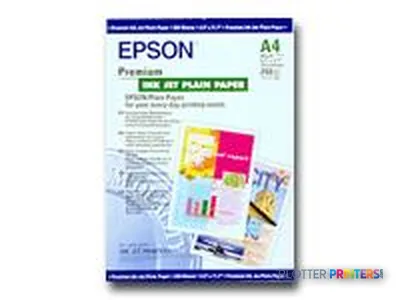 Epson Premium Ink Jet Plain Paper, DIN A4, 80g/m², 250 Sheets
 Epson Singlepack Yellow T613400
 Epson Singlepack Magenta T613300
 Epson Singlepack Matte Black T613800
 Epson Singlepack Cyan T613200
 Epson Singlepack Magenta T614300 220 ml
 Epson Singlepack Matte Black T614800 220 ml
 Epson Singlepack Yellow T614400 220 ml
 Epson Singlepack Photo Black T614100 220 ml
 Epson Singlepack Cyan T614200 220 ml
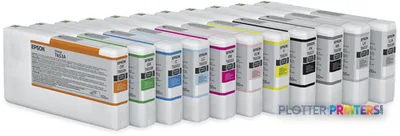 Epson T6531 Photo Black Ink Cartridge (200ml)
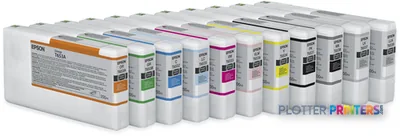 Epson T6532 Cyan Ink Cartridge (200ml)
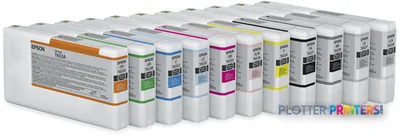 Epson T6533 Vivid Magenta Ink Cartridge (200ml)
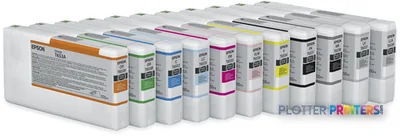 Epson T6534 Yellow Ink Cartridge (200ml)
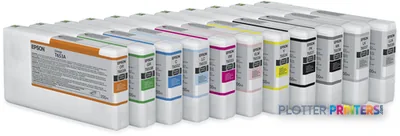 Epson T6535 Light Cyan Ink Cartridge (200ml)
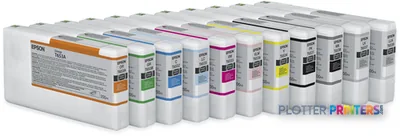 Epson T6536 Vivid Light Magenta Ink Cartridge (200ml)
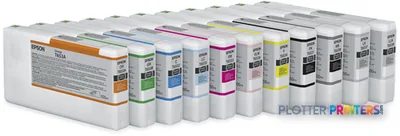 Epson T6537 Light Black Ink Cartridge (200ml)
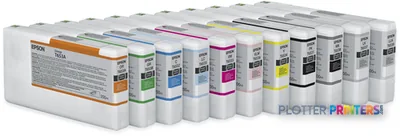 Epson T6538 Matte Black Ink Cartridge (200ml)
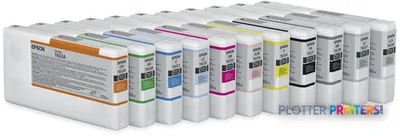 Epson T6539 Light Light Black Ink Cartridge (200ml)
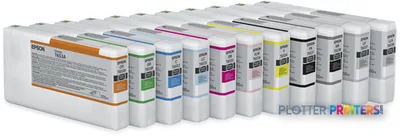 Epson T653A Orange Ink Cartridge (200ml)
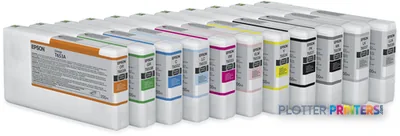 Epson T653B Green Ink Cartridge (200ml)
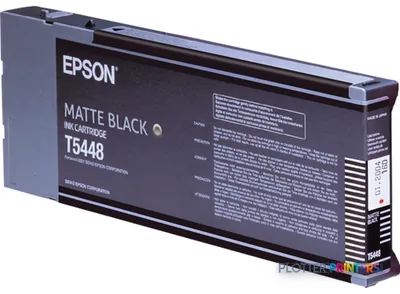 Epson Singlepack Matte Black T61480N 220 ml
Paper & Media 16
 Epson Smooth Fine Art Paper Roll, 17" x 15,2 m, 255g/m²
 Epson Textured Fine Art Paper Roll, 17" x 15,2 m, 255g/m²
 Epson Photo Grade Glossy Paper Roll
 Epson Enhanced Matte Paper, 17" x 22", 189g/m², 50 Sheets
 Epson Singleweight Matte Paper, 17" x 22", 120g/m², 100 Sheets
 Epson Singleweight Matte Paper, DIN A2, 120g/m², 100 Sheets
 Epson Ultrasmooth Fine Art Paper, 17" x 22", 325g/m², 25 Sheets
 Epson Glossy Photo Paper, DIN A4, 225g/m², 20 Sheets
 Epson Proofing Paper Publication, 17" x 30,5 m, 250g/m²
 Epson Proofing Paper Publication, 13" x 30,5 m, 250g/m²
 Epson Photo Grade Semiglossy Paper Roll
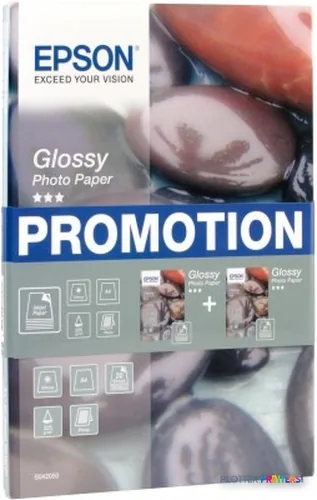 Epson Glossy Photo Paper BOGOF, DIN A4, 225g/m², 40 Sheets
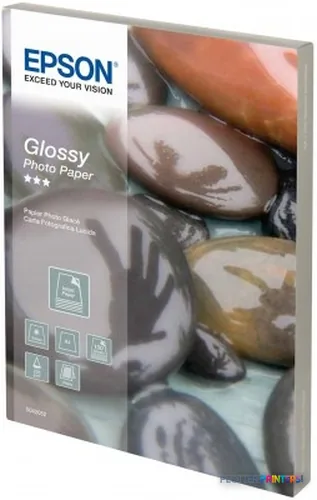 Epson Glossy Photo Paper, DIN A4, 225g/m², 100 Sheets
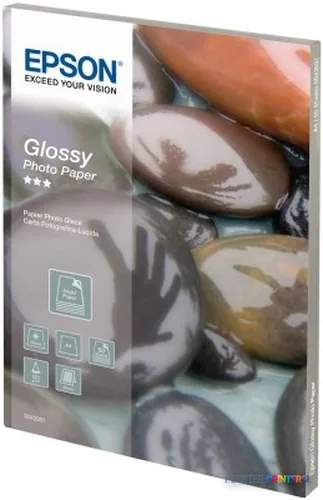 Epson Glossy Photo Paper, DIN A4, 225g/m², 50 Sheets
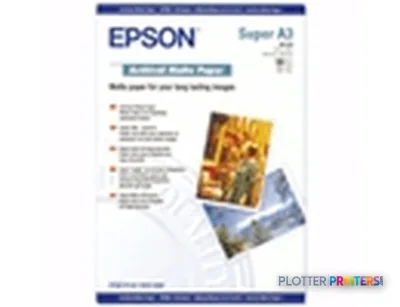 Epson Singleweight Matte Paper, DIN A3+, 120g/m², 100 Sheets
 Epson Japanese Kozo Paper Thin 13" x 10m
Questions
Straight answers
Can the 4450 print a 24-by-36 bid set?
No. Its maximum print size is A2, about 17 by 23 inches. For full-size drawing sets you need a 36-inch machine such as the Canon iPF760 36-in.
Is the print quality good enough for client renderings?
Yes. At 1440 x 720 DPI on coated or photo media it produces clean color output suited to renderings, elevations and presentation boards.
Will it work with our current computers?
The listed compatible operating systems run to Windows Vista and Mac OS X 10.x. It has USB 2.0 and Ethernet. Confirm driver support for current systems with your IT staff.
What ink and media does it use?
It uses Epson Stylus Pro-class inks, with maintenance handled through the Epson SP-4880 items and a broad Epson C13S041907 media accessory range for coated and photo stock.
How much room and support does it need?
It’s a desktop unit measuring 33.4 x 43.5 x 13.9 inches and weighing 86.9 lbs, so it needs a solid dedicated surface rather than a shared desk corner.
When is the 4450 the wrong choice?
When your real workload is full-size drawings, redlines or permit sets. Its A2 ceiling makes it a proofing and presentation tool, not a production plotter.
Ready to put the Epson Stylus Pro 4450+ to work?
Configuration, media and a quote tailored to your workflow — from AEC plotter specialists.