Expert analysis
What you should know
Key takeaways
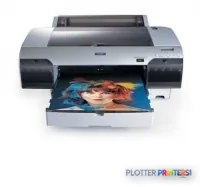
- A 17-inch photo-grade Epson Stylus Pro built for presentation output, not plan-set volume.
- Prints up to 2880 x 1440 DPI for renderings and marketing sheets on glossy or canvas media.
- No scanner and no color-copy function — it prints only.
- Connectivity is USB 2.0 and FireWire only, with no network jack, so it lives on one tethered workstation.
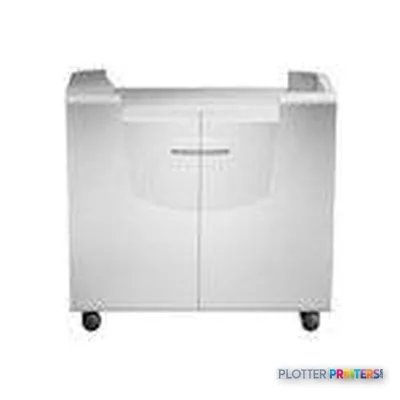
- At 83.8 lbs it's a heavy desktop unit that fits a studio bench or the optional Epson Cabinet Stand.
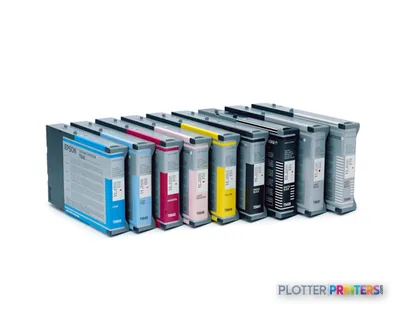
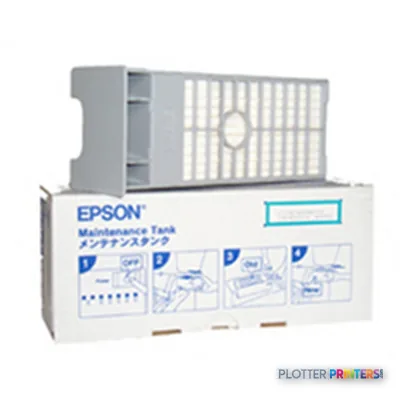
- Pigment inks require regular use and a managed Epson Maintenance Tank to avoid clogging.
It’s 4:45 p.m. Somebody needs a color rendering board for tomorrow’s client meeting, and it has to look like the firm cares. That’s the job the Epson Stylus Pro 4000-C8 was built for. Not the bid set. Not the permit drawings. The one nice-looking sheet that goes on the easel.
This is a 17-inch desktop photo-grade machine, not a plan plotter. Know that going in and it makes sense. Expect it to spit out D-size drawings all day and you’ll be disappointed by lunch.
2880 x 1440 DPIMax resolutionFine detail for renderings and presentation work
33.4 x 30.1 x 13.9"Footprint (WxDxH)Sits on a bench or its optional stand
59 WTypical power drawLow enough to leave on
52 dBPrint noiseQuiet enough for an open studio
What it actually is
The 4000-C8 is a 17-inch-wide Epson Stylus Pro. Pigment ink, high resolution, built for color output that holds up under a client’s gaze. At 83.8 lbs it’s a heavy desktop unit — you’re not moving it alone, but it doesn’t need a print room either. The optional Epson Cabinet Stand gets it off the bench and to a working height if floor space allows.
Connectivity is where the age shows. You get one USB 2.0 Type-A port and a single FireWire (IEEE 1394) port. No network jack. No Wi-Fi. That means it lives on one workstation, tethered, unless your IT staff share it over that machine. For a solo designer that’s fine. For a shared studio it’s a planning problem worth naming before the box arrives.
Where it earns its keep
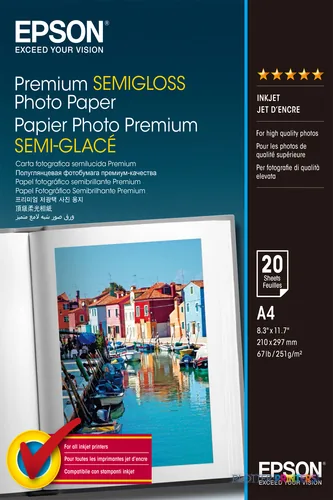
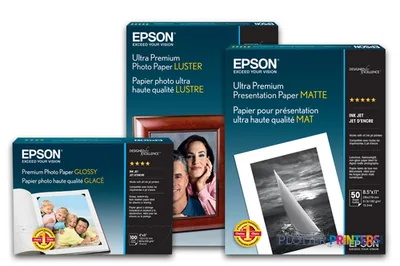
The strength here is presentation output on good media. Epson’s own Premium Canvas Satin and glossy photo rolls run natively, and the ink families feed straight into color-managed work. If your day includes competition boards, renderings, or a marketing sheet that has to sell, this is the tool. If your day is 30 sheets of black-line site plans before 5 p.m., it isn’t. This machine has no scanner and no color-copy function — it prints, and that’s all.
- Small architecture or design studios producing occasional presentation boards
- Renderings and marketing sheets on glossy or canvas media
- Color-managed proofing where line accuracy matters more than roll count
- A single tethered workstation, not a shared plot queue
The maintenance reality
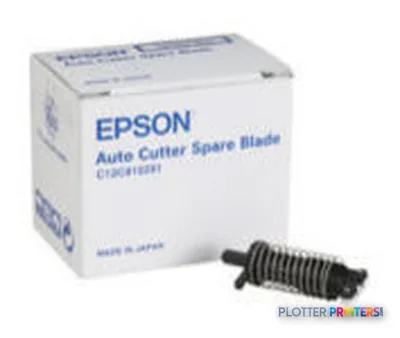
Pigment machines that sit idle clog. Plan to run it, and plan for the Epson Maintenance Tank as a real consumable, not an afterthought — it captures cleaning waste and needs swapping over the machine’s life. The autocutter uses a replaceable blade; keep an Epson Spare blade on the shelf so a dull cut doesn’t stall a Friday board. For heavier color-managed workflows the Epson Stylus RIP Pro adds proper output control the driver alone won’t give you. Compare it against the wider-format machines in its family on our class ranking page before you commit, and if throughput is the real need, a dual-roll plan plotter is the honest answer — see how we rate these machines to weigh the trade-off.
The read
Buy the 4000-C8 for what it does: high-resolution color on good media, one sheet at a time, from one workstation. It’s a designer’s presentation printer, not a document engine. The lack of a network port and the tethered connectivity are the honest limits — sort out how it’ll be shared before it lands on the bench. If your bottleneck is D-size volume and roll swaps, this isn’t your machine and no accessory will make it one. But for the board that has to look right at tomorrow’s meeting, it does the job. Bottom line: right tool for the pretty sheet, wrong tool for the bid set.