
Home / Wide-Format Printers / HP Latex
HP · Wide-Format Plotter
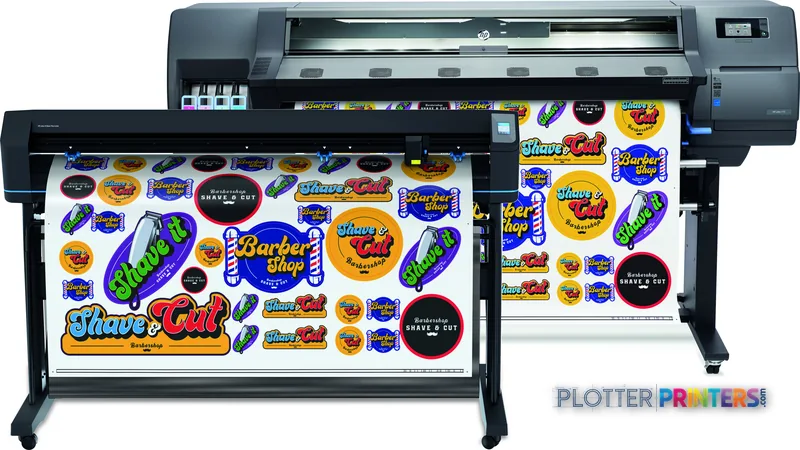
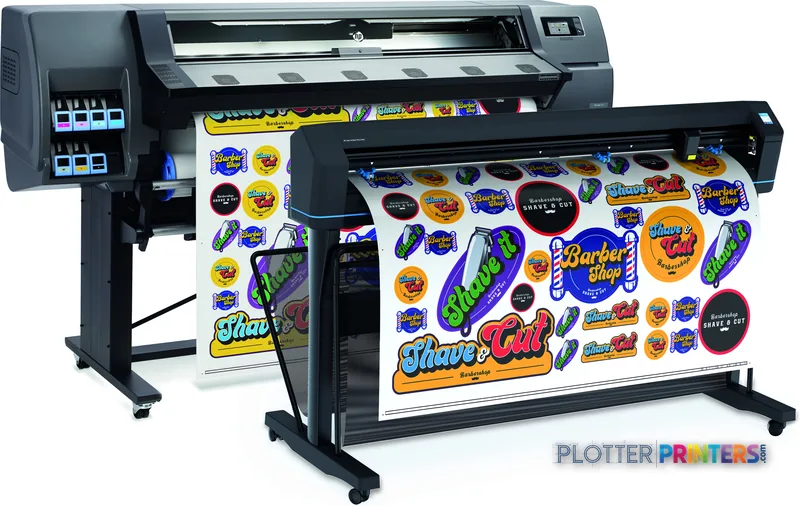
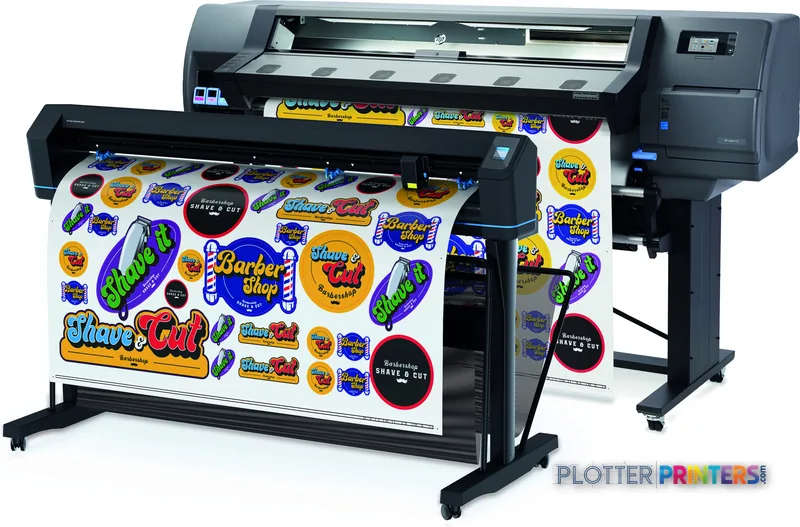
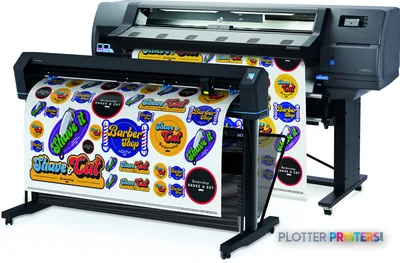
HP Latex 115 Print and Cut Plus Solution
latex signage printer
- Model9TL96A
- Score53/100

Authorized HP dealerGenuine hardware & ink
Manufacturer warrantyExtension plans available
Free shippingContinental U.S.
Plotter specialistsAEC experts, not just sellers
Analyst take
- The Latex 115 is a 54-inch color signage-and-graphics printer, not a monochrome plan-set plotter.
- Latex ink cures dry and durable, so many prints skip lamination and hang straight off the roll.
- No scanner, no copier, no built-in cutter — plan trimming and copying need separate equipment.
Not sure if the 9TL96A is right for you?
Compare key specs and an AI analyst read-out against similar models.
Overview
Built for the work
HP Latex 115 Print and Cut Plus Solution

Spec Analysis
overall
overall
Expert analysis
What you should know

Key takeaways
- The Latex 115 is a 54-inch color signage-and-graphics printer, not a monochrome plan-set plotter.
- Latex ink cures dry and durable, so many prints skip lamination and hang straight off the roll.
- No scanner, no copier, no built-in cutter — plan trimming and copying need separate equipment.
- Single-roll feed with no automatic switching means an operator handles size changes.
- Connectivity is Gigabit Ethernet only — no Wi-Fi and no USB port.
- Fits presentation boards, site signage and display graphics; wrong for daily bid and permit sets.
Here’s the thing about the HP Latex 115: it isn’t a plotter. It’s a 54-inch roll-fed Latex printer built for signage, banners and color graphics — and AEC shops keep eyeing it for the same reason. If your work is presentation boards, site-signage, rendered elevations and durable color output rather than daily bid sets, this is a different animal than a monochrome line-drawing machine.
So let’s walk the floor. Rated speed gets you one print. Media handling, drying and roll swaps get you a stack of boards by the meeting. That’s where a Latex machine earns or loses its keep.
What it actually is
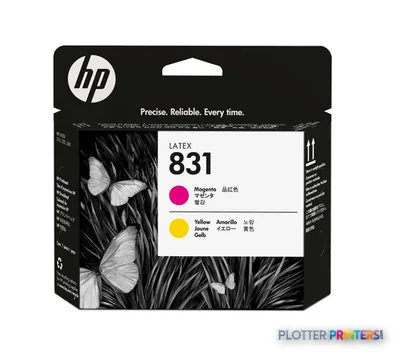
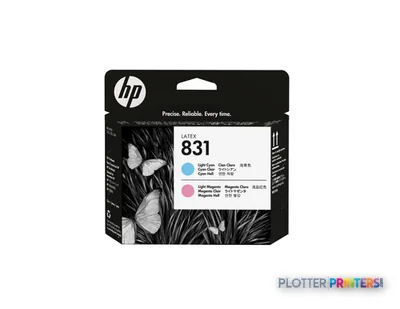
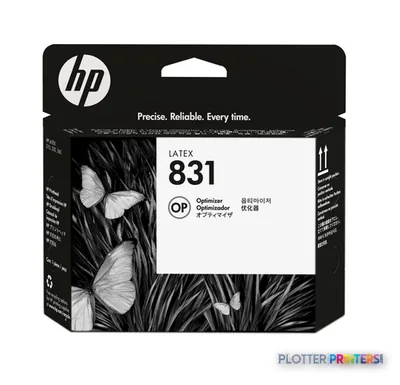
The Latex 115 lays down six colors — Black, Cyan, Light Cyan, Light Magenta, Magenta, Yellow — using water-based Latex ink that cures with heat as it prints. That matters for AEC in one practical way: prints come off the roll dry, low-odor and durable enough to hang in a trailer or a lobby without lamination. It runs on HP 821 inks with HP 831 printheads and ink, and ships with the FlexiPrint BASIC HP Edition RIP rather than a CAD driver.
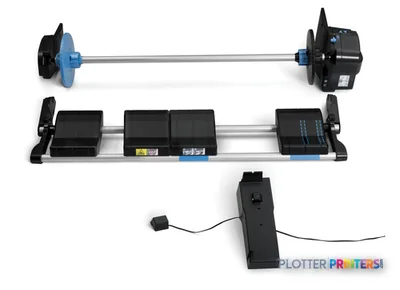
Media handling is the story. It takes rolls up to 54 inches wide and 7.09 inches in diameter, single-roll, no automatic switching. Media up to 0.02 inches thick feeds through. There’s no cutting shear built in for AEC plan work — you add the HP Latex 54 Cutting Solution and a HP Latex 54-in Take-up Reel for unattended banner runs. Connect over Gigabit Ethernet; there’s no Wi-Fi and no USB port. Job accounting and remote management ride through the HP PrintOS Solution.
Where it fits an AEC shop — and where it doesn’t
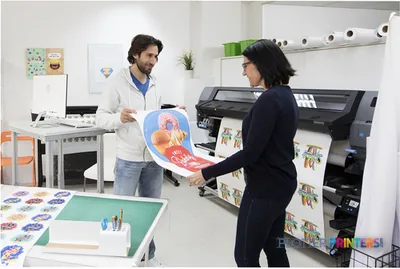
This is a color-graphics tool, not a bid-set workhorse. It fits the firm that produces client-facing work and wants it durable.
- Presentation boards and rendered elevations you want vivid and scuff-resistant.
- Site and safety signage, wayfinding and project banners on adhesive or banner media.
- Color-coded coordination graphics and GIS maps meant for display, not the field binder.
- Marketing and BD collateral produced in-house instead of outsourced.
Where it’s the wrong tool: high-volume monochrome plan sets and permit sets. There’s no scanner, no copier, no cutter for automated plan trimming, and single-roll feeding means an operator swaps media between paper sizes. A firm running daily bid sets should look at an aqueous line-drawing plotter instead — a dedicated CAD machine will out-produce this on ordinary bond for a fraction of the operator effort. Check the class ranking on our [[leaderboard|production-graphics leaderboard]] before you commit, and read [[page:how-we-rate|how we rate these machines]] so the speed numbers land in context.
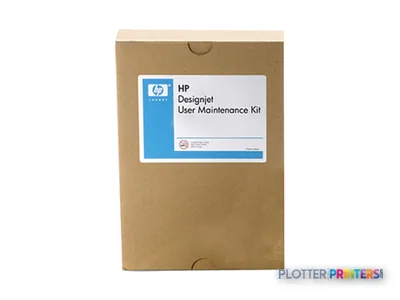
Ask three things before you buy: what feeds it, what dries it, who fixes it. The Latex 115 answers the middle one cleanly — Latex ink cures dry and durable, no lamination line needed for many jobs. Feeding is single-roll and manual, so it’s an operator-attended machine, not a lights-out bid-set factory. And service coverage for Latex hardware varies by region, so confirm your local dealer stocks the HP Latex User Maintenance Kit and can turn a printhead fast.
Small-shop angle: if you’re producing a handful of boards and banners a week and tired of outsourcing color, this earns its footprint. If your day is monochrome plan sets, this isn’t your machine — buy a line-drawing plotter and keep the Latex for the display work.
Spec analysis
How the specs grade
Overall performance
within latex signage printers
68% spec coverage
- This printer
Specifications
Full technical detail
Use caseGraphics / Production
Everything that fits the HP Latex 115
The full supplies hub lists every cartridge, printhead, roll and accessory verified against the manufacturer's own documentation for this machine.
12 ink cartridges · 4 printheads · 12 paper & media items · 5 accessories
HP Latex 115 ink and paper →Supplies
Compatible ink, printheads & media
Genuine consumables that fit the HP Latex 115 Print and Cut Plus Solution — only the cartridges, printheads and media compatible with this model.
Ink Cartridges 12
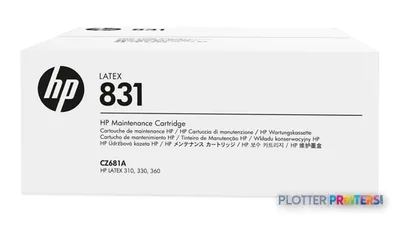 HP 831 Latex Maintenance Cartridge
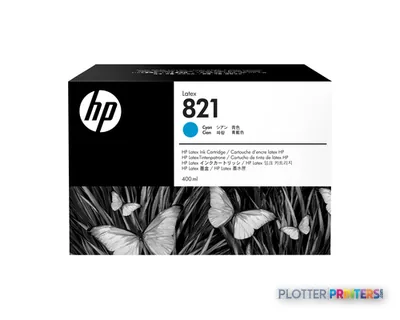 HP 821 400-ml Cyan Latex Ink Cartridge
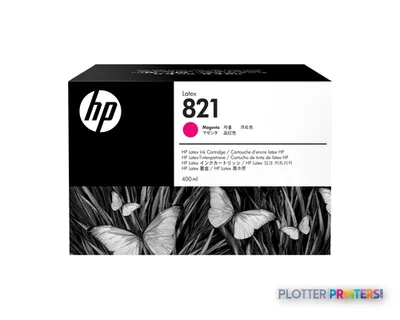 HP 821 400-ml Magenta Latex Ink Cartridge
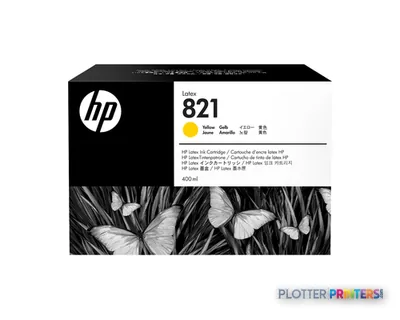 HP 821 400-ml Yellow Latex Ink Cartridge
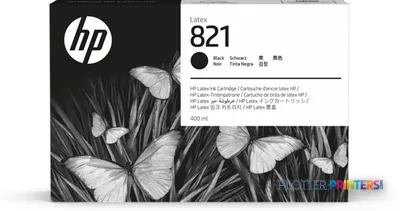 HP 821 400-ml Black Latex Ink Cartridge
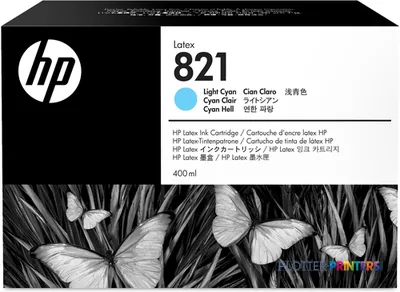 HP 821 400-ml Light Cyan Latex Ink Cartridge
 HP 821 400-ml Light Magenta Latex Ink Cartridge
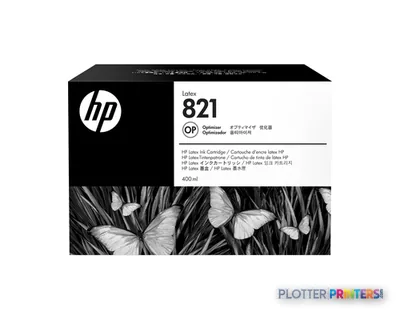 HP 821 400-ml Latex Optimizer Ink Cartridge
 HP Latex Standard Blade Kit
 HP Latex Specialty Blade Kit
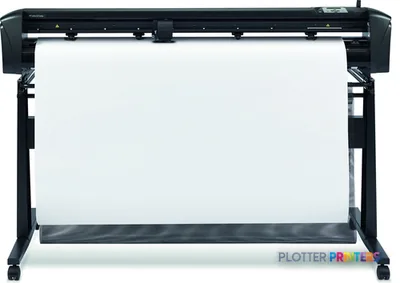 HP Latex 54 Cutting Solution
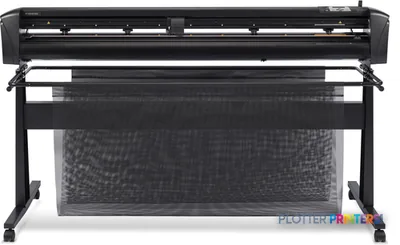 HP Latex 64 Cutting Solution
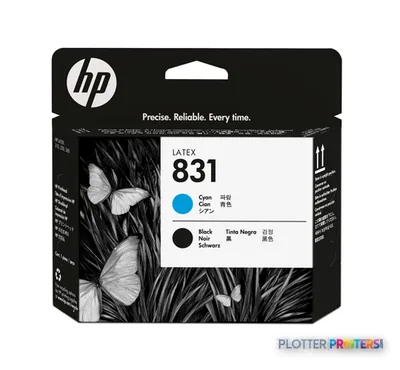
Printheads 4
Paper & Media 12
 Representative image16 Mil WR Opaque Scrim Vinyl (3″ AC)Representative image15 Mil Water-Resistant Econo Scrim VinylRepresentative image11 Mil Water-Resistant Synthetic BannerRepresentative image10 Mil Solvent Printable PolycarbonateRepresentative image180gsm Solvent Satin PE PaperRepresentative image225gsm Gloss Solvent PE PaperRepresentative image15 Mil Polycarbonate LaminateRepresentative image15 Mil Textured Co-polymer LaminateRepresentative image200gsm Special Matte Photo PaperRepresentative image10 Mil Water-resistant Blockout Display FilmRepresentative image10 Mil Solvent Blockout Display FilmRepresentative image10 Mil White Opaque Backer
Questions
Straight answers
Can it print my daily bid and permit sets on bond?
It can print monochrome, but it’s built for color signage and graphics, not high-volume line-drawing plan sets. With no automatic roll switching and no cutter, a dedicated CAD plotter will out-produce it on ordinary bond with far less operator effort.
Does prints need laminating before I hang them?
Latex ink cures with heat as it prints, so output comes off dry and durable enough for many indoor display uses without lamination. For heavy-wear outdoor banners you’d still evaluate a protective layer.
What inks and printheads does it use?
It runs on HP 821 inks with HP 831 printheads and ink. Keep the HP Latex User Maintenance Kit on hand for routine service.
How wide a roll can it take, and can it switch rolls automatically?
It handles rolls from 10 to 54 inches wide, up to 7.09 inches in diameter. It’s single-roll with no automatic switching, so an operator swaps media between sizes.
How do I connect it to the network?
Through Gigabit Ethernet (10/100/1000 Mbit/s) via its RJ-45 port. There’s no Wi-Fi and no USB port, so plan a wired connection.
Can it cut banners or take up long runs unattended?
Not out of the box. Add the HP Latex 54 Cutting Solution and the HP Latex 54-in Take-up Reel to support longer, more automated banner runs.
Ready to put the HP Latex 115 Print and Cut Plus Solution to work?
Configuration, media and a quote tailored to your workflow — from AEC plotter specialists.